GameNative 1.4.0 was released on November 5, 2026 for Android devices, featuring fixes in Gamescope, adjustments to PC game execution, and Proton 11.0-2 rebuild 9 set as default. The app allows users to download titles from libraries such as Steam, Epic Games Store, GOG, and Amazon and run them directly on the device using translation and compatibility layers. It does not turn games into native Android ports nor does it rely on cloud streaming.
What's new in GameNative 1.4.0?
The public release of version 1.4.0 consolidates the changes tested since the preview launched on October 22. In addition, the November release fixes issues in the graphics presentation layer, controls, and installations. Among the documented adjustments are startup failures on Samsung devices with Gamescope, a fix for ColorOS 17, and improvements for Windows games that require specific libraries.
Another highlight is the update to Proton 11.0-2 rebuild 9, featuring an XFixes fix aimed at resolving situations where button presses were not recognized. The author also reports improvements for controllers, launcher orientation, and UI synchronization. Therefore, the focus of this version is on both stability and experience quality.
Gamescope and upscaling on Android
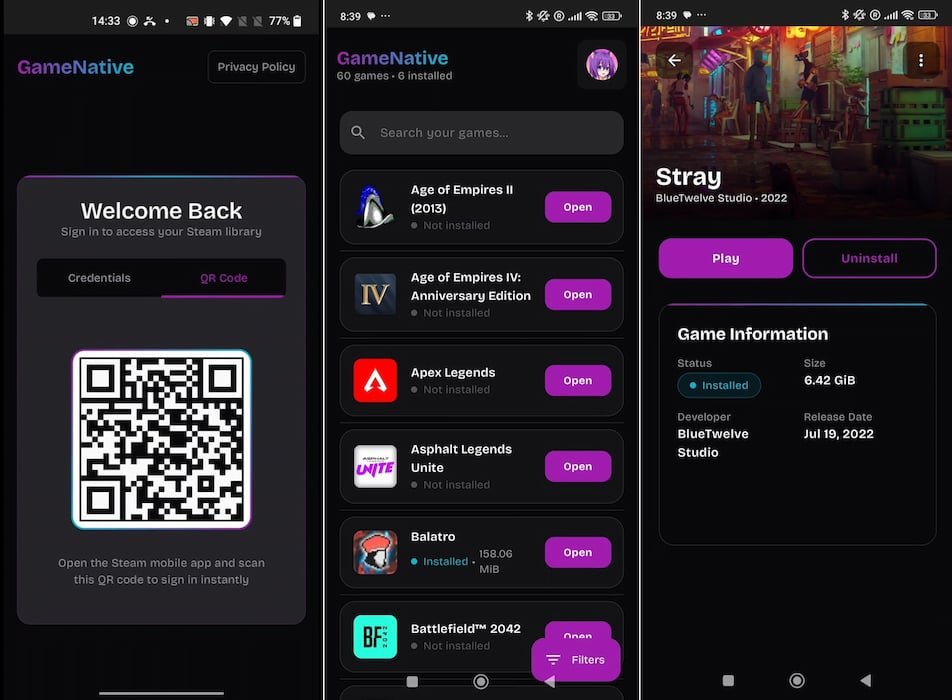
The Gamescope is an image presentation layer that can help with resolution, aspect ratio, and the integration of graphics features. The project has also previously experimented with upscaling, HDR, ReShade, and frame generation via LSFG. However, it is important to distinguish the dates: Gamescope as the default renderer was announced in the October pre-release. The final November version refines this component and fixes bugs; it does not represent the absolute debut of these functions.
The team also reported fixes for Gamescope sessions and devices with Mali GPUs, as well as resolution adjustments for new containers. Part of the features depend on the GPU and available drivers, and some games may still fail to launch.
Game and tool fixes
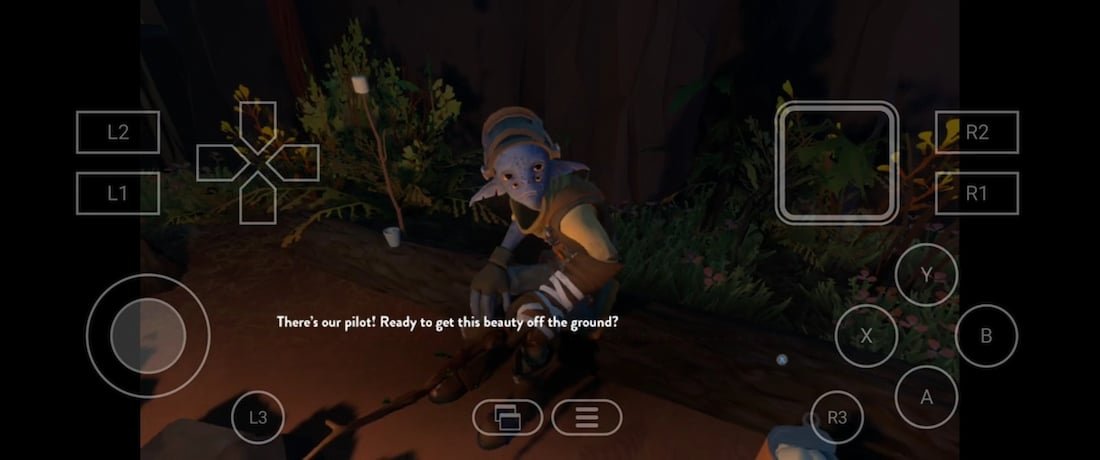
According to the official changelog, the version improves situations where the Steam library appeared incomplete, fixes downloads to Android storage that previously ended with a path error, and adds an optional limiting factor indicator to the performance HUD, such as temperature, CPU, or GPU. There are also adjustments to the graphics layer and experimental support for some VR features on Mali GPUs.
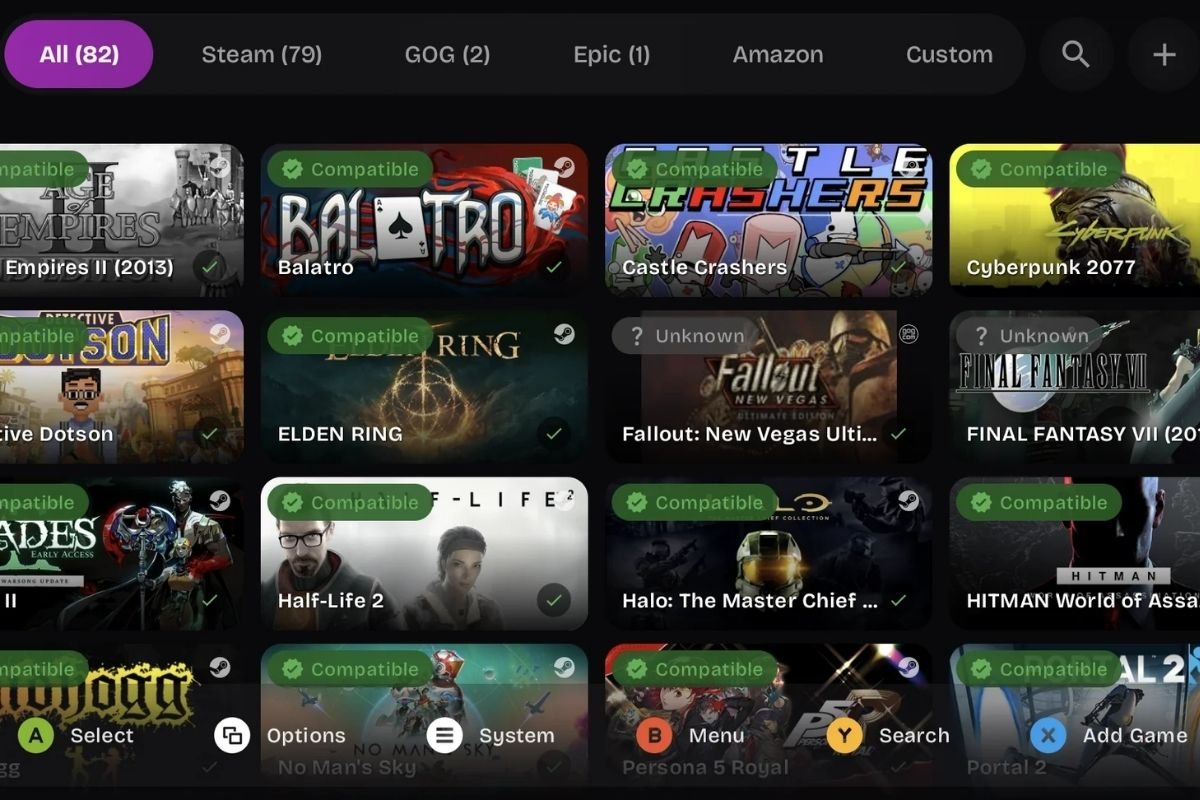
Despite the advancements, GameNative does not guarantee compatibility with all purchased games. The developer maintains a community compatibility list, which serves as an initial reference, but does not replace testing on your device.
How to install GameNative 1.4.0
The developer offers a standard Android APK and a legacy-xr variant aimed at Quest headsets. The standard APK is approximately 571 MB, according to the release metadata. Check available storage, system updates, and device compatibility before downloading.
- Download the standard APK from the official v1.4.0 release.
- Install the file on Android, verifying the source before authorizing the installation. If you already use GameNative, back up your settings and local saves.
- Open the application, log in to compatible stores, and select a game you already own. Do not purchase a game assuming it will be compatible.
- Download the title's data and open the container; consult the rendering settings and compatibility database in case of errors.
Both packages were identified in the developer's release. The second one should not be confused with the standard mobile APK. GameNative does not include free commercial games from Steam, Epic, or GOG. See the official release page to check files and future changes.
Is GameNative an emulator or a native port?
GameNative uses components like Wine/Proton and FEX to translate PC game software and instructions into the Android environment. Therefore, it is different from projects that individually recompile a commercial game. Our article about Burnout 3 Takedown and the Android port exemplifies another technical approach.
In summary, GameNative 1.4.0 brings various compatibility and presentation fixes on Android, but results depend on the user's game, GPU, driver, and system. Therefore, there is no promise of a universal FPS rate in this update.
Sources: GameNative v1.4.0 release, 11/5/2026; , official README; teltarif.de, historical app images (2025).