Driveclub on PC received a modified version of the shadPS4 emulator dedicated to the racing game. Developer ondrejeder released Driveclub-PC v0.1 on October 16, 2026, featuring a launcher for Windows and a recommended target of 60 FPS. Additionally, the package offers an experimental 120 FPS mode, the performance of which depends on the scene and the computer.
The project is based on GR2fork, another derivative of shadPS4. Therefore, it runs the PS4 game via emulation and does not represent a native port. Furthermore, the download does not include the game, firmware, or Sony code: you need the files extracted from your own copy and your console.
What changes in Driveclub on PC
The launcher brings together folder selection, frame rate limit, display mode, and graphics options in one window. Before starting, it checks the game identifier, the update, and the system modules. This way, it can point out configuration problems before the race.
The documentation also describes stability fixes and adjustments to the processing of graphics commands by the emulator. Among them are changes in thread usage and the preference for performance cores in hybrid Intel processors. However, the author does not present these gains as a guarantee for any PC.

Historical promotional image of Driveclub for PS4. Source: Sony / Evolution Studios, via Gamersyde. Illustration of the original game; not a capture of a test of the fork on PC.
60 FPS target and experimental test above that
According to the developer, the test used an ASUS ROG Zephyrus G16 with Core Ultra 9 285H, GeForce RTX 5070 Ti Laptop, 32 GB of RAM and Windows 11. To compare the results, he kept the same race and the same game options in both versions of the emulator.
- 60 FPS target: the author reports an average of approximately 51 FPS on GR2fork and 59.6 FPS on Driveclub-PC.
- 120 FPS target: in races played manually, he recorded between 75 and 90 FPS on the dedicated fork. Therefore, selecting 120 does not mean maintaining that rate.
- Conditions: the 60 FPS measurements used automated runs; the 120 FPS ones came from manual sessions. According to the author, the laptop's temperature can alter the results by up to about 15%.
However, these numbers are tests by the project lead, without independent validation from this article. Furthermore, the documentation points to CPU-side graphics command processing as the bottleneck at higher frame rates. Therefore, the graphics card used does not, by itself, define the outcome.
Image options and shadow care
The game renders internally at 1920 × 1080. Meanwhile, the launcher allows you to choose the output resolution and use FSR 1 or bilinear filtering. Thus, selecting a higher output does not equate to rendering the game natively at that resolution.
Additionally, there is RCAS sharpness, anisotropic filtering, and the FXAA and SMAA 1x High anti-aliasing options. By default, the project uses FXAA and 16x anisotropic filtering. Thus, you can adjust these filters in the same display options window.
On the other hand, the option GPU readbacks must remain on Precise initially. The author warns that Relaxed can cause glitches in shadows and vegetation. Meanwhile, Off leaves the 3D scenery almost black. Therefore, reducing this option to seek more frames can significantly worsen the image.

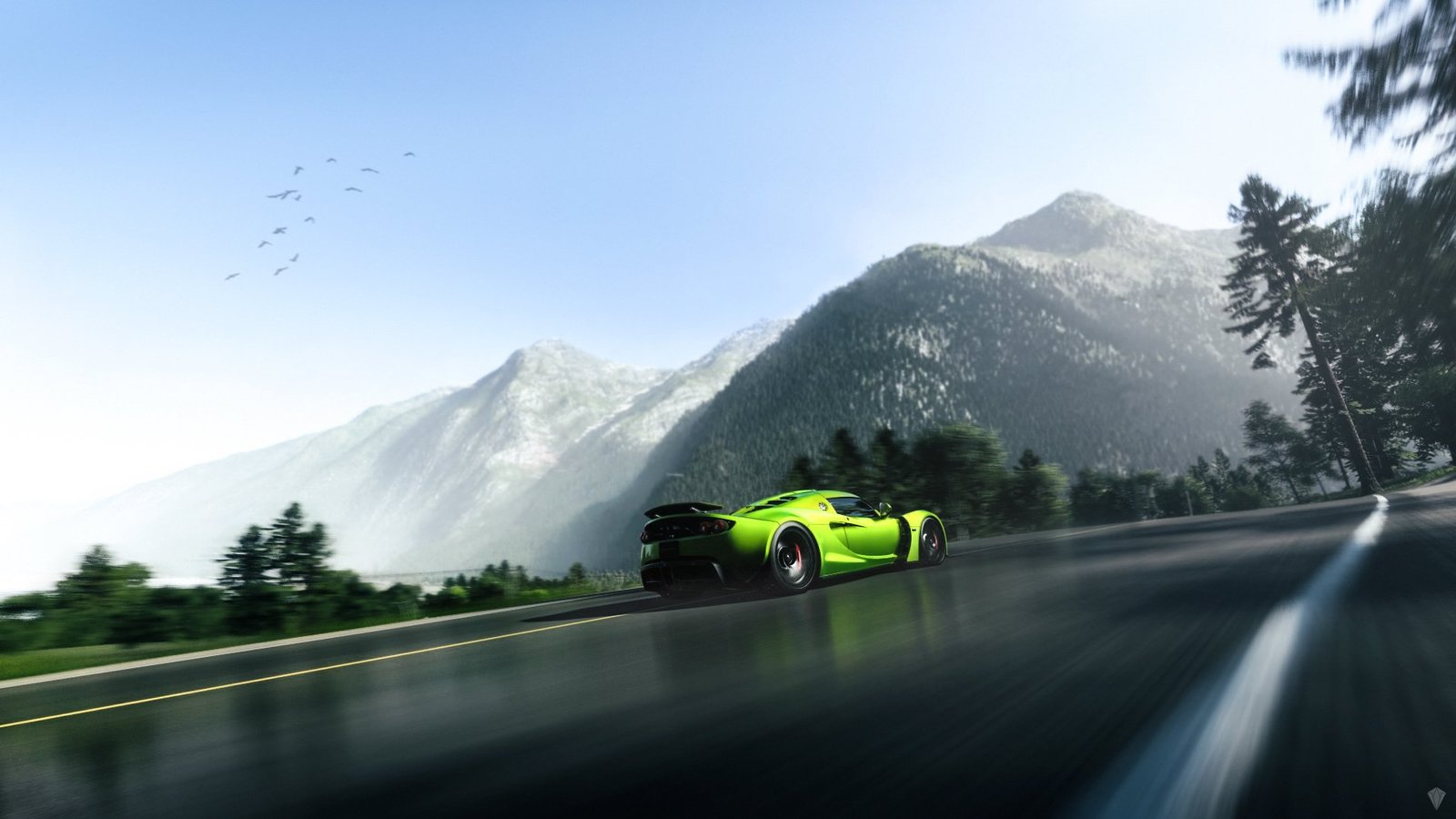
Another historic promotional image of the PS4 game, via Gamersyde / Sony / Evolution Studios. It does not demonstrate the performance or visual quality of the experimental PC version.
How to download and set up Driveclub-PC
The first version offers a ZIP for 64-bit Windows, with about 30.8 MB. In this case, the version page identifies the file as Driveclub-PC-v0.1.zip. Although the author tested the project on Windows 11, they do not provide a complete minimum configuration for other computers.
- Download the official v0.1 package using the button below and extract the ZIP into its own folder. The file contains the modified emulator, without the game data.
- Prepare your copy of the game: the tested version is the European one, CUSA00093, with update 1.28. Place the base game folder and the update folder side by side. The update folder must use the base folder name followed by -patch or -UPDATE.
- Next, separate your PS4 modules: use the sys_modules folder extracted from your console. Other regions and versions of the game are not confirmed to work by the author.
- Then, open Driveclub-PC.exe: select the base folder and the modules. The Import... option copies the modules to user\sys_modules, next to the executable.
- Then, start with the defaults: choose 60 FPS, GPU readbacks on Precise, and a compatible controller. The project uses controllers via SDL, like shadPS4 and the GR2fork.
- Finally, click Play: read any warnings from the initial check before continuing. To return to the options when the window is hidden, hold down Shift when opening the program.
When updating the emulator, preserve the user folder. After all, it stores settings, saves, shader cache, and logs. In addition, if there is a failure, the log from the last execution is located at user\log\shad_log.txt.
An early version with clear limits
The available package covers Windows x64. Therefore, the existence of shadPS4 versions for other systems does not confirm this fork's support for Linux or macOS. Likewise, this release's notes do not announce the restoration of Driveclub's online services.
The project also includes optimization experiments that are turned off by default because they did not bring consistent gains. Therefore, the initial configuration is the most appropriate reference to start with. The classic frame pacing mode appears as an alternative only when the game speed seems incorrect.

Historical scene of Driveclub on a snowy road. Image source: Wallpaper Abyss / Alpha Coders. Illustrative image of the original game, unrelated to the author's test numbers.
To follow the emulator's context, see also the shadPS4 update with virtual USB and Rosetta 2 fix. Another recent front appears in experimental test of The Last Guardian on PC. Each project has its own requirements and results.
In Driveclub on PC, the progress of this version lies in the combination of a dedicated launcher, stability tweaks, and a more consistent 60 FPS target in the released tests. Even so, v0.1 remains an unofficial project, and the published results do not replace tests on other machines.
Sources: official v0.1 release; current Driveclub-PC documentation; changelog; changes identified in the first version.