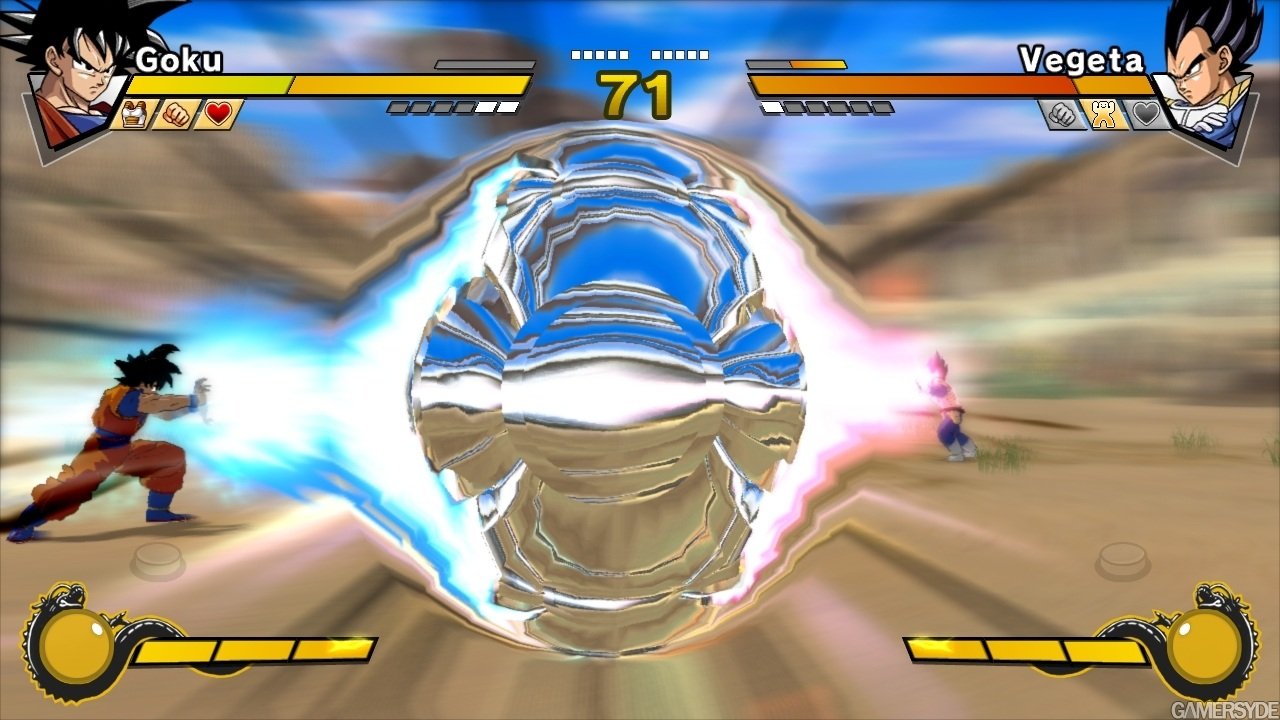
Burst Limit Recompiled 0.4.2 received an update on October 10, 2026 with background HD texture loading, a new title screen, and multiplayer adjustments. The community port of Dragon Ball Z: Burst Limit also incorporated changes from version 0.4.1, according to the official release notes.
For now, the project remains in the alpha stage. Therefore, the improvements documented by the developer do not guarantee the absence of bugs or identical performance on all computers.
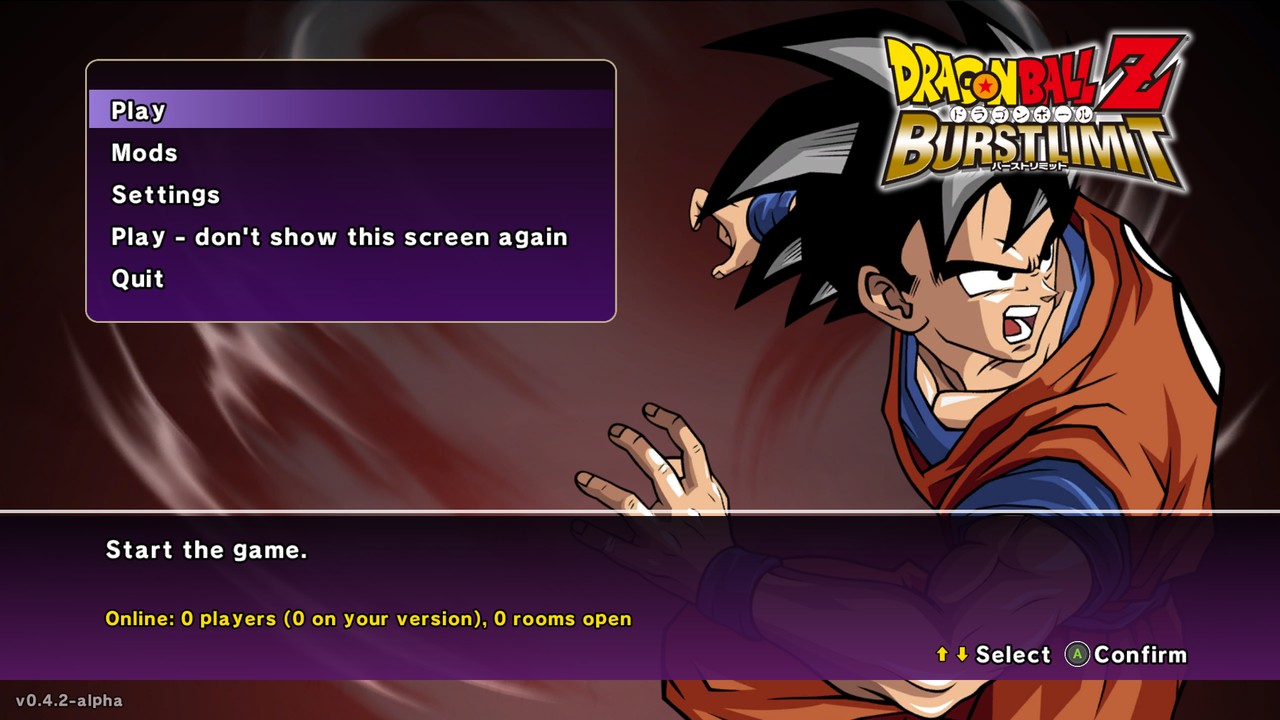
Initial screen presented by the Burst Limit Recompiled project. Source: iExplosiveRage / official repository.
Burst Limit Recompiled 0.4.2 reduces stuttering with textures
Additionally, version 0.4.2 loads HD textures in the background. Thus, when an element appears for the first time, the player may see the original texture for a few moments before the high-definition version, without the prolonged pause that occurred previously.
For example, in a test by the author himself with a large DDS package, the worst interruption dropped from 1.7 seconds to 0.07 second. However, this result corresponds to a specific situation, without independent benchmarking of Allves Games.
Prior to this, version 0.4.1 had also received improvements to the renderer. The developer reported an increase from around 100 to over 190 FPS at 4K on an RTX 4080, in addition to gains on integrated AMD GPUs. However, these numbers should not be extrapolated to other devices.
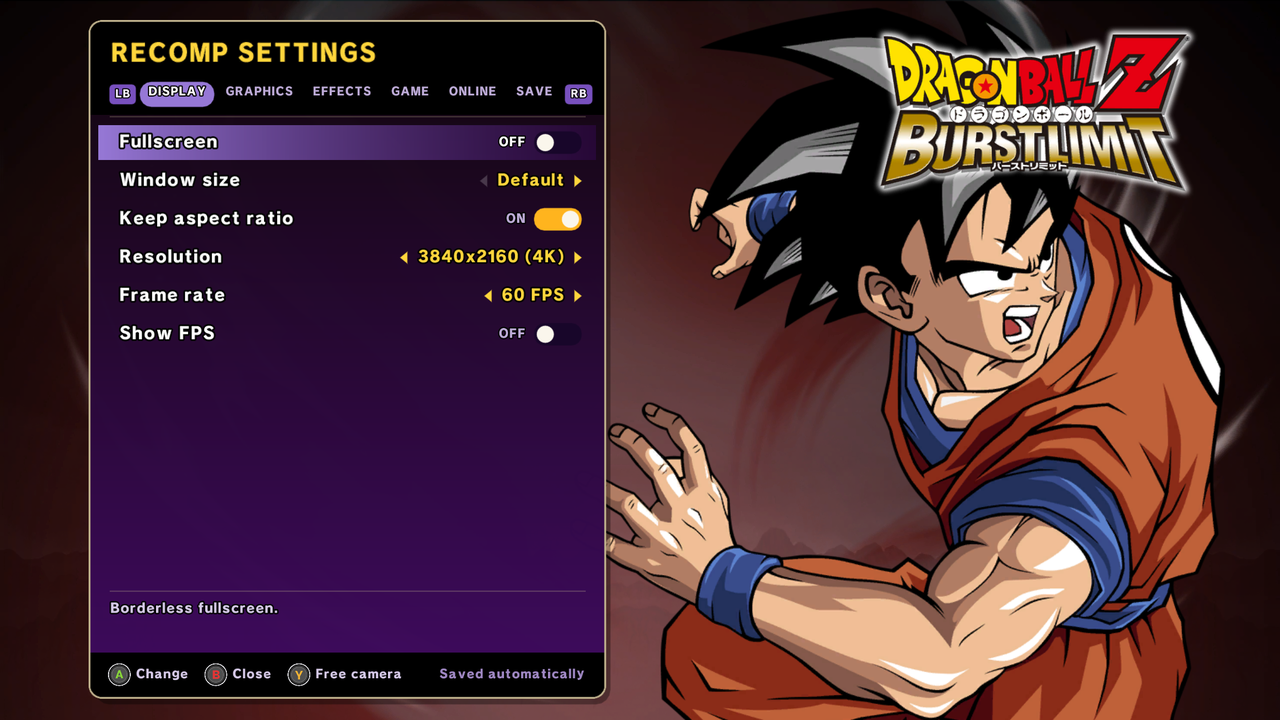
Settings interface of the community port. Source: iExplosiveRage / official repository.
Menus, automatic and online updates
The new main menu brings together Play, Mods, Settings, Update, and Who's online. In addition, the update allows tracking open rooms and connected players, while the F1 menu reorganizes video, effects, gameplay, and network options.
Starting from 0.4.2, the program can download and install future updates directly through the interface. However, the migration to this version still needs to be done manually.
In online matches, players can now start with transformed characters. The update also prevents a room in progress from accepting another person after a temporary lobby interruption. On the other hand, participants using different versions do not share the same rooms.
Similarly, PlayStation and Switch controllers now work in the launcher and installer. Meanwhile, Discord status can show the current activity if the user enables the option.
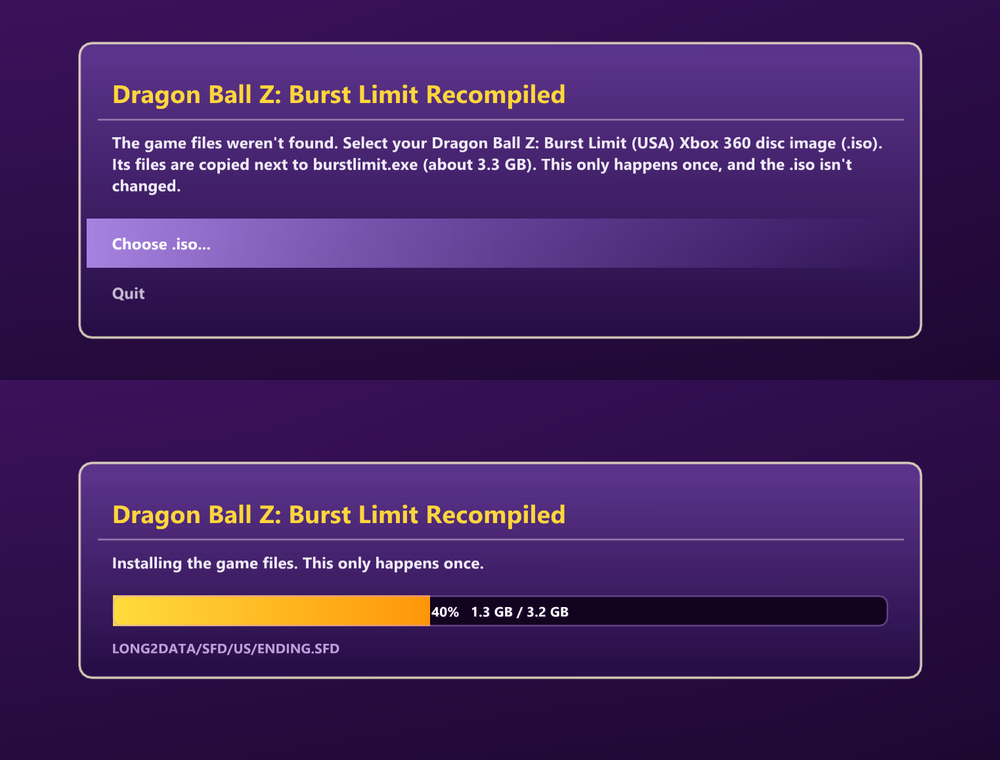
Project installer with selection of the user's original ISO. Source: iExplosiveRage / official repository.
How to download version 0.4.2
It is worth remembering that the public package does not include the game. Therefore, it is necessary to own a legally acquired copy of the American NTSC-U version of Dragon Ball Z: Burst Limit for Xbox 360.
- Download the updated Windows package using the button below. It points to the official ZIP corresponding to the latest verified alpha version.
For Linux and Steam Deck, the developer offers a Specific ZIP in the release. This package uses Wine/Proton and features untagged resources.
- Extract the full file and open
burstlimit.exeon Windows orrun_linux.shon Linux. - On first run, select your own NTSC-U ISO. The installer prepares the necessary files locally.
- If you were already using a previous version, preserve saves, mods, and settings when replacing files, according to the documentation.
Previously, Allves Games already explained the news from Burst Limit Recompiled 0.4.0, such as multiplayer without VPN and FSR 4 option. Now, 0.4.2 adds its own changes to the menus, texture loading, and online. FSR 4 has not yet been tested on AMD GPUs by the author of this release.
Sources: official release 0.4.2-alpha; release 0.4.1-alpha; project repository.