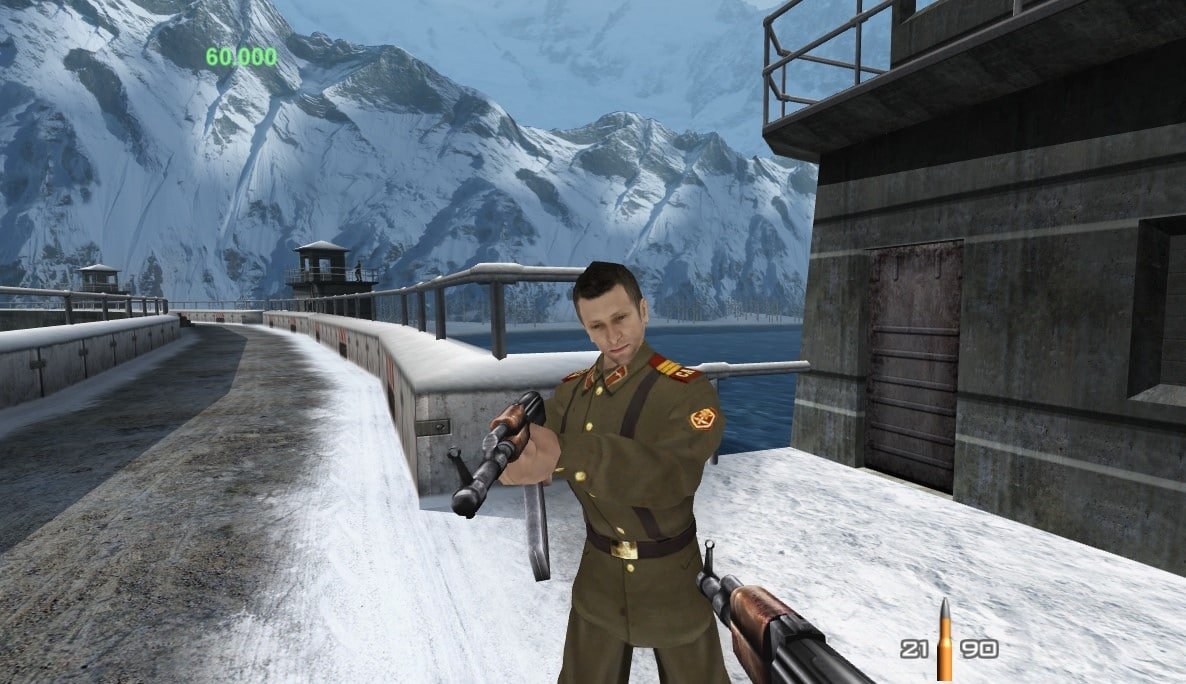
The GoldenEye XBLA PC got a new native Windows port on October 8, 2026. The GoldenEye 007 XBLA PC Recomp project, by CaiusCodes, adapts the canceled Xbox 360 remaster and offers up to 4K resolution, 60 FPS by default, modern controls, and local network multiplayer matches. The first public version is 0.9.
Despite the similar name, this release is not the Nintendo 64 GoldenEye 007 port already featured on Allves Games. Here, the base is the Xbox 360 XBLA edition, with original and enhanced graphics that the player can switch between during the match.
GoldenEye XBLA PC arrives with 4K and ultrawide display
According to Official developer README, the program runs natively on 64-bit Windows 10 and 11, without running an Xbox 360 emulator. The process uses static recompilation and the ReXGlue project to build the PC version.
Furthermore, the game offers 16:9 and 21:9 aspect ratios, full screen, and resolutions up to 3840 × 2160. The initial configuration limits the rate to 60 FPS, but the menu allows choosing values between 30 and 240 FPS or removing the limit. Therefore, these numbers represent available options, not a performance guarantee on any computer.
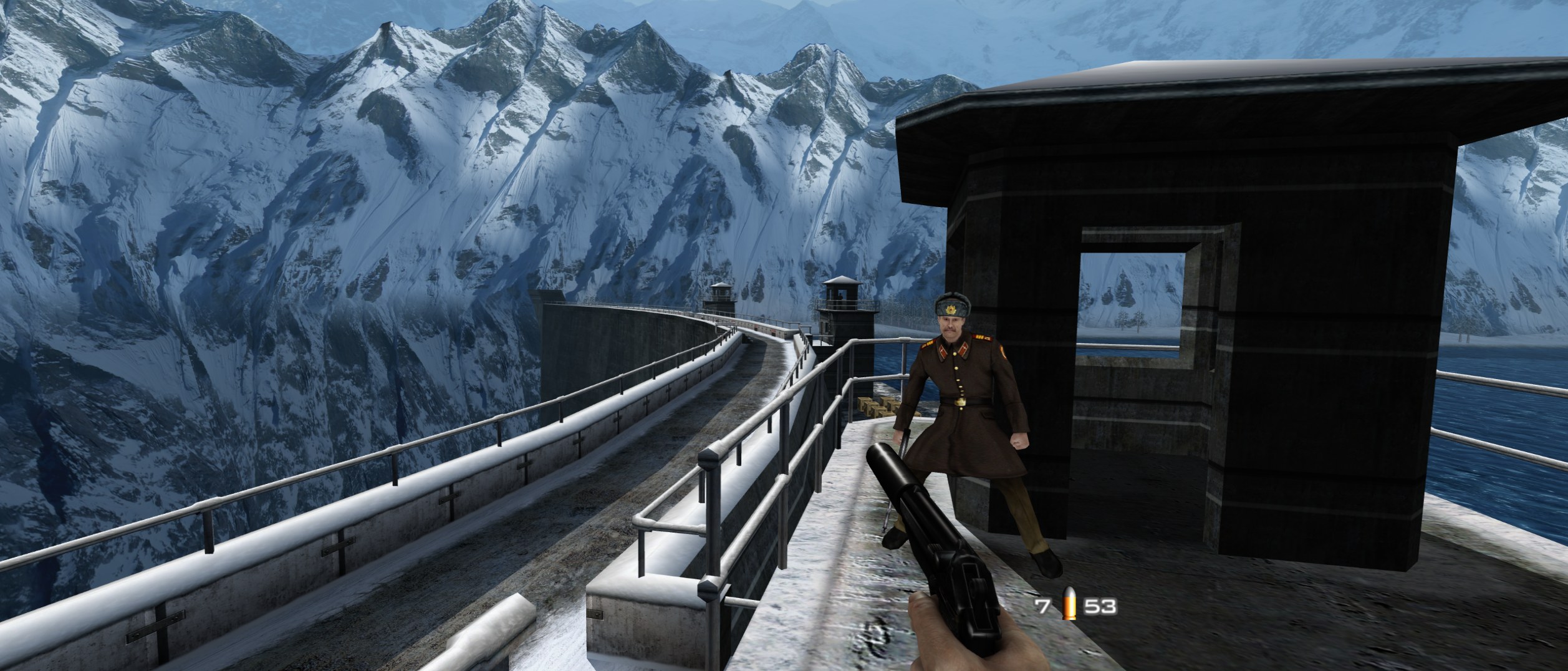
Ultrawide gameplay of the XBLA remaster running through the native port. Source: CaiusCodes / official repository.
It is also possible to expand the field of view, adjust texture filtering, antialiasing, and post-processing. On the other hand, the developer informs that the project still preserves some limitations of the original version.
How to install the GoldenEye XBLA PC port on Windows
The public package 0.9 includes the port installer, but does not include the original game. To install, you must provide your own legally obtained and compatible copy of the GoldenEye 007 XBLA package for Xbox 360, identified by Title ID 584108A9. As this remaster was cancelled, there is no official commercial distribution of the original package.
- Download the updated port package for Windows and extract the ZIP into a folder of your choice, outside of Program Files.
DOWNLOAD UPDATED GOLDENEYE 007 XBLA PORT WINDOWS
- Open Setup GoldenEye 007.exe in the extracted folder.
- Select your compatible XBLA package using the Select file... button or drag the file into the window. The installer checks the version and rejects incompatible packages.
- Click on Install game. Next, choose optional extras, such as a shortcut and full-screen mode.
- Use Play now or open Game\GoldenEye 007.exe. Saves and settings remain in the port folder.
Therefore, it is not necessary to compile the code manually to use the official ZIP. The installer also does not alter the original package provided by the user. For this reason, we do not provide links to copyrighted game files.
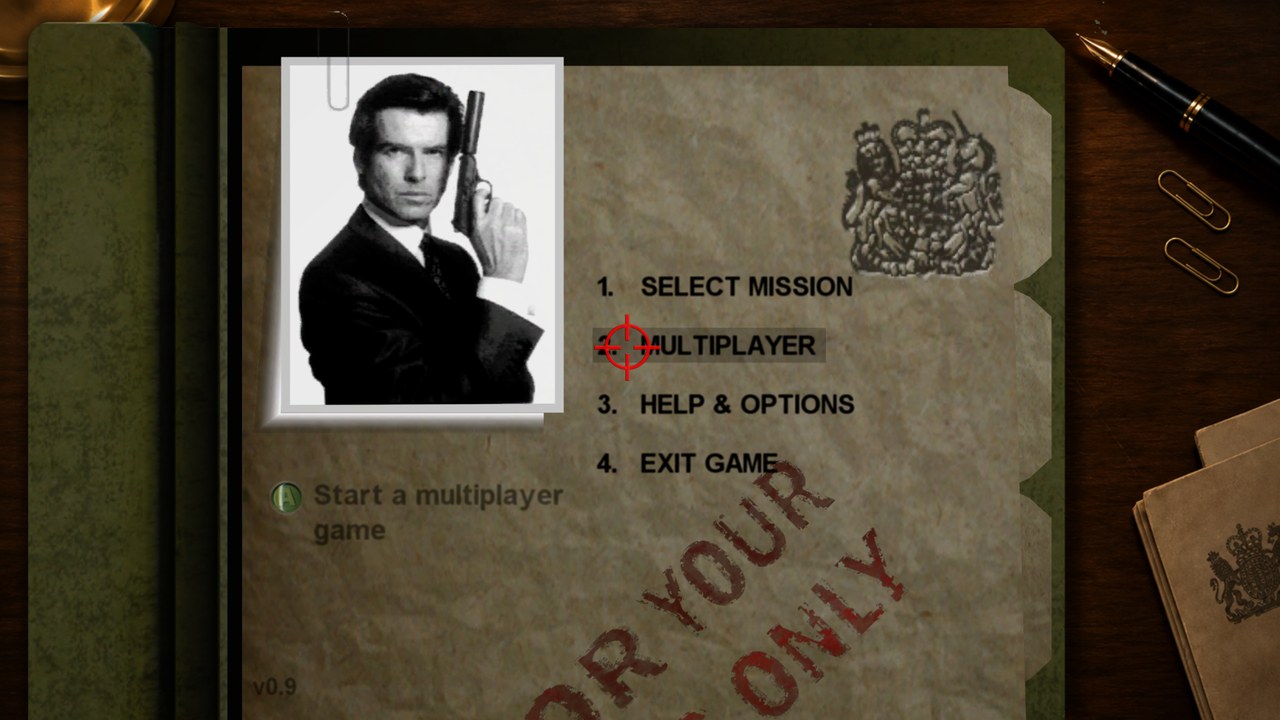
Main menu shown in the GoldenEye XBLA PC Recomp repository. Source: CaiusCodes / GitHub.
GoldenEye XBLA PC has LAN multiplayer and modern controls
In practice, the project includes a keyboard and mouse with remappable keys, precision aiming, and support for Xbox controllers. The F key, or RB on the controller, toggles between original and enhanced graphics. Additionally, the interface allows for adjusting sensitivity, resolution, and frame rate limits.
As for playing with other people, the port offers LAN multiplayer. Virtual local networks, such as ZeroTier, Tailscale, and Hamachi, also appear in the documentation. However, this is not equivalent to a dedicated matchmaking service or Xbox Live integration.
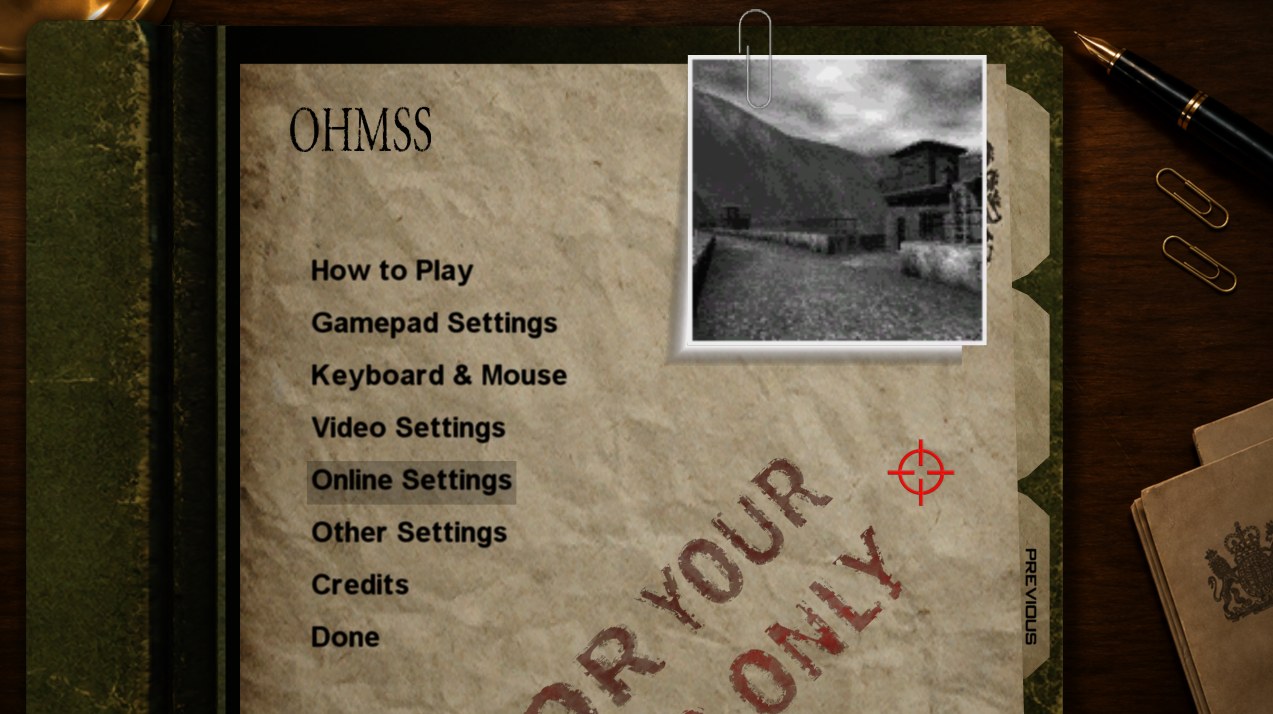
Video and control options added to the PC version. Source: CaiusCodes / official repository.
At the same time, the port still incorporates community fixes for music, effects, and missions, as well as an option to unlock 100% of the progress. Meanwhile, the GoldenEye virtual reality project remains another independent initiative, based on the Nintendo 64 classic.
What is still missing to be confirmed in the 0.9 release
Despite the features that the repository describes several features, there is no independent benchmark in this check that proves 4K and 240 FPS on a specific configuration. There is also no independent confirmation that the entire campaign has been completed without flaws in this new implementation.
Finally, the official release only offers Windows. The README requires a GPU with DirectX 12 and warns that the executable does not have a digital signature. Thus, SmartScreen alerts may appear, and compatibility depends on the exact edition of the XBLA package used.
Sources: official repository and documentation; release v0.9.