The music game Boom Boom Rocket, released for Xbox 360 in 2007, received an unofficial native port for Windows. Version 0.9.1, published on October 7, 2026, uses static recompilation and offers keyboard, mouse, and gamepad controls. Additionally, the project includes experimental two-player local multiplayer.
Developer CaiusCodes released the code and installer on GitHub. However, the package does not contain music, graphics, or data from the original game. Each person must import their own legally acquired copy of the Xbox Live Arcade title to complete the installation.
Boom Boom Rocket arrives on PC with new features
The port recompiles the original Xbox 360 program for Windows x64 computers using ReXGlue. Therefore, the executable does not function as a simple shortcut to the Xenia emulator. The project offers its own runtime for graphics, audio, and services adapted for the computer.
Among the new features are windowed and full-screen modes, resolution selection, VSync, and an optional FPS counter. Additionally, the interface allows navigating through songs with the mouse and adjusting command timing. The configuration also separates keyboard and gamepad controls.
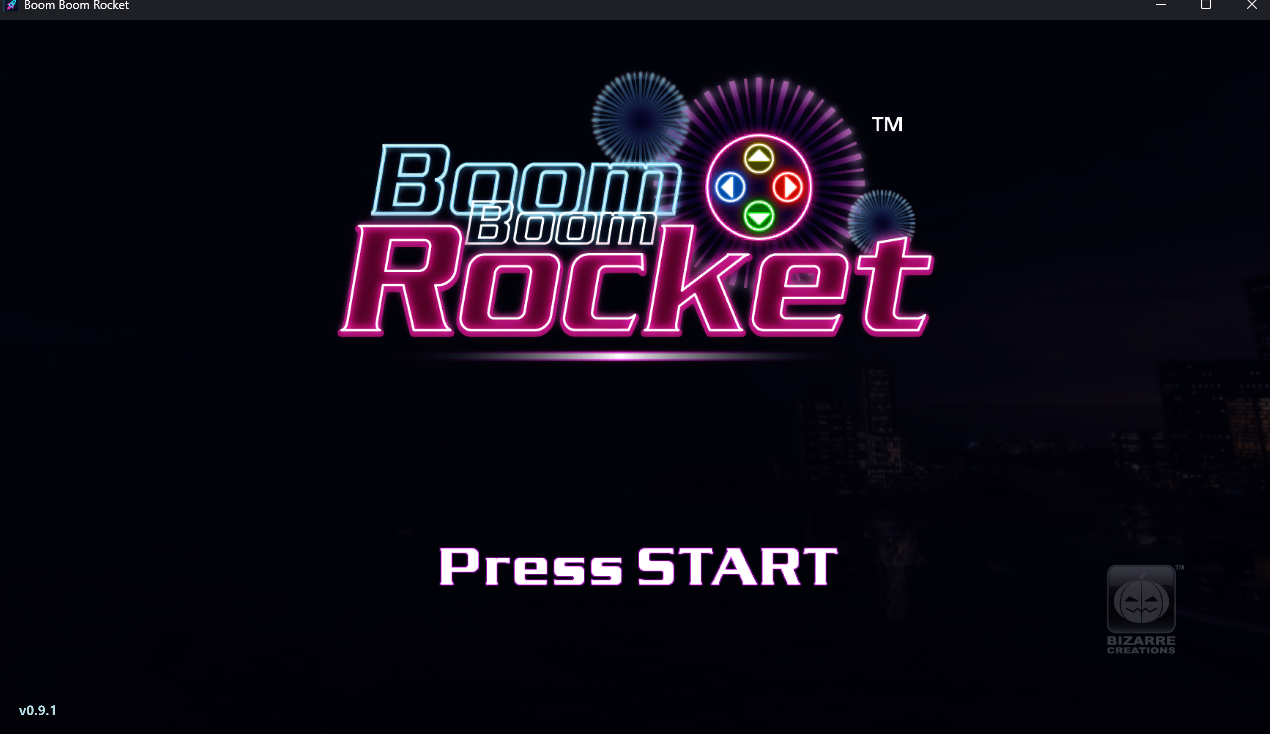
Home screen of the native Boom Boom Rocket port for Windows, published by the developer. Source: GitHub / CaiusCodes.
Local multiplayer and DLC in the Boom Boom Rocket port
According to the documentation, two Xbox-compatible controllers allow testing the Battle and Endurance modes in local multiplayer. However, this function is still experimental. The author does not guarantee compatibility with connecting and disconnecting controllers during gameplay or with long two-player sessions.
The installer also allows importing the optional Boom Boom Rock Pack, provided the user has the files. In turn, game data, settings, and saves are kept in a portable folder. Thus, it is possible to move the set without depending on a traditional installation in the Windows registry.
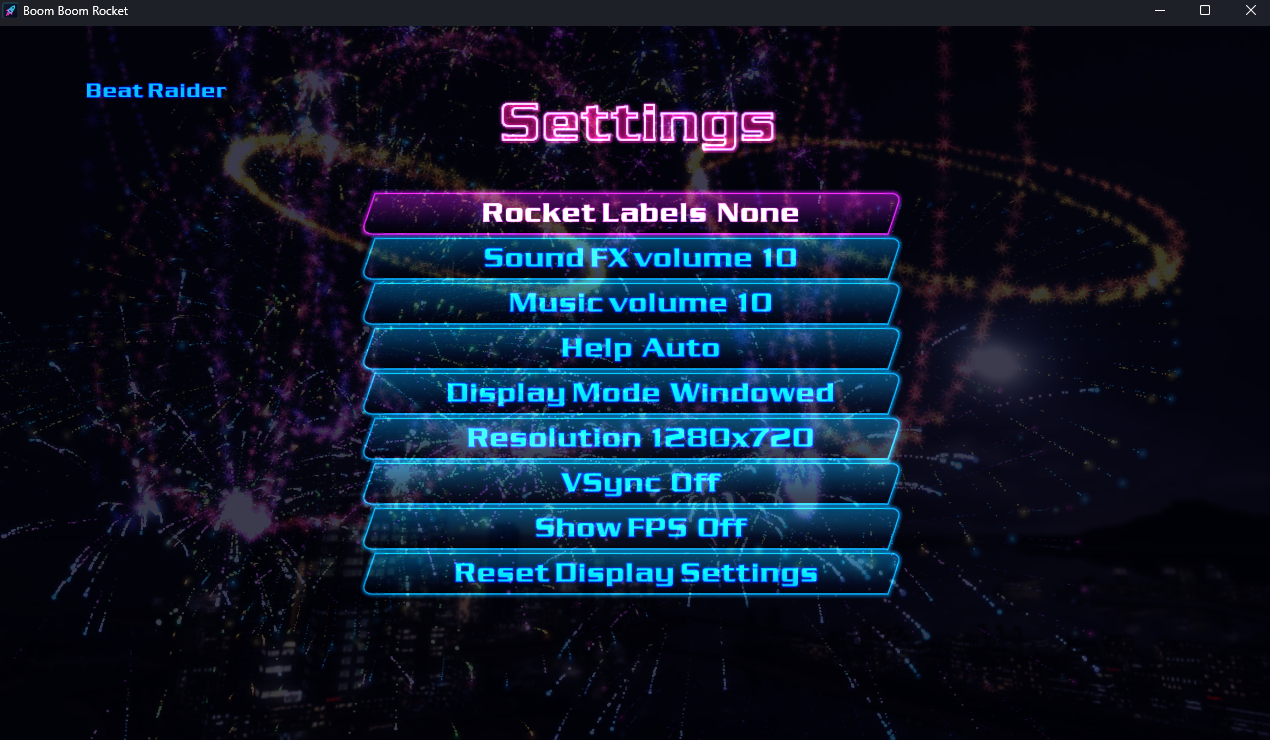
Official port settings screen, with resolution, VSync, and other options. Source: GitHub / CaiusCodes.
For now, Xbox Live, online leaderboards, interface achievements, and Marketplace pages do not work. Furthermore, the author only tested one revision of the original executable. Therefore, the installer verifies the extracted version before proceeding.
Those who follow Xbox 360 game recompilations may also know the Naruto: Rise of a Ninja PC port and the King Kong Recompiled. These projects are independent and do not share the same installer.
How to download and install Boom Boom Rocket on PC
The public version requires 64-bit Windows 10 or 11, an x86-64 processor with AVX2, a Direct3D 12 compatible graphics card, and .NET Framework 4.8. Additionally, the user needs a compatible XBLA package of the game itself, identified by Title ID 5841086A.
- Download the latest official Windows port ZIP using the button below. It does not include the original game files.
DOWNLOAD UPDATED BOOM BOOM ROCKET WINDOWS PORT
- Extract the ZIP into a folder with write permissions, outside of Program Files. Keep all files together.
- Run Setup Boom Boom Rocket.exe and select your original Xbox Live Arcade package. Do not choose a ZIP or the isolated default.xex file.
- If you have the Boom Boom Rock Pack DLC, select the corresponding package. Then, click Install game.
- Use Play now or open Game/Boom Boom Rocket.exe to start. Next, adjust controls and synchronization, if necessary.
Important: The source dependency package available on GitHub is intended for license compliance and does not replace the playable ZIP. The button above selects only the main installation file. Do not share folders with original game data already imported.

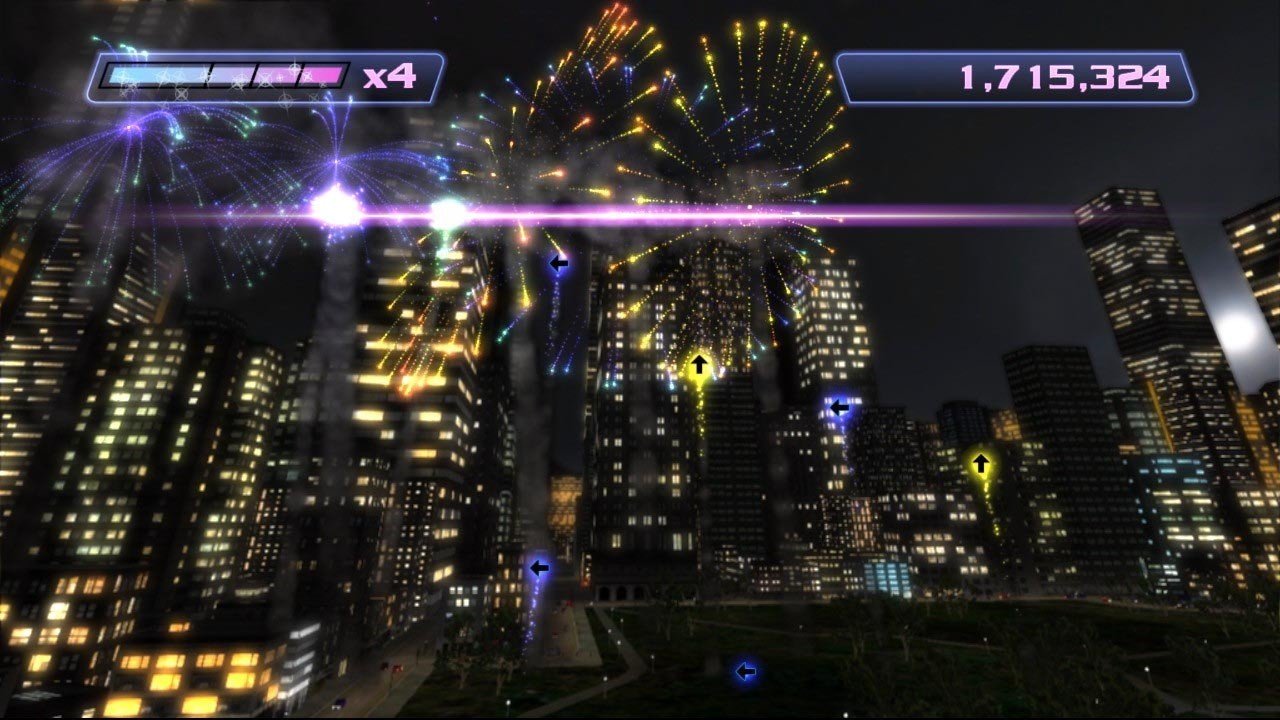
Reference image of Boom Boom Rocket on Xbox 360; this is not a capture of the PC port. Source: MobyGames.
Limitations and next steps for version 0.9.1
The port remains unofficial and unaffiliated with Electronic Arts, Bizarre Creations, or Microsoft. Although a public package for Windows already exists, the developer recommends testing timing calibration and reporting issues with logs. Additionally, local multiplayer still requires broader validation.
Finally, the main new feature is the ability to run the game via recompilation on PC with adapted interface and controls. The project does not announce native versions for Linux, macOS, or Android. Thus, the official download available in this release is only for Windows x64.
Sources: README and official captures; release 0.9.1 and packages.