The AstroQuest on SteamVR expands the ways to play Astro Bot Rescue Mission, a PlayStation VR classic released for PS4 in 2018. Project version 0.18, released on October 6, 2026, added PC headset support and new controls on Meta Quest 3. In addition, the author has already made version 0.20 available with collision fixes and graphic effects.
O AstroQuest adapts the shadPS4 emulator to reproduce the virtual reality features expected by the game. Therefore, it is not a native port of Astro Bot Rescue Mission: the title continues to run via PS4 emulation, with a layer that replaces PS VR functions. The project does not distribute the original game.
AstroQuest on SteamVR broadens compatibility with PC headsets
Previously, the project's focus was on the Quest 3, both standalone and connected to a PC via Virtual Desktop. Now, AstroQuest also offers a PC VR setup via SteamVR, with reports of it working on the Valve Index, Bigscreen Beyond, and Pimax Dream Air. However, these reports do not mean that all models and controllers have been directly tested by the author.
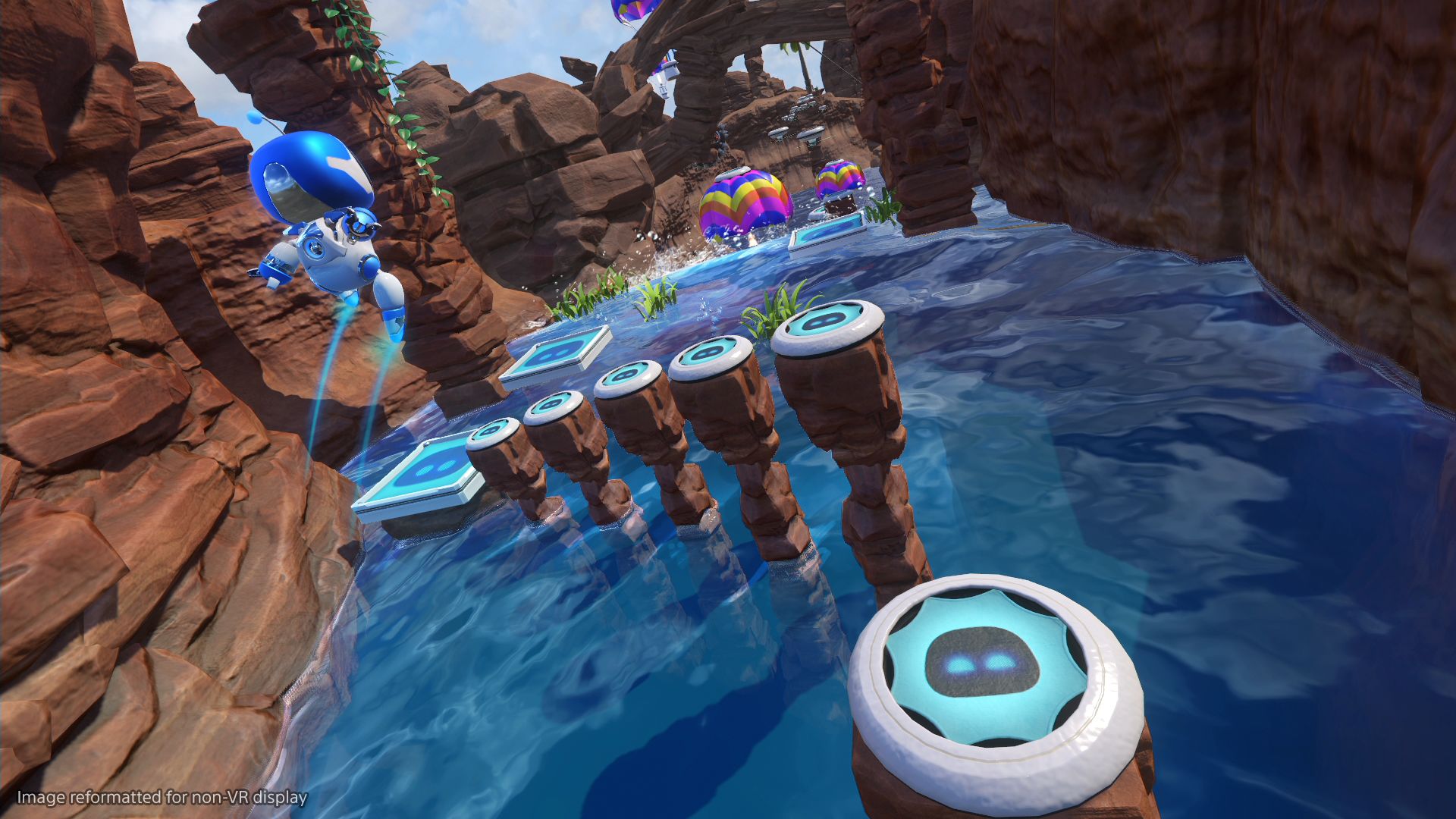
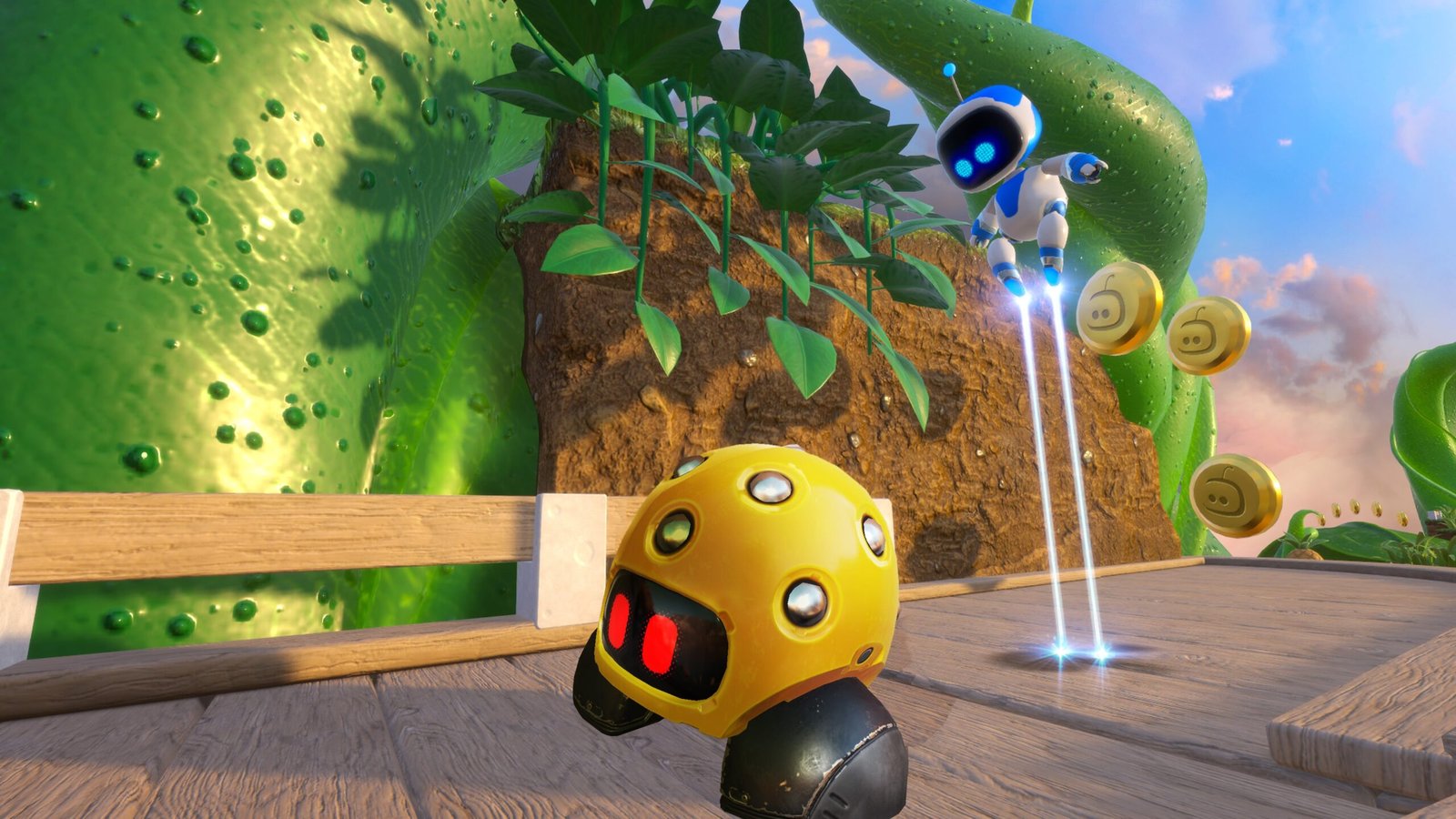
Official scene of Astro Bot Rescue Mission for PS4 and PS VR. Reference from the original game, not a capture from AstroQuest. Source: PlayStation / Sony.
AstroQuest on SteamVR uses a Windows computer and an OpenXR-compatible headset. Furthermore, the README mentions the DualSense connected to the PC to replicate buttons, sensors, and touchpad of the original controller. On the other hand, there are limitations in the position tracking of some controllers, described in the official PC VR documentation.
The developer reports about 60 FPS in PC VR mode and per-eye resolution that can reach 3600 × 3840. However, these numbers are project data, not independent benchmarks. Thus, actual performance depends on the GPU, headset, and chosen configuration.
AstroQuest on SteamVR: Touch controllers on Quest 3
On Quest 3, update 0.18 also made it possible to play with Touch controllers without relying on an external gamepad. In addition, the project added commands to simulate the touchpad and other functions of the PS4 controller. The DualSense remains an option, including with motion sensors.
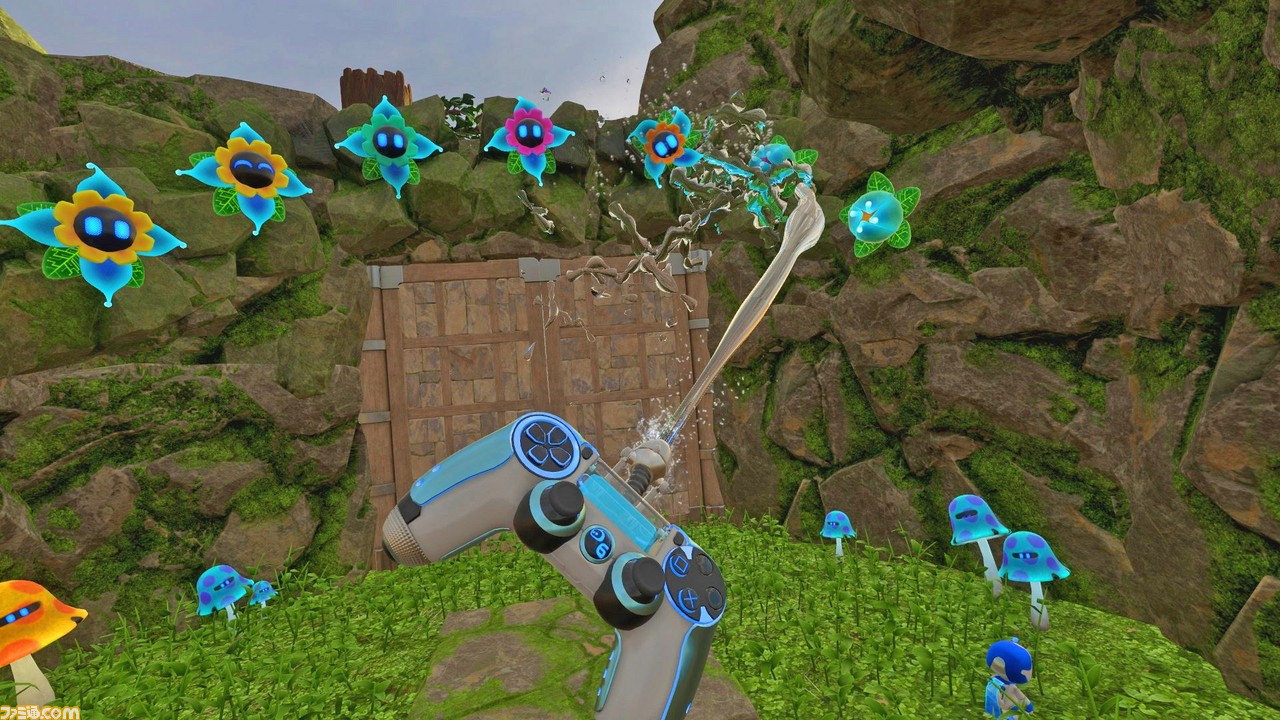
Astro Bot Rescue Mission uses actions with the controller and the environment in virtual reality. Capture from the original game. Source: Famitsu / Sony.
For now, the standalone PC version is still the most recommended for those looking for higher graphic quality. The author reports approximately 30 FPS in levels and 45 FPS in light scenes when Quest 3 runs the emulation locally. On PC, the image can be rendered in higher resolution.
Another improvement allows using the European version 1.04 of Astro Bot Rescue Mission, in addition to 1.00. However, the fixes are aimed at the edition CUSA12392. Therefore, other regions and updates should not be treated as compatible without specific testing.
AstroQuest 0.20 fixes obstacles and effects in the game
After 0.18, version 0.20 arrived on October 6th and fixed an invisible barrier at the end of level 2-1. According to the changelog, the issue stemmed from differences in timing calculation and the position of moving collisions. Thus, the character no longer gets stuck above the scenery in that passage.
In addition, the update fixes square artifacts in the lava glow during the encounter with the octopus in the second world. The author tested the changes on PC, but warned that the Quest 3 build had not yet been run on the headset before that publication. Therefore, the fix in the APK needs further confirmation in actual use.
How to install AstroQuest on SteamVR and Quest 3
The project requires your own legally acquired copy of Astro Bot Rescue Mission for PS4, European edition CUSA12392, version 1.00 or 1.04, extracted from your console. The AstroQuest download does not contain the game. Furthermore, encrypted packages downloaded directly from the PlayStation Store do not replace the files the emulator expects.
- Download the package corresponding to the device. For Quest 3, use the APK. For SteamVR and PC VR, use the Windows ZIP. The buttons refer to the latest stable release from the repository.
DOWNLOAD ASTROQUEST PORT META QUEST 3 UPDATED
DOWNLOAD ASTROQUEST PORT PC STEAMVR UPDATED
Installation on Meta Quest 3
- Enable developer mode on the Quest 3. Then, connect the headset to the computer and install the APK using ADB or SideQuest, as per the official Quest guide.
- Transfer your own European game folder to the location indicated in the README. Then, open Astro VR Host on the headset and authorize the necessary permissions.
- Configure the DualSense or Touch controllers and perform the calibration before playing. Finally, test an initial level to check tracking and audio.
Installation on Windows and SteamVR
- Extract the ZIP to a short path on 64-bit Windows 10/11, with a Vulkan 1.3 GPU and at least 16 GB of RAM.
- Place your game copy files in the directory indicated by the launcher and run
Play Astro Bot VR.bat. Additionally, install the system components requested by the program. - Open SteamVR with a compatible headset or connect your Quest via Virtual Desktop. Then, adjust the controller and resolution using the official guide.
These instructions summarize the developer's public steps. However, the configuration varies between headsets and the project remains experimental. Therefore, consult the official documents before updating or replacing files.
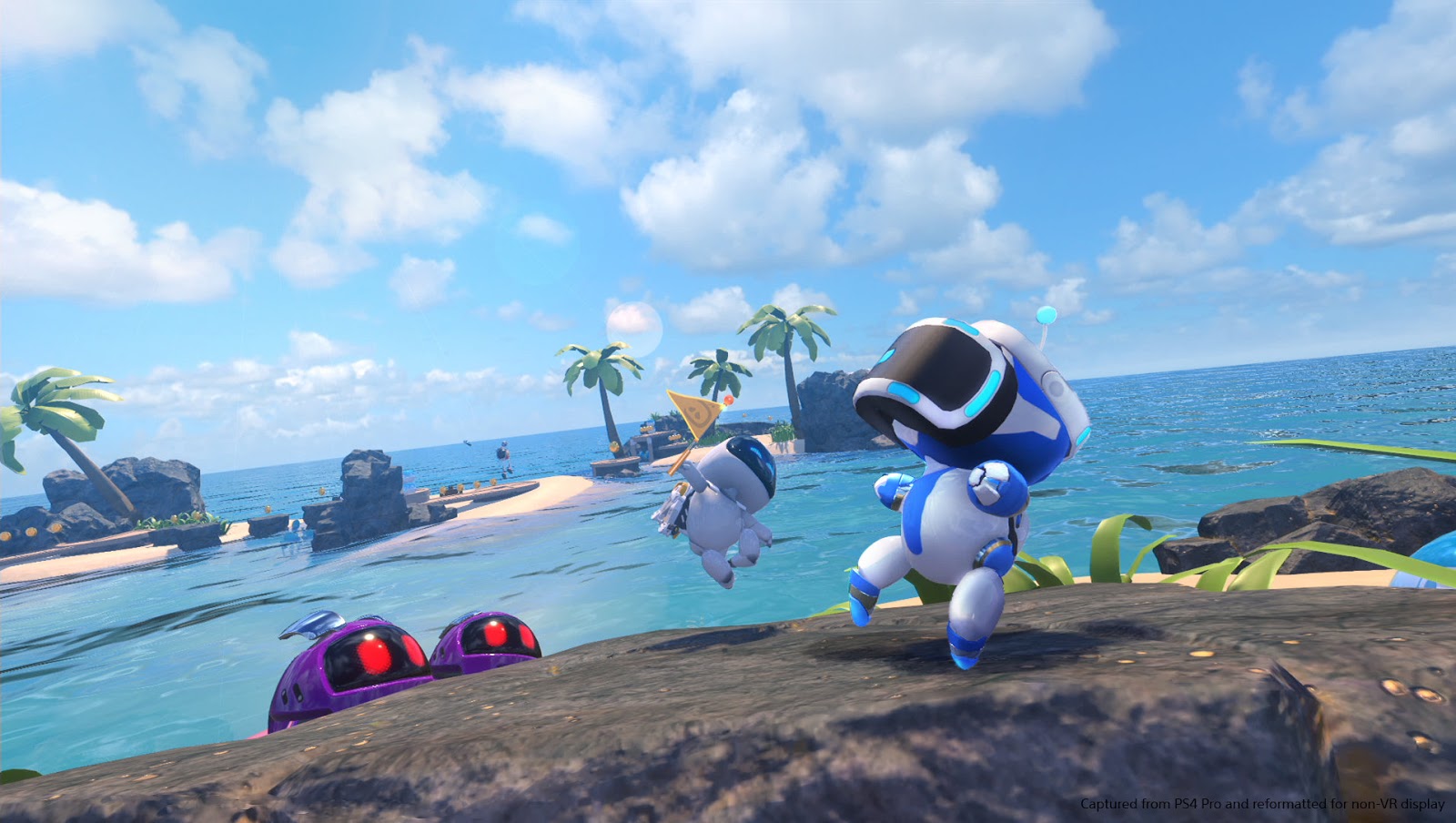
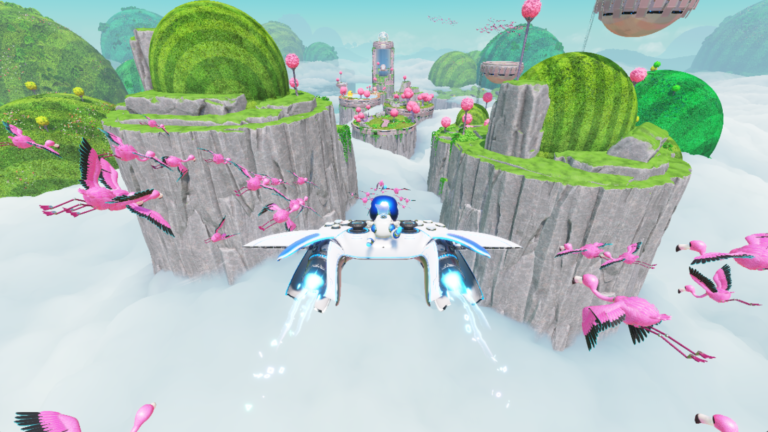
Tropical scenery from Astro Bot Rescue Mission on the original PlayStation VR. Illustrative image, not a measurement of AstroQuest. Source: Sony / Digitally Downloaded.
What is the difference compared to other Astro Bot projects?
AstroQuest works specifically with 2018's Astro Bot Rescue Mission, created for PS VR and PS4. Therefore, it should not be confused with Astro's Playroom, for PS5, nor with the 2024 Astro Bot. In Allves Games, for example, we already follow the Astro's Playroom running on the SharpEmu emulator, but that is another game.
In addition, the DLSS5-Feeder for shadPS4 deals with a different graphical integration, with no automatic equivalence to AstroQuest's VR support. Each project requires its own tests and configurations.
Finally, AstroQuest expands the options for revisiting an old PlayStation VR exclusive. However, compatibility is still under development. The safest reference remains the developer repository and the performance reports documented by version.
Sources: AstroQuest v0.18; AstroQuest v0.20; , official README.