Army of Two 1.1 arrived on Windows on October 17, 2026, with split-screen and controller remapping. The update belongs to the port maintained by OpenPortroid, which also announces a network co-op campaign without EA servers. The project adapts the Xbox 360 edition and requires the European game's own files and Title Update 2.
The first release of this repository came out on October 16. Now, version 1.1 adds a way to play as a duo on the same computer. Furthermore, the launcher allows choosing the devices for each participant.
Army of Two 1.1 brings split-screen for two players
In the update notes, the developer describes separate options for each player's name and device. Thus, one person can use a keyboard and mouse while the other uses a controller. It is also possible to choose gamepads connected to the PC.
In this way, the displayed commands follow the device for each half of the screen: keys for those using a keyboard and Xbox buttons for those using a gamepad. A shared indication can show both options. Remapping includes keys, mouse buttons, controller buttons and triggers, swapping analog sticks, and Y-axis inversion.

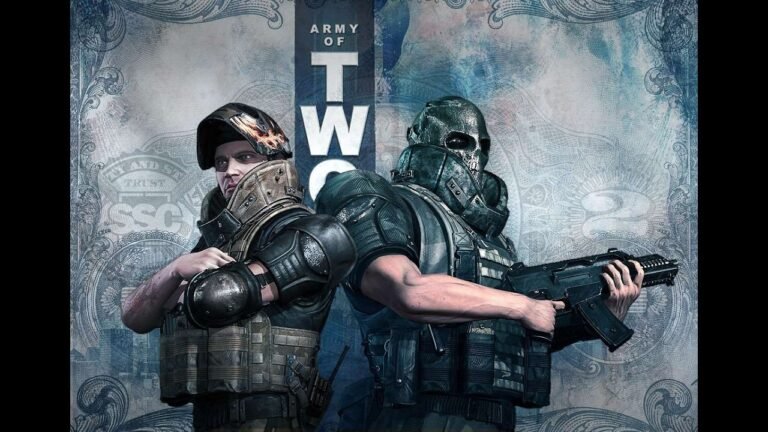
Historic scene from the original game, via JeuxActu / Electronic Arts. It does not show split-screen or version 1.1 of the port.
Network co-op is another proposal of the project
According to the README, the port offers co-op over LAN or a virtual network, without relying on EA's old infrastructure. For this, both participants need to use the same build, the same DLCs, and the same language.
The documentation recommends private mode with invites, as it maintains checkpoints. The launcher searches for a host on the local network and also allows entering their address. However, we did not test an independent multiplayer session in this coverage; availability and stability described here come from the maintainer.
This repository is not the same nikolaygorb's ArmyOfTwoRecomp, previously covered by the language selector. Therefore, the 1.1 numbering of this package does not represent a return from version 1.2 of that project. We also did not audit the comparative origin of the code between both.
Army of Two 1.1 requirements and performance
The OpenPortroid list Windows 10 or 11 x64 and GPU with Direct3D 12. Furthermore, it requires about 6 GB of storage for the game, with approximately 1.3 GB extra for optional DLC. There is no Linux or macOS package in this release.
The project uses ReXGlue to recompile the Xbox 360 PowerPC code to C++. The proprietary renderer uses Direct3D 12. For another example of this approach, see the coverage of Bully: Scholarship Edition recompiled for PC, an independent work.
Furthermore, the author reports a complete campaign and stable 144 FPS in tests with GeForce RTX 2060 and RTX 4060. However, this does not constitute a benchmark from our team nor a guarantee for any configuration. The README also anticipates minor stutters during the first few runs while shaders are compiling.

Multiplayer from the original edition in a historical image from EA's interview with Kikizo, from 2008. This is not a test of the new co-op on PC.
How to download and prepare the port
1. Download the official ZIP of version 1.1
The package ArmyOfTwo-v1.1.zip has 34,198,216 bytes, about 34.2 MB. Next, extract the complete file to a folder where you can write data. The maintainer advises avoiding the Program Files folder.
2. Import your European copy and Title Update 2
Open ArmyOfTwoLauncher.exe. On the initial installation, select your ISO image or the default.xex from the extracted game folder. Then, provide the corresponding Title Update 2 package; the DLCs are optional.
Next, the launcher verifies the files and prepares the installation in assets. Therefore, the port's ZIP does not replace the retail copy. Do not mix data from other regions or packages from another project just because the game's name is the same.
3. Set up the duo on the same computer
In Settings → Split-Screen, enable the option, set the names, and choose the input devices for both players. Then, start the game and use Campaign Mode → Splitscreen, according to version 1.1 release notes.
To adjust controls, open the Keyboard and Gamepad tabs in the launcher. This way, each participant can check the configuration before the campaign. The keyboard and mouse control the player who received these devices.

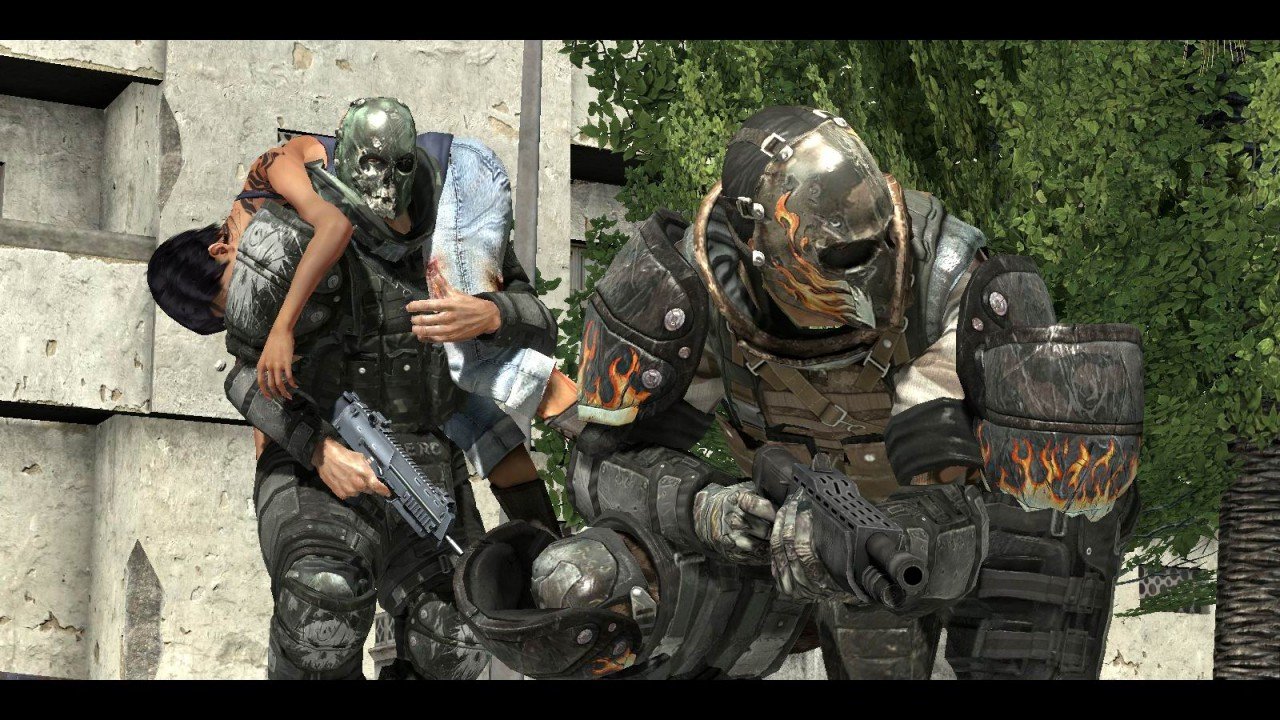
Combat in the original edition, via JeuxActu / Electronic Arts. Historical material, without proving the port's features.
How to update Army of Two 1.1 and preserve saves
Those already using version 1.0 of OpenPortroid can accept the update offered by the launcher itself. Alternatively, the notes advise extracting the 1.1 ZIP over the previous folder, keeping settings and saves.
Before that, back up your saves at Documents\armyoftworecomp_tu2. This guidance applies to this project. Therefore, do not apply the update automatically over the installation of nikolaygorb or another port.
Sources: release 1.1, dated 10/17/2026; README and requirements; launcher guide. Fan project, not affiliated with Electronic Arts.