

The classic 2003's Crimsonland is working directly in the browser again thanks to a decompilation project of the original code. Developer banteg recovered the game's functions and used WebAssembly to run the shooter without requiring the installation of a traditional emulator. In addition, the project offers online leaderboards, replays, and modern controls.
The browser version debuted in the Crimson project in update 0.13.0, on October 8, 2026. Since then, new releases have added performance improvements and match playback. On October 11, the Python package Crimsonland 0.14.4 arrived on PyPI, while the repository began documenting further changes still under development.
2003 Crimsonland runs in the browser with recovered original code
The project Crimson, by banteg, uses reverse engineering to recover the C and C++ code of the classic 1.9.93 edition. According to the developer, the corresponding decompilation already brings together all 858 functions of the game and its infrastructure.
This means that the recovered code is able to produce, with the appropriate original compiler configuration, executable files equivalent to the historical binaries. However, this result should not be confused with the release of a new commercial version of Crimsonland.
To run in the browser, the developer compiles the recovered code into WebAssembly. In addition, it uses an SDL3 layer to render graphics, audio, and controls in modern browsers. A different approach can be seen in the 1990 Stunts browser port.
Thus, the web version preserves much of the original shooter's logic, including enemies, weapons, skills, effects, and game modes.
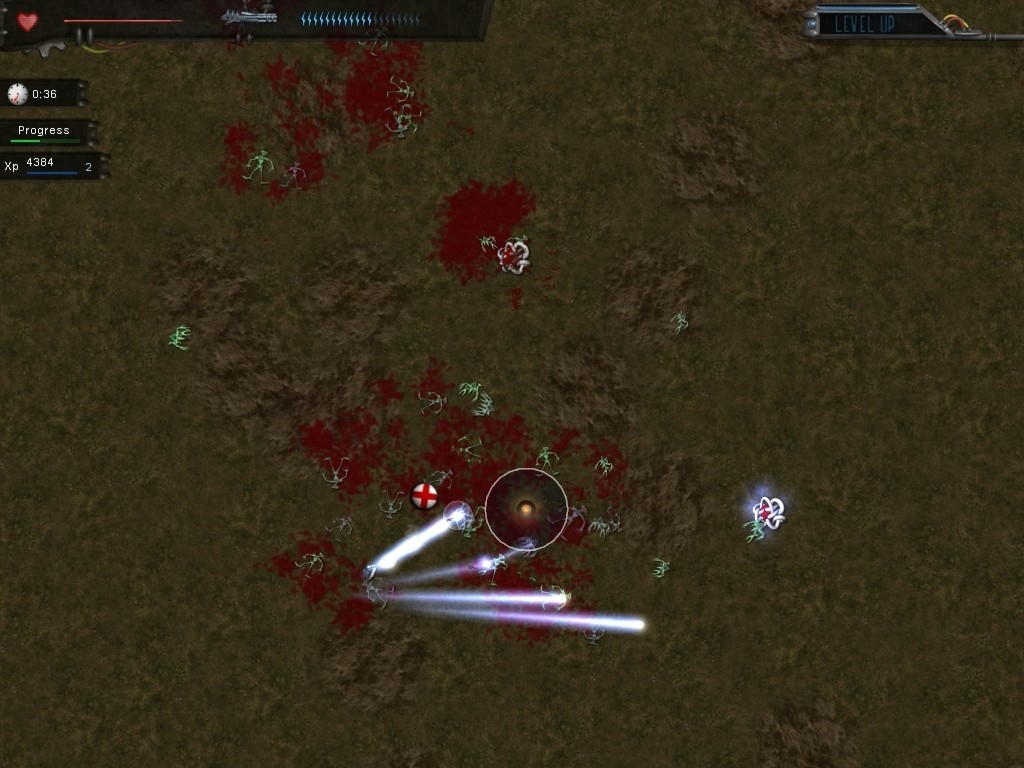
Gameplay of Crimsonland for Windows, in its classic version. Source: Old-Games.ru. Illustrative image, not a capture of the current WebAssembly version.
The original game places the character in arenas overrun by aliens, spiders, and other creatures. As they eliminate opponents, the player gains experience and chooses abilities to increase their chances of survival.
What changes in the browser version of Crimsonland?
The site crimson.land/play makes the executable version available for the browser, without conventional installation. According to the author, the necessary files are loaded on the first visit, while progress remains stored locally.
In addition, the project implements keyboard, mouse, and gamepad controls. This way, users of modern controllers can enjoy an experience adapted to the current computer.
The developer also fixed various issues inherited from the old game. However, there is a specific option to preserve historical bugs when the user wants to reproduce the original behavior.
Another important difference is that the project does not rely on distributing a copy of the 2014 remake. It works with Crimsonland Classic 1.9.93 and, according to the documentation, uses original assets provided with authorization from the game's developer.
Crimsonland gets online leaderboard with match verification
The project also features an online ranking system on the crimson.land website. In it, players can compete for positions in Survival mode and specific missions.
However, the ranking does not rely solely on the score submitted by the user. According to the documentation, the server replays the actions recorded in the match and verifies whether the result complies with the game rules.
This approach seeks to reduce inconsistent results. Furthermore, it allows making replays available for other players to watch the ranked matches.
The latest versions also improved the handling of long sessions, especially when the number of enemies grows during prolonged matches.
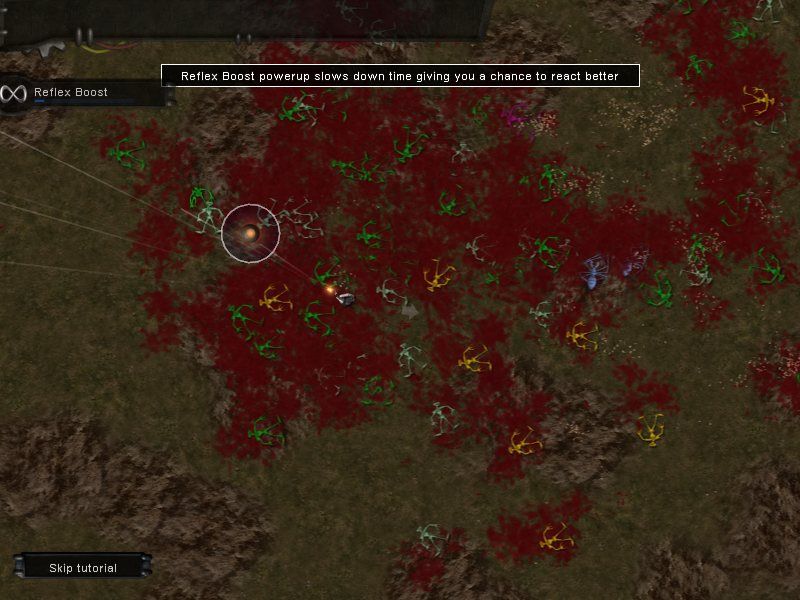
Reflex Boost power in Crimsonland Classic. Source: MobyGames. Historical screenshot from the 2003 game, not the current online leaderboard.
The Survival mode remains one of the main attractions. In it, the difficulty increases gradually and the player must deal with new groups of enemies, weapons, and abilities.
Updates allow watching replays and returning to previous moments
Another important new feature is the playback of recorded matches. In version 0.14.0, the developer added a viewer that allows you to follow saved sessions and matches available on the leaderboard.
Later, version 0.14.1 improved navigation through the recording. The user was then able to fast-forward, rewind, and search for specific moments using the time indicator.
In addition, version 0.14.4 fixed graphical effects and browser playback behaviors. Therefore, the replay system now offers a more stable experience.
The source code changelog also documents an experimental feature to take control of a match during a replay. However, the public distribution of all these improvements following version 0.14.4 has not yet been confirmed.
Crimsonland Classic also has a native PC version
The developer maintains a reimplementation in Python and raylib, available for Windows, Linux, and macOS. Thus, those who prefer to play without relying on a browser can also run a local version.
This implementation seeks to reproduce the original logic with equivalent results, including in calculations for movement, enemies, and effects. In addition, it supports modern controllers, saves, and match recordings.
The Python package has its own installation and requires appropriate tools. On the other hand, the project also documents a desktop application built from the recovered code.
Therefore, it is important to distinguish the implementations: the Python version is a rewrite, while the WebAssembly version uses the C/C++ code recovered from the original title.
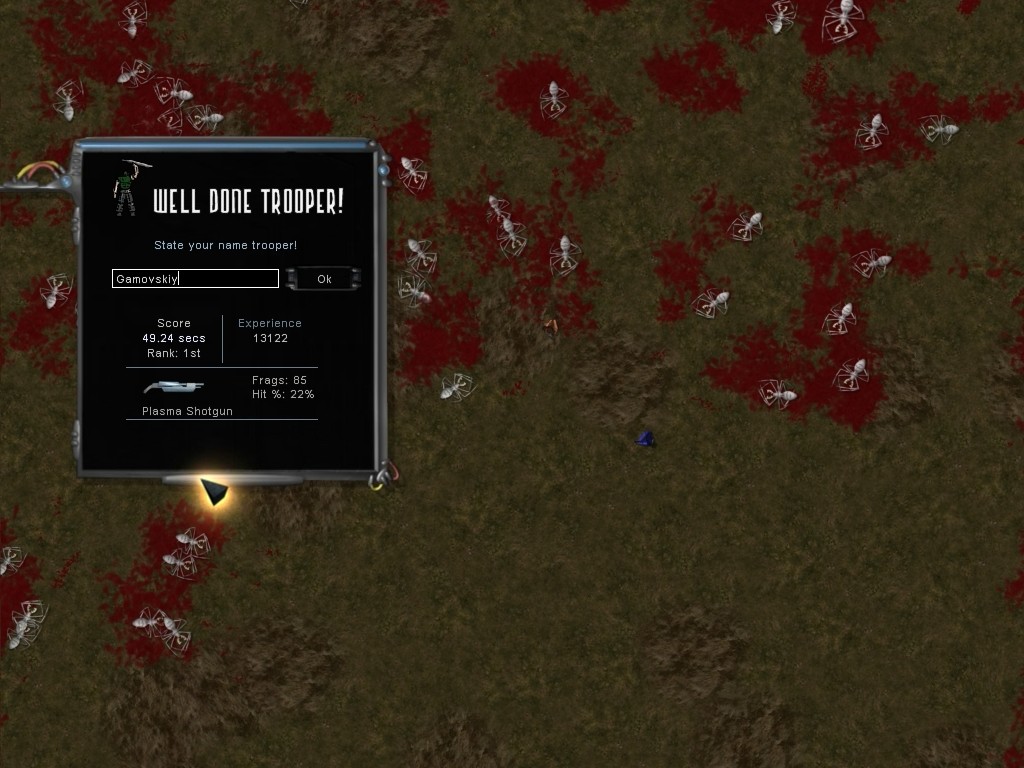
Score screen of the original Crimsonland. Source: Old-Games.ru. Historical image illustrating the high score record, not the current ranking web interface.
The project should not be confused with Crimsonland from 2014, a commercial remake that received new graphics, weapons, and content. Banteg's recompilation specifically seeks to preserve the classic edition.
How to play Crimsonland Classic in the browser
Web version access is free through the page maintained by the developer. However, as the application still receives frequent updates, certain functions may change between versions.
- Open the official Crimsonland page in your browser.
- Wait for the game files to load on your first visit.
- Configure your keyboard, mouse, or compatible controller.
- Choose Survival mode, Quest mode, or another available mode.
- Start the match and check the saving and ranking options.
PLAY CRIMSONLAND CLASSIC IN THE UPDATED BROWSER
The button opens the official web application. It is not necessary to install a separate executable for this method of access.
How to install Crimsonland on Windows, Linux and macOS
For the Python implementation, the developer provides the package crimsonland 0.14.4 on PyPI, with publication confirmed for October 11, 2026.
- Prepare the environment required to run Python 3.13 or higher.
- Install the uv tool by following the official documentation.
- Open a terminal on Windows, Linux, or macOS.
- Run the command
uvx crimsonland@latestto launch the latest public package. - On the first run, wait for the program to prepare the necessary data.
DOWNLOAD CRIMSONLAND CLASSIC PORT WINDOWS, LINUX AND MAC UPDATED
The second button opens the official package on PyPI. This is a Python distribution; it is not a ready-to-use EXE or APK installer.
Complete decompilation helps preserve the game
The reverse engineering work allows studying how Crimsonland Classic works and reproducing its behavior on modern systems. In addition, the developer uses automated checks to compare execution with the expected results of the original code.
According to the repository, the corresponding decompilation of version 1.9.93 achieved all 858 known functions. However, this does not mean that every other old edition of the game has gone through the same process.
Finally, the project remains independent and does not replace the commercial remake. The new ranking, replay, and browser execution features show how the recovered code can expand access to the 2003 classic.
Sources: official Crimson repository; project changelog; browser version; version 0.14.4 on PyPI.


Pingback: Stunts de 1990 ganha versão para navegador em HD e 144 Hz