Hey everyone! The highly anticipated Zelda Twilight Princess PC port is finally here. It arrived in recent days. This incredible fan-made port is available across many platforms. For instance, you can find it on PC, Mac, Linux, Android, and iOS devices. This guide will show you how to complete the updated installation on your PC easily. Moreover, we will point you to resources for other platforms too.
Do you want to stay updated on all the latest game ports and exciting news? Then, make sure to subscribe to the Allves Games YouTube channel today! We constantly share new developments and guides.
How to Install the Zelda Twilight Princess PC Port
Firstly, head to the project’s official website for the PC version. You simply need to click on the downloads section there. However, if you are looking for other platforms, click on ‘platforms’. This action will redirect you to the project’s GitHub page. You can then scroll down. From there, select the option that best suits your device. Options include APK for Android, IPA for iOS, MacOS, Windows, and Linux versions. Are you interested in other fan-made game projects? Check out this Silent Hill 1 PC Port for modern perks!
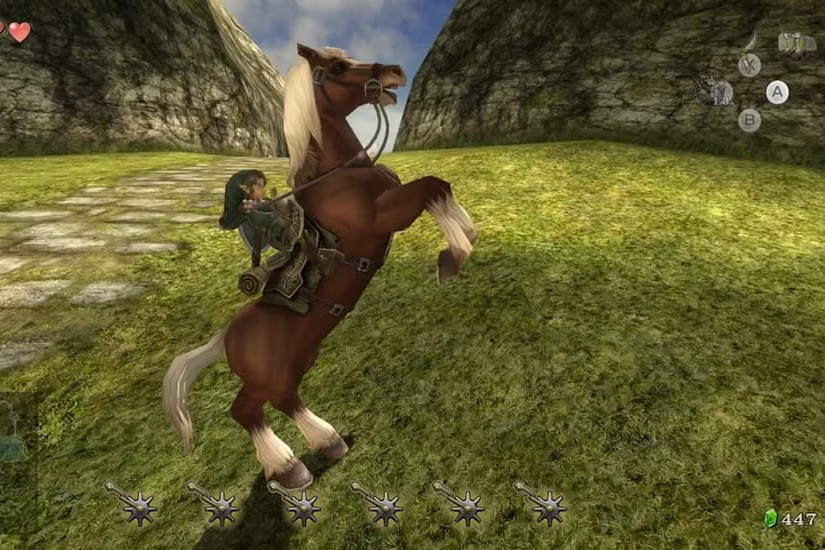
Getting Started: ROM & Controller Setup
After downloading the Windows version, simply unzip the ‘Dusk Light’ folder. You will find several essential files within it. Nevertheless, there’s a crucial detail before you launch the executable. You must have the original game ROM on your computer. The specific ROM is displayed in the video. We cannot provide direct links to this file. Therefore, if you own the original game, you can dump it to your PC. Alternatively, you can search for it online. Moreover, this port is highly optimized for controllers. We recommend connecting your favorite gamepad. For example, a DualShock 4 worked perfectly for us. It automatically configured all buttons. This makes the experience much smoother. Are you struggling with older consoles? Learn how to Play PS2 Without Disc Drive using a USB and portable solution.
Enhanced Experience: Graphics and Features
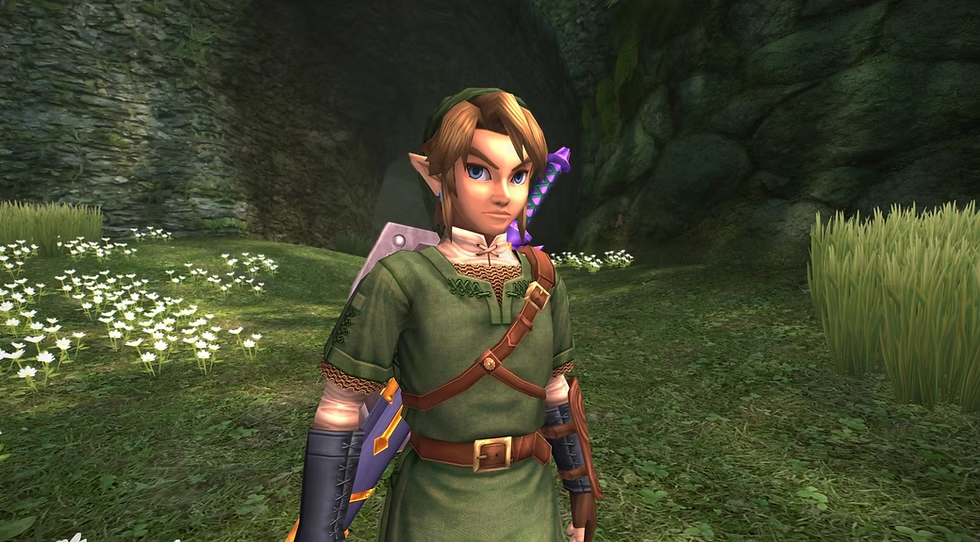
Upon opening the executable, you’ll be prompted to select your ROM image. Once chosen, the ‘Play’ button becomes active. You can then dive into the game. We quickly checked the video settings. Everything was perfectly set for 4K resolution. Furthermore, the shadow quality was at its maximum. The game looks absolutely stunning! The camera control with the gamepad is very fluid. You can also interact with animals by playing music for plants. This feature is quite enjoyable. For instance, knocking down a beehive is always fun! If you’ve ever wondered about console issues, this guide helps with PS2 Slim Disc Scratching: How to Fix (Definitive Tutorial).
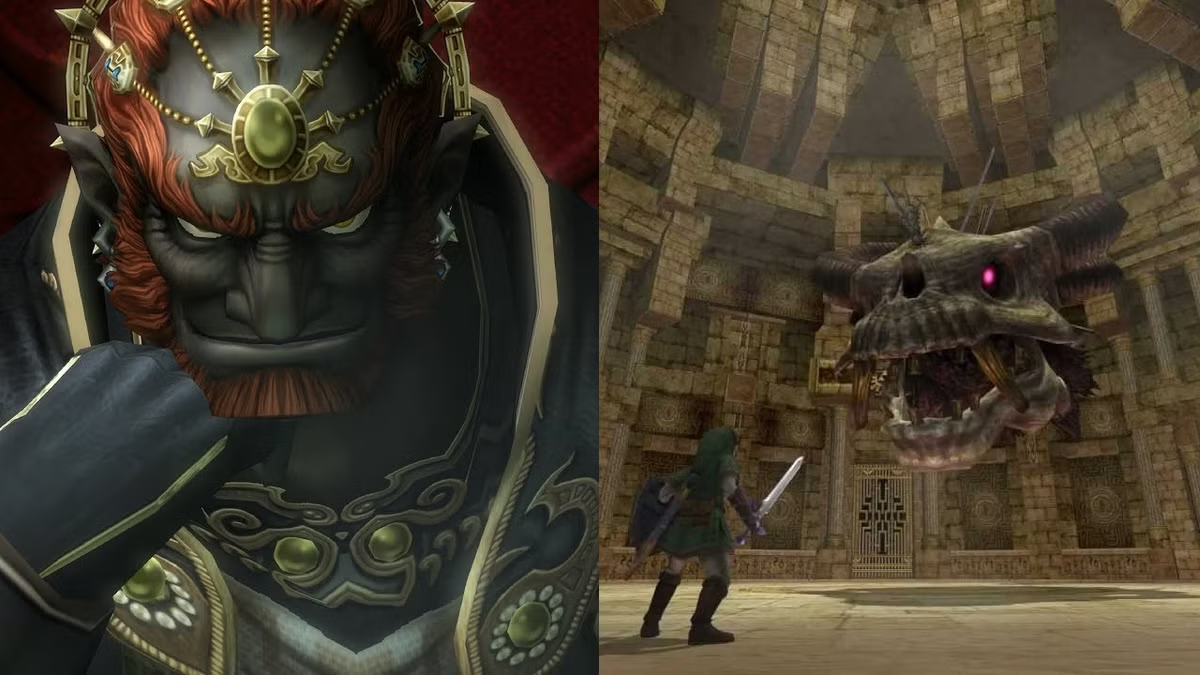
Explore the Zelda Twilight Princess PC Port Today!
The Zelda Twilight Princess PC port offers a fantastic way to revisit a classic. The optimizations are impressive. This port provides a modern gaming experience. Do you want to try it out? Visit the official Zelda Twilight Princess game wiki for more background information. If you enjoy seeing classic games brought to new life, stay tuned. We will continue to bring you news on other decompiled or ported games. Thank you for reading!