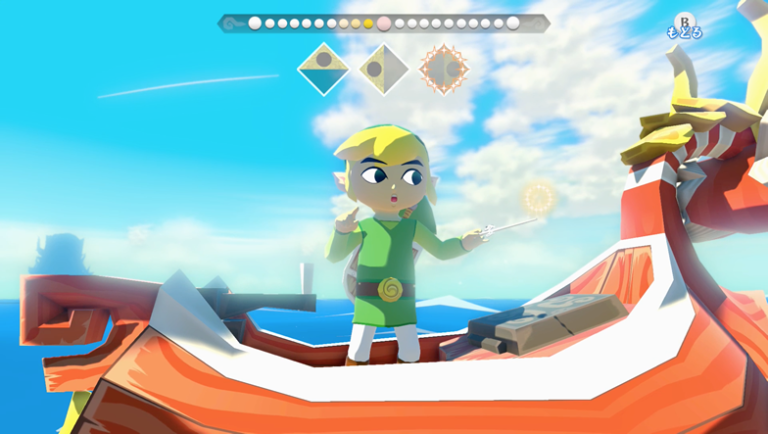
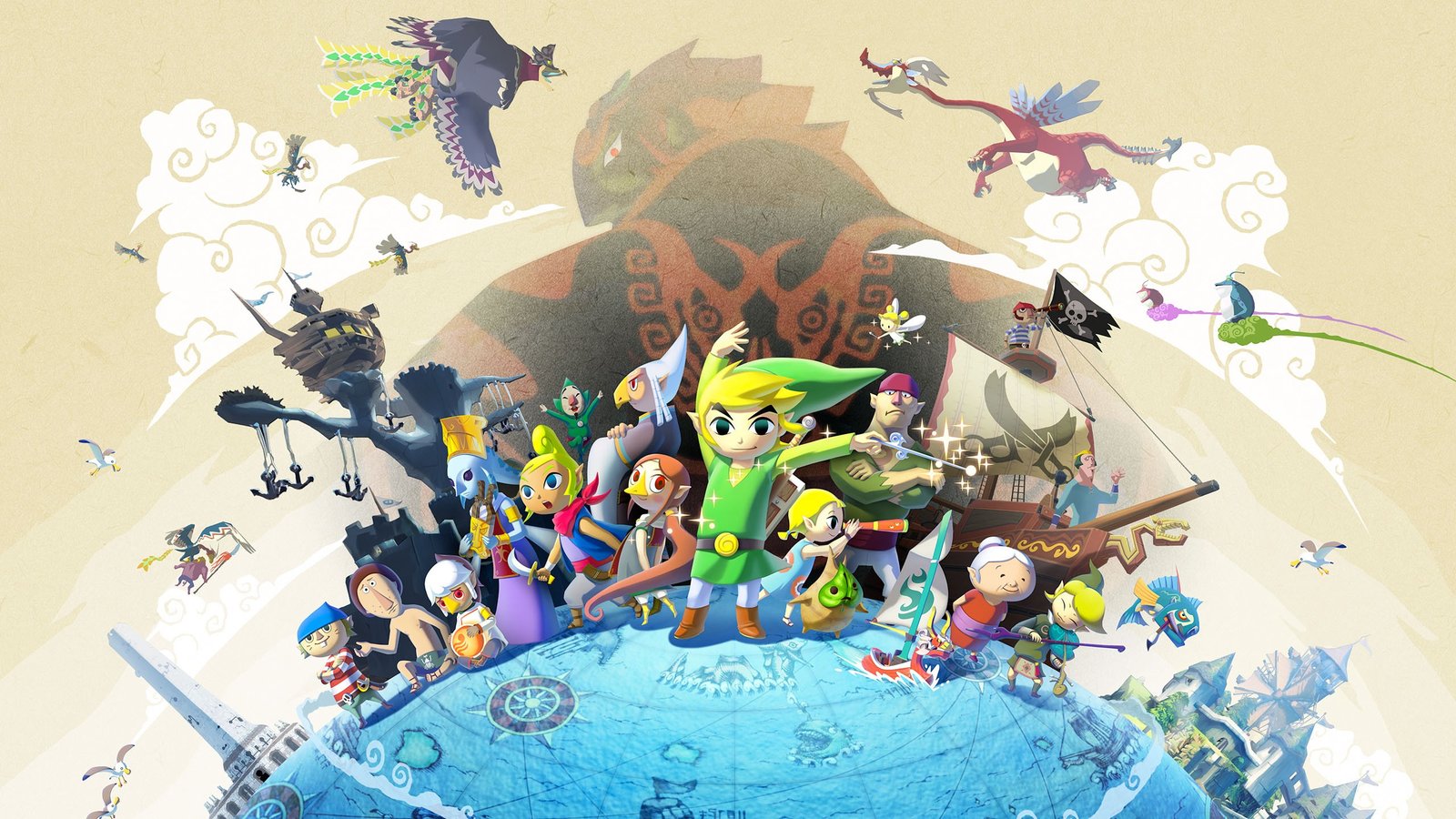
First of all, Wind Waker HD 0.5.1 arrived on November 6, 2026 with an integrated randomizer, 99 achievements, and support for GameCube edition character models. In addition, the update from ZeldaWWHDRecomp brings improvements for Android, PC, Linux, and macOS, alongside experimental graphical options. Therefore, the project does not include Nintendo's game files.
Wind Waker HD 0.5.1: integrated randomizer
First, the main highlight is the option to generate a randomized campaign directly within the installer itself. Thus, you can choose a ruleset, input a seed, or import a compatible seed from TWWHD Randomizer 1.2.0. Because of this, each randomized campaign has its own saves and backups, without replacing normal progress. However, the team reports that seed versions 1.1.1 or older are not accepted by the new importer.
In addition, the randomizer works on the North American and European editions of the game and also on Android. In this case, navigation between dungeon entrances and item behavior depend on the chosen options, not on official Nintendo changes.
Achievements and classic GameCube models
Furthermore, another new feature is the system of 99 achievements, disabled by default and enableable in Mods › Built-in. For example, goals consider save information and record the user's progress in a local file. There is also an overall progress screen that helps track adventure objectives.
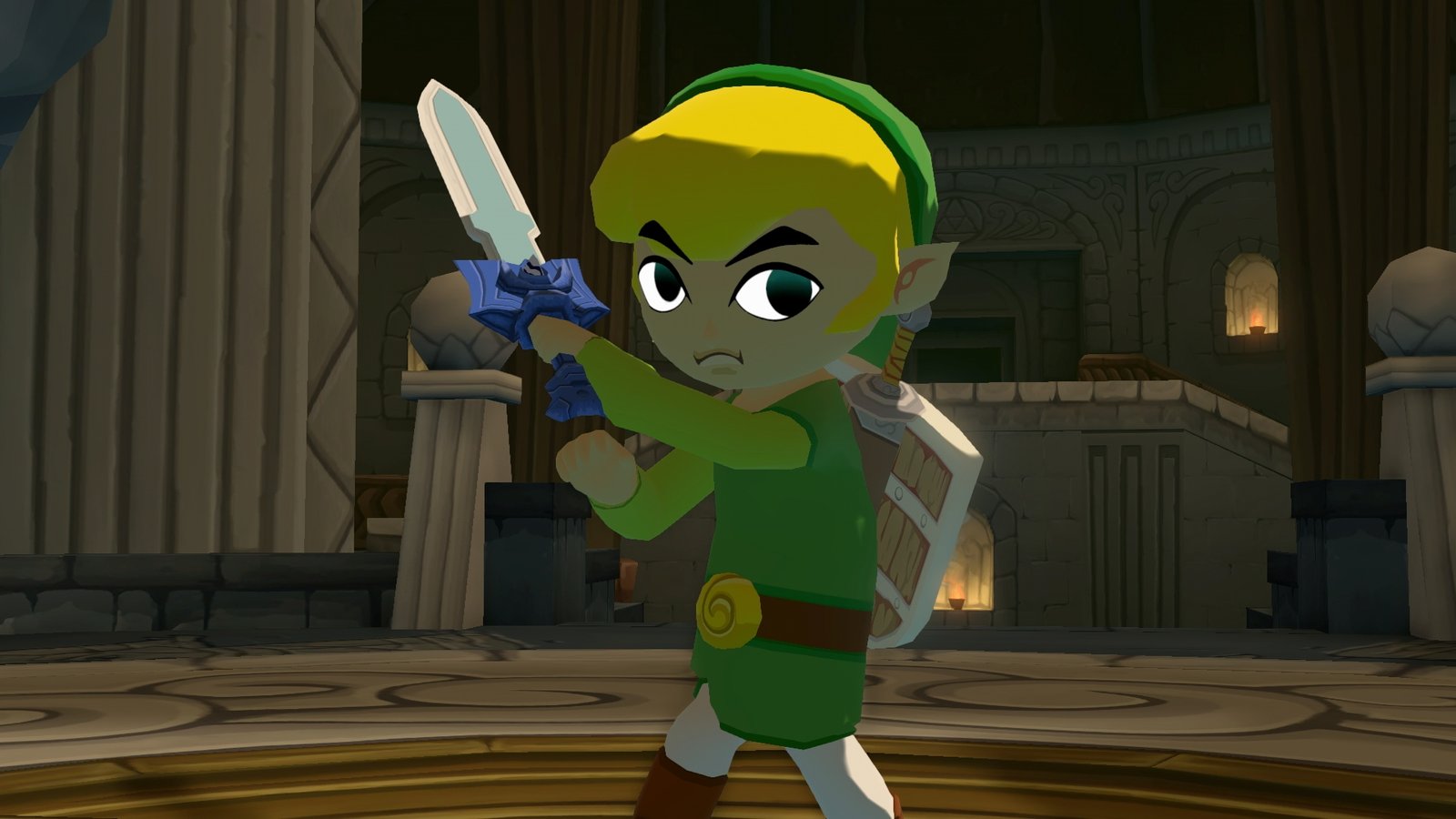
In turn, support for GameCube edition models allows you to import a package you already own, with file Link.arc. This way, the port itself adapts the model to Wind Waker HD's structure and animations. However, no GameCube models are provided with the project download, and the user must obtain their materials legitimately.
60 FPS and improvements on Android
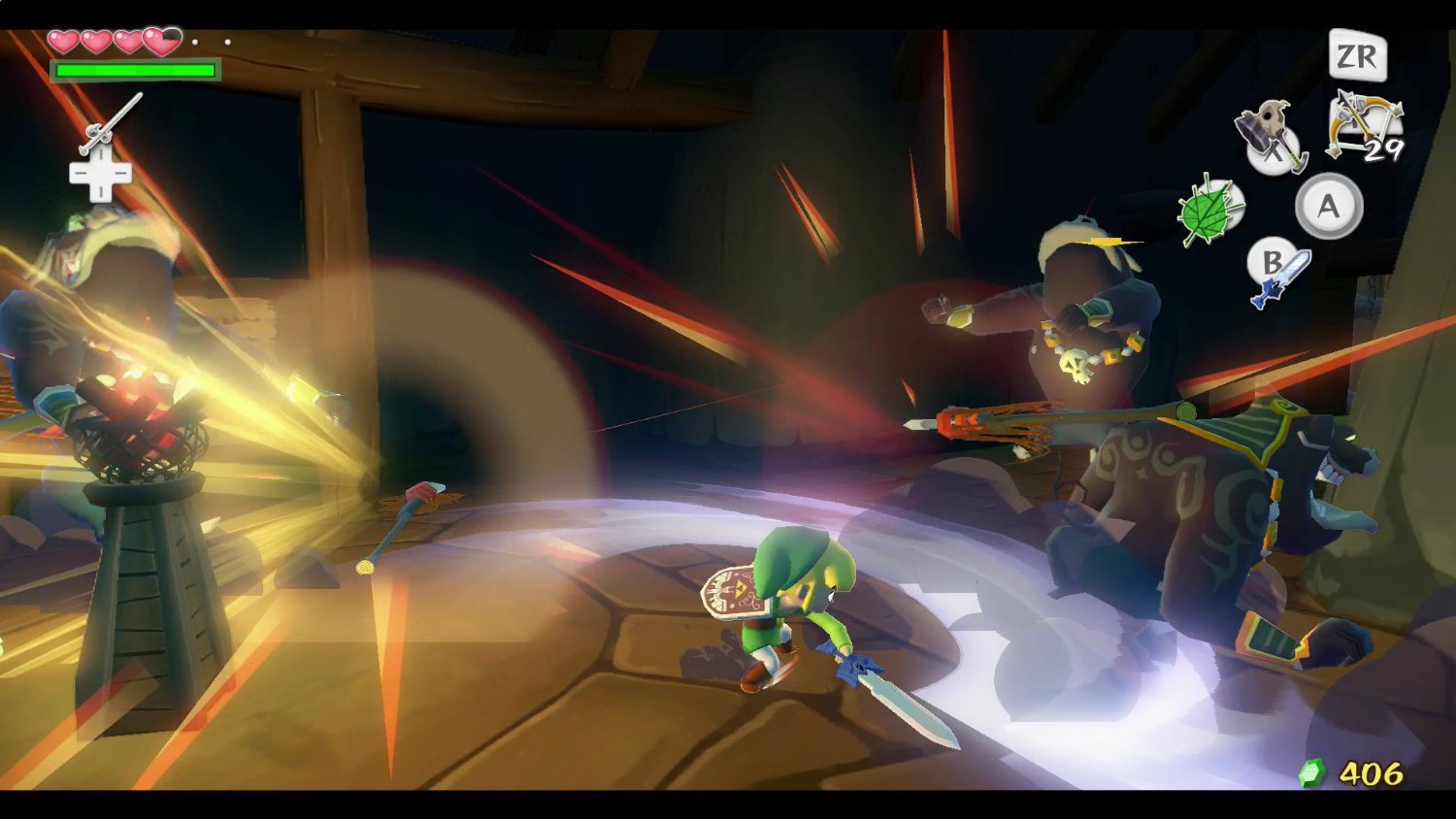
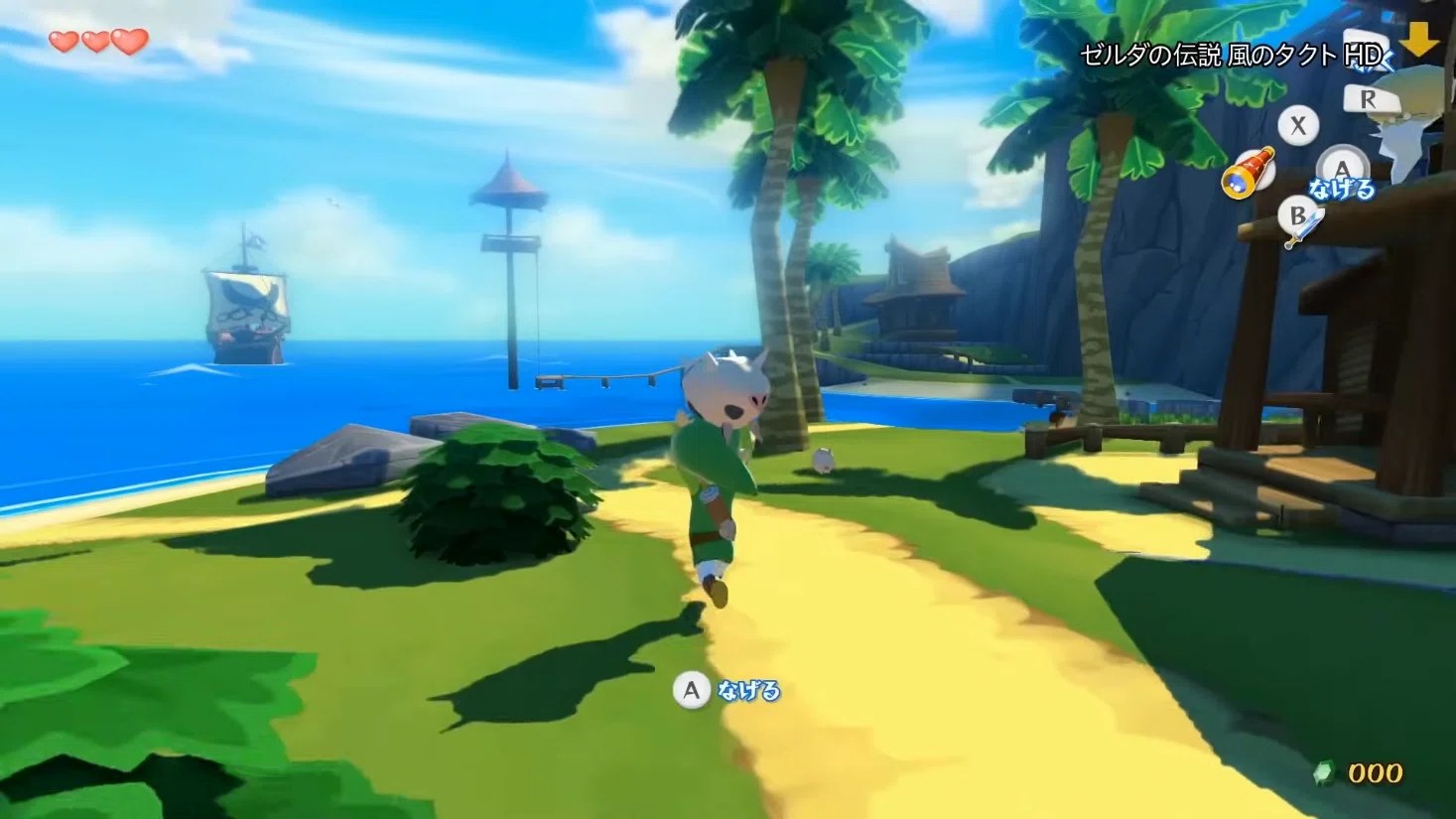
On the graphical side, version 0.5.1 refines the 60 FPS interpolation, keeping the main game logic at the original 30 steps per second. Additionally, there is experimental frame generation via Vulkan. Therefore, interpolated 60 FPS does not mean that all game logic runs natively at 60 FPS Finally, the team also discontinued the mode called True 60.
Meanwhile, on Android, the team reports reduced memory usage and fixes for Adreno and Huawei GPUs. Additionally, other options include new control settings, instant text, access to ports without the usual animation, and the ability to choose a folder for cloud saves. However, performance results vary by device and driver.
How to install Wind Waker HD 0.5.1
To install, the release offers public installation packages for Windows, Linux, macOS, and Android. However, you need your own legitimate copy of The Legend of Zelda: The Wind Waker HD for Wii U. For example, the installer accepts a valid game extraction, compatible disc dump, or WUA package; it does not distribute games, keys, or Nintendo files.
- Choose below the package compatible with your system and architecture. These are files from the official v0.5.1 release.
- Extract the ZIP on your PC or install the appropriate APK on Android. Check the README before changing system permissions.
- Indicate your legitimate copy's game files when requested by the installer. Conversion is performed locally on the device.
- After installing, open Mods and Settings to enable the new options. Back up your saves before updating a previous installation.
The public release assets list confirms the four variants above. In addition to these versions, there are packages for Windows ARM64, Linux ARM64, and Android x86-64. Thus, all of them can be found on the official page of version 0.5.1. The game files are not included with the downloads.
What changed since the previous version?
To compare versions, our article on Wind Waker HD 0.3.0 and community quests details the features of that stage. Version 0.5.1 adds a broader package of new features, especially the integrated randomizer, achievements, classic model importing, and optimizations for Android.
Despite the advances, this is an evolving community port. Therefore, incompatibilities may occur with certain builds and devices. To check changes and known issues, always consult the official notes before updating.
Sources: ZeldaWWHDRecomp v0.5.1 — GitHub, 6/11/2026 and Official project README.