Burnout 3 Takedawn is the unofficial port of the original Xbox edition for Windows, Mac, Linux, Steam Deck, and experimental Android. Developer xenophobentx released the first version on October 13, 2026, and published the update 0.1.1 on October 15. The patch fixes a rare freeze, improves graphical elements, and adds an automatic power mode.
The program offers ready-to-install packages, but relies on the player's own American disc data. In addition, the project expands the image, sound, and control options of the classic. Allves Games checked the documentation and files announced on GitHub; it did not perform execution tests or benchmarks.
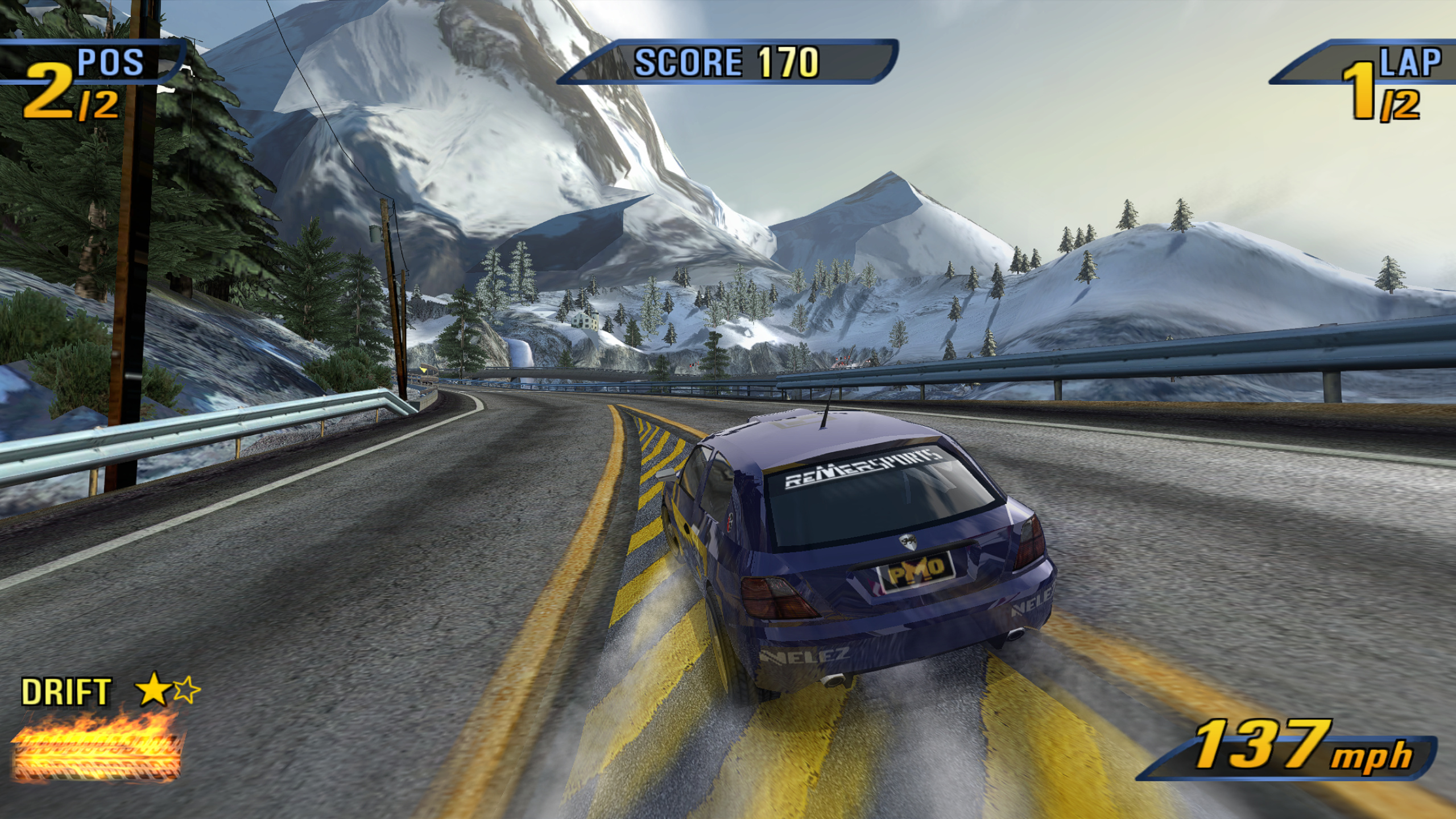
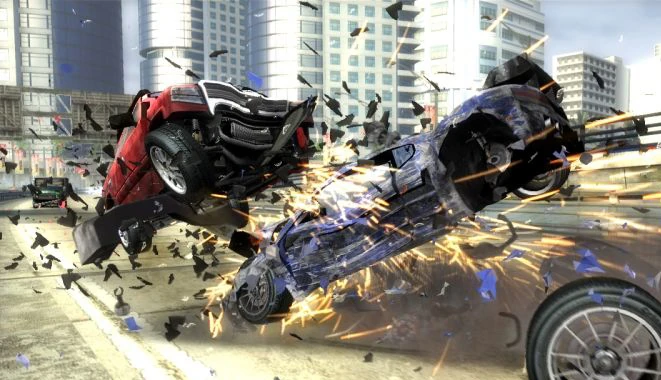
Racing in Takedawn in a capture published by the developer. Image: xenophobentx; game: Electronic Arts/Criterion Games. Not a benchmark by Allves Games.
What is the difference from the PS2 port?
First, it's worth separating the two projects. The Burnout 3 Windows port based on the PS2, previously reported here, uses a different base and follows versioning 0.4.0-alpha. Takedawn starts from Original Xbox and has an independent team, code, and packages. Therefore, its requirements and updates are also different.
In Takedawn, the xboxrecomp tool ahead-of-time translates the game's executable into C. The author compiles this code into native programs for x86-64 and ARM64; the ready-to-use packages do not require compilation by the player. A set of components handles Xbox functions and converts graphics commands. Thus, the project uses Metal on Mac and Vulkan on other platforms. It preserves the original game and adds optional tweaks; it is not an official remake.
What changes in Burnout 3 Takedawn 0.1.1?
The update focuses primarily on stability. According to the release notes, a timing difference when executing sound code could freeze the image after a long session. The author fixed this bug and the wait time on the first loading screen on desktop. They also resolved missing letters from signs and a bloom effect that got stuck on the screen when disabling bloom.
In addition, the power mode Auto adjusts processor work according to the time available to deliver each frame. The distant scenery option keeps trees and other objects more detailed. Meanwhile, the transparency settings prevent fences from looking like gray walls or thin grills from disappearing in the distance.
Additionally, the patch softens the scoreboard background transition and prevents jumps in menu lines when the help text changes. Finally, crash reports now include game memory to help the developer investigate new issues.
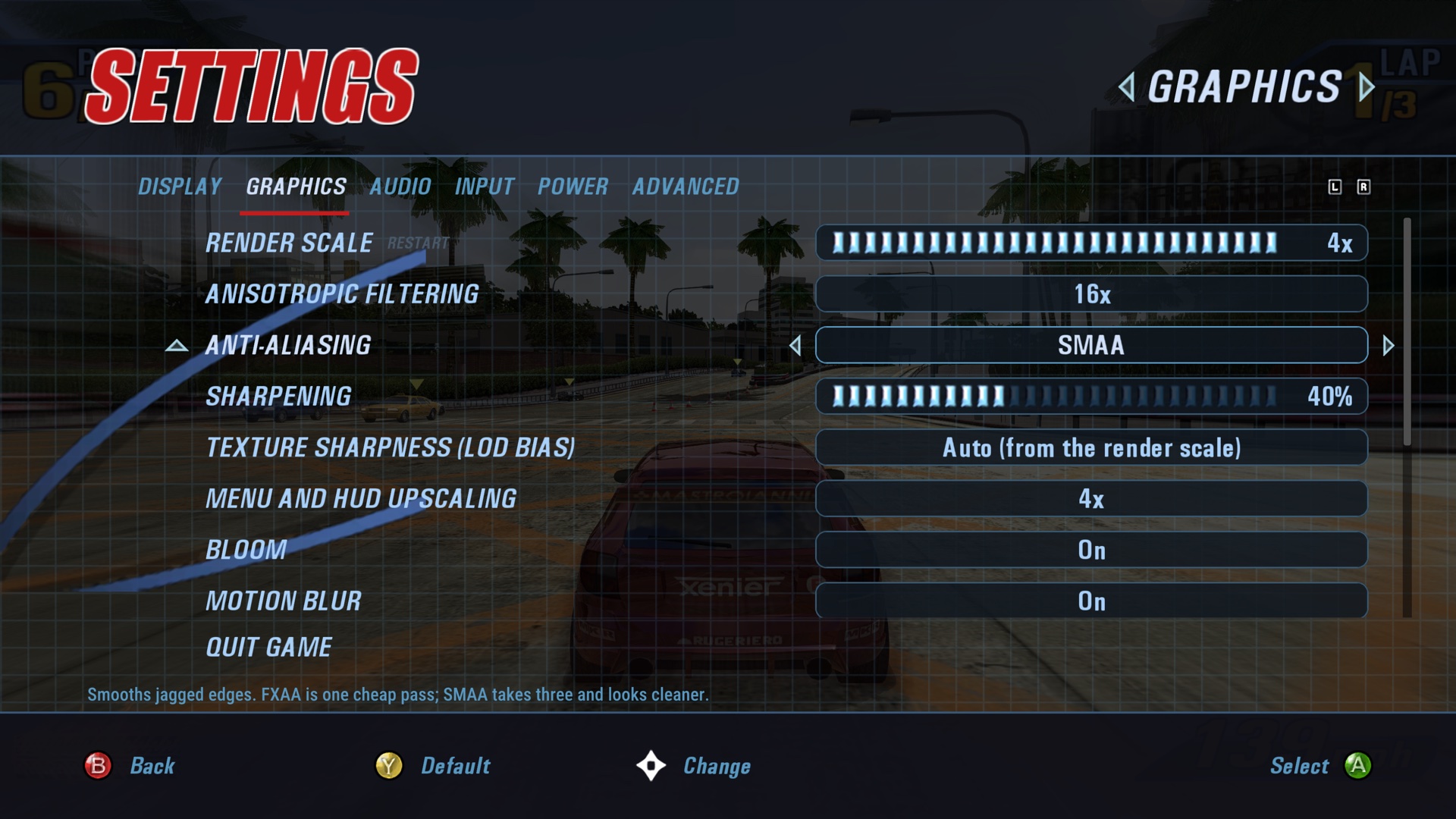
Port graphics menu from official documentation capture. Image: xenophobentx; game: Electronic Arts/Criterion Games.
Burnout 3 Takedawn: widescreen and split screen
Visually, the project offers widescreen with UI correction and 21:9 and 32:9 ultrawide aspect ratios during races. However, menus and cutscenes maintain a centered 16:9 presentation. The internal scaling ranges from 1x to 4x; the documentation uses 640 × 480 and 2560 × 1920 as references, prior to aspect ratio adjustments.
There are also options for crash cameras and split screen at 60 FPS, as well as music in the two-player mode. However, these improvements depend on the machine's settings and performance. Compatibility with 120 Hz displays does not mean the port runs the game at 120 FPS.
In turn, the audio menu allows you to choose a folder with custom music and adjust sound groups. The port also supports different controllers and button icons. Fans of the series can also check out the separate Burnout CRASH! project for PC, which adapts another game.
Burnout 3 Takedawn requirements
Before downloading, make sure to reserve about 3 GB of free space and have a copy of your Burnout 3: Takedown disc for Xbox, North American NTSC-U edition. The installer accepts XISO images, full disc images, or a folder with the extracted files. However, PS2 and Xbox 360 discs do not meet this requirement.
- Windows: Windows 10 or later, 64-bit and a driver with Vulkan 1.3. For AMD cards, the author recommends Adrenalin 26.8.1 or later.
- Mac: Apple Silicon and macOS 13 or later. There is no package for Intel Macs; the author's tests focus on M5 hardware.
- Linux and Steam Deck: x86-64, glibc 2.29 or later and Vulkan 1.3. The AppImage does not require FUSE.
- Android: Android 13 or later, ARM64, Snapdragon with Adreno GPU and integrated or connected physical controller. The APK includes the Turnip driver.
Android remains experimental. The author tests the Retroid Pocket 5 and records different results on mobile phones: for example, the Poco F4 runs the game but does not sustain 60 FPS. The documentation for version 0.1.1 does not offer touch controls. Therefore, simply having a recent mobile phone does not guarantee compatibility or performance.
How to download Burnout 3 Takedawn
- Choose your platform's package below. The buttons point to version 0.1.1 files in the project repository. They contain the application, without the disc data.
Windows x64
First, download the Windows installer, which is about 18.3 MB. It installs the program to the user account and adds an entry to the Start menu.
Mac with Apple Silicon
The DMG is about 20.2 MB. Next, open the disk image and copy the app to the Applications folder.
Linux and Steam Deck
The x86-64 AppImage is about 24.4 MB. Afterwards, save the file, grant execution permission, and open it. On the Steam Deck, perform the initial setup through Desktop mode.
Experimental Android ARM64
The APK is about 14.9 MB. However, use this variant only on compatible devices and keep a physical controller available.
The desktop files do not have a code signature. In turn, the APK uses the project's own key. Additionally, the release provides the file SHA256SUMS to compare the integrity of the downloads. This check identifies changes in the file, but does not replace a security assessment.
- Open Takedawn and select your disk data. On the first run, choose the image or folder when the wizard prompts you. The program checks the edition and files before completing the installation.
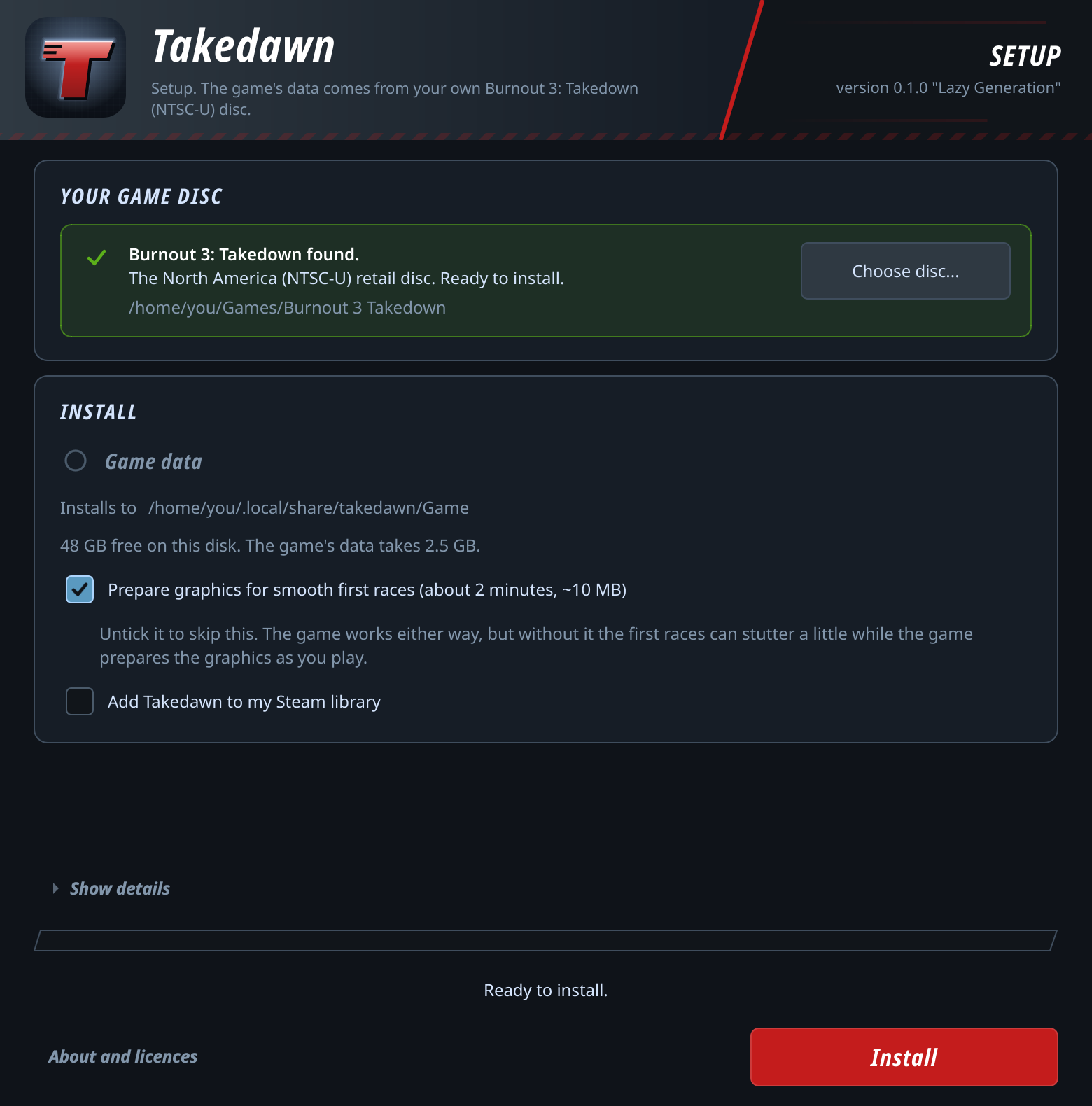
Installation screen published by the project. The capture identifies the initial version 0.1.0; it serves to illustrate the flow, not a new screen from the 0.1.1 update. Image: xenophobentx.
- Install the data and launch the game. On desktop, the graphics preparation option compiles shaders before the first race. It can increase initial load time and reduce later stuttering.
- Adjust the controls and graphics. Open TAKEDAWN SETTINGS in the game menu, use F1 on desktop, or press Back and Start together on the controller. Start with a moderate scale and increase only if performance allows.
- Update while preserving your data. Install the new package over the previous version. On Linux, replace the AppImage while keeping the name used by the shortcut; on Android, avoid uninstalling the application before updating.
Limitations and known issues
For now, version 0.1.1 shows an incorrect prompt in Crash mode when the player chooses the PS2 steering layout. The interface indicates B or Circle for the Crashbreaker, although R2 triggers the action in that layout. The notes also make it clear that Android remains in an experimental phase.
Finally, the available performance results come from the author and occasional tests they log in the README. However, they do not guarantee 60 FPS in all events, devices, or long sessions. Therefore, check the release limitations and start with the recommended settings for your device.
Sources: official release 0.1.1, published on 10/15/2026; README for version 0.1.1, requirements and installation; change history; first release, dated 10/13/2026. BODY captures: Takedawn documentation by xenophobentx; Burnout 3: Takedown belongs to Electronic Arts/Criterion Games.