Aegis Wing for PC received a native Windows port on October 7, 2026. The independent project Aegis Wing XBLA PC Recomp recompiles the Xbox 360 version and, according to the developer, offers up to 4K resolution, 60 FPS, and four-player local co-op. In addition, the public package includes an installer that sets up the game from the user's original copy.
The title debuted on Xbox Live Arcade in 2007 and lacked an official native release for computers. Now, the port uses static recompilation with ReXGlue, instead of requiring an Xbox 360 emulator during gameplay. However, the repository does not distribute the commercial executable, images, audio, or other protected game files.
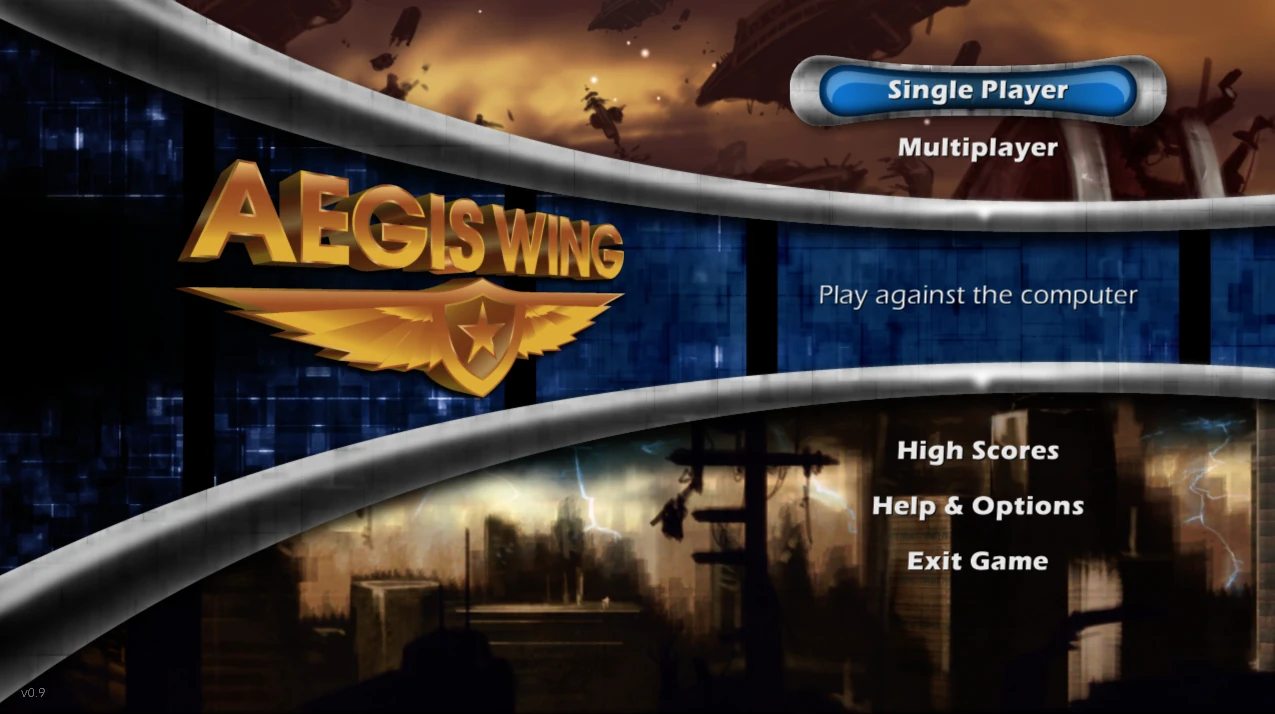
Main menu of the Aegis Wing XBLA PC Recomp port for Windows. Screenshot from the project's official repository.
Aegis Wing for PC offers 4K and 60 FPS
According to the README, the version for Windows 10 and 11 works with DirectX 12 and allows selecting resolutions up to 3840 × 2160. Furthermore, the developer describes the experience as stable at 60 FPS. Therefore, these numbers are features claimed by the project, not the results of an independent benchmark conducted by Allves Games.
The port also supports keyboard, mouse, and Xbox controllers. Therefore, it is possible to play without a dedicated controller, including in the menus. Additionally, the settings include windowed or full-screen mode, VSync, sound and music volumes, player name, and an optional FPS counter.

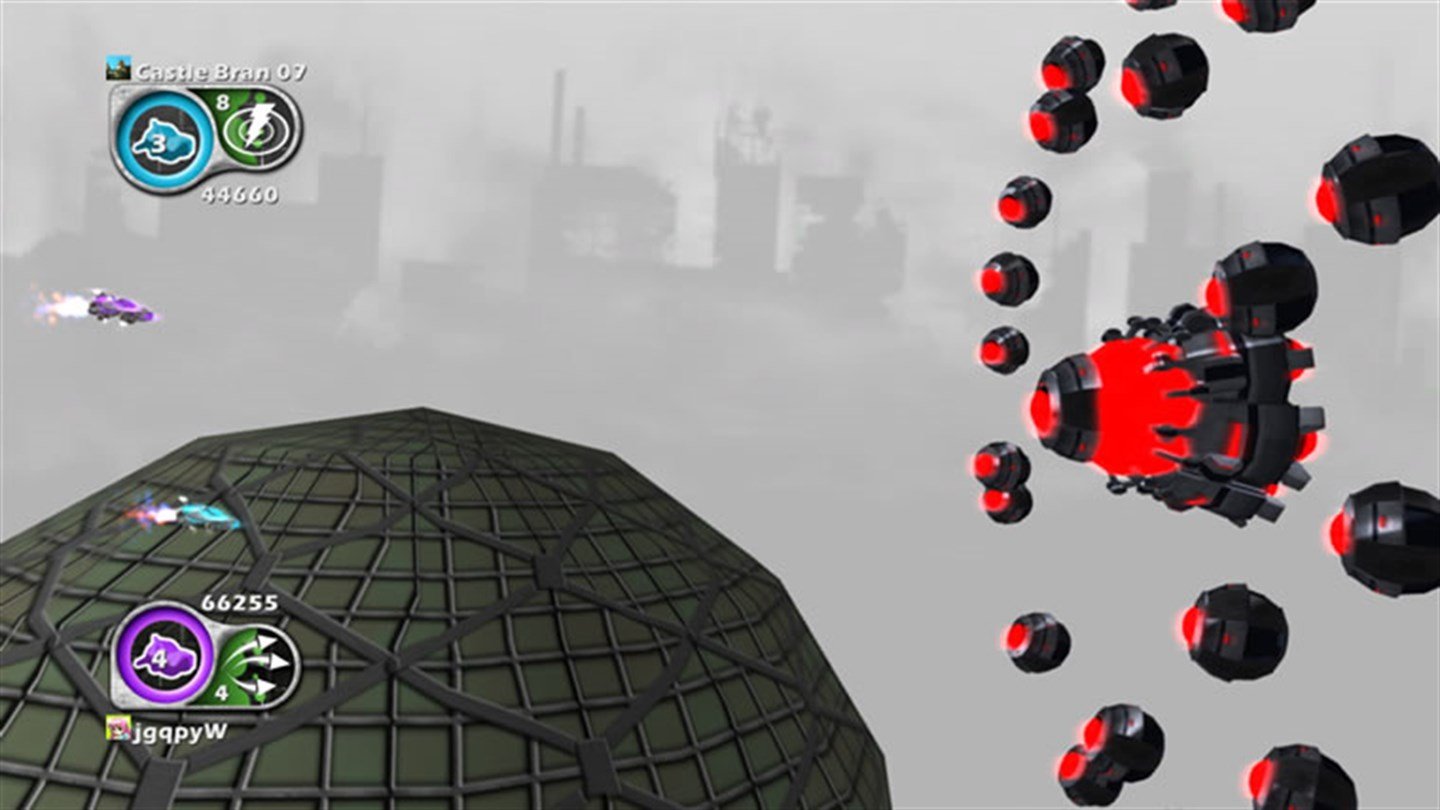
Promotional gameplay of the original Aegis Wing on Xbox 360, used only as a visual reference for the game. Source: MobyGames.
Four-player cooperation and LAN multiplayer
The game allows local matches with up to four people on the same computer. Furthermore, the port adds the Create LAN Game and Join LAN Game options for local network matches. Likewise, virtual network services, such as ZeroTier, Radmin VPN, and Tailscale, can also connect players in different locations.
However, this does not mean that the old Xbox Live service has been restored. Thus, the original online multiplayer, achievements, and Xbox network leaderboards do not work in the port. Instead, the project uses LAN connections or virtual networks and maintains local records.
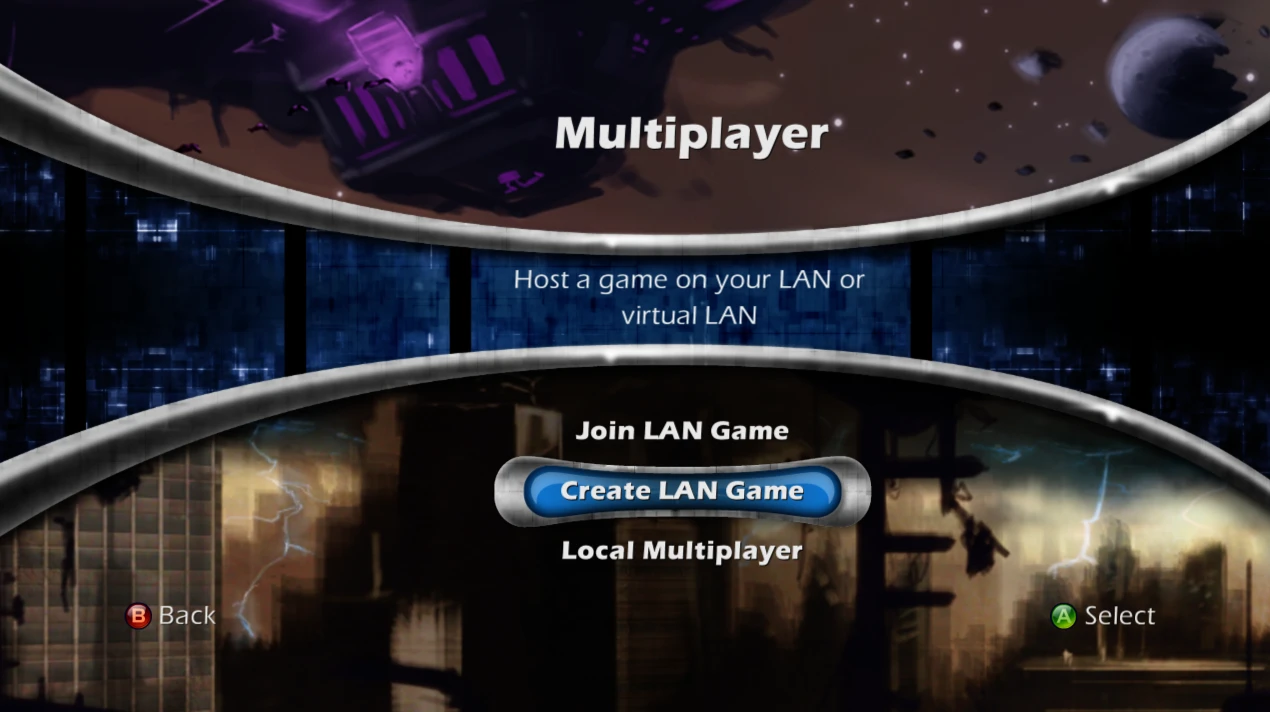
Multiplayer menu of the native port with LAN and local match options. Source: official CaiusCodes repository.
How to download and install Aegis Wing for PC
The installer requires a proper and legally acquired copy of the Aegis Wing Xbox Live Arcade package, identified by the Title ID 5841083C and program version 0.0.1.3. Therefore, files from other editions are not accepted. In turn, the ZIP contains only the project's tools, runtime, and installer.
- Download the updated package for Windows. The route below follows the ZIP from the most recent official release.
DOWNLOAD AEGIS WING PORT WINDOWS UPDATED
- Extract the ZIP to a folder where Windows allows writing, avoiding Program Files.
- Run Setup Aegis Wing.exe. Then, select the XBLA package from your own copy or drag the file into the installer window.
- Choose Install game. The program checks if the package is compatible and offers optional extras, such as full screen, shortcut, and level selection.
- Open the game. Click Play now or run later Game\Aegis Wing.exe. The installer keeps saves and settings in the port folder.
Since the executables do not have a digital signature, SmartScreen may display a warning. Therefore, always check the official developer release before allowing execution. The project states that the package already includes the necessary Visual C++ runtime.
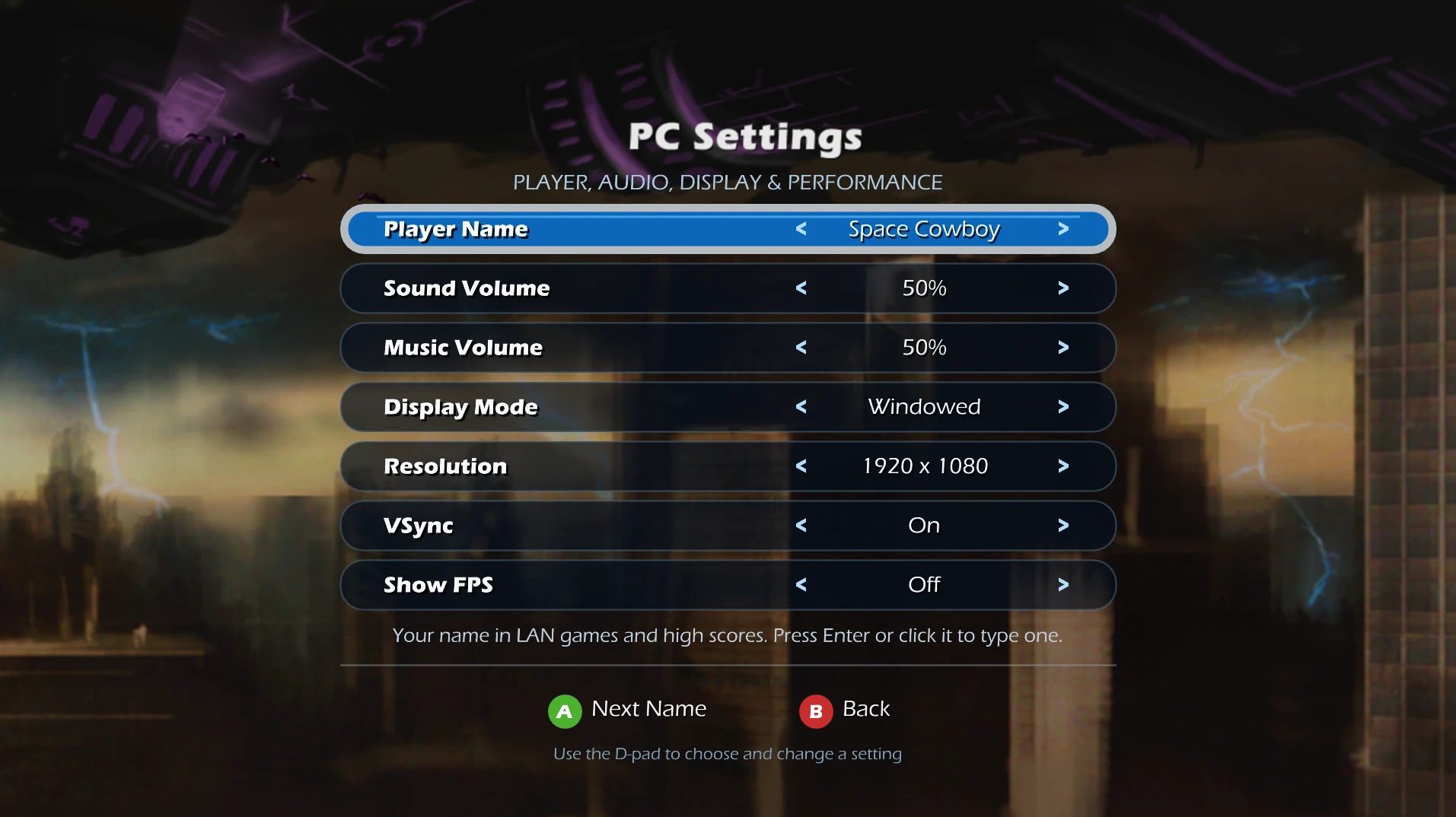
Settings screen of the native port, showing graphics and audio options. Source: official CaiusCodes repository.
Limitations and differences compared to the Xbox 360
For now, the project only offers a version for 64-bit Windows. Furthermore, the installer only accepts the XBLA edition indicated in the documentation. The old Xbox Live is not used, and network functions depend on LAN or a virtual VPN.
The Allves Games also comes with other Xbox 360 game ports, such as Naruto: Rise of a Ninja for PC and The Simpsons Game Recompiled. However, each project has its own requirements. In the case of Aegis Wing, the Windows application executes recompiled code and requires the user's original files.
Sources: Aegis Wing XBLA PC Recomp — README; official packages; images of the original Aegis Wing.