
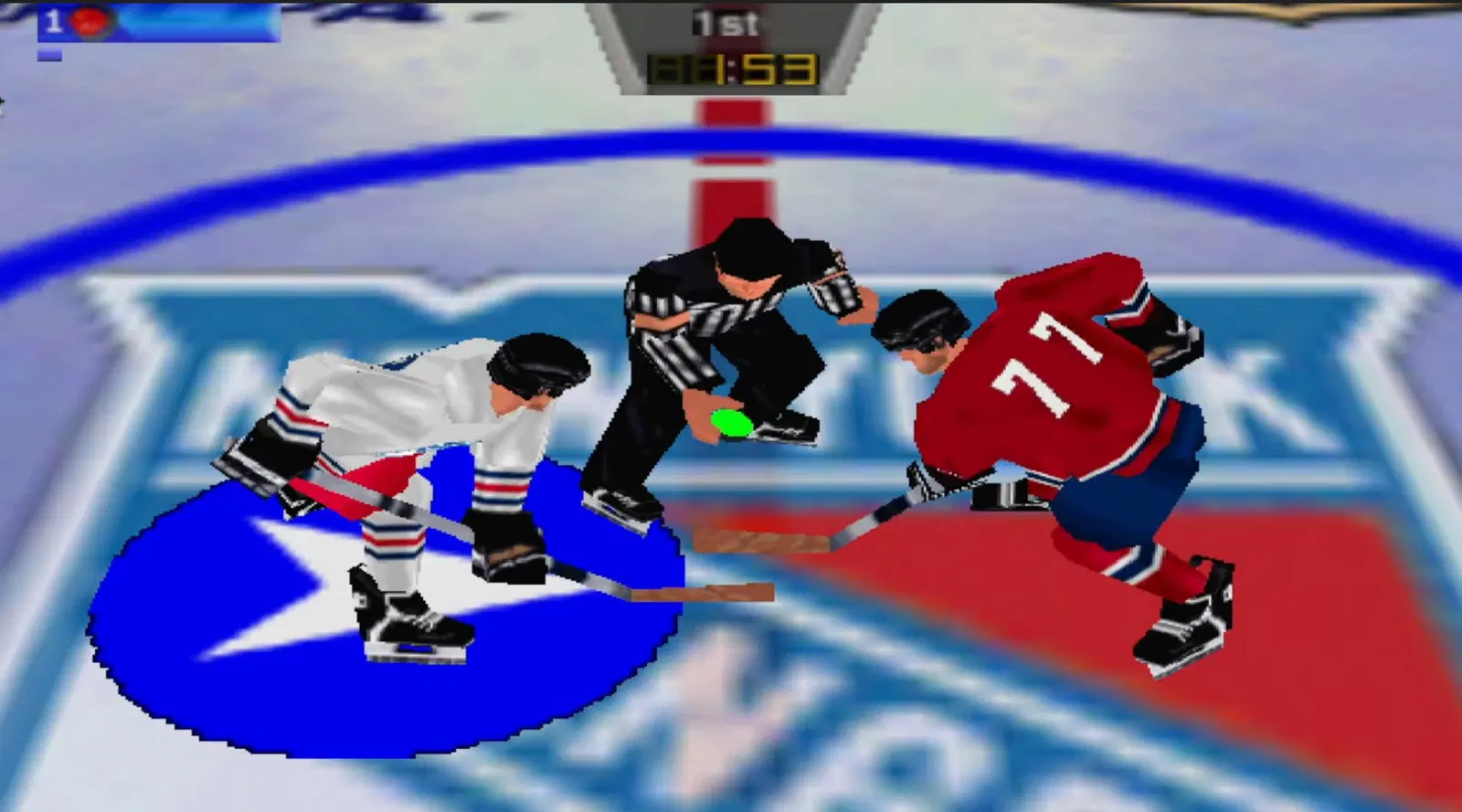
Wayne Gretzky's 3D Hockey, a 1964 Nintendo 64 classic released in 1996, received an experimental native port for Windows. The WG3D Recompiled project uses static recompilation to run the original game code on the computer. In addition, version 0.2.0 allows the use of up to four controllers, offers modern graphics settings, and makes installation easier with a ROM picker.
Developer geno55 released WG3D Recompiled 0.2.0 on October 9, 2026. The update fixes issues from the first public version and improves error logs. However, the author is still conducting a compatibility review and does not guarantee perfect operation of all game modes.
Wayne Gretzky's 3D Hockey gets a native PC recompilation
The project uses N64Recomp to ahead-of-time convert the Nintendo 64's MIPS instructions into C code. Then, the system compiles this code for 64-bit Windows.
In addition, the port combines N64ModernRuntime with the RT64 renderer. These components reproduce the services needed to render graphics, audio, and controls on modern computers.
Thus, WG3D Recompiled does not rely on a conventional Nintendo 64 emulator to run the recompiled game logic. However, it still uses a compatibility layer with original hardware components. Other consoles are also receiving similar initiatives, such as the experimental PC port of Soulcalibur from the Dreamcast.
According to developer's README, the implementation already starts the game, displays graphics, plays audio, and recognizes controllers. The author also documents Controller Pak saves.
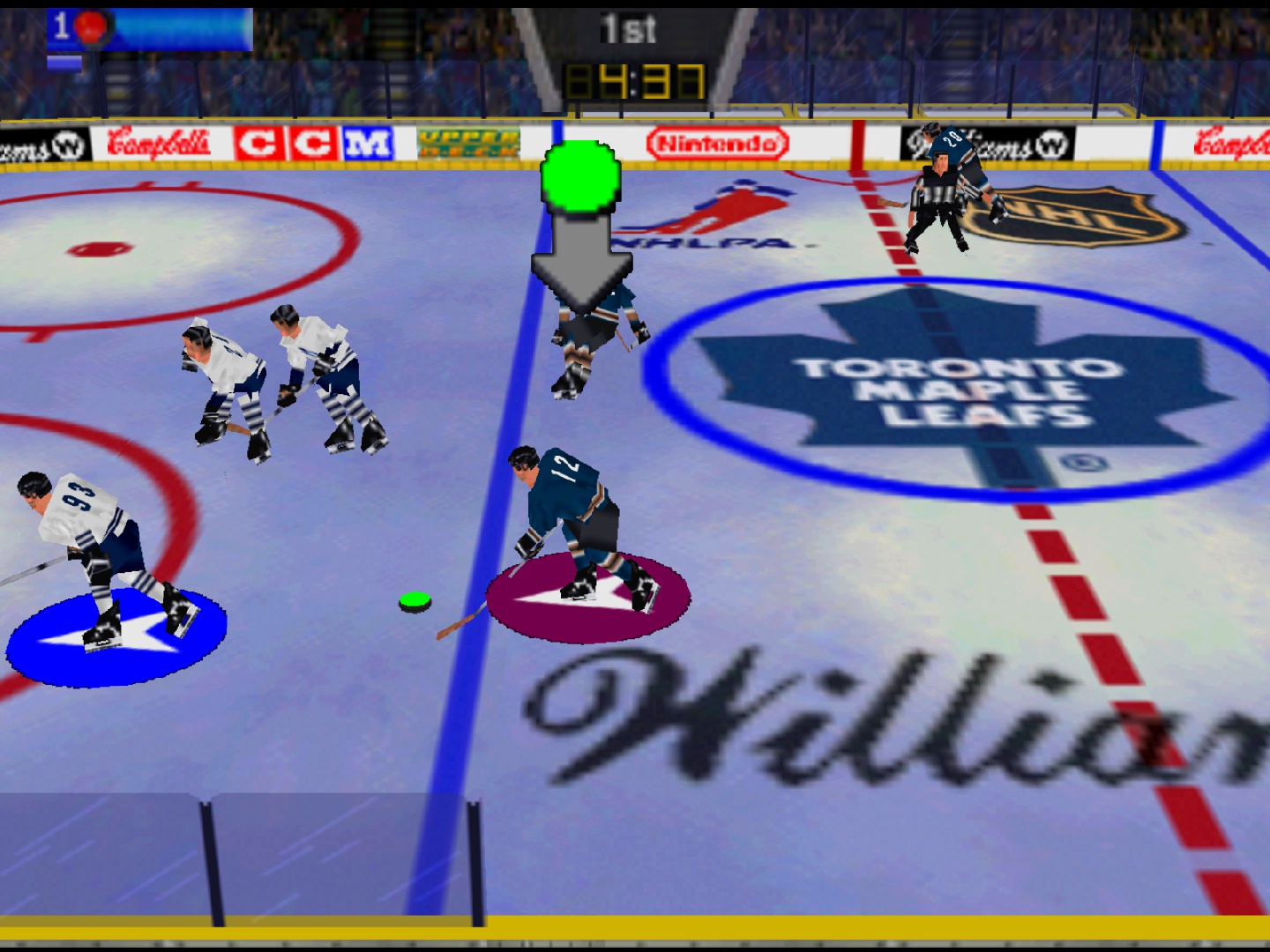
Match in the original edition of Wayne Gretzky's 3D Hockey for Nintendo 64. Source: LaunchBox Games Database. Historical image, not a capture from the 0.2.0 recompilation.
The project works specifically with the North American 1.0 edition of the game. Therefore, other regional versions are not guaranteed to be compatible.
Version 0.2.0 fixes installation and eliminates console window
The main new feature of WG3D Recompiled 0.2.0 is the improvement of the installation process. In the previous version, the source code could present compilation errors when the user downloaded the project into a new folder.
Now, the repository includes the missing configuration file, making it possible to prepare the recompilation again from a clean installation.
In addition, the executable no longer forces a console window to open alongside the game. Logs are now stored in dedicated files within the user data folder.
If a crash occurs, the program can also generate an error report. This allows the developer to identify specific execution issues much more easily.
Another new feature involves full screen: the F11 and Alt+Enter keys toggle between windowed mode and borderless full screen. The application also saves this preference in the settings.
Wayne Gretzky's 3D Hockey port recognizes four controllers
The original game gained prominence for allowing up to four simultaneous participants on the Nintendo 64. The port aims to preserve this feature through four virtual controller ports.
According to the developer, the application recognizes modern controllers with a layout similar to Xbox controllers. Furthermore, it assigns each device to one of the four ports, respecting the connection order.
The first player can also use the keyboard. The arrow keys or WASD keys replace the analog stick, while other keys represent the Nintendo 64 buttons.
However, recognizing four controllers does not prove that all player and mode combinations have been fully tested. The project is still undergoing compatibility checks.
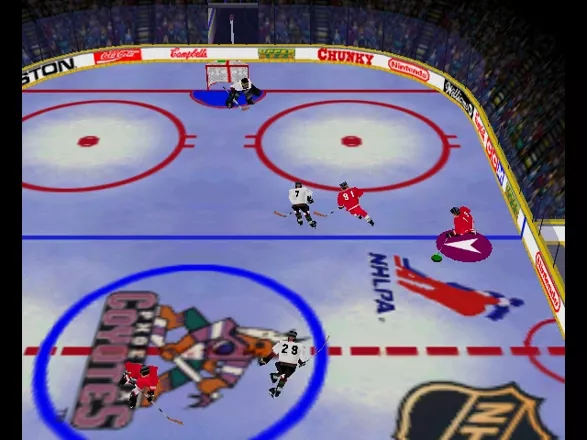
Top-down view of a match in the original edition of Wayne Gretzky's 3D Hockey. Source: MobyGames. Illustrative image of the 1996 game, not a test of the Windows port.
Therefore, local multiplayer is present in the control infrastructure of WG3D Recompiled, but the developer still needs to complete its functionality review.
Controller Pak allows saving data for each player
Another documented feature is support for the Controller Pak, an accessory used by the Nintendo 64 to store information for certain games.
On PC, the program recreates save files according to the controller port. Thus, each player can have their own directory for data associated with the virtual accessory.
In addition, the update allows checking error logs related to saving these files. This way, the author can identify situations where the game tries to save or retrieve information.
However, the operation of the Controller Pak does not guarantee that all seasons and statistics have already been verified during full matches.
Resolution and image smoothing get modern options
WG3D Recompiled uses RT64 to render graphics on modern computers. In addition, it allows configuring the resolution and different edge smoothing options, including MSAA.
The configuration file offers rendering alternatives via Direct3D 12 or Vulkan. Thus, the user can select an option compatible with their hardware.
However, the release 0.2.0 documentation states that widescreen and high frame rates do not yet have complete support. Therefore, it would not be correct to announce expanded 16:9 or 60 FPS as guaranteed port features.
The current goal is to preserve execution and fix behavioral differences compared to the original Nintendo 64 version.
Wayne Gretzky's 3D Hockey mixes hockey and arcade action
Developed by Atari Games and published for the Nintendo 64 by Midway, Wayne Gretzky's 3D Hockey arrived on the console in 1996 with a more fast-paced approach than traditional ice hockey simulations.
The game offers matches with different numbers of athletes on each team, season and exhibition modes, and other settings. In addition, it allows you to adjust rules and camera perspectives.
Among its features are exaggerated collisions, special plays, and visual effects typical of arcade sports titles from that era.

Opening screen of the original Wayne Gretzky's 3D Hockey, featuring the visual identity of the 1996 game. Source: LaunchBox Games Database. Historical image, not a capture from the new Windows executable.
It is worth remembering that this recompilation uses the first Wayne Gretzky's 3D Hockey, released in 1996. Therefore, it should not be confused with Wayne Gretzky's 3D Hockey '98, a sequel that received its own changes.
How to download Wayne Gretzky's 3D Hockey Recompiled 0.2.0
The developer distributes a package for 64-bit Windows 10 and 11. Unlike other projects that provide only source code, this release contains an executable of the port.
However, the ZIP does not include the game's commercial data. Thus, the user needs to provide the ROM from their own North American 1.0 copy of Wayne Gretzky's 3D Hockey for the Nintendo 64.
Installation on Windows
- Access the official 0.2.0 release and download the package for Windows x64.
DOWNLOAD WAYNE GRETZKY'S 3D HOCKEY PORT WINDOWS UPDATED
- Extract the ZIP contents to a folder of your choice.
- Run
wg3d.exe. - On first launch, the program will open a window to select the ROM.
- Select the file of your own North American 1.0 copy of the game, in a compatible format.
- Wait for the data verification and local file preparation.
- Connect the keyboard or desired controllers.
- Start a match and check how the controls work.
The official file is called wg3d-recomp-v0.2.0-windows-x64.zip and is approximately 15.4 MB in size. The program uses a graphics card with Direct3D 12 or Vulkan.
The port verifies the identity of the original ROM. Therefore, files from different regions or versions may be rejected.
How to configure graphics and saves
On the first run, the program creates configuration files inside the user data folder, in %APPDATA%\WG3DRecomp.
The file graphics.json brings together options for resolution, image smoothing, graphics API, and full screen. Already general.json controls options related to ports and virtual Controller Paks.
In addition, the application stores save files in separate directories and maintains logs to help investigate crashes.
However, there is still no complete configuration menu inside the game itself. The author recommends editing these files only when the program is closed.
Project remains experimental on Windows
The developer is still performing behavior and compatibility checks. According to the README, the game boots and features graphics, sound, controls, and saves in tests conducted during development.
However, this does not prove that all seasons, replays, or four-player matches are error-free. There are also no equivalent public versions for Linux, macOS, or Android in this release.
Furthermore, the project is independent and has no official affiliation with the copyright holders of Wayne Gretzky's 3D Hockey.
Finally, the recompilation offers a new experimental alternative to preserve the Nintendo 64 game and run it on modern computers. Those interested can follow bug fixes and future releases through the official repository.
Sources: WG3D Recompiled 0.2.0 release; README and project code; MobyGames — 1996 original game.

Pingback: Marchwind 64 0.4.6: port de Super Robot Wars 64 em 2x