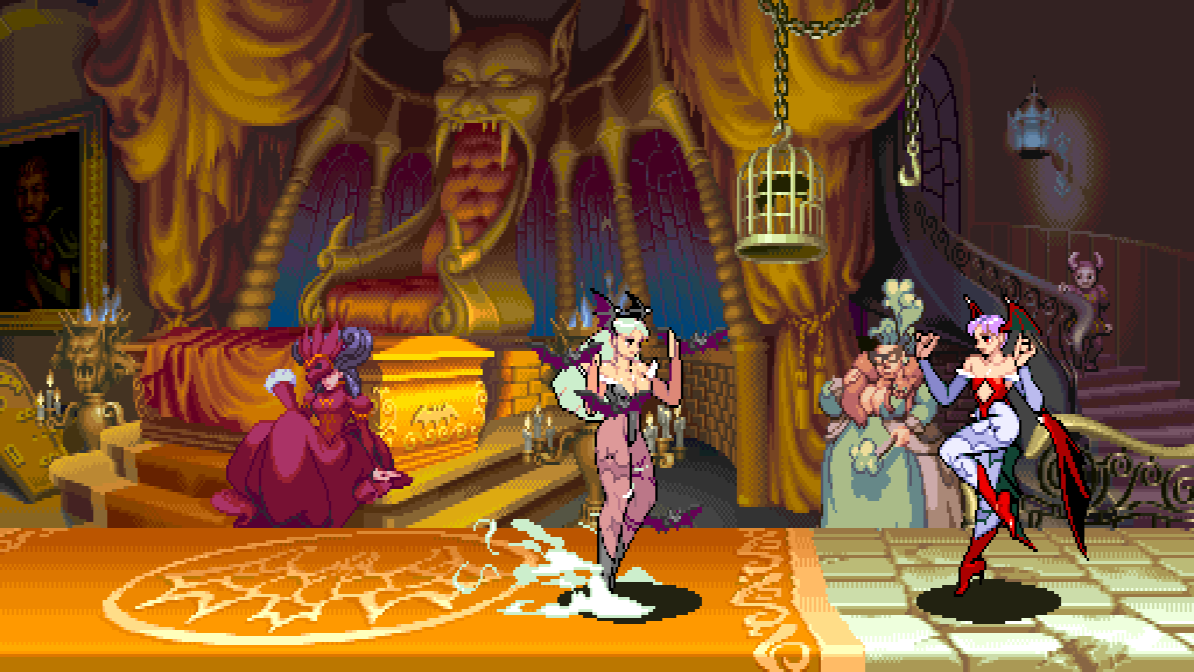
Vampire Savior, Capcom's arcade classic known as Darkstalkers 3, has received a native port for Windows, Linux, and macOS. In addition, the Vampire Savior Recomp project received beta 5 on October 14, 2026, featuring a character color editor.
Thus, the work uses static recompilation and requires original files provided by the player. Therefore, the public packages do not include the commercial game.
Vampire Savior on PC features training tools
In practice, the training mode displays hitboxes, inputs, and move data. Thus, the player can observe attacks, defense, and recovery in greater detail. Furthermore, there is recording of opponent actions and playback in three slots.
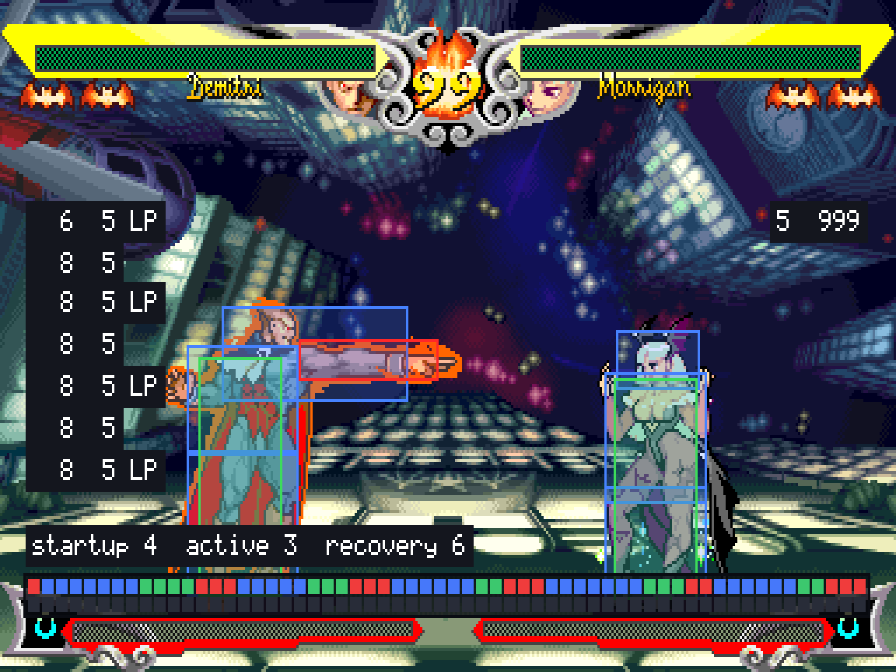
Training tools in an official project capture. Source: tmcleroy/GitHub.
In addition, the port offers save states, frame-by-frame advance, and speed adjustments. Keyboard, gamepad, and arcade controls feature per-player remapping. However, the project remains in beta and has only been tested on a few machines.
Beta 5 adds color editing
The update allows changing palettes while the character appears on screen. In turn, each set uses the color levels of the original board. The changes are stored in text files within the settings folder.
It is also possible to import colors produced with PalMod. In this case, the project utilizes only the palette changes outlined in the documentation, preserving the game's behavior.
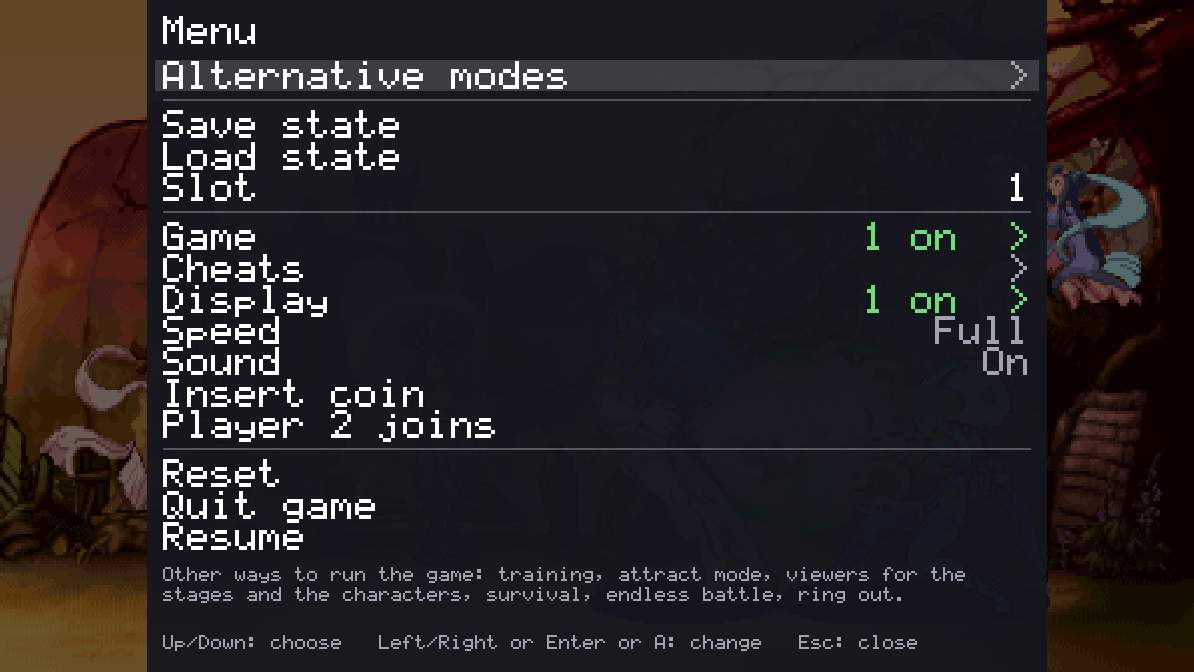
Internal menu gathers port options and modes. Source: tmcleroy/GitHub.
Widescreen alters the playable area
The 16:9 format is optional and comes disabled. When activated, the port displays more scenery and allows a greater distance between fighters. Therefore, this option changes the dynamics compared to the original arcade board.
In addition, the author notes limitations at the edges of some stages. Those looking for the traditional presentation can keep widescreen turned off and use Pure mode.
How to download and launch Vampire Savior
First, prepare your copy of the Japanese arcade set vsavj, revision 970519, including vsavj.key. Other regions and revisions are not compatible. The launcher checks the files before starting.
- Download the 64-bit Windows 10 or 11 package.
DOWNLOAD UPDATED VAMPIRE SAVIOR PORT WINDOWS
For Linux x86-64 and Steam Deck, use the corresponding file.
DOWNLOAD UPDATED VAMPIRE SAVIOR PORT LINUX
On macOS 13 or later, the package supports both Apple Silicon and Intel.
DOWNLOAD UPDATED VAMPIRE SAVIOR PORT MACOS
- First, extract the entire package into a permanent folder.
- Next, open the launcher and select the ROM set for your own board.
- Then, adjust the controls and press Play.
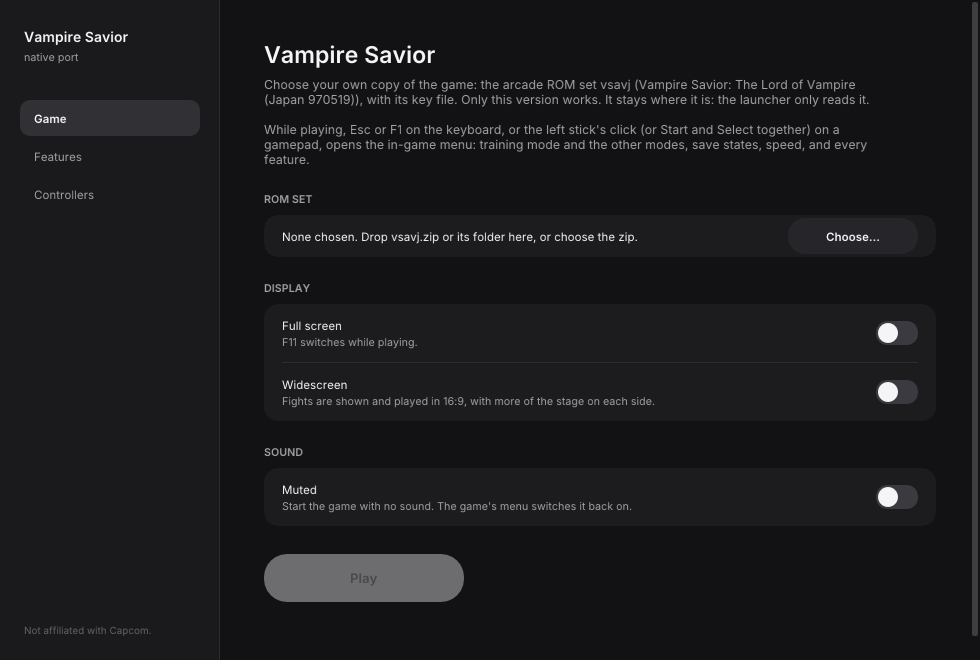
Official project launcher. Source: tmcleroy/GitHub.
The buttons point to the beta 5 packages verified in this check. Finally, consult the official releases for future versions and our section on ports to follow other projects.
Sources: , official README; beta 5 release.