In this tutorial you will learn how to download, install and check for updates for the PS1 emulator
DuckStation, in its version of
Android. But first, it is recommended that you have checked the minimum requirements. Do this
clicking here.
https://youtu.be/6bU6WUuD174
Click here or open the
PlayStore, type
Duckstation and download and install the app. Relax, this emulator is free and ad-free.
If you want to install via APK,
click here, but know that it is always recommended to install via the
PlayStore.
While we are at it
(supposedly) is already here on
PlayStorelet's just take a quick look at some information from
DuckStation.

The last update was made in October 2021, and
in the DuckStation repository itself there is already a message saying that there is no more support for the app from
Android.
So, we can assume that this is the definitive version of
DuckStation from
Android. The good side of this is that we will already have access to an application packed with features and fixed bugs.
If an update happens to appear in the future, I will bring it here to the site.
The first time you open
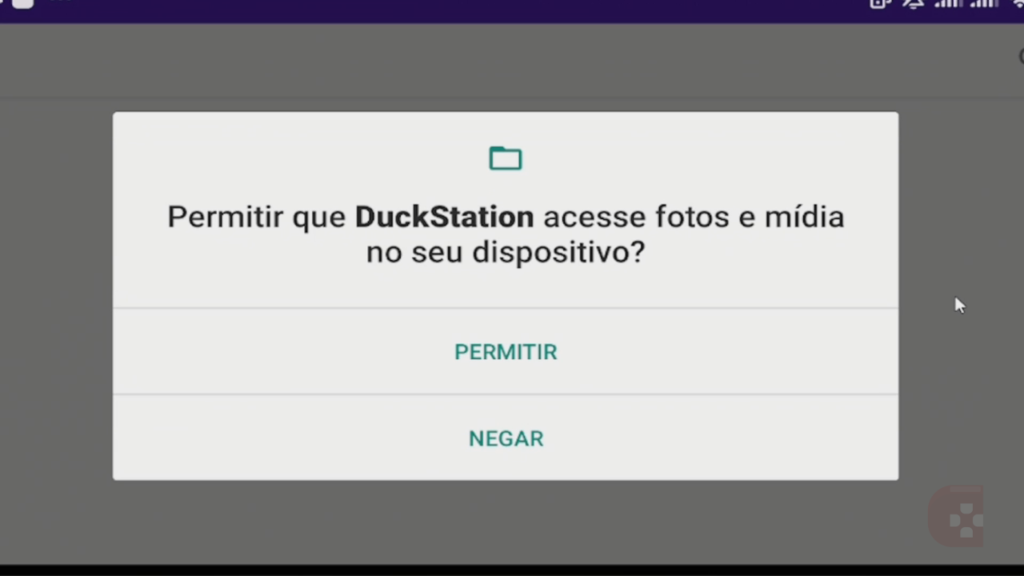
DuckStation it will probably ask for permission to access your phone's files.
Click allow.
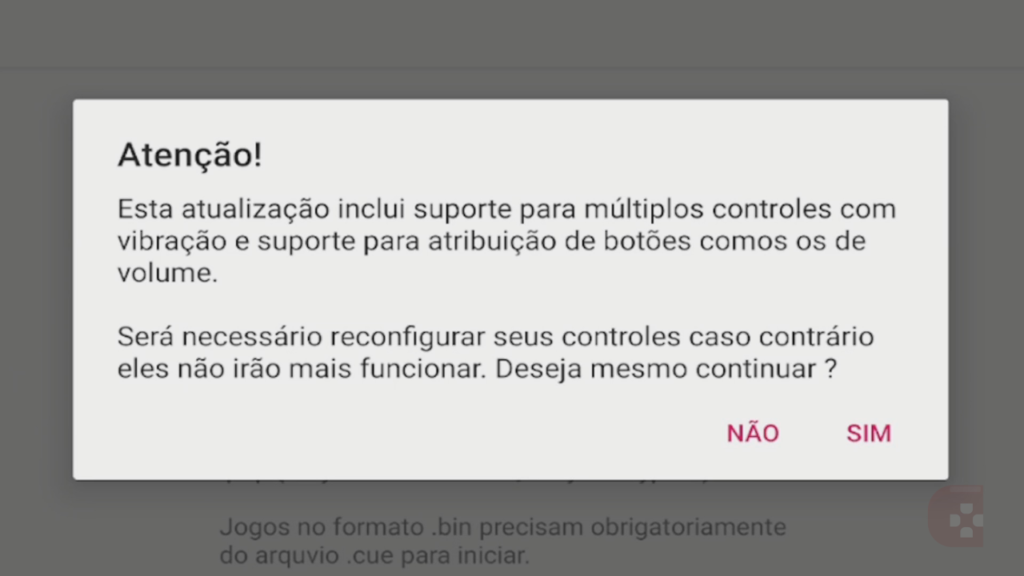
Next, a warning might appear informing you that you will have to reconfigure the controls for the new updates to take effect.
Here you can click on
NO. Relax, because in this article I explain everything about controller settings.
See also: Which Game Formats Are Accepted in DuckStation for Android?
About DuckStation
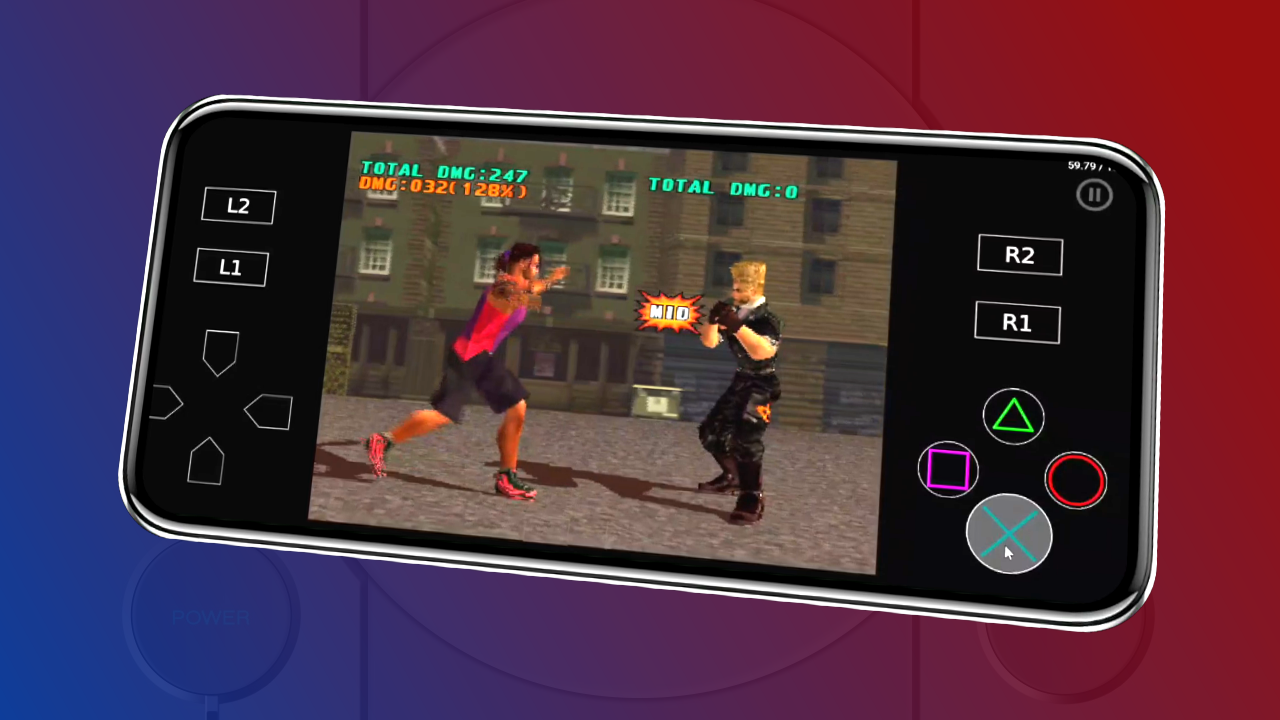
The Duckstation from Android is the emulator from PS1 most versatile currently available. It offers a variety of features such as 4K upscaling, Widescreen hack and even integration with an achievement system. All this completely free of charge.
DuckStation is designed for playability and speed, with the goal of being as accurate as possible while maintaining performance across a wide range of devices. The default configuration is intended to support all playable games with only a few of the enhancements having compatibility issues. 64-bit CPUs are required for maximum performance using the recompiler.

 The last update was made in October 2021, and in the DuckStation repository itself there is already a message saying that there is no more support for the app from Android.
So, we can assume that this is the definitive version of DuckStation from Android. The good side of this is that we will already have access to an application packed with features and fixed bugs.
If an update happens to appear in the future, I will bring it here to the site.
The first time you open DuckStation it will probably ask for permission to access your phone's files. Click allow.
The last update was made in October 2021, and in the DuckStation repository itself there is already a message saying that there is no more support for the app from Android.
So, we can assume that this is the definitive version of DuckStation from Android. The good side of this is that we will already have access to an application packed with features and fixed bugs.
If an update happens to appear in the future, I will bring it here to the site.
The first time you open DuckStation it will probably ask for permission to access your phone's files. Click allow.
 Next, a warning might appear informing you that you will have to reconfigure the controls for the new updates to take effect.
Here you can click on NO. Relax, because in this article I explain everything about controller settings.
Next, a warning might appear informing you that you will have to reconfigure the controls for the new updates to take effect.
Here you can click on NO. Relax, because in this article I explain everything about controller settings.
Pingback: DuckStation: Veja os Requisitos Mínimos do Emulador no Android
Pingback: DuckStation de Android: Quais Formatos de Jogos São Aceitos?