Discover how to use
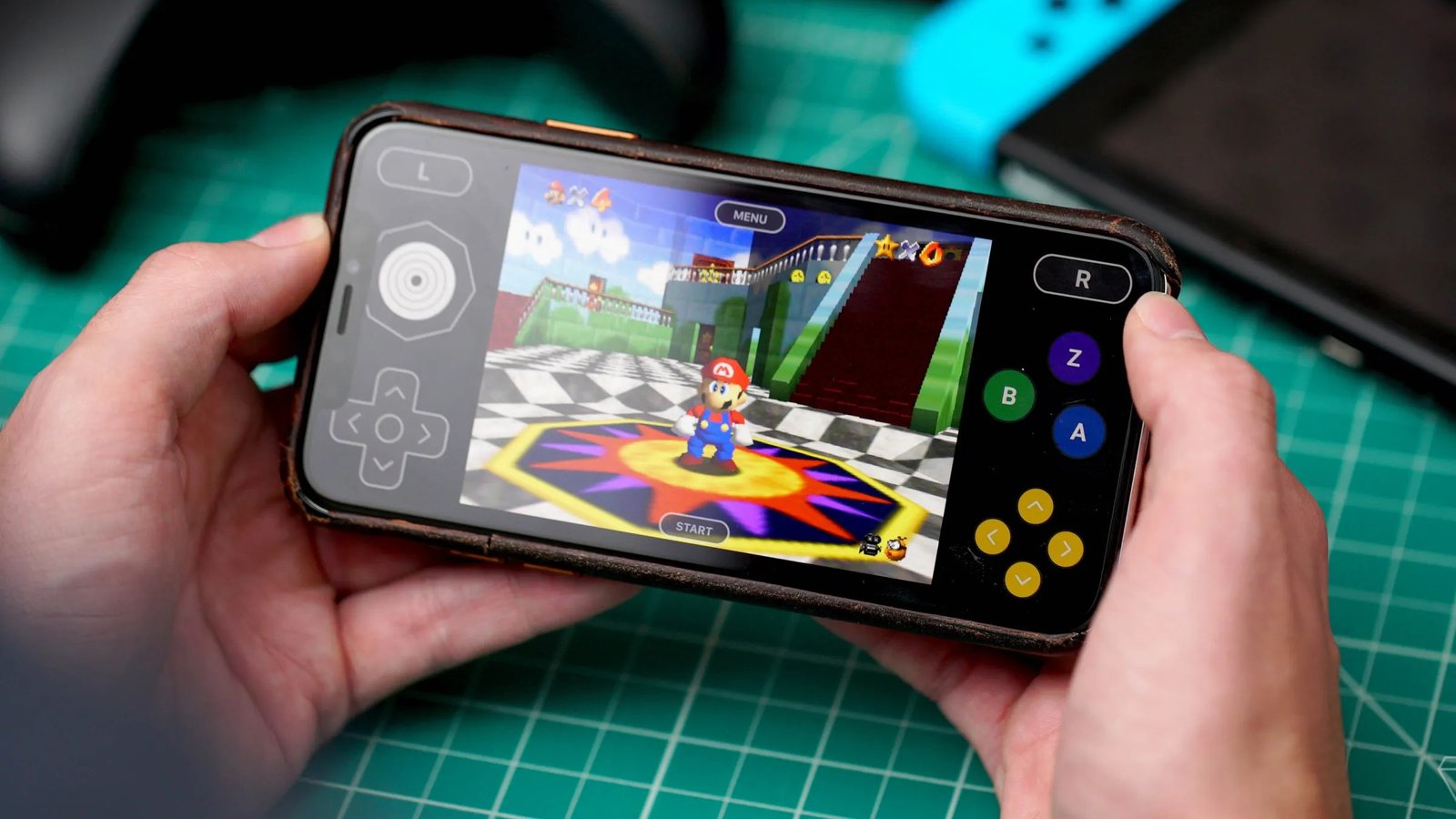
iOS Emulators to relive your favorite classic console games directly on your device. Below, you will find all available options, with official and sideload links for installation. Get ready to dive into nostalgia in just a few steps and learn about the advanced features of each emulator.
List of All iOS Emulators
This responsive table brings together all emulators compatible with iPhone and iPad. In addition to the App Store link, we provide the official address for sideloading. This way, you can decide which method best suits your needs.
| Emulator |
Console(s) |
App Store Link |
Sideload Link |
| RetroArch |
Multiplatform |
App Store |
Official Site |
| Delta |
NES, SNES, N64, GBA, DS |
App Store |
GitHub |
| Provenance |
PS1, SNES, Genesis, Game Boy |
App Store |
GitHub |
| GBA4iOS |
GBA |
— |
Official Site |
| Folium |
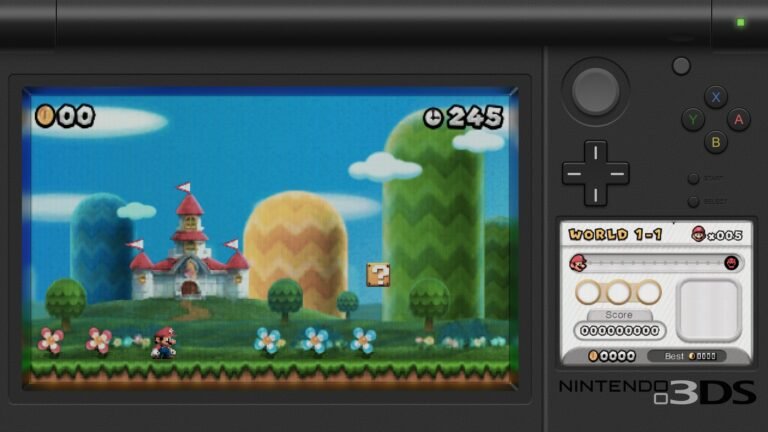
3DS, NDS, GBA |
App Store |
Official Site |
| PPSSPP |
PSP |
App Store |
Official Site |
| DolphiniOS |
GameCube, Wii |
— |
GitHub |
| MelonX |
Nintendo Switch |
— |
GitLab |
| Play! |
PS2 |
— |
Direct Link |
| Flycast |
Sega Dreamcast |
— |
GitHub |
How to Install iOS Emulators
To get
iOS Emulators directly from the App Store, tap "Get" and wait for the installation. However, many projects are outside the official store. In these cases, use AltStore or TutuApp to perform sideloading, keeping the latest version always available.
Compatibility and Usage Tips
Before running any
iOS Emulators, make sure your device is updated to the most stable version of iOS. Also, organize your ROM files into distinct, named folders, as this facilitates access and prevents reading failures during the emulator. Explore online communities and specialized forums to discover advanced settings and optimized control profiles.
Related Features
Conclusion
With this list of
iOS Emulators, you have all the options to play classics from various consoles on your iPhone. Choose the alternative that best suits your profile, install securely, and share your experiences with the community to make the most of every title.

Pingback: Flycast macOS corrige flicker no Vulkan com MoltenVK
Pingback: Azahar 2127.0 melhora emulação de 3DS sem JIT no iPhone