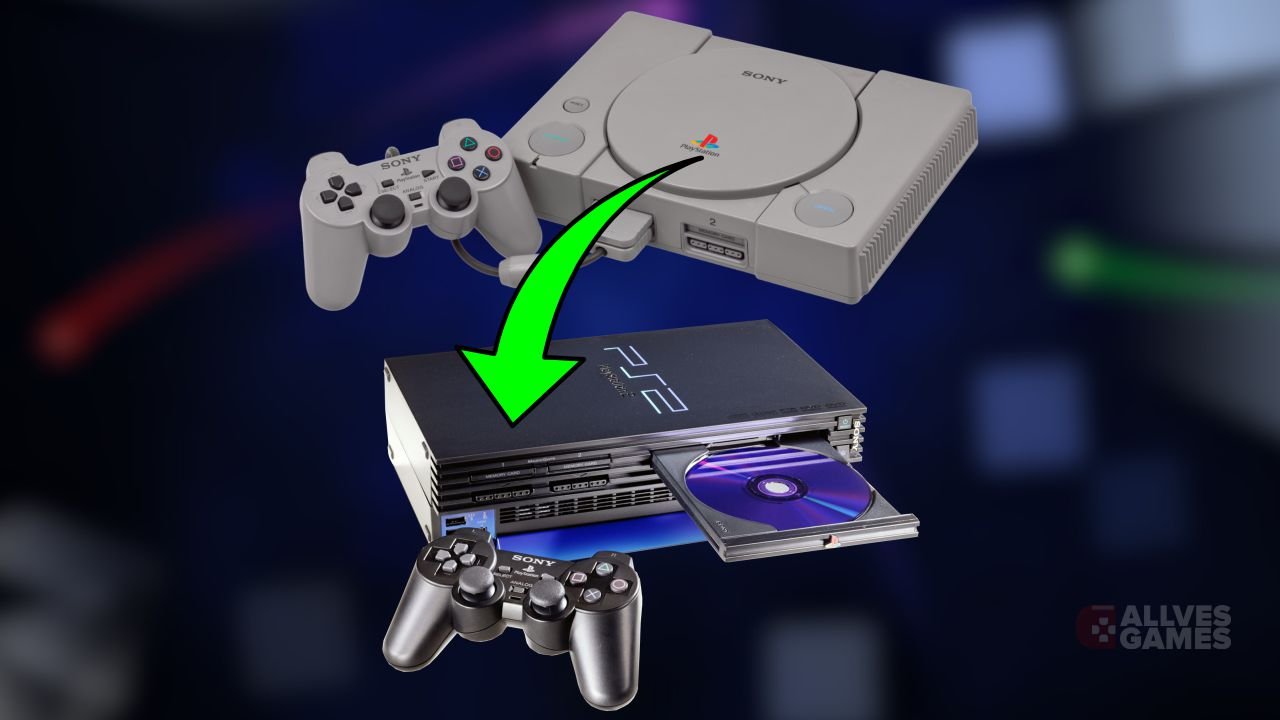
If you've always wanted to play your PlayStation 1 classics on the emulator
PCSX2, this guide will help you understand how this is possible. Although it is an experimental and unoptimized feature, PCSX2 now allows running some PS1 games. But before starting, it's worth remembering that the emulator
DuckStation is still the best choice for emulating PS1 games due to its greater compatibility and performance.
https://www.youtube.com/watch?v=OdGXPq0JIJ8
Preparing the PS1 ROMs
The first step is to ensure you have the PlayStation 1 game ROMs you want to play. Organize these files in a specific folder on your computer to make the setup process easier. For those looking for translated or dubbed ROMs,
click here.
Configuring PCSX2 to run PS1 games
With the ROMs prepared, follow the steps below to configure PCSX2:
- Open PCSX2 and click on Settings.
- Select the option Game List.
- Click on Add and choose the folder where your PS1 ROMs are stored.
- When the option to scan recursively appears, click Yes and close the window.
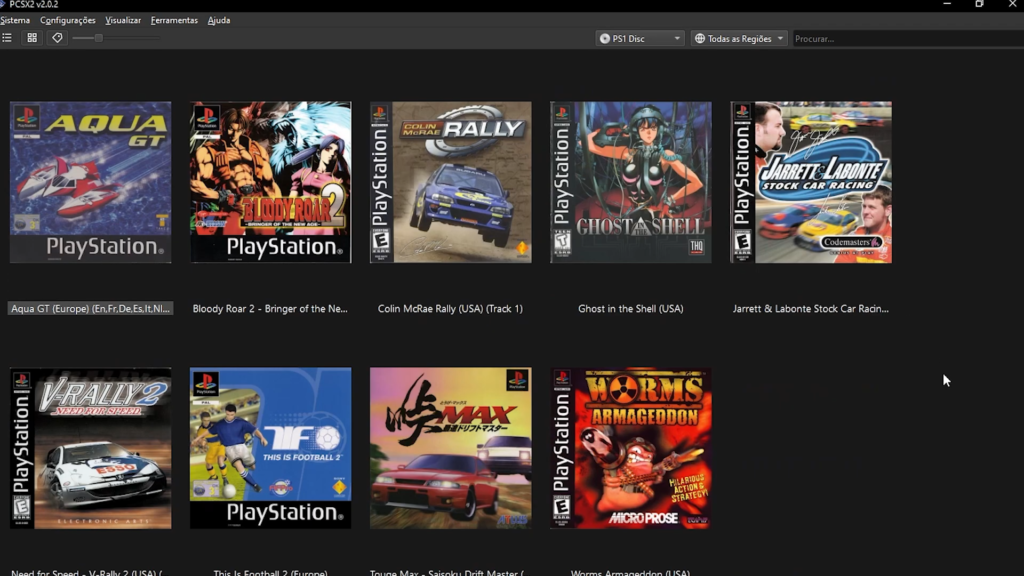
Now, the PS1 games will appear in the PCSX2 catalog. You can also filter the games by platform, displaying only PS1 or PS2 titles.

Playing and improving the experience
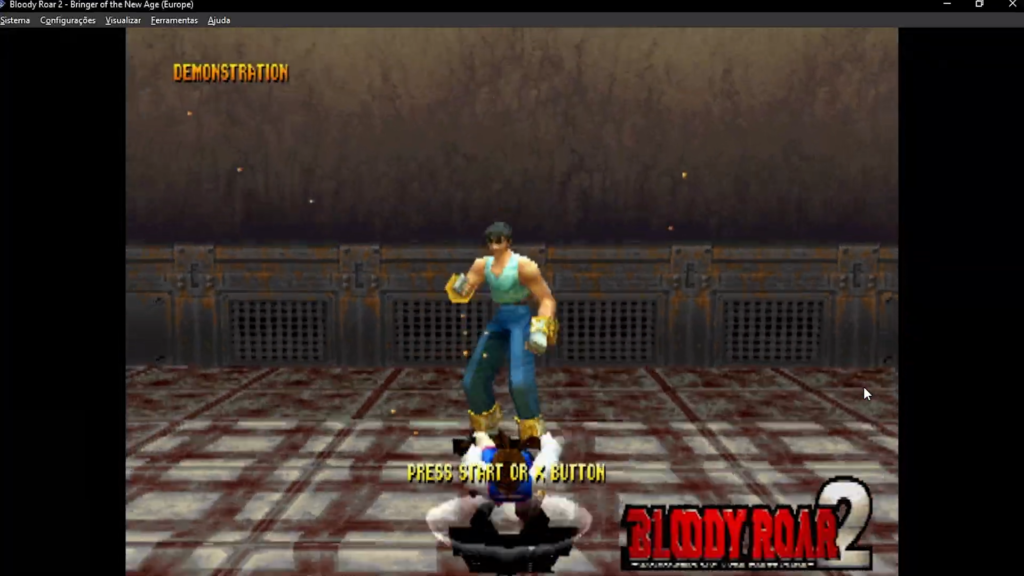
When opening a PS1 game in PCSX2, you may encounter minor issues, such as visual glitches in introductory cutscenes. However, during gameplay, many of these problems do not appear. Furthermore, some graphical enhancements available in PCSX2 for PS2 games can also be applied to PS1 games, providing a more pleasant experience.
Conclusion
Although the PS1 emulation feature in PCSX2 is still experimental, it offers an interesting option for those who want to explore this possibility. If you are looking for better performance and compatibility, the
DuckStation remains the ideal choice. But for the curious ones who want to try something different, PCSX2 can meet expectations.
Leave your comment, share your experience, and stay tuned for more emulation tips and tutorials here on the site. Until next time!