

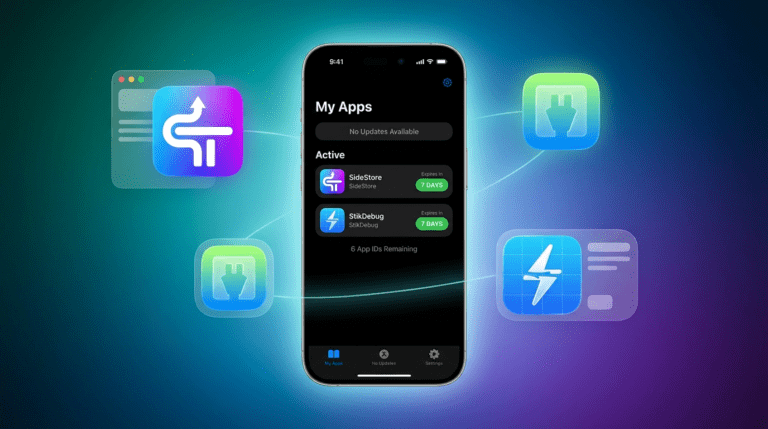
Recently, an essential tool for enabling JIT (Just-In-Time) in emulators on iOS was removed from the App Store. However, developers have confirmed that it will not officially return. Therefore, an effective workaround exists. In this complete tutorial, you will learn the step-by-step process to install StikDebug through SideStore, thus ensuring the best possible performance for your games.
It is worth noting that this guide assumes you already have the alternative store set up. Otherwise, check out our tutorial on first how to install SideStore (insert the link to your previous article here).
https://www.youtube.com/watch?v=VyE3wt4FHy01. Downloading the file to install StikDebug
Since the application is no longer available on the official Apple store, we will first need to download the manual installation file, known as an IPA. Basically, it is a process very similar to using APKs on Android.
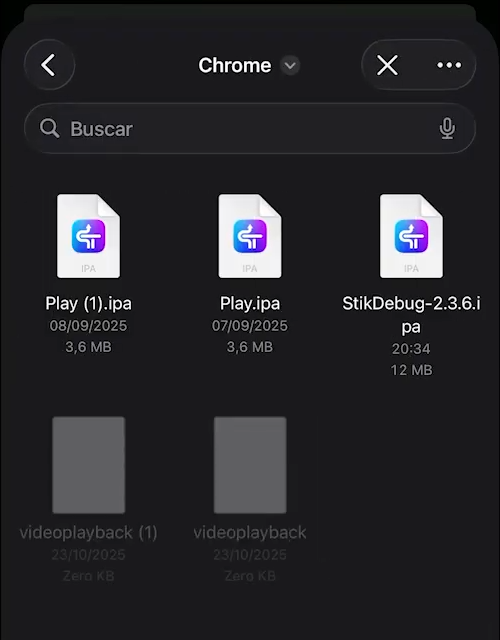
Therefore, open this article directly from your iPhone and click here to download the StikDebug IPA. On the page that opens, immediately look for the "Download .ipa" option. Then, save the file to your phone's "Files" (for example, in the Downloads folder) so we can proceed.
2. Process to install StikDebug via SideStore
Before actually install StikDebug, check if your local VPN application (LocalDevVPN) is connected. This is crucial because SideStore needs this active connection to sign the app correctly.
Therefore, follow the steps below:
- First, open SideStore;
- Next, go to the "My Apps" tab;
- Tap the "+" icon located in the upper left corner;
- Finally, navigate to the folder where you saved the file and select it to install StikDebug.
The installation will begin immediately. Also, if a message appears asking about extensions, select the "Keep App Extensions" option.
Attention to the app limit
It is important to remember that the free Apple developer account allows only 3 simultaneously signed apps. Therefore, if the attempt to install StikDebug fails, check if you have not already reached this limit. Frequently, SideStore accounts for old apps that do not appear in the visible list, but which occupy "slots". Therefore, if necessary, delete old apps or unused emulators to free up space.
3. How to resolve errors after installing StikDebug
When opening the app for the first time after install StikDebug, you will probably see a "Warning" symbol. Alternatively, you may notice that the app is not working as it should. This happens because, unfortunately, the "Pairing File" is missing.
To fix this, we will need to quickly return to the computer. Follow this guide:
- First, connect your iPhone to the PC via USB cable;
- Next, open iLoader on Windows (the same program used to set up SideStore) and log in;
- In the left sidebar menu, click the "Manage Pairing File" option;
- The program will list the installed apps. Loc


Pingback: RDR2 no iPhone 18 Pro roda a 30 FPS com Madeira