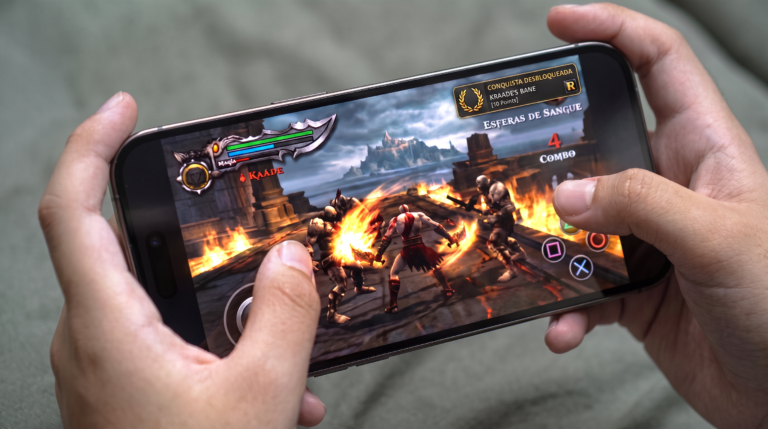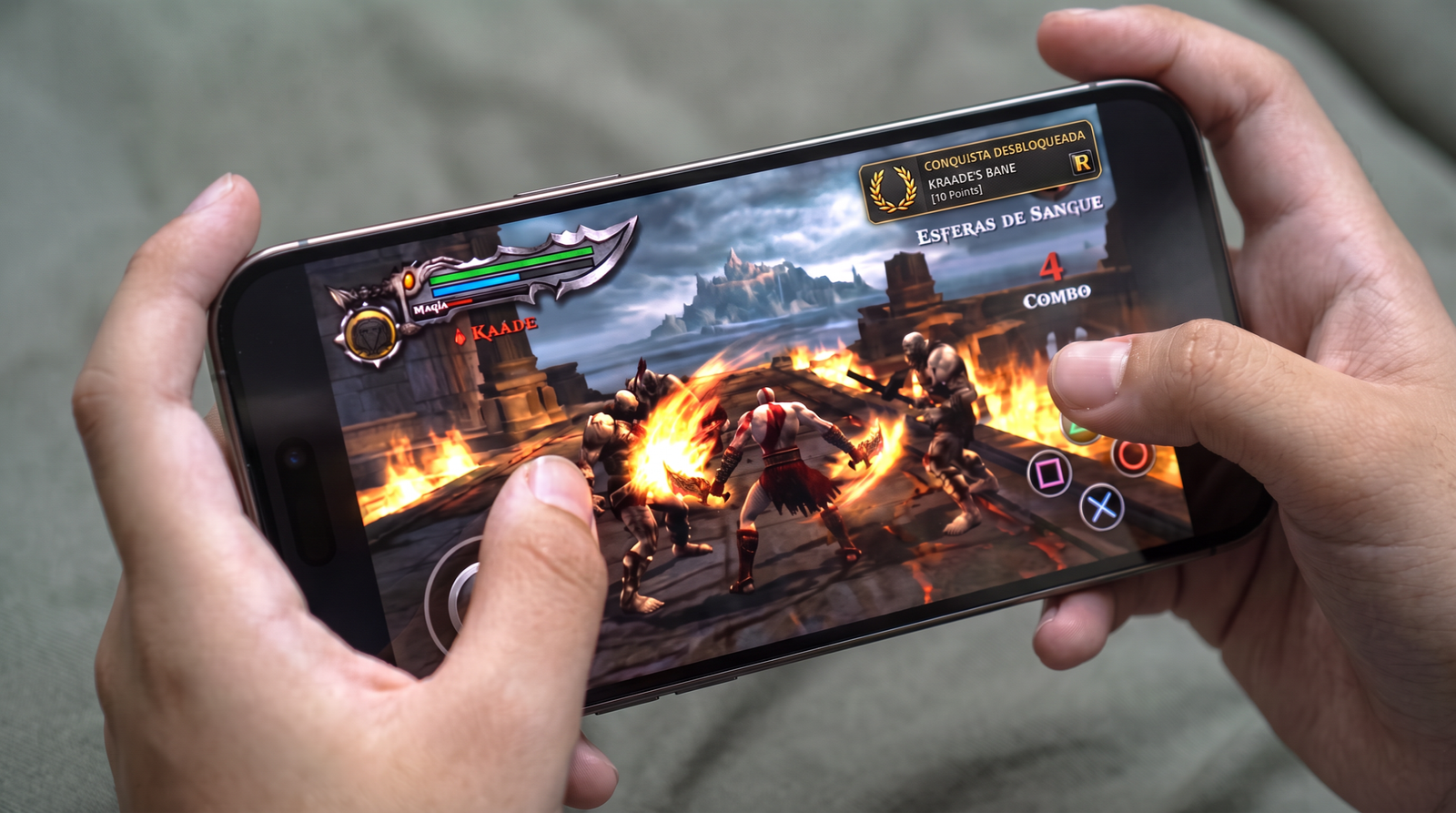
Platining PlayStation 2 classics directly on your iPhone or iPad is now a very accessible reality. To get that extra gaming incentive and unlock trophies by completing specific challenges, you need to link RetroAchievements to your emulator. Follow the step-by-step guide below to set everything up on ARMSX2 for iOS.
https://youtu.be/4X83fLCLEX01. Create your account on RetroAchievements
Before touching the emulator, you need an official profile to record your score. The process is fast, free, and the best part: this same account will work for any other compatible emulator you use in the future.
2. Activating Achievements in ARMSX2
With your account created and credentials in hand, open ARMSX2 on your iOS device and follow these simple steps:
- Access the Settings of the emulator.
- Tap the RetroAchievements.
- Activate the main achievements key.
- Click on Log in and log in with the username and password you just created.
3. The Hardcore Mode Challenge
On the same login screen, you will see the option to enable the Hardcore Mode. If you want the root and authentic console experience, this is the ideal choice. Hardcore Mode disables any emulator function that makes your life easier, blocking the use of save states (quick saves), cheats, slowdowns (slow motion) and frame advancing. It is just you and your skill.
4. Tracking Your In-Game Progress
All set! From now on, whenever you open a game (such as the classic God of War 2), the emulator will display a notification informing you of your achievement status in that title and confirming whether Hardcore Mode is active.
During gameplay, if you want to check what needs to be done to unlock new trophies, simply pause the emulator and access the RetroAchievements menu. There you can view the complete list of challenges and how many points you have already acquired on your journey to the platinum.