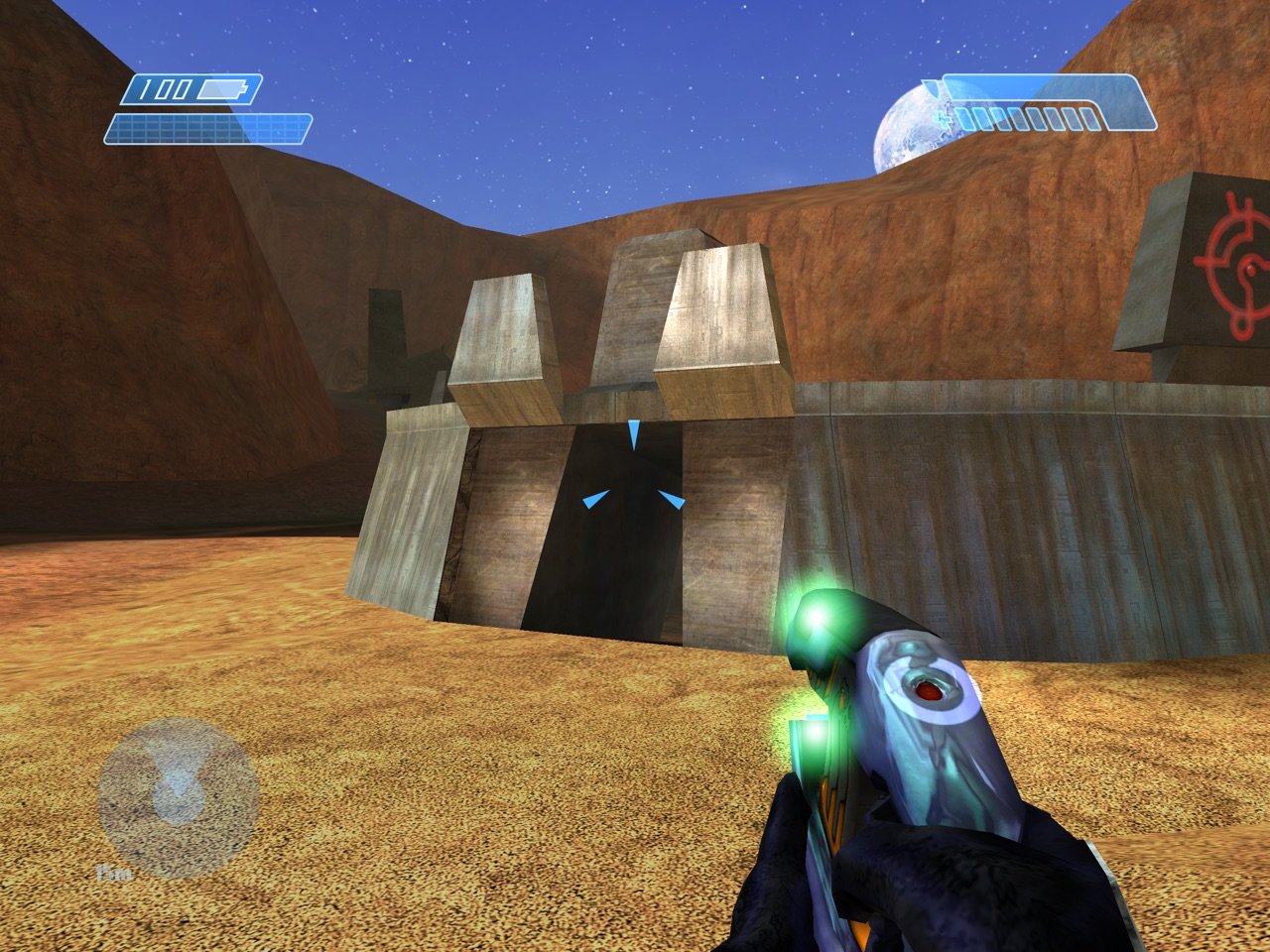
Halo: Combat Evolved on Mac is already a reality in a community port for computers with Apple Silicon chips. The project OpenCE-macOS released the first versions on October 11, 2026. In this context, the 1.0.2 update, available on the same day, improves mouse responsiveness and maintains internet and local area network multiplayer.
The port runs the original Xbox game in a native macOS application. However, it does not include commercial Halo data: the player needs a disk image of their own copy of the game. Furthermore, the work derives from the OpenCE community version and has no official affiliation with Microsoft.
Halo: Combat Evolved on Mac receives improvements
According to the official release notes for version 1.0.2, the developer fixed a delay that occurred when clicking and moving the crosshair with certain window managers, such as Magnet. In the test presented by the author, the click latency dropped from approximately 140 to 10 milliseconds. Therefore, these numbers belong to the tested environment, not an independent measurement across all Macs.
In addition, the update batches environment, effect, and interface drawing operations to reduce graphics calls. Prior to this, version 1.0.1 had already addressed a launch black screen and issues related to the server browser, match invites, and settings.
The project also offers a campaign, keyboard and mouse controls, and support for controllers connected to the Mac. According to the README, the port also features high-resolution rendering and widescreen aspect ratio, utilizing Metal via the graphics layer described by the developer.
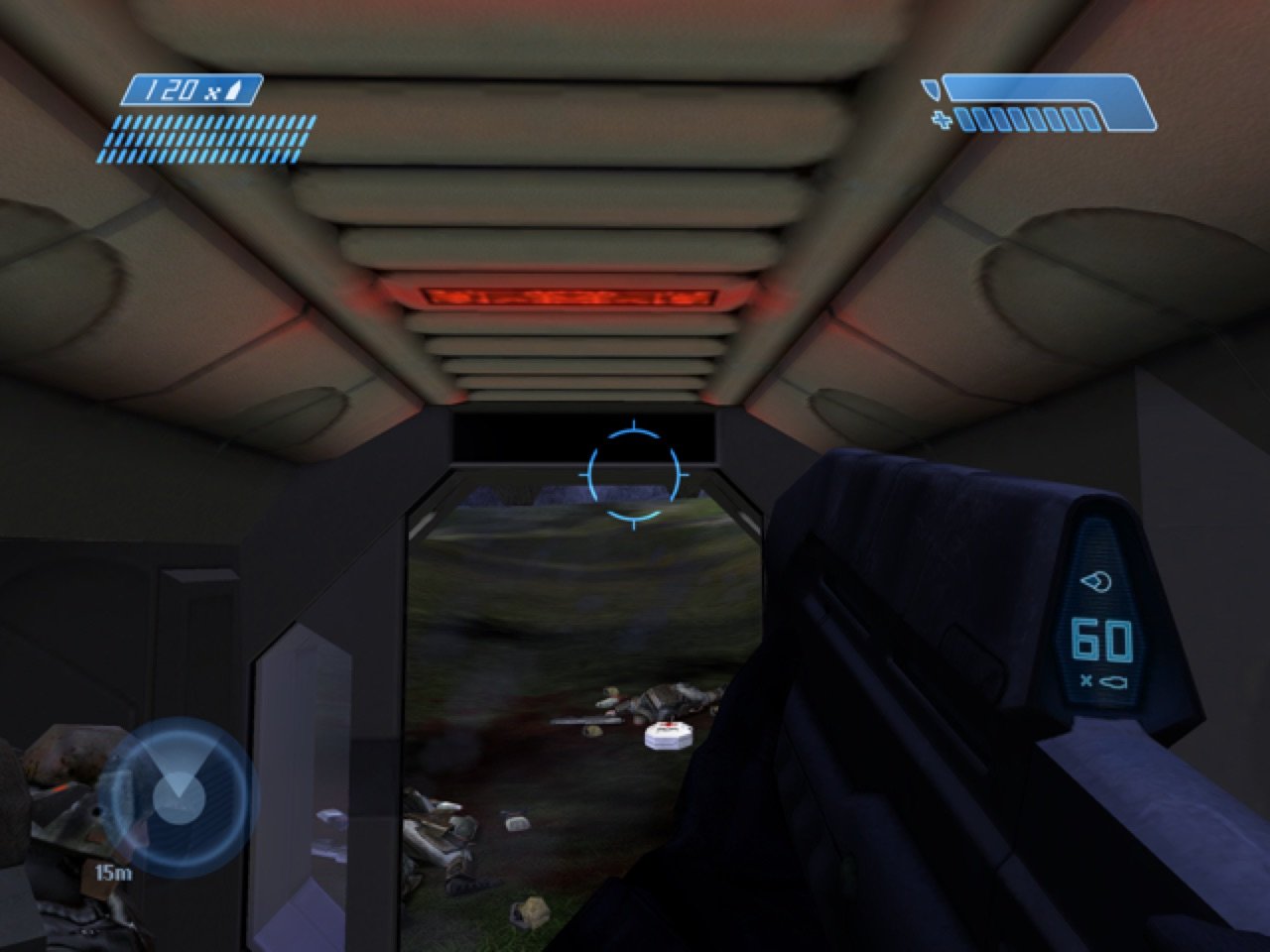
Scene from Halo: Combat Evolved on Mac published by the developer of OpenCE-macOS. Source: channelramble/GitHub.
Local and online multiplayer
The documentation states that the game supports local area network and internet matches, including participants from other OpenCE platforms. Therefore, the new port is not limited to the single-player campaign. Similarly, the author mentions split-screen support for multiple controllers.
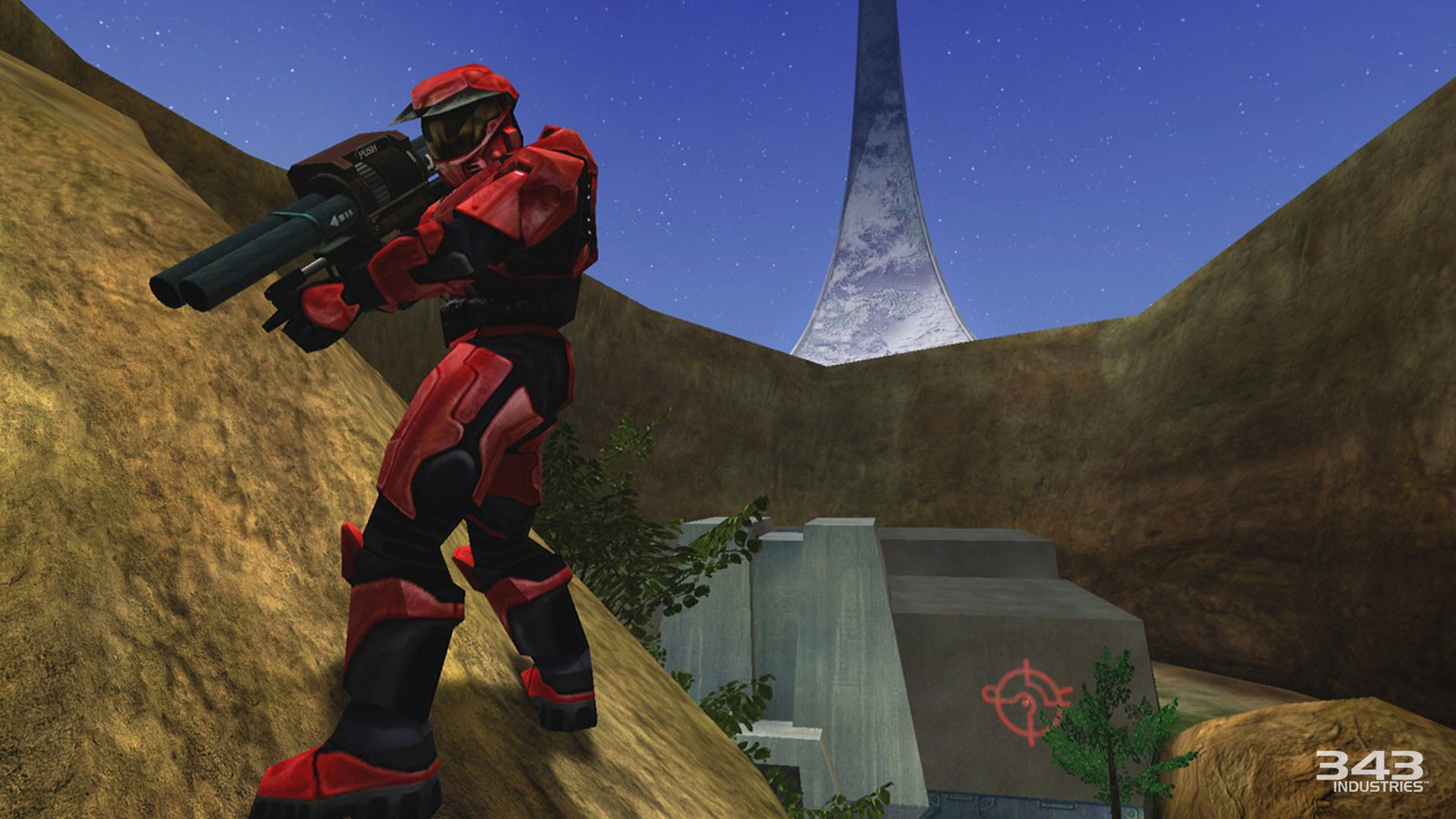
Halo: Combat Evolved's Arena Battle Creek, used as a visual reference for the original multiplayer. Source: Allves Games archive; not a specific capture of the Mac port.
Despite this, the operation of connections between different devices depends on the installed version, network settings, and the availability of participants. Therefore, the Mac release should not be confused with other Halo projects previously reported by Allves Games, such as the port for Android and the Anbernic adaptation.
How to install Halo on Mac
The public package is a DMG file of about 19 MB. Before starting, check if the computer has an Apple M1 chip or higher and macOS 11 or newer. Macs with Intel processors are not supported by this version.
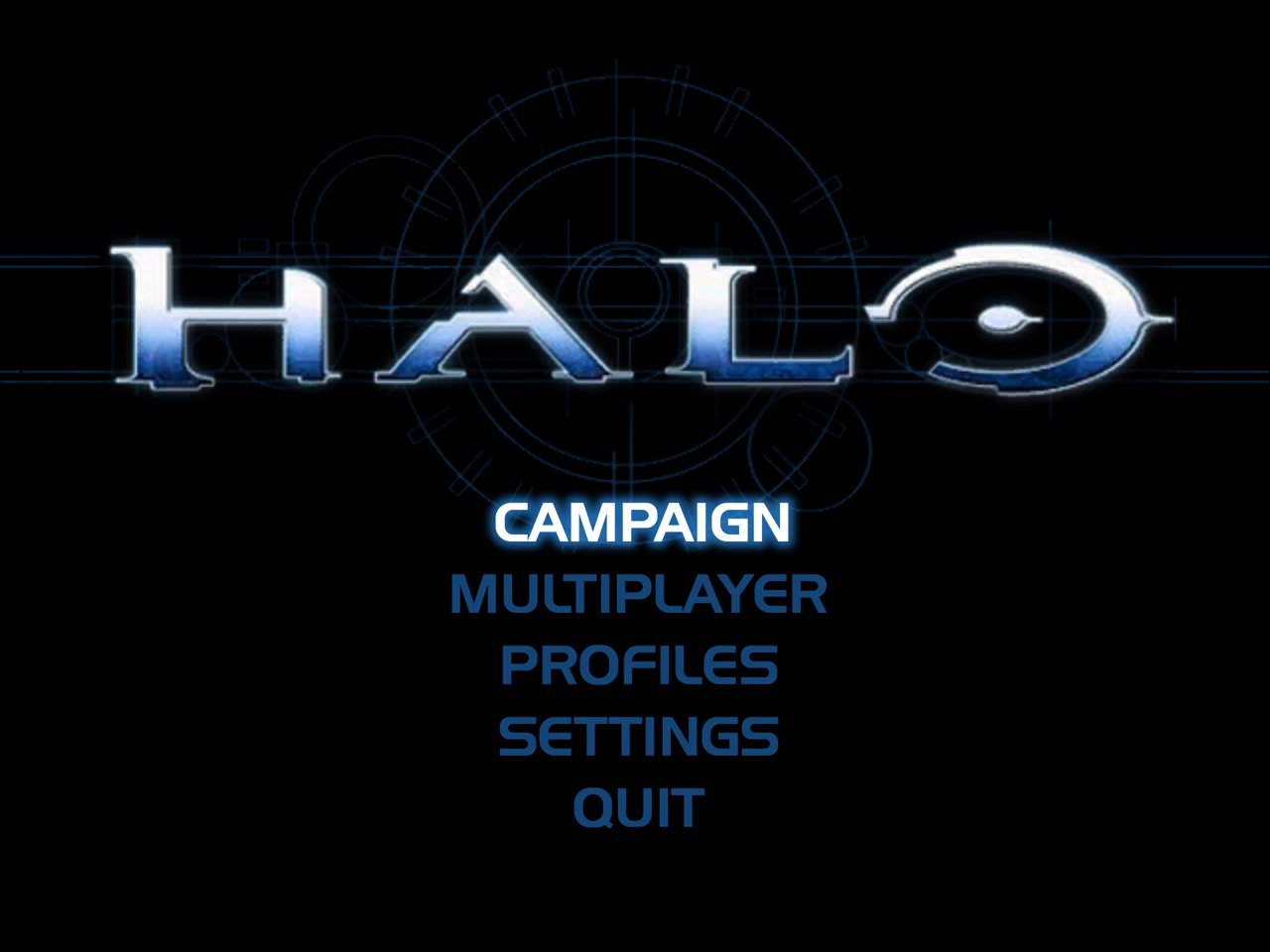
Halo: Combat Evolved menu on the macOS version. Source: channelramble/OpenCE-macOS, official repository.
- Download the official package Halo.dmg for macOS.
- Open the DMG and drag the application Halo to the Applications folder.
- If macOS blocks opening because the application is not notarized, use the options Privacy & Security described in the official documentation, after evaluating the file's origin.
- On the first run, select the ISO or XISO file produced from your legally acquired copy of the original Xbox Halo. The application extracts about 2 GB of maps and starts the game.
According to the documentation, the developer states that maps, saves, and settings are located in ~/Library/Application Support/OpenCE. As the application is community-based and not notarized by Apple, it is advisable to read the documentation before installation.
For now, performance and functionality reports are those published by the project maintainers. Thus, new independent tests may indicate how the port behaves on different Mac models.
Sources: official release 1.0.2; OpenCE-macOS README.