
The GTA IV Android received an experimental native port announced on October 8, 2026. In addition, the LibertyRecompAndroid project adapts the recompilation of the Xbox 360 version for ARM64 devices with Snapdragon Adreno GPUs. According to the developer, the game already runs on the Retroid Pocket 5 at up to 30 FPS, although performance still varies in heavy areas.
The result does not come from traditional Xbox 360 CPU emulation. Instead, the project leverages the recompiled code from Liberty Recompiled and uses Vulkan with the Mesa Turnip driver. For now, the tests published by the author focus on a single device.
GTA IV Android already allows playing missions and driving around the city
In practice, on the Retroid Pocket 5, equipped with a Snapdragon 865 and Adreno 650, the author reports that the intro, the first missions, free roam, and driving all work. Furthermore, saves persist between sessions, while radio, audio, and cutscenes also work.
Meanwhile, the game is rendered at 720p with FXAA and a 30 FPS cap. According to the README, most scenarios stay close to that ceiling, but more demanding vistas can drop to 25–29 FPS. These numbers are observations by the developer himself, not independent benchmarks.
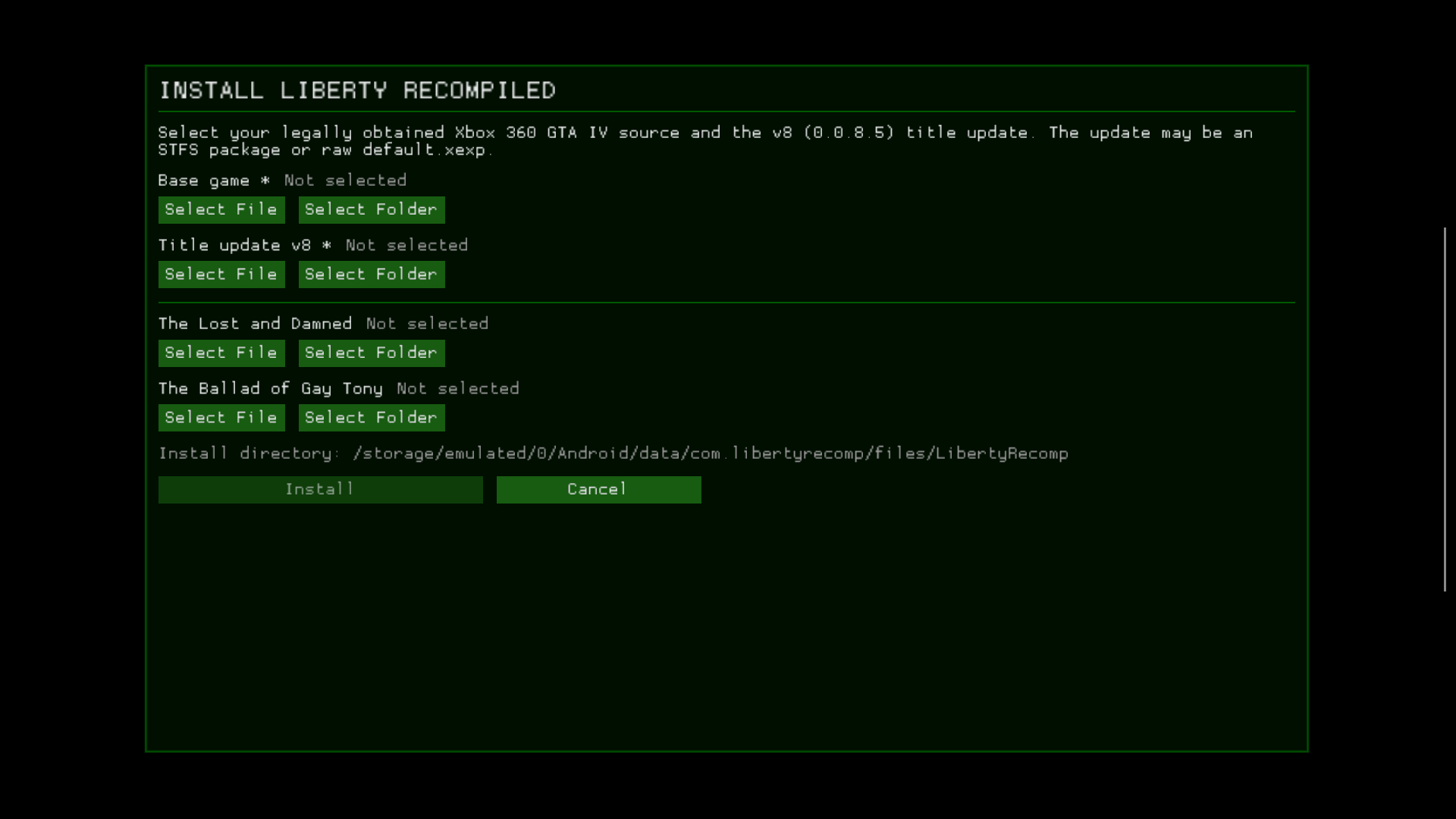
Official installation interface of LibertyRecompAndroid on Android. Source: GitHub / vaduur.
On the other hand, the port still exhibits occasional crashes. The author also has not validated the extra episodes, multiplayer, or touch controls. Therefore, it is not a final version or a guarantee of compatibility with all mobile phones.
Which smartphones can run the port?
To begin with, the project requires Android 10 or higher, an ARM64 processor with ARMv8.2-A, and an Adreno 6xx or 7xx series GPU. In addition, it recommends approximately 8 GB of RAM, about 15 GB of free space during installation, and an Xbox-standard controller.
Conversely, Mali, PowerVR, and Xclipse GPUs are not supported in the current package. Likewise, the Adreno 8xx is not supported by the included Turnip. The actual documented test was performed on the Retroid Pocket 5; other devices still require individual validation.
How to install GTA IV Android with the official APK
The repository offers a public APK. However, it does not include the commercial game: you need to legally extract your own copy of the Xbox 360 GTA IV disc, USA edition (NTSC-U), and the corresponding Title Update 8, version 0.0.8.5. Therefore, the PAL update is not accepted.
- Download the updated LibertyRecompAndroid APK package for Android from the path below.
DOWNLOAD UPDATED GTA IV PORT ANDROID
- Install the APK on the device and open the app once to create the folders. Then, close it.
- Using a computer via USB, copy the ISO of your legal copy and Title Update 8 to
Android/data/com.libertyrecomp/files/install/. - Open the application again. It should locate both files and start the installation automatically.
- Wait for it to finish with the screen on. Then, configure the controller and test the game. Make frequent saves, as there are still known bugs.
Important: the installer's “Select File” and “Select Folder” buttons do not work correctly on Android yet. Therefore, the documentation recommends copying the files directly to the folder install. In addition, see also the official installation guide.
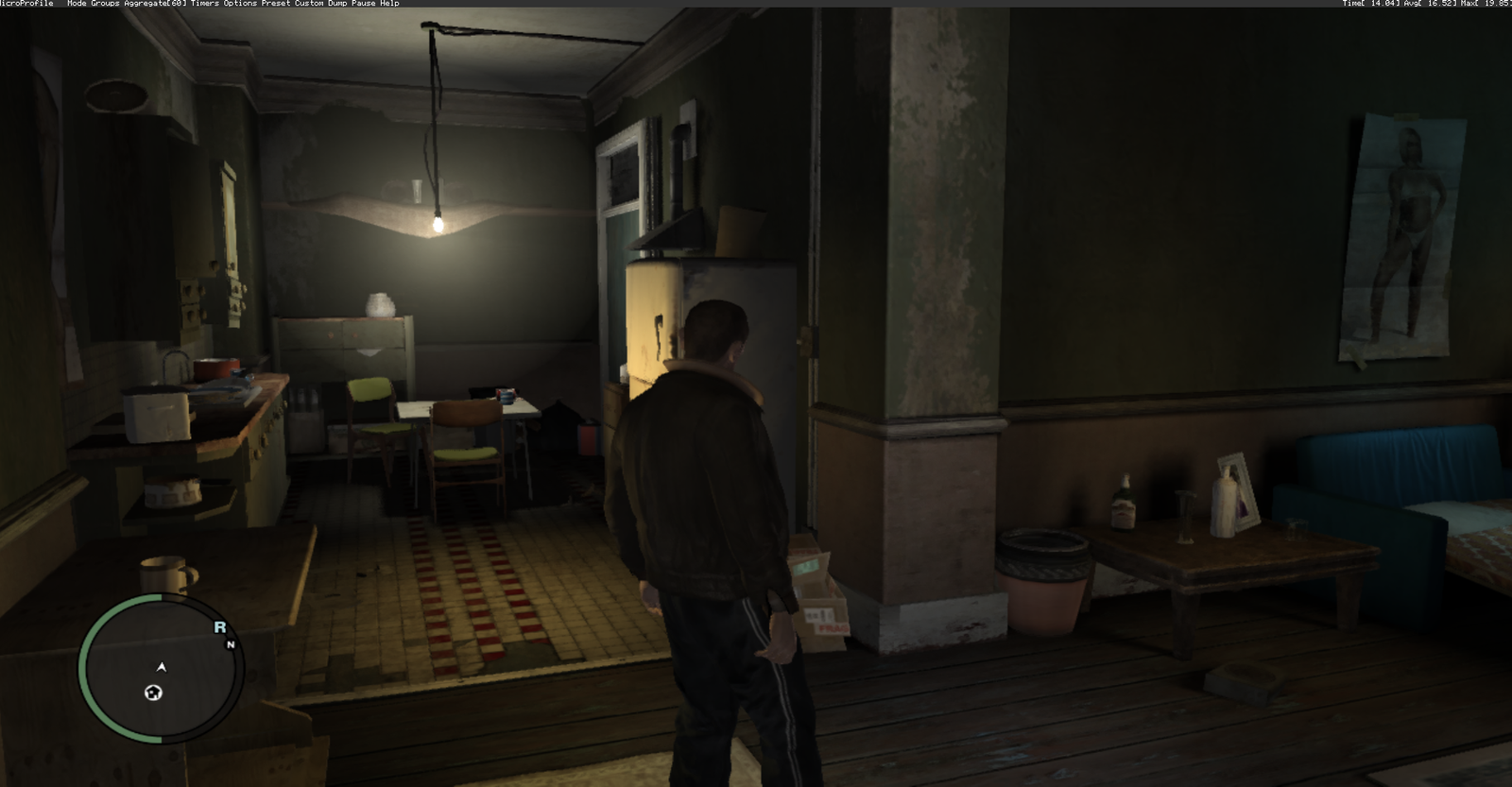
Gameplay of GTA IV on the Xbox 360 version, used only as a visual reference; it is not capture from the Android port. Source: file Allves Games.
What is the difference from Liberty City Stories?
LibertyRecompAndroid derives from the Liberty Recompiled project, which works with the Xbox 360 edition of Grand Theft Auto IV. Thus, it should not be confused with the PC port of GTA Liberty City Stories, based on the PSP game, which we have already reported on Allves Games.
The author himself emphasizes that the implementation is experimental and that he extensively used AI tools to produce the port. Still, the repository provides technical documentation, known limitations, and instructions to reproduce the test. The priority now is stability and expanding compatible devices.
Sources: LibertyRecompAndroid — README; installation documentation; official releases.