
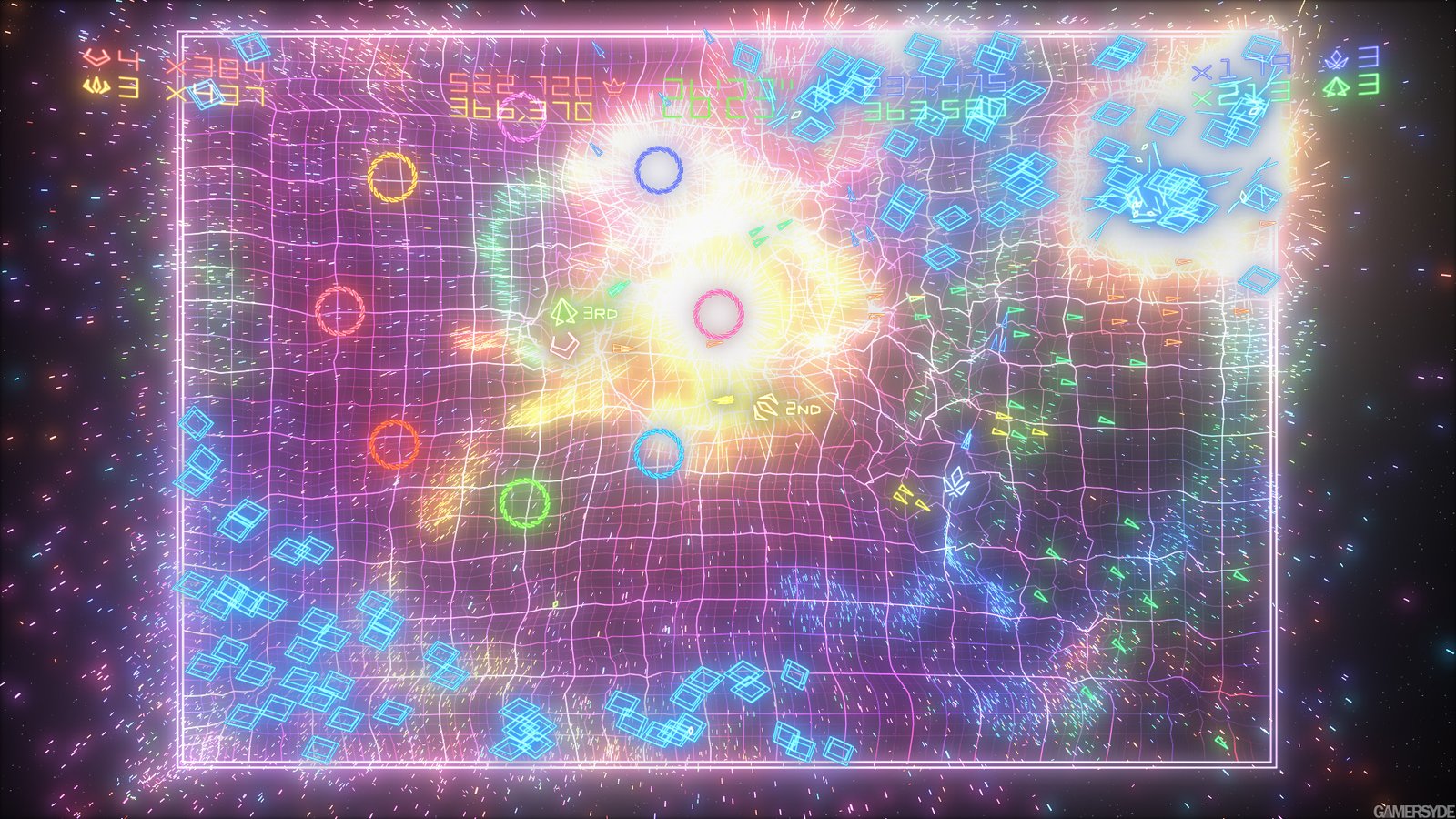
The classic Geometry Wars 2 Recompiled, based on Geometry Wars: Retro Evolved 2, released for Xbox 360 in 2008, has received an experimental native port for Windows and Linux. The project utilizes static re-compilation of the original code and offers higher resolutions, graphical filters, offline achievements, and presentation options of up to 240 FPS.
Developer saulob has published the first public version of Geometry Wars: Retro Evolved 2 Recompiled 0.1.0 on October 11, 2026. According to the official release on GitHub, the project already has packages for Windows x64 and Linux x86_64. However, the Linux version has not yet been tested on real hardware, including the Steam Deck.
Geometry Wars 2 gets native Xbox 360 recompilation
Geometry Wars: Retro Evolved 2 Recompiled uses the ReXGlue SDK 0.10.0 to ahead-of-time translate the PowerPC code from the Xbox Live Arcade edition for native execution on modern computers.
Then, the program uses the framework's runtime to provide graphics, audio, input, and other functions that originally depended on the console.
As a result, the game does not require a conventional Xbox 360 emulator to run the recompiled code. However, it still needs a compatibility layer to reproduce certain original system services.
The project is independent and does not distribute the commercial game files. Therefore, the user must provide the package from their own copy of Geometry Wars: Retro Evolved 2 for Xbox 360. Another initiative that uses ReXGlue is the experimental port of Burnout CRASH! for PC, also based on the original Xbox 360 version.
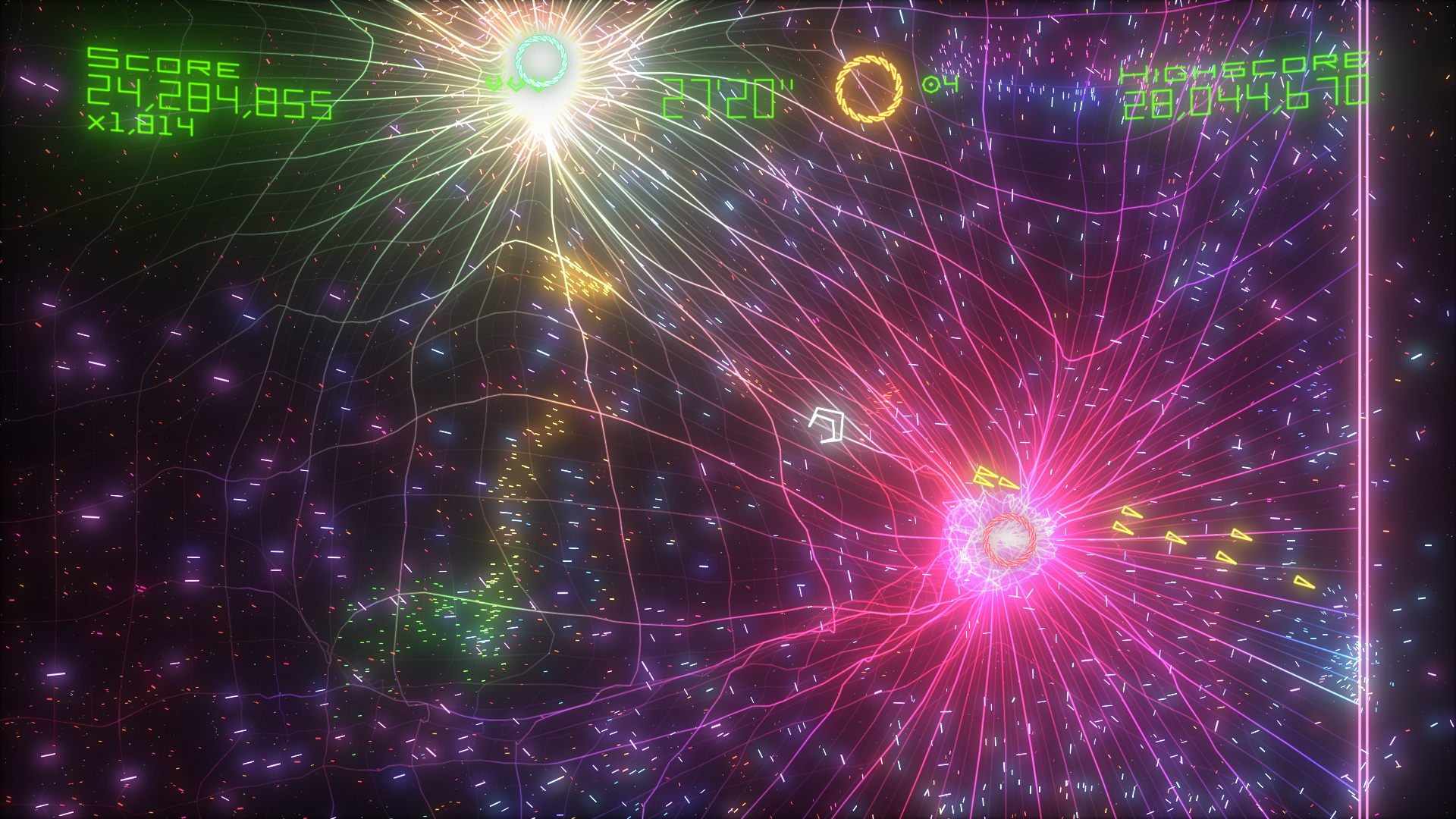
Gameplay of the original Geometry Wars: Retro Evolved 2, featuring explosions and colorful particles. Source: LaunchBox Games Database. Historical image, not a benchmark for port 0.1.0.
According to the developer, the Windows version uses DirectX 12. Meanwhile, the native Linux build uses Vulkan, without needing Proton or Wine.
Port offers options of up to 240 FPS without speeding up the game
One of the main new features is the frame rate configuration. The launcher allows you to select 30, 60, 90, 120, 144, 165, and 240 FPS, as well as an unlimited option.
The original Geometry Wars 2 uses 60 FPS as a reference, and this setting remains the default in the port.
According to the author, the system seeks to maintain match speed while presenting the additional frames. Thus, choosing a higher refresh rate should not intentionally speed up enemies or player movement.
However, selecting 240 FPS does not guarantee reaching 240 frames per second. Actual performance depends on the processor, GPU, drivers, and graphical options.
Additionally, the project offers an FPS counter that can appear in the interface or the window title. During the game, the F2 key allows showing or hiding the counter.
Geometry Wars 2 receives resolution up to 5120 × 2880
The launcher also offers different internal resolutions. In addition to the original 1280 × 720 presentation, the player can select 2x, 3x, or 4x scaling factors.
These settings correspond to 2560 × 1440, 3840 × 2160, and 5120 × 2880 pixels, respectively. Therefore, the 3x option corresponds to 4K, while 4x requires an even higher resolution.
In addition, the port allows enabling FXAA, FXAA Extreme, and MSAA 2x. The user can also adjust texture filtering up to 16x.
Another feature involves the image aspect ratio. The Letterbox mode preserves the original 16:9 presentation, while Stretch adapts the image to the window width.
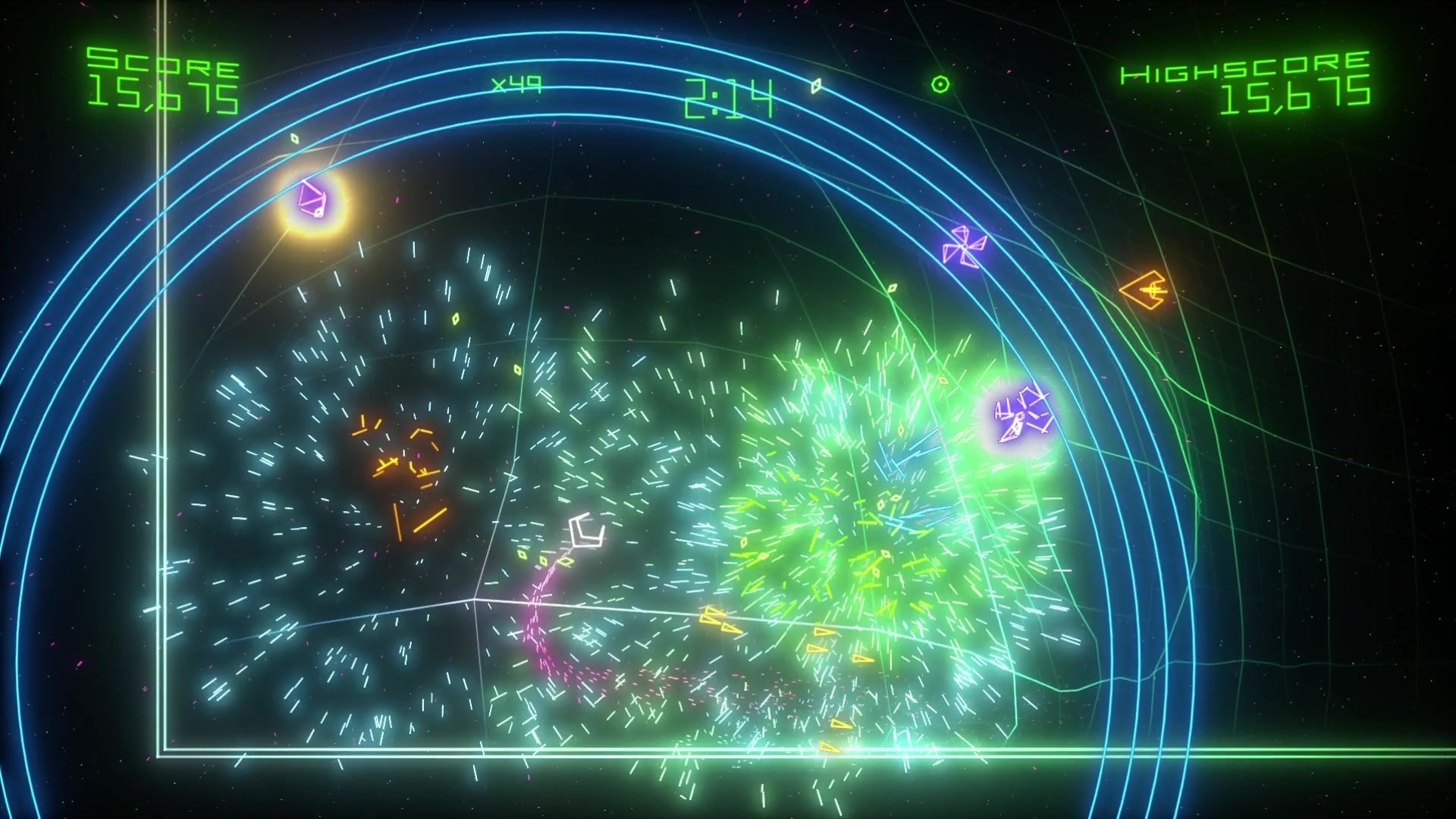
Arena of the original Geometry Wars: Retro Evolved 2, featuring geometric and particle effects. Source: LaunchBox. The capture does not represent a resolution or performance test of the port.
However, increasing the resolution also raises the load on the GPU. Therefore, not all combinations of filters, resolution, and FPS will run with the same performance.
Geometry Wars 2 recovers 12 achievements without Xbox Live
Another important new feature is the offline achievements system. The project implements the 12 original achievements, which represent 200 Gamerscore points.
Now, the launcher features a page with objectives, icons, and unlock states. Additionally, the user can check the list during gameplay using the F7 key.
Achievements are stored locally and remain available between sessions. However, there is no synchronization with an Xbox Live account.
The same applies to leaderboards: the program records the player's own scores on the computer, but does not retrieve other people's results from the internet.
Therefore, the leaderboard screens work only with local records. The port also does not offer online multiplayer.
Launcher makes it easy to install the original game
The developer included the TRG Launcher, which brings together installation, graphics, controls, achievements, and performance options.
On the first run, the player uses the option Install from package... to select their legitimate Geometry Wars 2 package for Xbox 360.
Then, the installer verifies the game identifier and extracts the necessary files. Additionally, it checks the executable default.xex to ensure the edition matches the supported version.
The project specifically accepts the Title ID 584108FF, with game version 0.0.1.2. Other variants may be rejected by the launcher.
When the preparation finishes, the interface displays the message Ready to play. Thus, the user can start the game via the PLAY button.
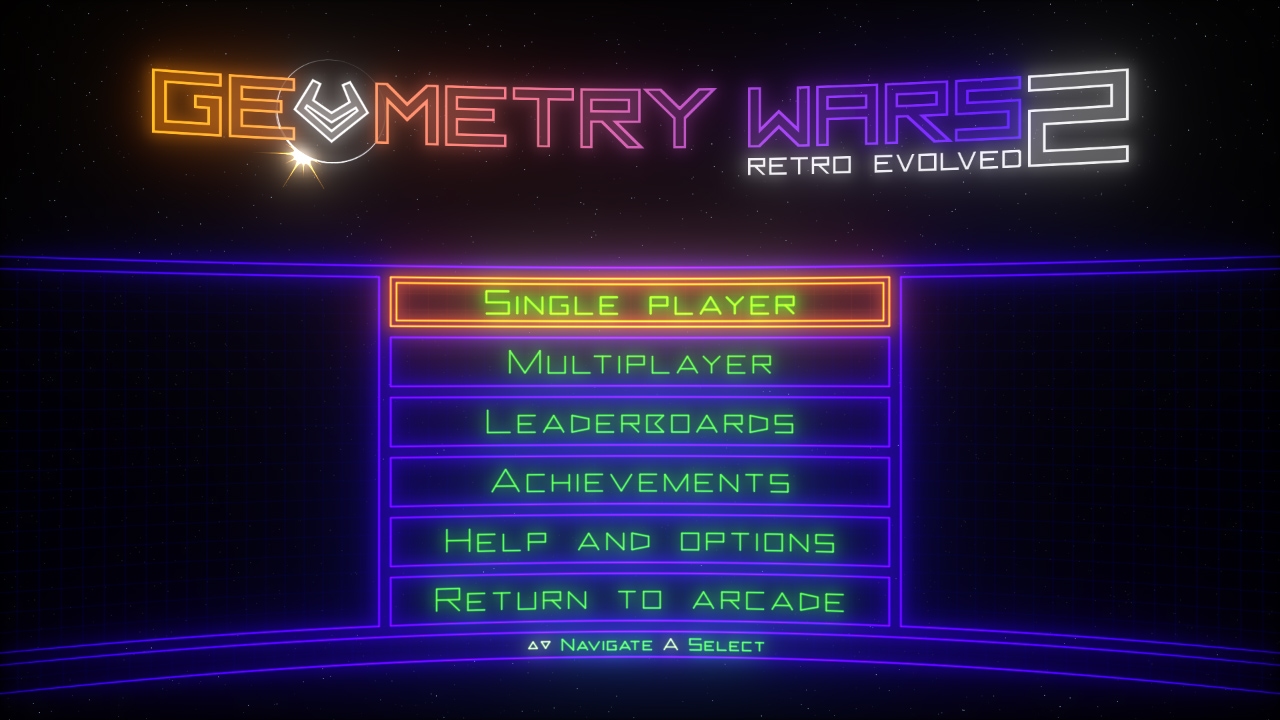
Original Geometry Wars: Retro Evolved 2 menu, featuring game options and achievements. Source: LaunchBox. Historical capture, not from the TRG Launcher interface.
In addition, the program features the Reinstall from package option, designed to recover game files without erasing local preferences and saves.
How to download Geometry Wars 2 Recompiled 0.1.0 on Windows
The developer provides a ZIP file for 64-bit Windows 10 and 11. Additionally, the computer requires a DirectX 12-compatible GPU and Microsoft Visual C++ Redistributable 2015–2022 x64.
- Download the official Windows package using the button below.
DOWNLOAD UPDATED GEOMETRY WARS 2 WINDOWS PORT
- Extract the ZIP to a folder with write permission.
- Open
geometry_wars_retro_evolved_2.exe. - On the Play page, choose Install from package....
- Select the files from your own copy of Geometry Wars: Retro Evolved 2 for Xbox 360.
- Wait for the file verification and the message Ready to play.
- Configure resolution, FPS, and controls if you wish.
- Click PLAY to start the game.
The package is approximately 7.3 MB in size and does not include the commercial game. In addition, the executable does not yet have a digital signature, so Windows may display a security warning. Verify the origin and integrity of the file before running it.
How to install Geometry Wars 2 on Linux and Steam Deck
The project also features a native AppImage for Linux x86_64. It uses Vulkan and requires glibc 2.35 or higher.
However, the developer warns that the version has not yet been tested on actual Linux hardware or on a Steam Deck. Therefore, compatibility remains experimental.
- Download the official AppImage for Linux x86_64.
DOWNLOAD GEOMETRY WARS 2 PORT LINUX AND STEAM DECK UPDATED
- Grant execution permission to the file through system properties or the terminal.
- Open the AppImage.
- On the Play page, select the files from your legitimate copy of the Xbox 360 game.
- To open the file selection window, have
zenityorkdialogavailable on the system. - Wait for the preparation and test the execution.
On Steam Deck, the procedure suggested by the author starts in Desktop Mode. Afterward, the user can add the AppImage as a non-Steam game to the Steam library and try running it in Game Mode.
However, these are intended usage instructions provided by the project, not a validated compatibility demonstration on Valve's handheld.
The original Geometry Wars 2 had six game modes
Developed by Bizarre Creations, Geometry Wars: Retro Evolved 2 arrived on Xbox Live Arcade on July 30, 2008. The game expanded on the first title's premise with six modes and local multiplayer matches.
Among the modes are Deadline, King, Evolved, Pacifism, Waves, and Sequence. Each features its own rules for scoring, movement, and survival.
The original game also allowed local matches with up to four participants. However, the README of the new port does not feature complete testing of all multiplayer configurations. Therefore, this historical feature should not be confused with fully proven compatibility in the recompiled version.
Port still has limitations
Geometry Wars 2 Recompiled 0.1.0 remains an experimental project. Although the release offers executables for two platforms, widespread independent performance and compatibility reports are still lacking.
In addition, the developer describes a specific issue in Deadline mode: above 60 FPS, the sound warning for the final seconds may repeat more than once.
Xbox Live online services have not been restored either. Thus, achievements, profile, and high scores remain exclusively on the player's computer.
Finally, the project is an independent initiative, with no official affiliation with the rights holders of Geometry Wars. Those interested can follow new versions, report issues, and check requirements via GitHub.
Sources: official release 0.1.0; repository and project README; Linux and Steam Deck documentation; historic announcement of Geometry Wars 2 in 2008.
Pingback: Burnout CRASH! 0.1.1 leva jogo de Xbox 360 ao PC