
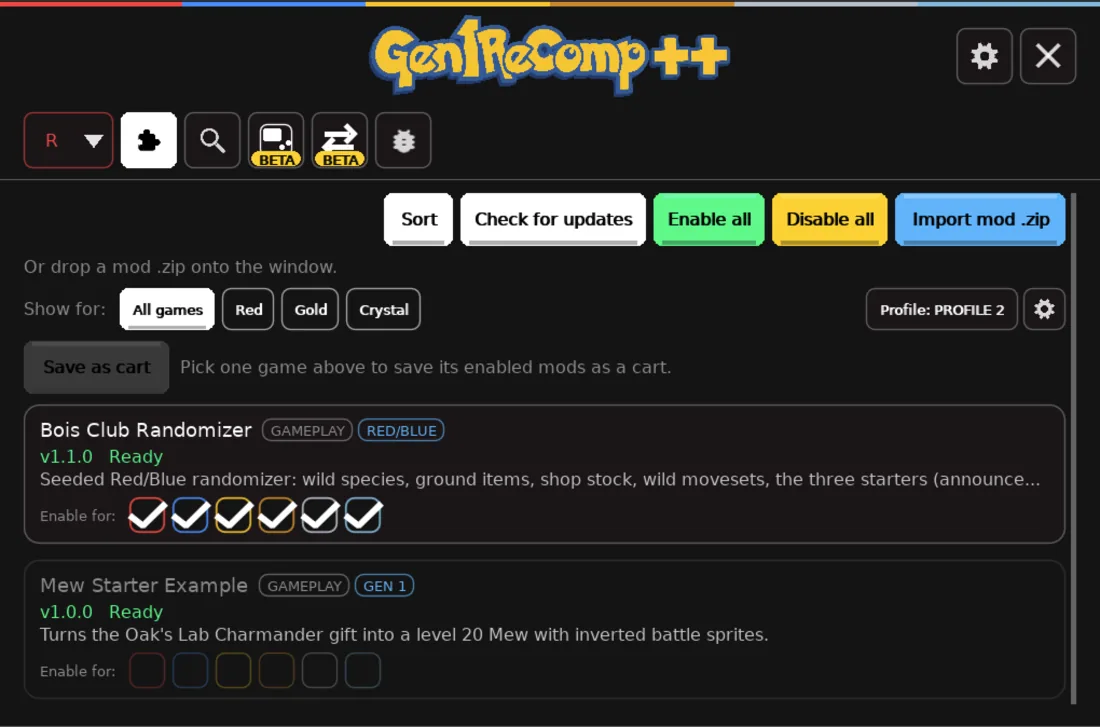
The Gen1Recomp received, on October 12, 2026, code changes aimed at reducing interruptions during execution and frame-by-frame work in Pokémon Ruby, Sapphire and Emerald. According to developer commits, some tasks can now use auxiliary threads. However, there is still no independent benchmark of the gains. Version 0.3.84, published later on October 12, already includes these three commits.
Gen1Recomp distributes tasks across CPU cores
First, one of the changes moves part of the processing to worker threads. For example, the tasks include preparing sound effects and Pokémon voices, recoloring graphic atlases, decoding images, and loading operations. Additionally, the code maintains a synchronous alternative when necessary and adds a frame time overlay accessed with F3.
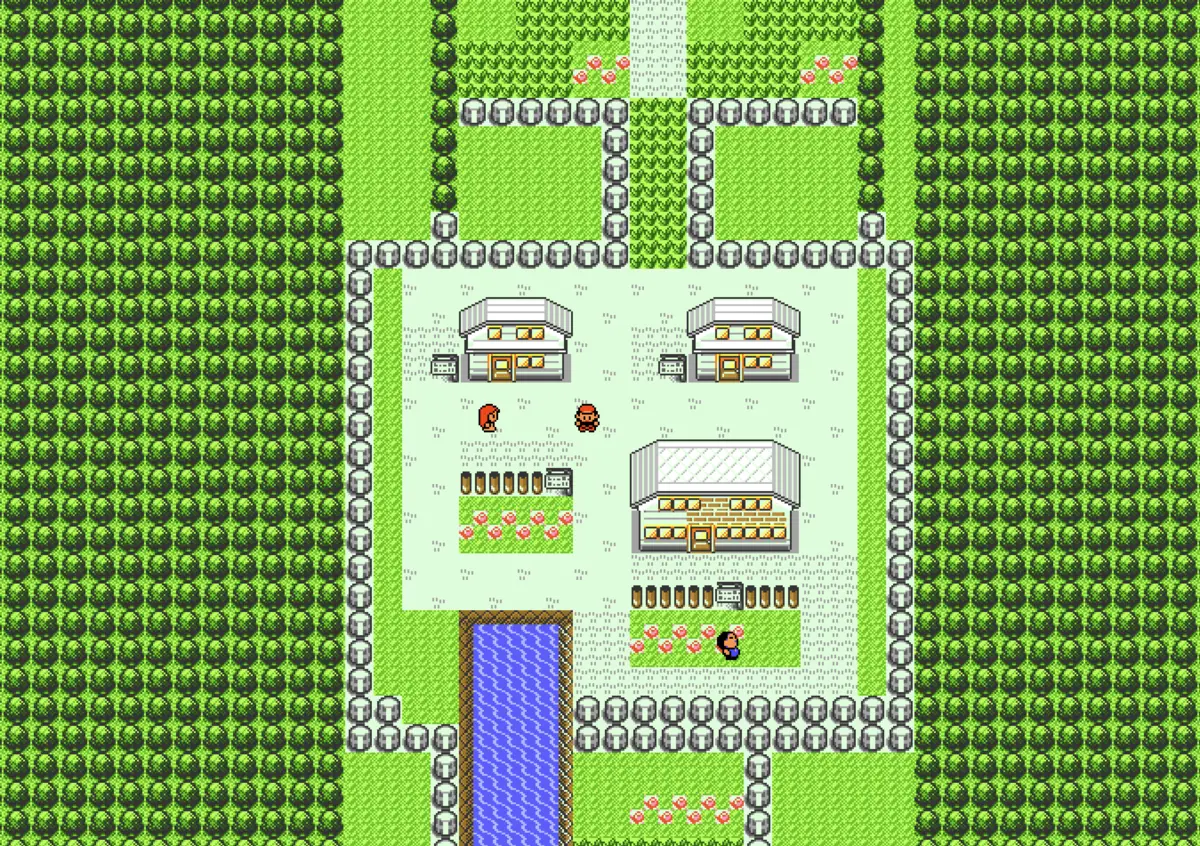
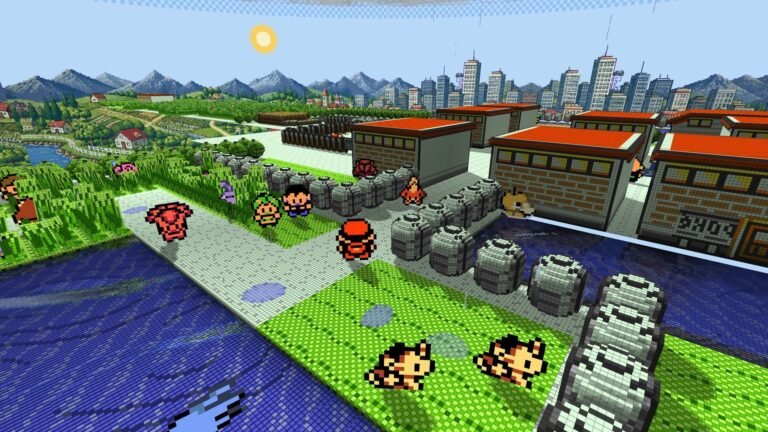
Historical image of Gen1Recomp, used only for context. Source: Allves Games.
Thus, the goal is to reduce small stutters on less powerful handheld devices. However, the commit does not allow for a concrete percentage of improvement in frame rate or battery life to be stated.
Gen1Recomp reduces work on Hoenn maps
Other commit from October 12 optimizes operations for the Hoenn region's overworld map. According to the technical notes, the project reduces updates related to weather, field visual effects, lighting, and slopes. To achieve this, it uses techniques such as culling objects outside the view and reusing instances.
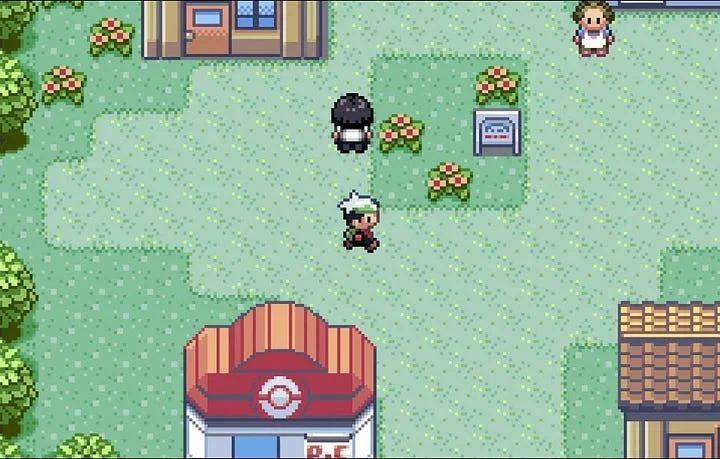
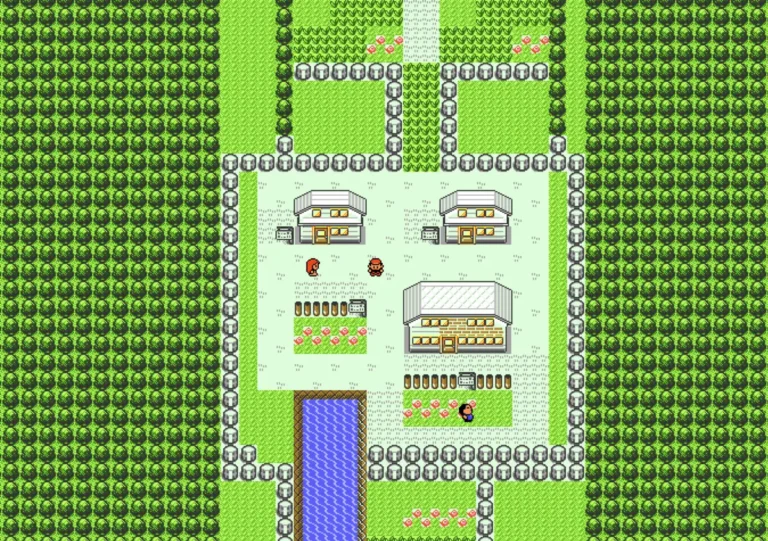
Interface from a previous version of Gen1Recomp; does not prove the changes from 10/12. Source: Allves Games.
In addition, a third commit decreases memory allocations in the battle interface of Ruby and Sapphire. Therefore, these fixes have a different scope from release 0.3.80, which addressed other games and PortMaster.
Can the changes be downloaded yet?
The version 0.3.84 arrived on October 12, 2026, at 4:35 PM Brasília time. History comparison confirms that it includes the three commits from this news item. Furthermore, the buttons below resolve the most recent public package for each platform. However, this does not turn the optimizations into an FPS or battery benchmark.
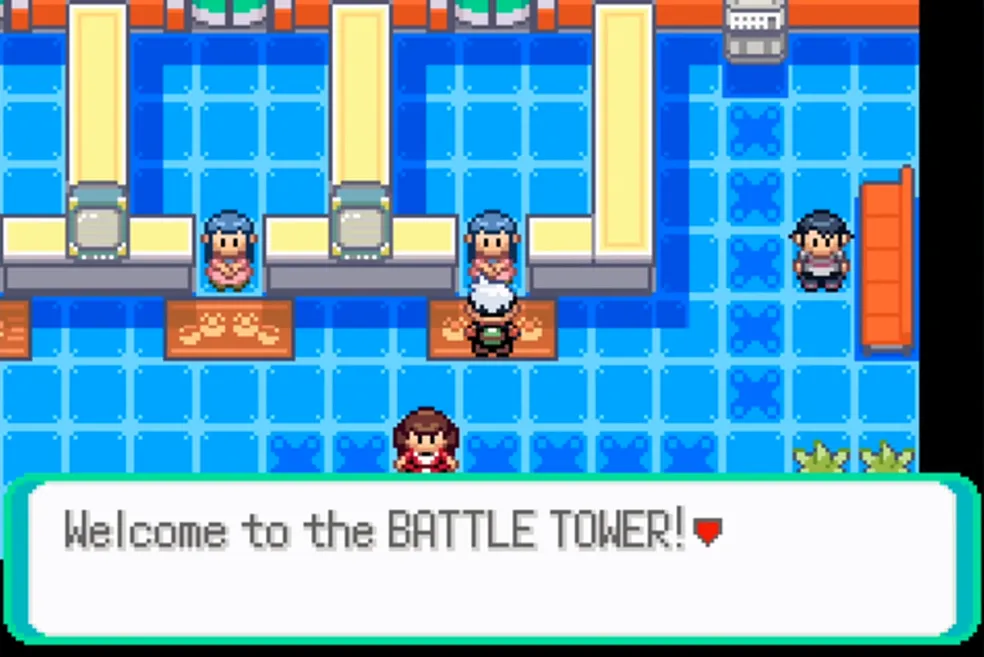
Original Pokémon Emerald, contextual illustration of Hoenn. Source: TechTudo/Nintendo; not a capture of the new code.
The screenshots above show previous versions and the original game; they are not comparative tests of the optimizations. However, Gen1Recomp does not provide the necessary commercial ROMs. Therefore, the player must use their own legally obtained files. Additionally, check out the previous coverage of Gen1Recomp on Allves Games.
How to download and install updated Gen1Recomp
First, make a backup of your saves and choose only the package compatible with your system. Also, the files do not include ROMs. The dynamic links fetch the most recent public release; during this check, they resolved version 0.3.84.
Windows, Linux and Mac
- First, download the package for WINDOWS.After that, extract the ZIP and run the application included in the package.
- Next, choose the package for LINUX X64 APPIMAGE.After that, mark the AppImage as executable and open the file. Consult the documentation for dependencies and permissions.
- After that, download the package for LINUX ARM64 APPIMAGE.Next, use the package only on a compatible ARM64 Linux system and mark the file as executable.
- If using this system, download the package for LINUX FLATPAK.Then, install the Flatpak file according to the platform's documentation.
- Thus, select the package for MAC.Next, extract the ZIP and open the included application, according to the official instructions.
Android and iOS
- First, download the package for ANDROID.Then, install the APK on your own device and open the application.
- Next, choose the package for IOS IPA.Then, follow the official iOS documentation to sign and install the IPA with your own account.
Handhelds and consoles
- Then, download the package for PORTMASTER.Then, follow the project's handheld guide to install this package on a compatible device.
- If using this system, download the package for RG34XXSP STOCKOS64.Next, use the specific package for the system indicated in the name and follow the handheld guide.
- Thus, select the package for SWITCH HOMEBREW.Then, follow the official guide for consoles with homebrew already authorized and working.
- First, download the package for PS4 HOMEBREW.Next, consult the official PS4 guide before installing the PKG in a compatible environment.
- Next, choose the package for XBOX UWP DEV MODE.Then, follow the project's Xbox Dev Mode guide to install and run the UWP package.
File for the LÖVE runtime
- Then, download the package for LOVE.Next, use the .love file with the compatible version of the LÖVE runtime indicated by the project.
Import your own game files
- First, open the application and select the legitimate ROM of a game you own. The importer verifies the file before generating local data.
- Then, wait for the import and check the control and video options. Repeat the operation for each compatible game you own.
For specific instructions, consult the official guides for Linux, iOS, handhelds, Switch, PS4 and Xbox. Finally, use the release hashes to check the downloaded files.
Sources: thread commit; Hoenn optimization; battle interface; previous release.

Pingback: Correções do Gen1Recomp 0.3.80: Crystal e FireRed
Pingback: Port de Pokémon Mystery Dungeon 1.0.1 para PC
Pingback: Pokémon Emerald 3D no Nintendo 3DS melhora lojas