
Pinyon Shift 0.5.1 received a native port update for PC and other systems in October 2026. Allves Games official project page registers the packages and adjustments. The project is independent of the studios responsible for the original game.
The release brings material changes for players, but the results disclosed by the developer do not replace independent testing. Thus, compatibility and performance may vary.
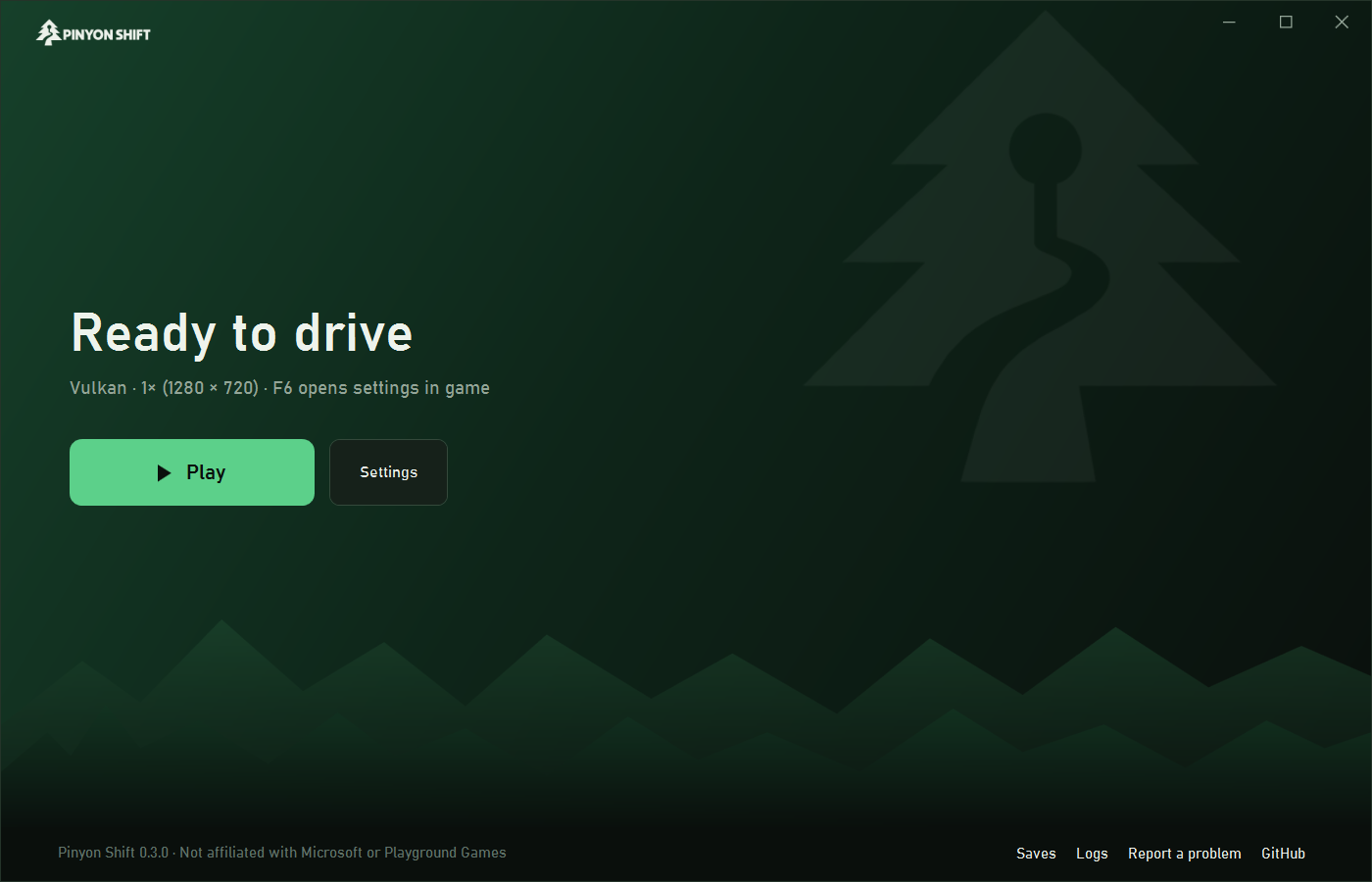
Pinyon Shift launcher screen. Source: arcanite24/GitHub. See source.
Pinyon Shift 0.5.1: new launchers for Linux and macOS
The Pinyon Shift update makes native launchers available for Linux x86_64 and macOS on Apple Silicon chips. In addition, the project brings support for Steam Deck. However, the tool needs to recompile the game on the computer itself using files legally obtained by the player. Yet, there is no copy of Forza Horizon included. The 0.5.0 milestone was the arrival of the launchers, while 0.5.1 refines the experience and fixes bugs.
Vulkan and GPU selection fixes
The official release notes from October 12, 2026 mention a fix for screen tearing when using VSync with Vulkan. In addition, laptops with integrated and dedicated GPUs now prioritize the higher-performance card. Failures in the installation of Visual Studio Build Tools and in the compilation of Linux systems with libxml2 2.14 or newer were also fixed. Meanwhile, the author cites performance improvements in the recompiled code, without an independent benchmark.
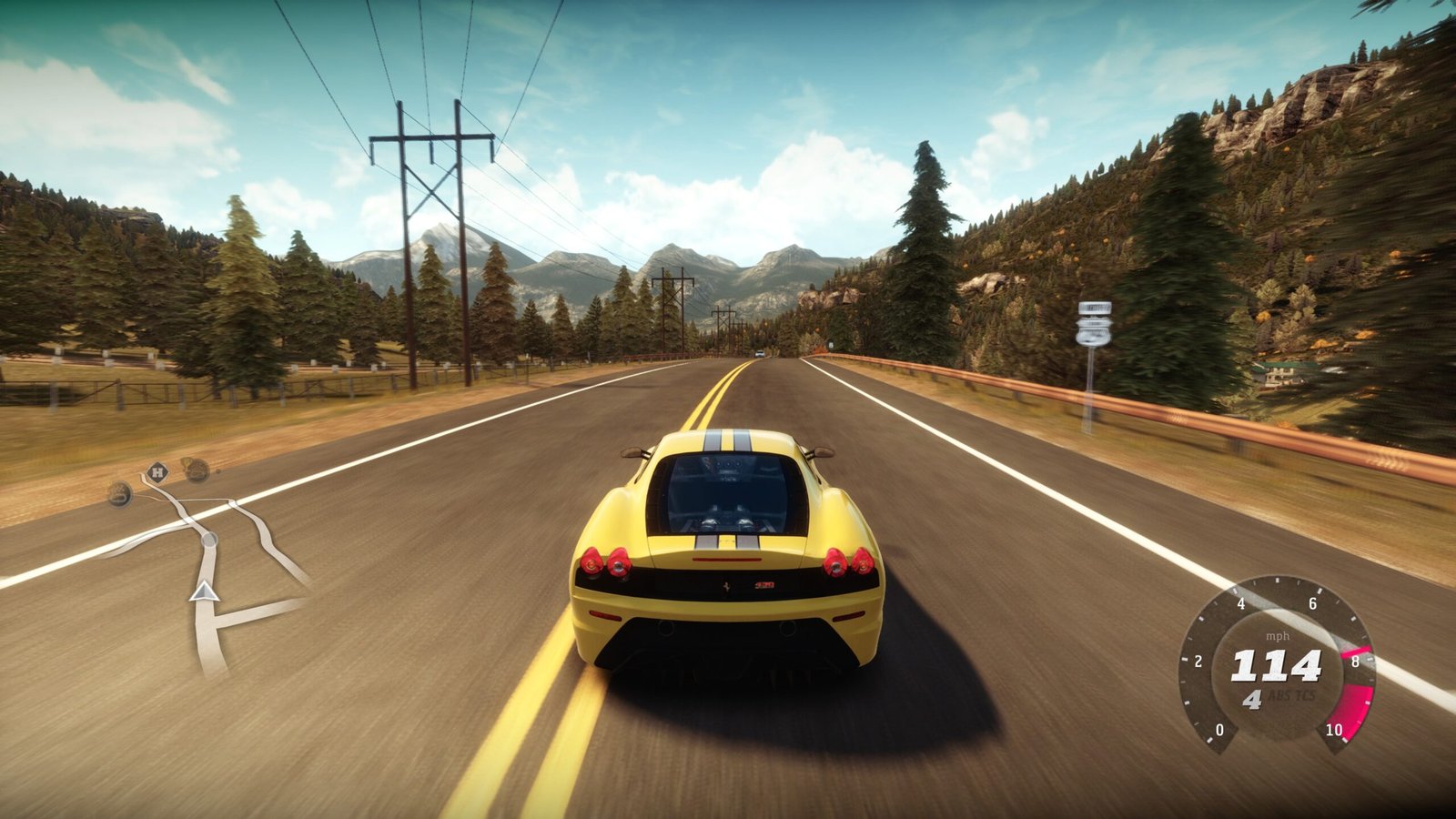
Original Forza Horizon scene used as visual context, not a Pinyon Shift 0.5.1 benchmark. Source: Allves Games library. See source.
Other features and limitations
Version 0.5.0 also added HDR options, custom radio, and save import procedures. For now, full compatibility, stability, and performance across different machines still depend on testing. In addition, the project is independent from Microsoft and does not come with game data. The Allves Games had already covered a previous demonstration on the Steam Deck; now the news is the existence of public launchers.
How to download and install Pinyon Shift 0.5.1
The installer does not include commercial game files. Therefore, the user needs to provide their own data required by the project and check the official requirements before running it.
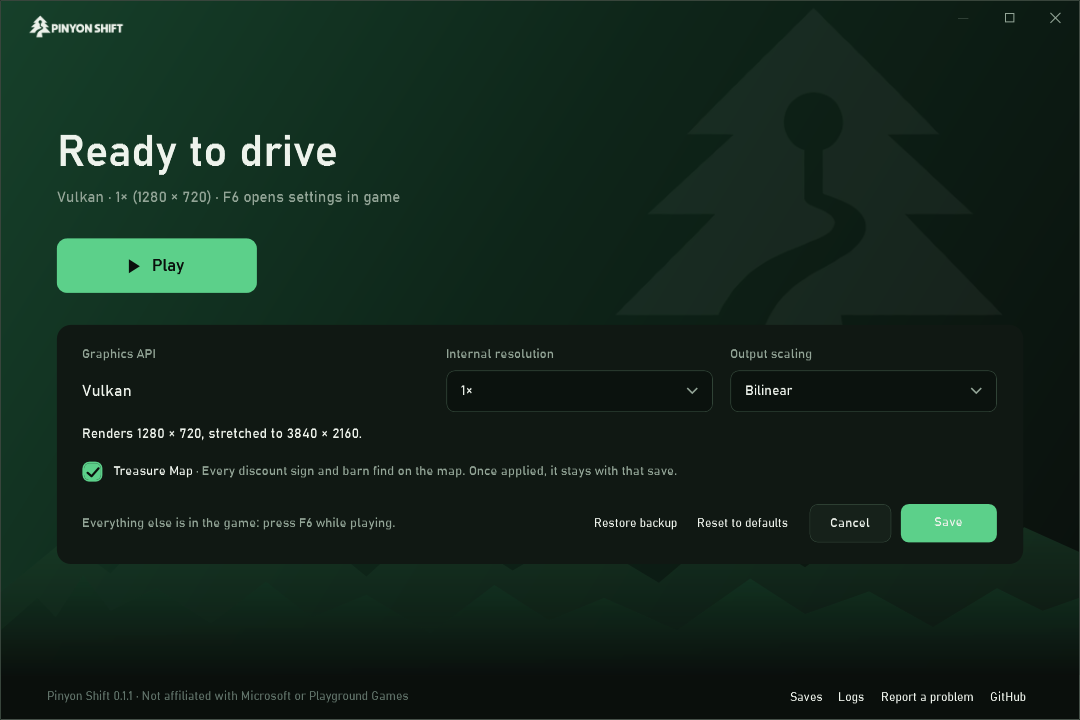
Pinyon Shift settings panel. Source: arcanite24/GitHub. See source.
- Check the compatible platform.
- Download the appropriate package below, directly from the official release.
- Extract the package and follow the instructions to import the files from your legitimate copy of the game.
- Configure the launcher and launch after confirming the requirements.
The packages mentioned are from a specific version. Therefore, check for future updates on official release history.
Sources: official release; developer repository.