First-person RimWorld is the premise of the RimWorld x MW2 mod, which links the colony simulation to a game engine based on 2009's Modern Warfare 2. Thus, the player can take control of a colonist, walk around, and engage in combat while RimWorld continues to process the match. In addition, weapons, inventory, and injuries are synchronized across this bridge between the two programs.
Furthermore, on October 12, the project added visible weapons in characters' hands and melee attack animations. Also on that day, the channel fiend published the demonstration "Defending my RimWorld Base in MW2", featuring a link to the repository. However, there is no ready-to-install release on the checked GitHub: the procedure requires compiling the components.
In turn, the video is about 1 minute and 18 seconds long and was published on October 12, 2026. It serves as a demonstration of the project; it is not a performance test conducted by Allves Games.
How RimWorld works in first person
First, RimWorld keeps the map, artificial intelligence, health, weapons, and items. Meanwhile, a modified version of IW4L, an open engine written in Rust and based on MW2, presents the scene in first person. Both sides exchange information via a local computer connection.
Thus, moving the controlled character also moves the colonist in the simulation. In addition, shots follow their weapon, including bursts and intervals, and hits injure the specific body part struck in RimWorld. At the same time, injuries, trees, and terrain influence movement speed, according to the documentation.
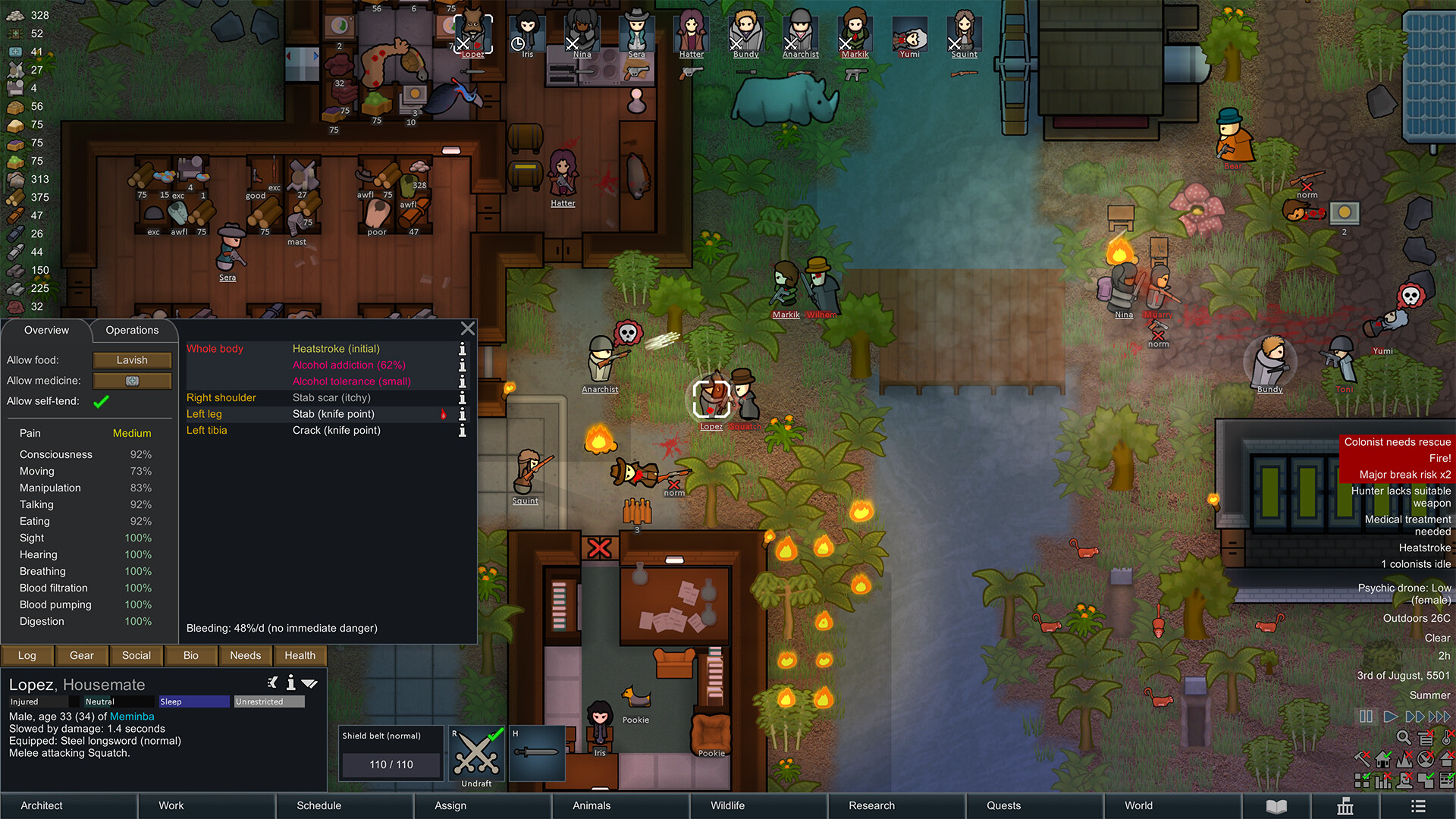
Promotional image of RimWorld published on Steam. It contextualizes the game that maintains the simulation, without demonstrating integration with MW2. Credit: Ludeon Studios.
In addition, the map brings floors, walls, doors, mountains, trees, and objects into the three-dimensional presentation. However, the characters continue to use RimWorld's own images. Therefore, the proposal mixes the visual elements of the two games, without promising a complete recreation of the colonists with new 3D models.
In turn, the October 12 commit confirms that drafted colonists and enemies now hold the image of their weapon, pointed at the target. Meanwhile, melee attacks gained striking and lunging movement. Thus, the milestone goes beyond simply showing the map through another camera.
Which games and tools are needed
The documented path meets Windows 10 or 11. First, you need to have your own Steam copies of RimWorld 1.6 and Call of Duty: Modern Warfare 2 (2009), including the multiplayer files installed via Steam. Additionally, the guide does not require any DLC.
Furthermore, RimWorld requires Harmony. To compile the mod and the engine, the project lists these tools, installed before opening a new terminal:
- Git, to obtain the repositories.
- Python 3.10 or later, to run the preparation.
- .NET SDK 10, to compile the RimWorld mod.
- Visual Studio Build Tools, with Desktop development with C++.
- Rust via rustup, to compile the engine.
According to the maintainer, the first compilation of the engine requires about 15 GB free and takes from 15 to 40 minutes, depending on the processor. Afterwards, subsequent runs recompile only what has changed. Therefore, this is still an installation for those willing to set up a compilation environment.

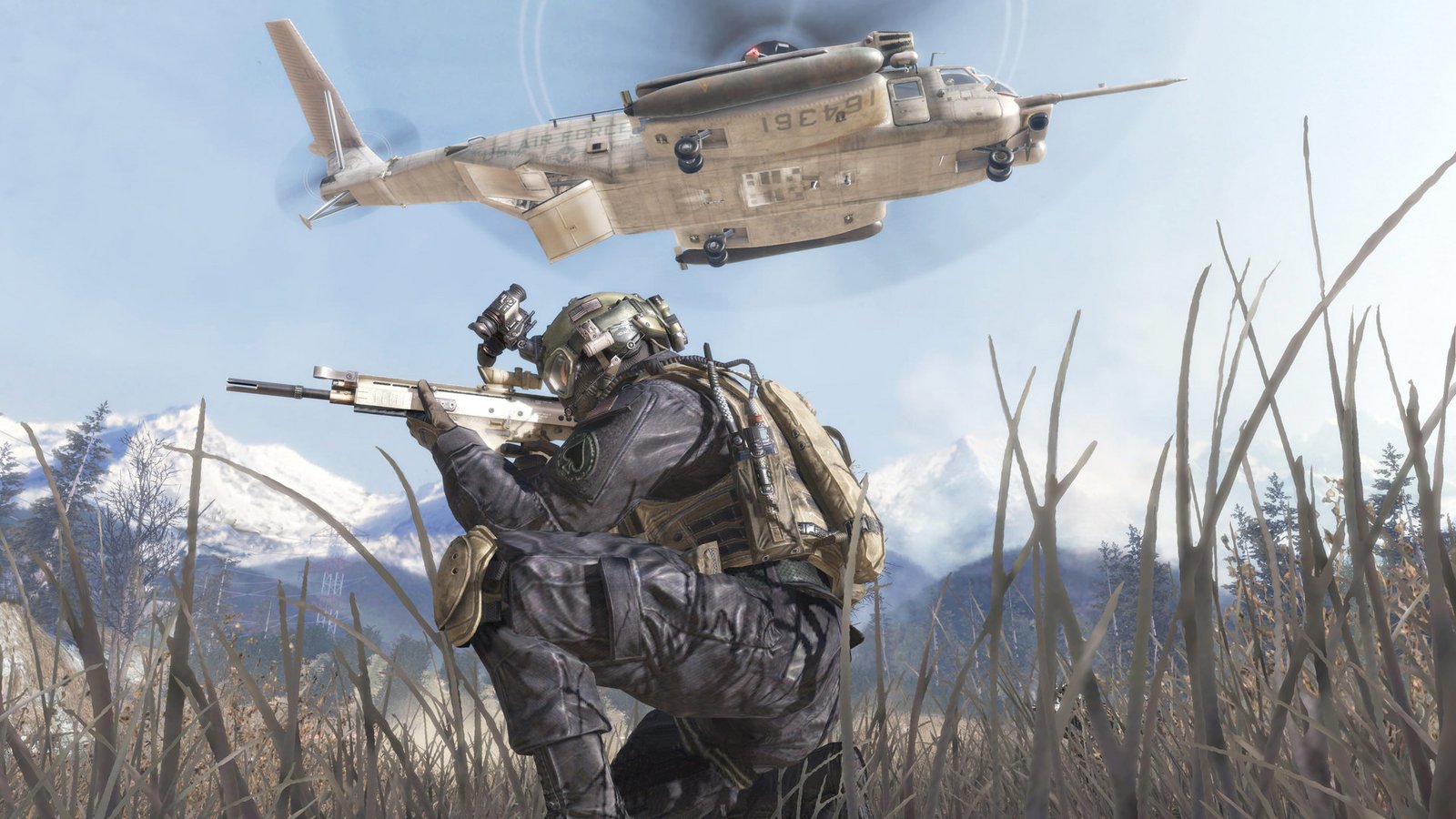
Official image of Modern Warfare 2 (2009), published on Steam. Reference of the game whose files are required; not a screenshot of the RimWorld x MW2 mod. Credit: Activision / Infinity Ward.
How to prepare the mod on Windows
First, open a projects folder and get the code with the commands below in PowerShell. Then, enter the created folder:
git clone https://github.com/rkwitz/rimworld-mw2
cd rimworld-mw2
Then, the command doctor checks the tools and game installations. If any game is not found, the README instructs to copy .env.example to .env and fill in the paths RIMWORLD_DIR and IW4L_GAMES.
python scripts\setup.py doctor
python scripts\setup.py engine
python scripts\setup.py build-mod
python scripts\setup.py link-mod
The step engine gets the engine at the pinned revision and applies the project patches. Then build-mod compiles the bridge, while link-mod connects it to the RimWorld mods folder. Next, open RimWorld once and activate Harmony and RimWorld x MW2 Bridge, in that order, with the bridge below Harmony. After restarting, close the game.
This button opens the code and instructions from the maintainer. It is not a ready-made installer nor does it include both games. The project itself guides to use the integration offline only.
How to control a colonist in RimWorld in first person
Then, in the project folder, execute .\play.bat. Next, the script prepares the components, launches RimWorld through Steam, and compiles or starts the engine. Thus, the first run may take the compilation time stated above; keep the terminal open.
- Load a colony save in RimWorld.
- Draft a colonist for combat using the Draft command.
- Click on Control in MW2. The first-person window takes control of that character.
- To return control, use Tab to go back to RimWorld and choose Stop controlling, or take the colonist out of Draft mode.
During control, WASD and the mouse move and orient the colonist. In addition, E interacts with doors, switches, and fallen characters; F opens the inventory; and Tab switches to RimWorld. The colony window also works as a minimap, according to the guide. When RimWorld is paused, you can look around, but not walk or shoot.
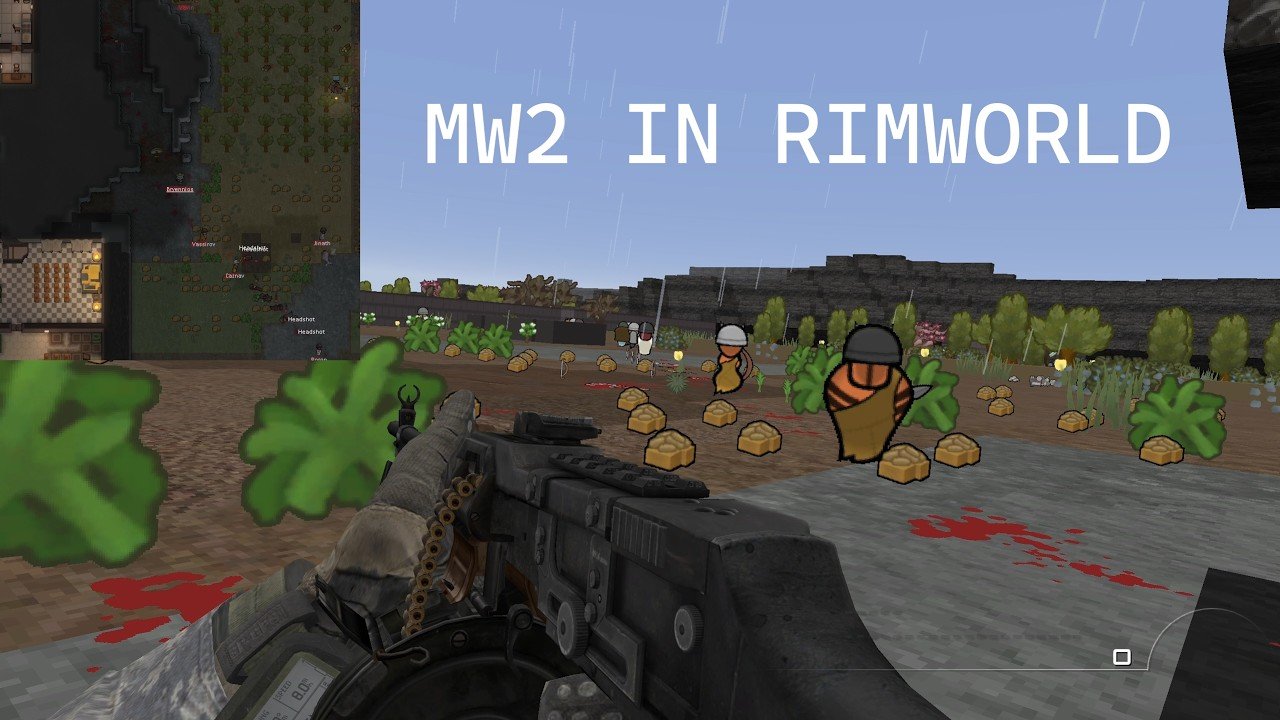
Thumbnail of the fiend channel demonstration, featuring a scene from the mod and the colony window. The full video is in the player at the beginning. Source: fiend / YouTube; not a benchmark for Allves Games.
To follow other game combinations, see the mod that combines MW2 and Risk of Rain 2 and the CallOfWarcraft. Each project has its own requirements.
First-person RimWorld continues as an experimental integration. The instructions and features described come from the mod repository and weapons and melee attacks commit. Images from the original games come from the Steam pages of RimWorld and MW2 (2009); we do not perform our own execution test.
Sources: mod repository.