
Fire Emblem: The Sacred Stones has received an experimental native version for Windows and Android thanks to the SacredStonesRecomp project. The recompilation allows the Game Boy Advance strategy RPG to run on modern computers and mobile phones, featuring save states, rewind, gameplay speed-up, and physical controller support.
Developer Lordingard released SacredStonesRecomp 0.1.13 on October 7, 2026. The update adds ZIP save export and persistent fullscreen settings on Windows. Meanwhile, the Android app retains the touch control, auto-suspend, and save backup features introduced previously.
Fire Emblem: The Sacred Stones gets native recompilation
The SacredStonesRecomp uses an adapted version of the gbarecomp framework to statically translate the original game's ARM and Thumb code for native execution. Another classic RPG that also received an experimental native port is Dragon Quest VIII for computers, although it uses a different process.
Next, the application uses an execution layer that replicates Game Boy Advance services, including graphics, audio, memory, controls, and BIOS functions.
In this way, the port does not rely on a conventional emulator to run the recompiled code snippets. However, the runtime still has mechanisms to handle code paths that have not undergone complete static recompilation.
According to the documentation, the initialization normally tested already occurs in a fully static manner. However, this does not represent a confirmation that the entire campaign has been recompiled or verified.

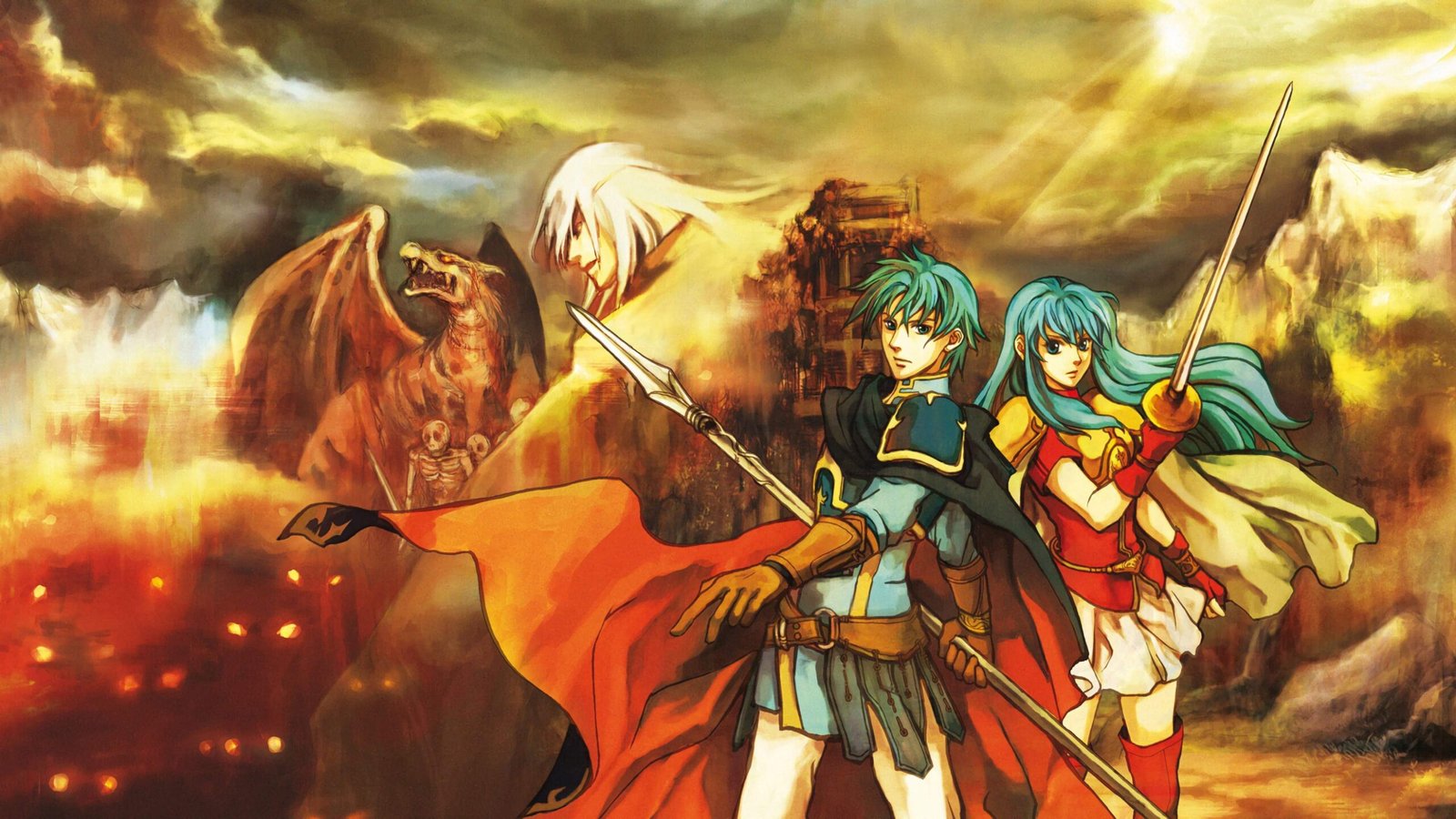
Official screenshot of Fire Emblem: The Sacred Stones for Game Boy Advance. Source: Nintendo. Image of the original game, not SacredStonesRecomp.
The project works specifically with the North American ROM of Fire Emblem: The Sacred Stones. Furthermore, it requires the user to provide a legitimate Game Boy Advance BIOS. Neither of these commercial files comes with the official packages.
SacredStonesRecomp 0.1.13 adds ZIP backups on Windows
The main new feature in version 0.1.13 is the export of saves on Windows. Now, the user can open the internal menu and access Assist Tools > Export saves.
The program opens a window to select the destination of the ZIP file. Then, it saves a copy of the available data, including the internal game save, existing save states, and any suspension logs.
In addition, the export preserves the original files. The project also excludes the ROM, BIOS, and personal settings from the backup package.
According to the developer, the process temporarily pauses the game while the files are exported. In exclusive fullscreen mode, the program switches to a window during destination selection and then restores the previous display.
However, there is an important limitation: SacredStonesRecomp cannot yet automatically import these ZIP files. Therefore, the export serves to create a backup copy, but does not constitute a complete cross-platform save transfer system.
Windows now remembers the full-screen setting
Another improvement in version 0.1.13 involves the display mode. The application now remembers the full-screen preference, including changes made by the launcher, the in-game menu, or the Alt+Enter shortcut.
Additionally, the user can choose between windowed presentation, borderless full-screen, or exclusive full-screen. According to the official notes, the borderless setting is the one recommended by the developer.
However, the game maintains its original 3:2 image aspect ratio. Therefore, 16:9 monitors may display side letterboxes to avoid stretching or cropping the graphics.
Consequently, the full-screen improvement should not be advertised as a new widescreen mode with an expanded field of view.

Another official screenshot of the original Fire Emblem: The Sacred Stones. Source: Nintendo. Visual reference of the RPG, without proving graphical features of the recompilation.
The developer reports that tests were conducted with both borderless and exclusive fullscreen, including save export. However, part of the cancellation checks was automated and has not yet received separate manual confirmation.
Fire Emblem: The Sacred Stones for Android receives touch controls
The Android app works on ARM64 devices running Android 9 or higher. Additionally, it uses a custom interface to import and verify the user-provided ROM and BIOS.
After setup, the player can use virtual on-screen controls or connect a physical gamepad. The app also allows hiding virtual buttons automatically when a compatible controller is detected.
SacredStonesRecomp maintains graphics at the original 3:2 aspect ratio. This way, it makes the most of the available phone area without distorting the image.
However, it does not automatically use dual screens on devices like the AYN Thor. The Android version works with a single horizontal surface.
According to the developer, the game worked in tests with the Google Pixel 9 Pro, Xiaomi Pad 5, and AYN Thor. However, these results do not guarantee universal compatibility nor do they represent a full playthrough completed on each device.
Port offers nine save states, rewind, and up to 10x speedup
SacredStonesRecomp also includes tools to facilitate running the RPG. One of them is the nine-slot save state system, independent of traditional Fire Emblem saves.
In addition, the user can enable rewind to go back to previous moments in the match. This history is temporary and does not remain available after closing the application.
Another function allows speeding up the game between 2x and 10x. This way, certain animations, movements, and sequences can be executed more quickly.
On Windows, the user can open the internal menu via the Escape key. On Android, the Back button or gesture opens the settings and assist tools.
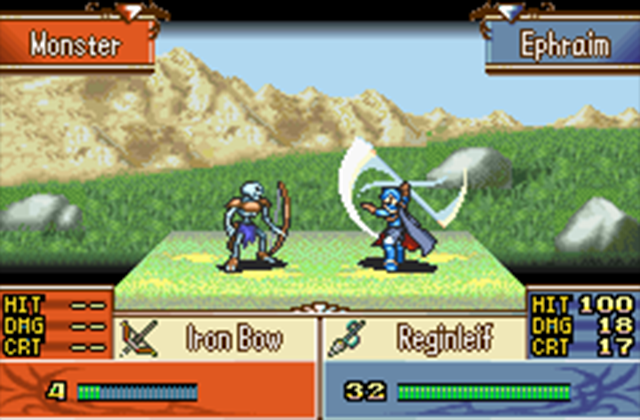
Combat in Fire Emblem: The Sacred Stones against an enemy creature. Source: Nintendo. Capture from the original Game Boy Advance edition.
The project also maintains normal SRAM saves and automatic resumption on Android. Therefore, save states do not necessarily replace the game's original saving system.
On the other hand, the developer warns that save state compatibility between versions and platforms is not yet guaranteed. Thus, it is advisable to also preserve the game's internal saves.
How to download SacredStonesRecomp 0.1.13 for Windows
The developer provides an official ZIP for 64-bit Windows in the GitHub release 0.1.13. The file contains the executable and its dependencies, but does not include the ROM or BIOS.
- Download the official package SacredStonesRecomp-0.1.13-win64.zip using the button below.
DOWNLOAD FIRE EMBLEM THE SACRED STONES WINDOWS PORT UPDATED
- Extract all contents of the ZIP to a folder, keeping the DLL files and auxiliary directories together.
- Open
SacredStonesRecomp.exe. - Select the BIOS from your own legitimate copy of the Game Boy Advance when prompted by the program.
- Select the North American ROM of Fire Emblem: The Sacred Stones.
- Click on Play to start.
- During gameplay, press Escape to access the save state, rewind, fast-forward, and save export tools.
The ZIP is approximately 34.4 MB. The program verifies the ROM's identity and may reject files from different regions or versions.
How to install Fire Emblem on Android with SacredStonesRecomp 0.1.13
For Android, the author offers an official signed APK, intended for ARM64 devices running Android 9 or higher.
- Download the file SacredStonesRecomp-0.1.13-android-arm64.apk using the button below.
DOWNLOAD FIRE EMBLEM THE SACRED STONES ANDROID PORT UPDATED
- After checking the file source, authorize its installation via your file manager or browser.
- Open the application.
- Select the North American ROM from your own copy of the game and a legitimate GBA BIOS.
- Wait for the verification and importation of these files into the application's private storage.
- Press Play and use the on-screen controls or a compatible gamepad.
- To create a backup, open Assist Tools > Export saves and choose the ZIP destination.
The APK is approximately 25.6 MB. If an installation already exists, the developer recommends updating over the existing version without uninstalling or clearing app data.
In addition, the release files include SHA-256 checksums to verify download integrity. Do not use files identified as Source code as if they were ready-to-play packages.
Project continues in development
Although Fire Emblem: The Sacred Stones is already playable in SacredStonesRecomp, the developer himself acknowledges that the campaign has not yet undergone a complete start-to-finish verification.
In addition, automatic ZIP backup importing and ensuring save state compatibility across different versions and operating systems are still pending.
The project also utilizes OpenAI Codex assistance during development. According to the maintainer, this help includes code modifications, component integration, debugging, and documentation, while he retains technical decisions and performs his own testing.
Finally, SacredStonesRecomp is an independent initiative, with no official affiliation with Nintendo or Intelligent Systems. Those interested can follow fixes, new packages, and limitations on the author's GitHub.
Sources: official SacredStonesRecomp 0.1.13 release; project README and documentation; Android documentation; Nintendo — Fire Emblem: The Sacred Stones original.


Pingback: Shining Soul II 0.2.2 ganha salas online e reconexão no PC