The Bloodborne bbport 0.51 received a major update for Linux. The project now includes an experimental online module based on shadNet, integrates NVIDIA DLSS Super Resolution into the official package, and offers mouse camera control. In addition, the developer fixed crashes and significantly reduced the download size.
Version 0.51 was released on October 10, 2026, by developer deadinside28. According to the official notes, the port remains experimental. Although network functions have been integrated, the author himself has not yet been able to verify that online login and summoning work.
Bloodborne bbport 0.51 gets experimental online module
The main new feature of the update is the module libbbnet.so, responsible for integration with the shadNet network. The developer incorporated networking components derived from the shadp2p project, related to the shadPS4 ecosystem.
The module was prepared to offer player messages, bloodstains, phantoms, and features associated with summoning bells. In addition, it uses a shadNet server to establish the necessary connections.
Now, the launcher has an Online tab. In it, the user will find fields for server, account, connection settings, UPnP, and communication testing.
However, there is an essential caveat: the developer was unable to test online login or invocations, as they did not have a shadNet account. Furthermore, the UDP side of the public server did not respond during the investigation recorded in issue 121.
Therefore, version 0.51 represents the arrival of online infrastructure to the Linux port, not the confirmation of functional and stable multiplayer.

Screenshot of Bloodborne bbport running on PC, available in the Allves Games library. Illustrative image from another project test; it does not prove that the online feature of version 0.51 for Linux works.
The networking component is only loaded when the online option is enabled. Thus, players who prefer to play offline can continue using the port without initializing this module.
DLSS arrives integrated into the Bloodborne AppImage
Another relevant new feature is the inclusion of the NVIDIA DLSS 310.9.1 library in the official AppImage. Previously, the user had to prepare additional components to use the feature in certain builds.
Now, the package includes the Linux DLSS library and the bridge necessary for its integration with the renderer. On compatible GeForce RTX cards, the player can select the feature through the launcher's upscaling options.
In addition, the developer allows replacing the integrated library with a newer version chosen manually by the user.
It is important to differentiate the technologies: the DLSS present in bbport 0.51 is DLSS Super Resolution, not DLSS 5 Neural Rendering. Therefore, this novelty does not represent the implementation of the neural rendering features announced separately by NVIDIA.
The port also offers alternatives based on AMD FSR 3.1, FSR 4, and FSR 4.1.1, depending on the compatibility of the hardware and installed components.
However, the author themselves notes that DLSS still needs testing on more computers. Thus, the inclusion of the library does not guarantee perfect operation across all RTX GPUs and Linux distributions.
Bloodborne gets mouse camera control
Version 0.51 also adds mouse look support. Now, the player can move the camera with the mouse during gameplay.
According to the developer, just click on the window to capture the cursor. Afterwards, the F1 key allows releasing it when needed.
In addition, the program offers options to adjust sensitivity and invert the vertical axis. The side buttons and mouse wheel can also represent original controller commands.
By default, the implementation maps the left button to R1 and the right one to L2. However, the user can change the controls in the launcher's Controls section.
Thus, the project expands the possibilities of playing Bloodborne without a conventional controller. However, the creator still requests testing on more hardware configurations.
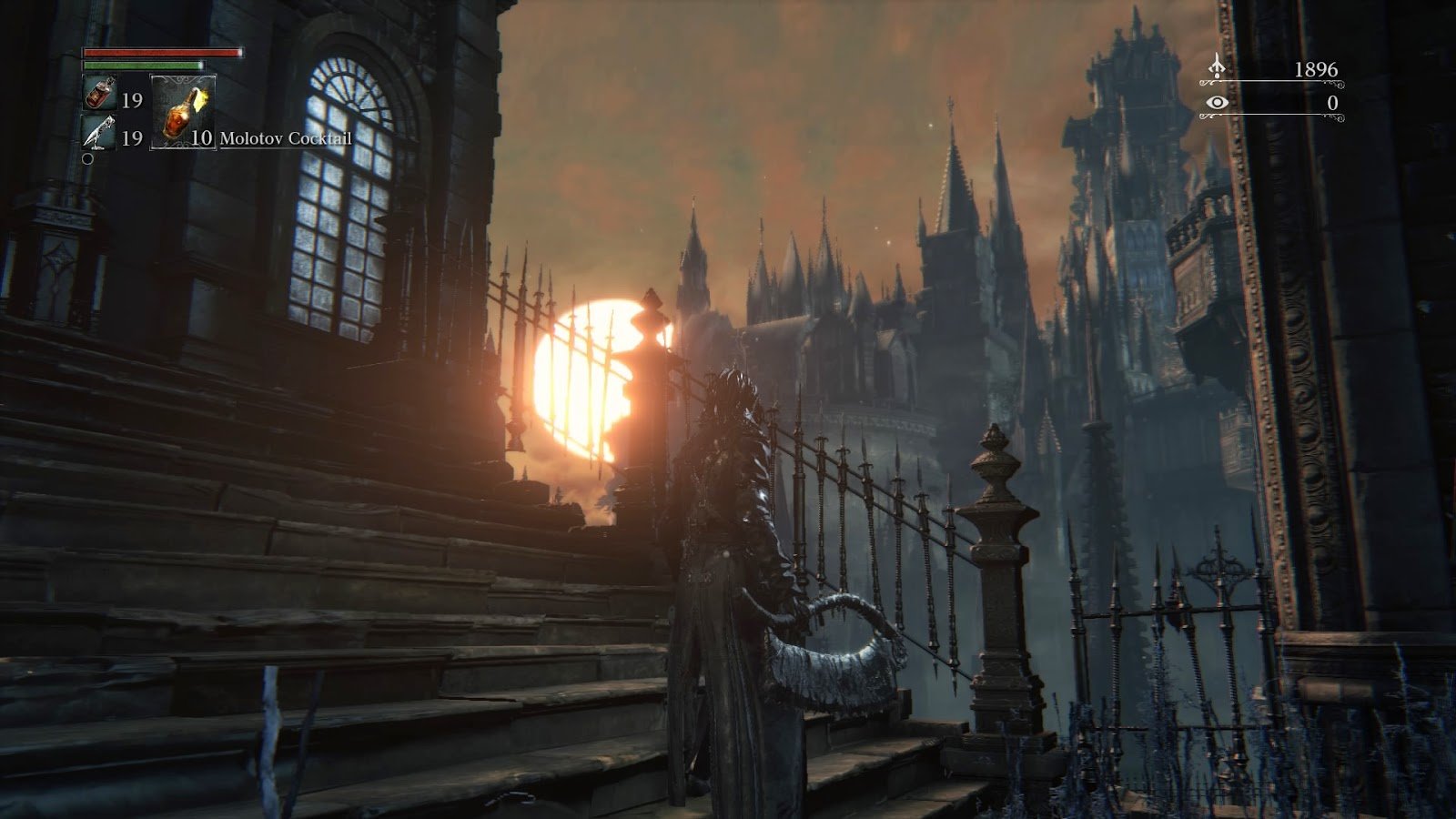
Central Yharnam, setting from the original Bloodborne. Source: Allves Games library. Illustrative image; does not demonstrate mouse look, DLSS, or online connection of bbport 0.51.
Linux port fixes crashes with 4 GB GPUs
In addition to the new features, the update resolves important compatibility issues. One of them affected NVIDIA cards with 4 GB of video memory.
Previously, the program could display an error message when trying to reserve 64 MiB for memory copies used by the renderer. Now, the system seeks to free up textures earlier and use other memory areas when necessary.
The developer also fixed a crash identified by error code 139, which occurred when entering the game world in certain regional editions.
Another change addresses motion blur. Previously, the effect could blur the entire image during camera movements under the new memory model. The fix aims to preserve the expected graphical output.
In addition, version 0.51 introduces adjustments to resolution switching, the main menu, and the operation of NVIDIA GPUs with Wayland.
Bloodborne bbport now supports more regional editions
The project has also expanded compatibility with different commercial editions of Bloodborne. According to the official notes, the port supports North American, European, British, Japanese, and Asian versions, including certain editions featuring The Old Hunters.
However, all of them must use the game updated to version 1.09. The original 1.00 edition, without updates, does not meet current requirements.
In addition, the user must provide the legitimate files from their own copy of the game. The AppImage does not include the commercial image of Bloodborne.
The program also checks for certain modifications applied to the executable. Therefore, a copy with old patches already incorporated may require adjustments or the restoration of the original file.
AppImage drops from 925 MB to approximately 399 MB
Another important difference in version 0.51 is the package size. According to the author, the AppImage went from approximately 925 MB to 399 MB.
To achieve this reduction, the developer removed unnecessary Mesa driver components, debugging information, and libraries that were not used by the main application.
In addition, the package retains the components necessary for execution, including the launcher and DLSS support on compatible configurations.
Thus, the download became considerably smaller. However, the user still needs to reserve additional space for the game's own files, saves, and shader cache.
What is the difference between Bloodborne bbport and shadPS4?
The bbport has a specific approach for Bloodborne. Since the PlayStation 4 game uses x86-64 code, the project allows running this code directly on the CPU of a compatible Linux computer.
Meanwhile, a custom runtime provides services that previously depended on the PS4 operating system. Meanwhile, graphics commands go through a layer that translates them into Vulkan.
In this way, bbport approaches the concept of Wine combined with DXVK, but adapted to a single game.
Therefore, it is neither a general PlayStation 4 emulator nor a traditional recompilation of the game's original source code.
Although parts of the renderer derive from research and components related to shadPS4, the developer emphasizes that bbport is an independent project with its own support and development.
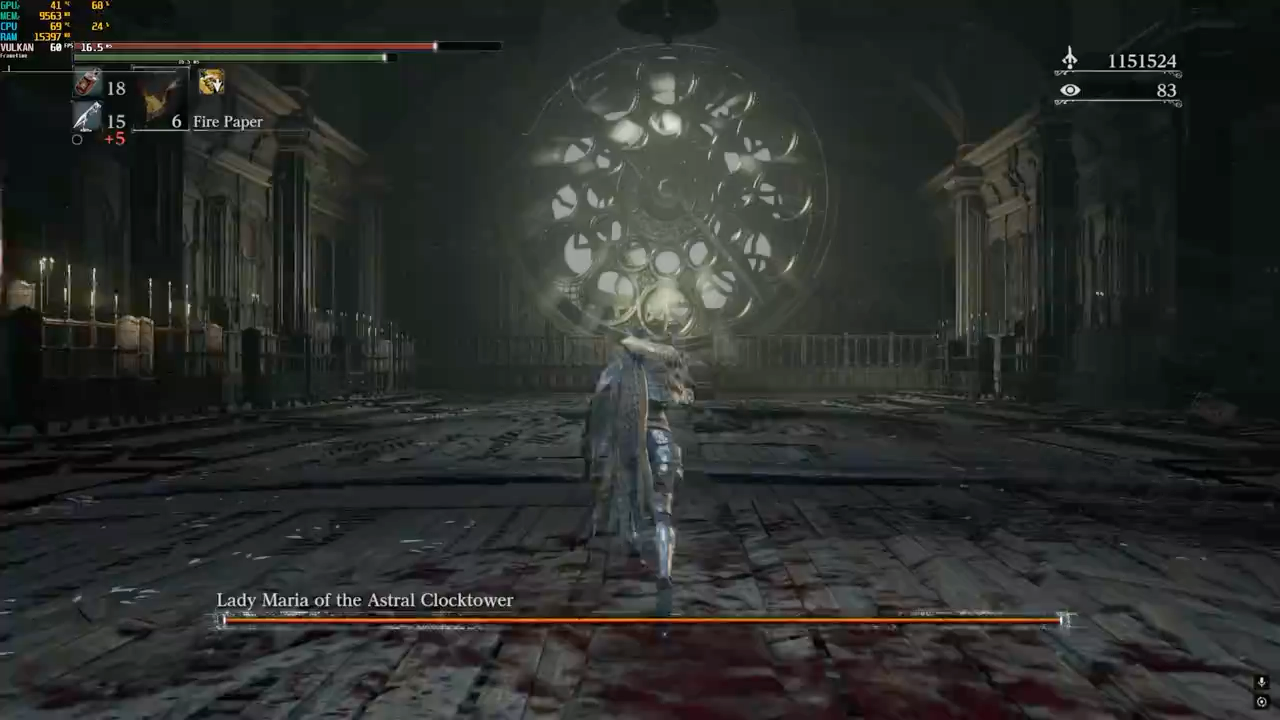
Clash with Lady Maria in Bloodborne, previously recorded in shadPS4. Source: Allves Games library. Illustrative image of the game; not a capture from bbport Linux 0.51.
Allves Games also published a news story about another Bloodborne fork, bbport, intended for Windows. However, that implementation has its own versions, developer, and goals.
Thus, the features of version 0.51 for Linux should not be automatically attributed to the Windows fork.
How to download Bloodborne bbport 0.51 on Linux
The developer provides an official AppImage for x86-64 Linux computers. The program requires a Vulkan 1.3 compatible GPU and a legitimate copy of Bloodborne with update 1.09.
- Access the official version 0.51 page on GitHub.
- Download the file Bloodborne-bbport-x86_64.AppImage using the button below.
DOWNLOAD BLOODBORNE BBPORT LINUX 0.51 UPDATED
- Save the AppImage in a folder on your computer.
- Grant execution permission through the file properties or the terminal.
- Open the AppImage to start the launcher.
- Select the folder containing the legitimate and decrypted dump of your Bloodborne copy updated to 1.09.
- Check the graphic settings, controls, and the recommended memory model for your GPU.
- Start the game through the launcher.
If you prefer to use the terminal, the file can be given execution permission with the command below, executed in the folder where the AppImage was saved.
chmod +x Bloodborne-bbport-x86_64.AppImage
./Bloodborne-bbport-x86_64.AppImage
The AppImage is approximately 399 MB. On the release page, the author also provides a SHA256SUMS file to verify the download's integrity.
How to enable DLSS and test the online module
To use DLSS, the user needs a compatible NVIDIA GeForce RTX GPU and an appropriate Linux driver.
- Open the launcher settings.
- Locate the Upscaler section.
- Select DLSS when the program indicates that the technology is available.
- Choose the desired profile and check the result during the match.
To test the online infrastructure, the launcher offers a dedicated section. It allows you to configure the server and enter a shadNet account.
However, this feature remains experimental and may not establish a connection. The developer himself has not validated login or invocations in release 0.51.
Therefore, there is no guarantee that messages, phantoms, or multiplayer features are working reliably at this stage.
Bloodborne on Linux remains in development
The developer classifies bbport as experimental, although the game already boots, loads saves, and allows exploring different regions of Yharnam.
However, there is still no confirmation of an entire campaign completed without failures. In addition, the machine most widely tested by the author uses Linux with a Radeon RX 7800 XT and Mesa/RADV drivers.
Version 0.51 represents an advance in compatibility, control tools and network infrastructure. However, its latest features still require independent testing.
Finally, the project has no official affiliation with Sony Interactive Entertainment or FromSoftware. Those interested can follow new releases and known issues in the official repository.
Sources: official release Bloodborne bbport 0.51; README and project code; issue 121 — online connection; technical history of changes.