The project AeroGauge Recompiled advanced its support for Linux ARM64 and received a geometry fix on the Chinatown circuit on October 14 and 15, 2026. The changes are contained in two commits from the official repository. However, these are development changes: they do not confirm a new public version nor do they guarantee that a Linux ARM64 package is already available for download.
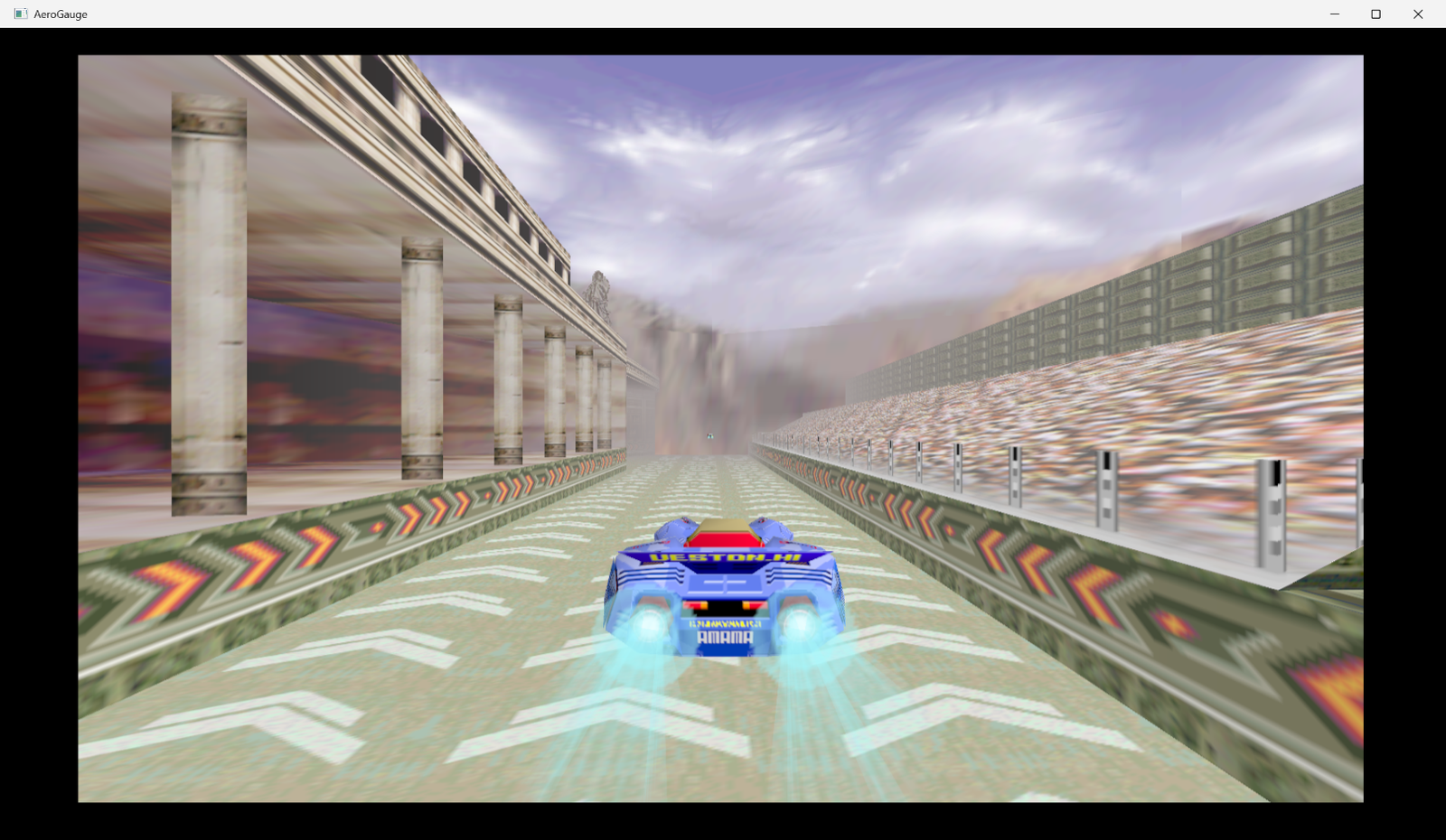
In practice, the port transforms the racing game AeroGauge, from the Nintendo 64, into a native program for computers. Furthermore, the project already documents versions for Windows, Linux, and Android, with specific requirements for each platform. The documentation highlights that the current code may be ahead of the files from the latest release.
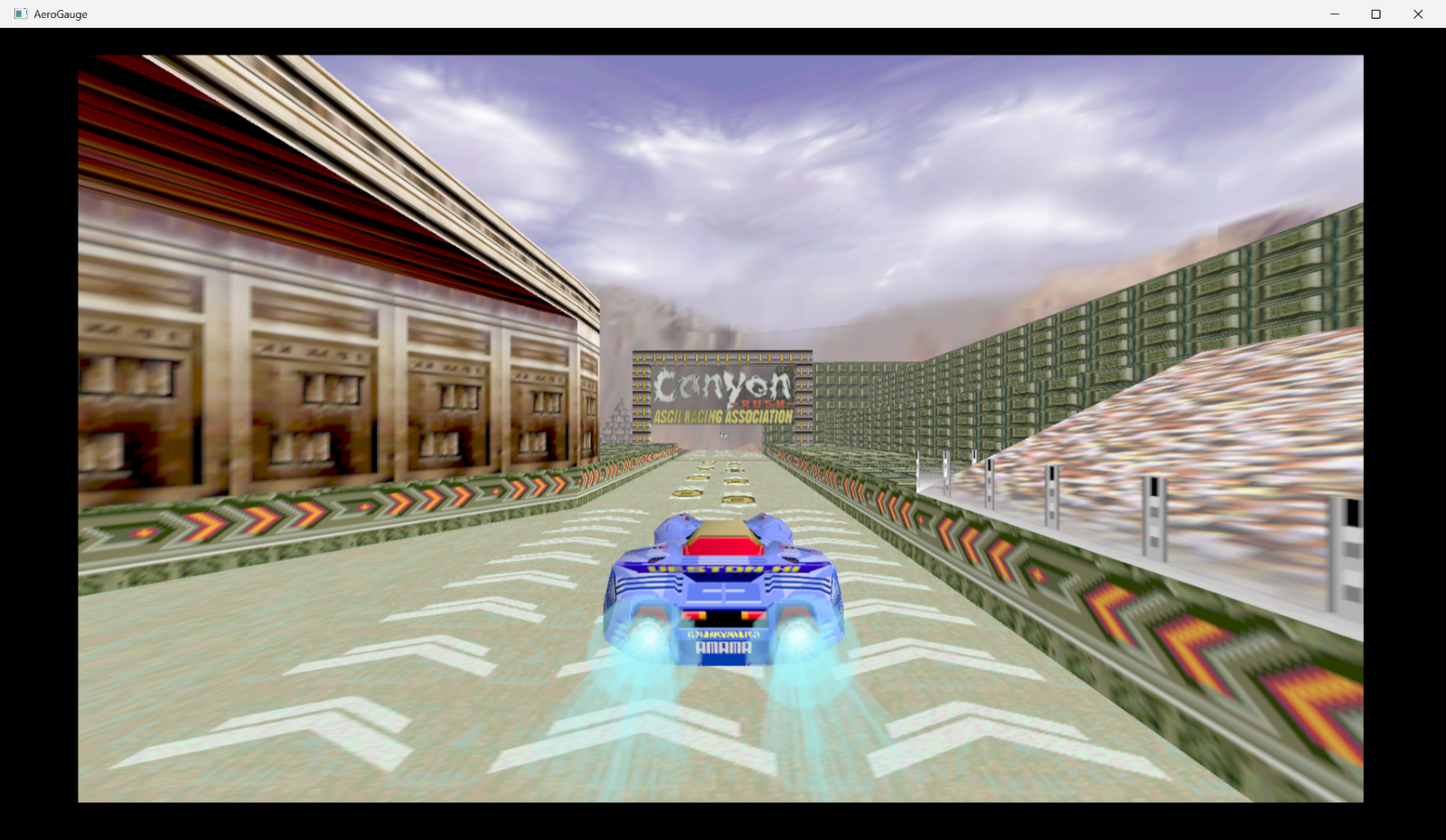
AeroGauge Recompiled advances on Linux ARM64
On October 14, commit 146a87c added changes to the build and publishing system for Linux ARM64 (aarch64). The workflow now provides four types of artifacts: Linux x64, Linux ARM64, Windows x64, and Android ARM64.
However, the inclusion of this infrastructure does not equate to the immediate release of an installer. The release 0.6.2 is prior to the cited commits; therefore, these new features should not be automatically attributed to the already published package.
AeroGauge Recompiled fixes the Chinatown track
On the 15th, commit 987c3de adjusted the visibility of overlapping surfaces in Chinatown. With the full geometry option, parts of walls could improperly appear over an elevated road. Now, a specific rule preserves the expected visibility in these regions.
In turn, the repository describes automated tests and a technical reproduction on Windows with Direct3D 12. However, there is no independent benchmark or public performance demonstration on Linux ARM64 in this verification. Thus, the advancement should be understood as a code fix, not as proof of perfect execution on all equipment.
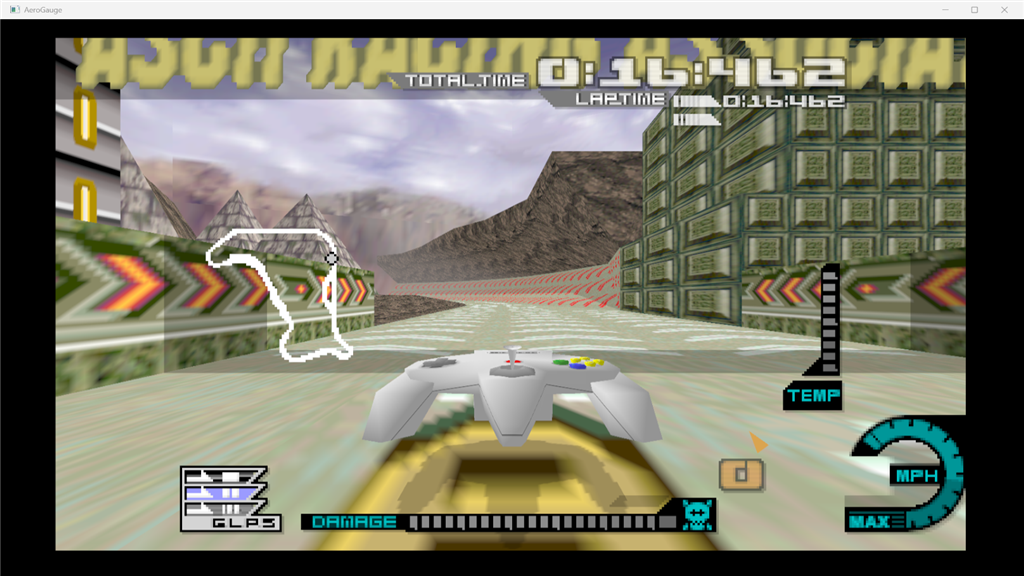
How to download the AeroGauge Recompiled available today
While the new commits await a package, the confirmed public version is 0.6.2, from October 4th. Therefore, the downloads below do not prove the inclusion of the Chinatown fix nor do they offer Linux ARM64. Furthermore, this release is of initial test quality, with known audio, graphics, and stability flaws.
- Choose your system package and download it using the corresponding button. On Linux, this file only serves x64 computers.
64-bit Windows
For Windows x64, the official version 0.6.2 ZIP is about 27.1 MB. Additionally, the project documents Windows 10 or higher with Direct3D 12 support.
64-bit Linux
Meanwhile, the ZIP for Linux x64 is approximately 14.2 MB. It requires SDL2 and a GPU with a Vulkan driver; however, this file is not an aarch64 package.
Android ARM64
Meanwhile, the official Android ARM64 APK is approximately 7.6 MB and requires a compatible Vulkan driver. This Android target is different from the Linux ARM64 that received code work.
Installation with your copy of the game
- Next, extract the computer ZIP into its own folder. Preserve all files that accompany the executable.
- Then, place your own US or Japanese Rev A ROM of AeroGauge in the folder. The release documents the names
AeroGauge (USA).z64andAeroGauge (Japan) (Rev A).n64; the original Japanese revision and the PAL edition are not compatible. - On Windows, open
aerogauge_modern.exe; on Linux, run./aerogauge_modernfrom the game folder. However, do not delete the previous version before backing up your saves. - For Android, install the APK and use Import ROM in the launcher to select your copy. Then, launch the game from the app.
The packages do not include the commercial ROM. Furthermore, the buttons use the stable names from the most recent official release; therefore, check the version and platforms in releases page upon downloading.
What still needs verification
Finally, we did not run the binaries in this investigation. The commits and public files were checked in the project's sources, but we did not perform a visual test of Chinatown in Direct3D 12 or Vulkan. Therefore, there is no promise of universal performance here nor physical validation on Linux ARM64.
Meanwhile, follow other news about game recompilations at recomp.board. The interest of the new work lies in the compatibility and the treatment of the track; the public version continues to demand attention to the documented limitations.
Sources: official repository; commit Linux ARM64; commit Chinatown.