Z3-Launcher 1.0.0 received its first stable version on October 12, 2026. The application features a graphical installer for the native port of The Legend of Zelda: A Link to the Past, with public packages for Windows and Linux. However, the tool does not contain the commercial game.
According to official announcement, the launcher downloads and starts the Zelda 3 project and imports assets from a compatible ROM provided by the player themselves. Thus, the process replaces several manual configurations with menus and status messages.
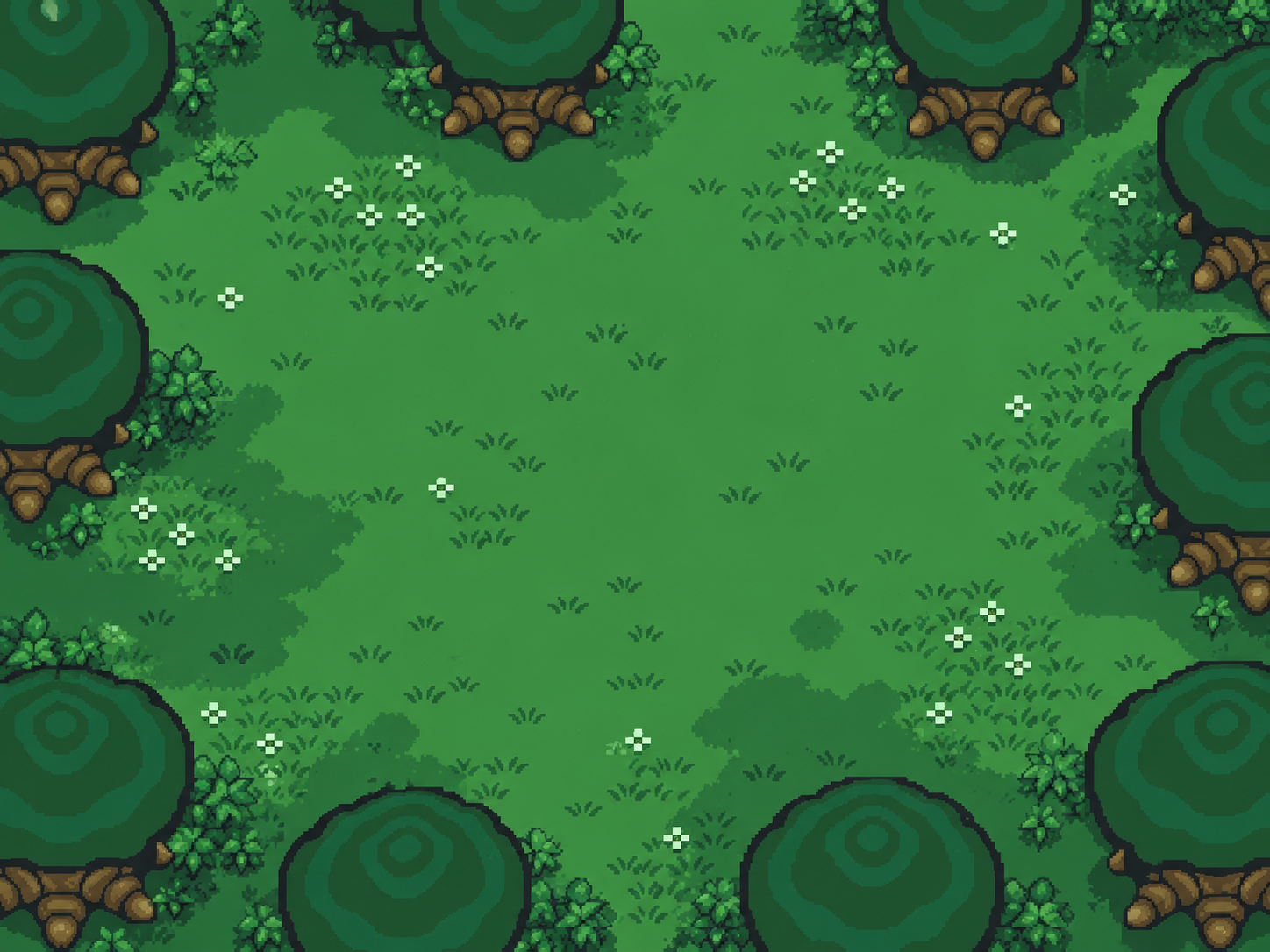
Art element from Z3-Launcher itself, source: legluondunet project on GitHub. Source.
How does Z3-Launcher 1.0.0 work?
The program allows configuring video, audio, keyboard, gamepad, shortcuts, and the zelda3.ini file. In addition, the interface saves preferences, features forest-themed controls, and gathers capture and shortcut settings. Furthermore, the developer mentions multilingual support.
However, the project is not a new official PC version of Zelda. In practice, it serves as an installation and maintenance tool for an existing port. Therefore, this new release marks the first stable launch of the launcher and its packages. Meanwhile, another independent project in the franchise, the DekUI for Majora's Mask 3D, was covered by Allves Games, but has no relation to Z3-Launcher.
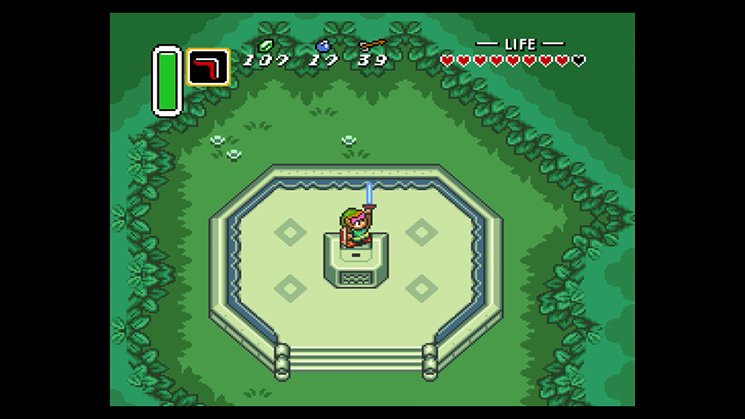
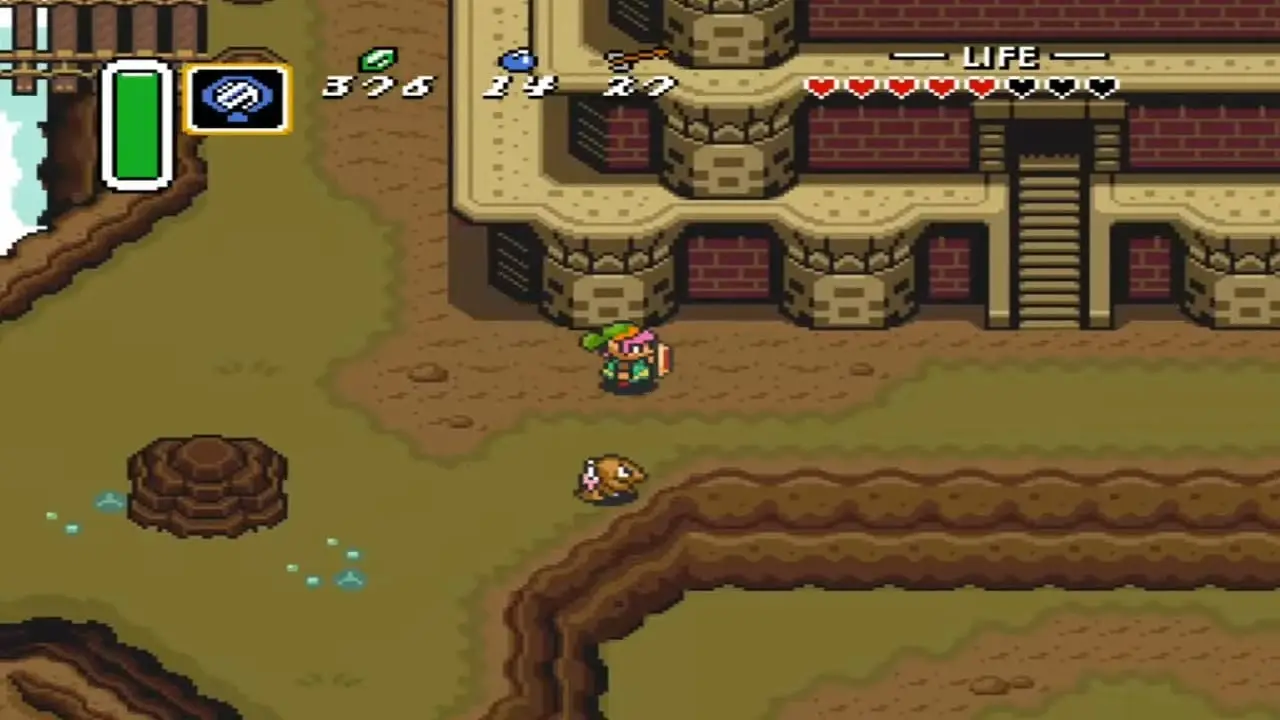
Original Zelda A Link to the Past gameplay. Source: VGChartz/Imgur; visual context only of the game installed by the launcher. Source.
Windows and Linux have separate files
Version 1.0.0 offers a ZIP for Windows x64, along with a tar.gz and an AppImage for Linux x64. Additionally, there is a Flatpak package classified as experimental. However, the publication of these files does not guarantee universal compatibility with all distributions.
How to install Zelda 3 with the launcher
To use the tool, it is necessary to own a legitimate and compatible copy of the Super Nintendo game. Therefore, the original Nintendo assets are not included with the program.
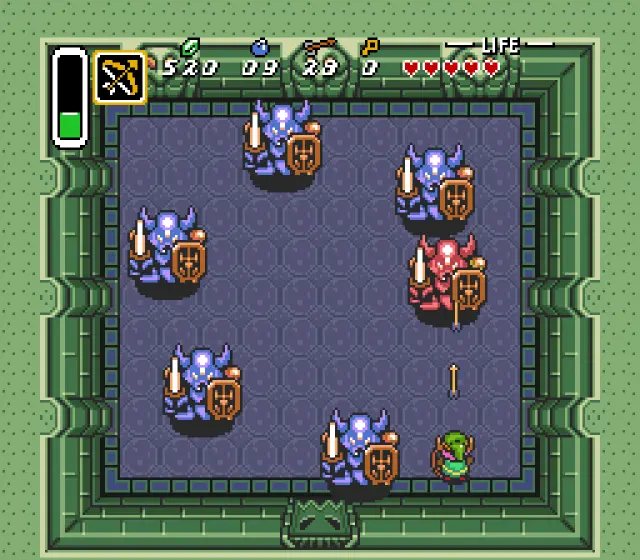
Image of A Link to the Past in a dungeon. Source: Hobby Consolas; illustration of the game, not a screenshot of Z3-Launcher. Source.
- Identify your system and architecture.
- Download the appropriate package directly from the official release using the buttons below.
- Extract the archive, if necessary, or configure the AppImage execution according to your Linux.
- Open the launcher and import the assets obtained from your legitimate copy of the game, following the documentation.
- Configure video, audio, and controls before starting.
For now, there are no independent installation or performance tests on different machines in this report. For technical details, consult the change log and the developer's README.
Sources: Z3-Launcher — release 1.0.0; official changelog.