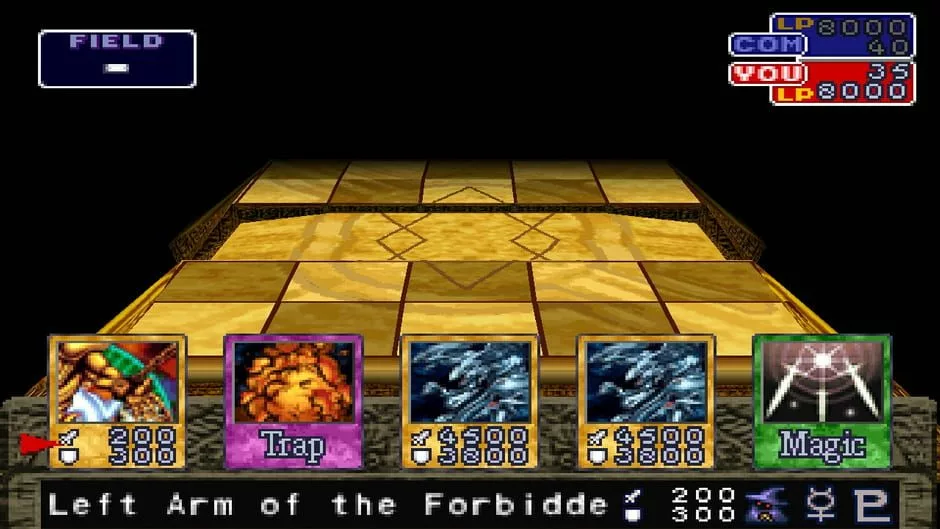
The project Forbidden Memories macOS now has experimental native support for Macs with Apple Silicon. The new feature entered the Yu-Gi-Oh! Forbidden Memories Recompiled repository on October 7, 2026. However, there is still no ready-made macOS package in the stable release: the user must compile the game from source code.
This version rebuilds the PlayStation 1 classic as a native program, without relying on conventional console CPU emulation. In addition, the PC edition already offers up to 4x internal resolution, widescreen, HD text, and mod support.
Forbidden Memories macOS: what changed on Apple Silicon?
The ARM64 implementation adapts the game's memory handling and calls for modern 64-bit processes. Therefore, the new code preserves the 32-bit addresses expected by the original title, but resolves native macOS memory accesses.
According to the technical documentation, the project uses LLVM 21.1.8 to translate the game code. Thus, the change should not be confused with an Intel executable running via Rosetta 2. It is a dedicated path for Apple Silicon chips.
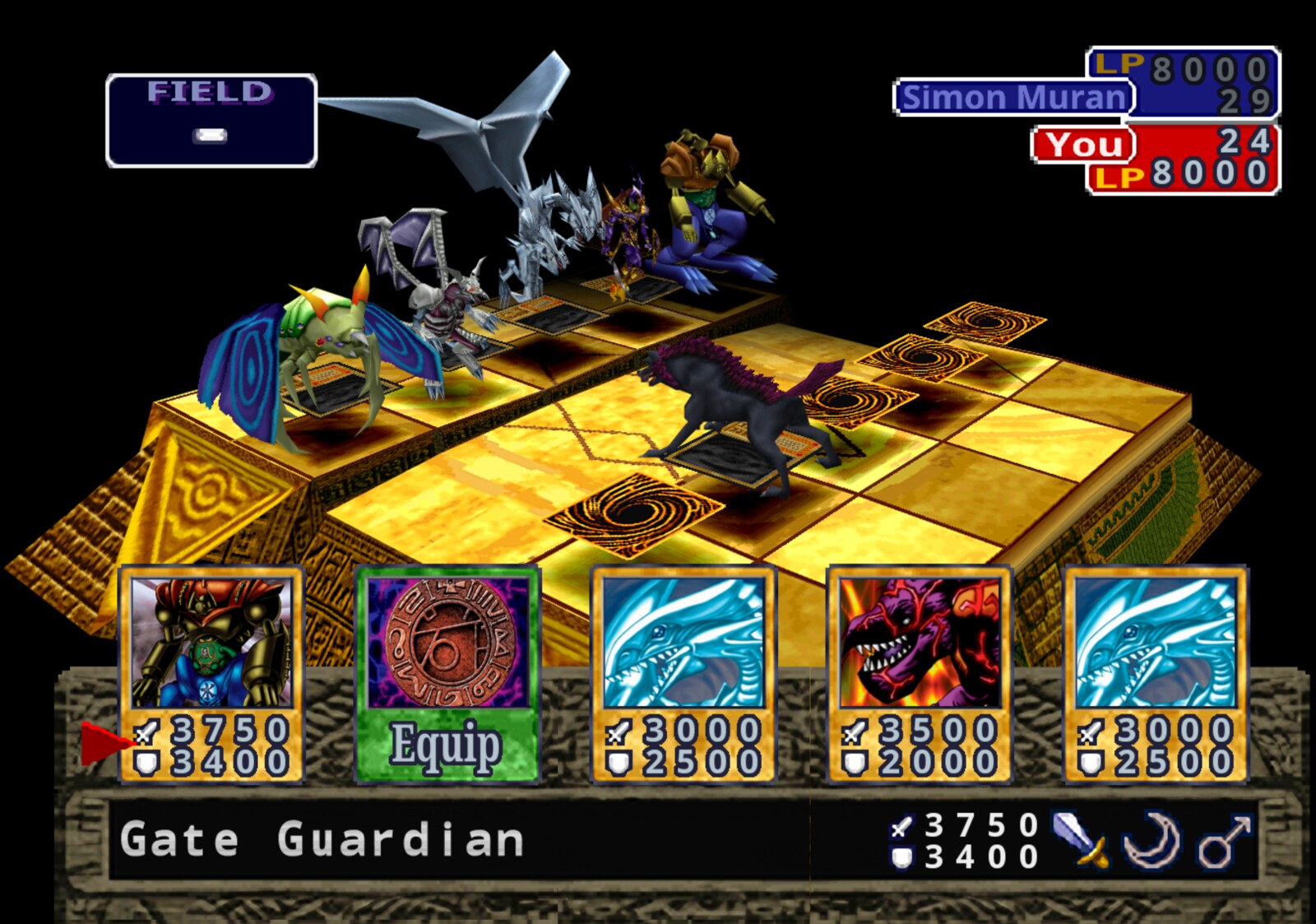
Official capture of the duel field from Forbidden Memories Recompiled, featuring 3D models. Source: GitHub / Unchiga.
The developer documentation outlines tests for memory, loading, saves, rendering, and mods. However, a list of test commands does not mean all of them were executed on every computer. Even so, support still requires practical validation and may present incompatibilities.
How to play Forbidden Memories on macOS currently
To test the port on the Mac, the repository requires Apple Silicon, Python 3, and Xcode command-line tools. After that, the script ./play.sh prepares the dependencies and compiles the ARM64 version. Consult the official macOS compilation guide before starting.
In addition, the user needs to provide their own image .bin of the North American edition of Yu-Gi-Oh! Forbidden Memories (SLUS-01411), obtained legally. The developers do not distribute the game's commercial data.
Standard saves can be transferred between builds, but save states .state have compatibility limitations between systems and architectures. Therefore, back up your progress files before trying different versions.
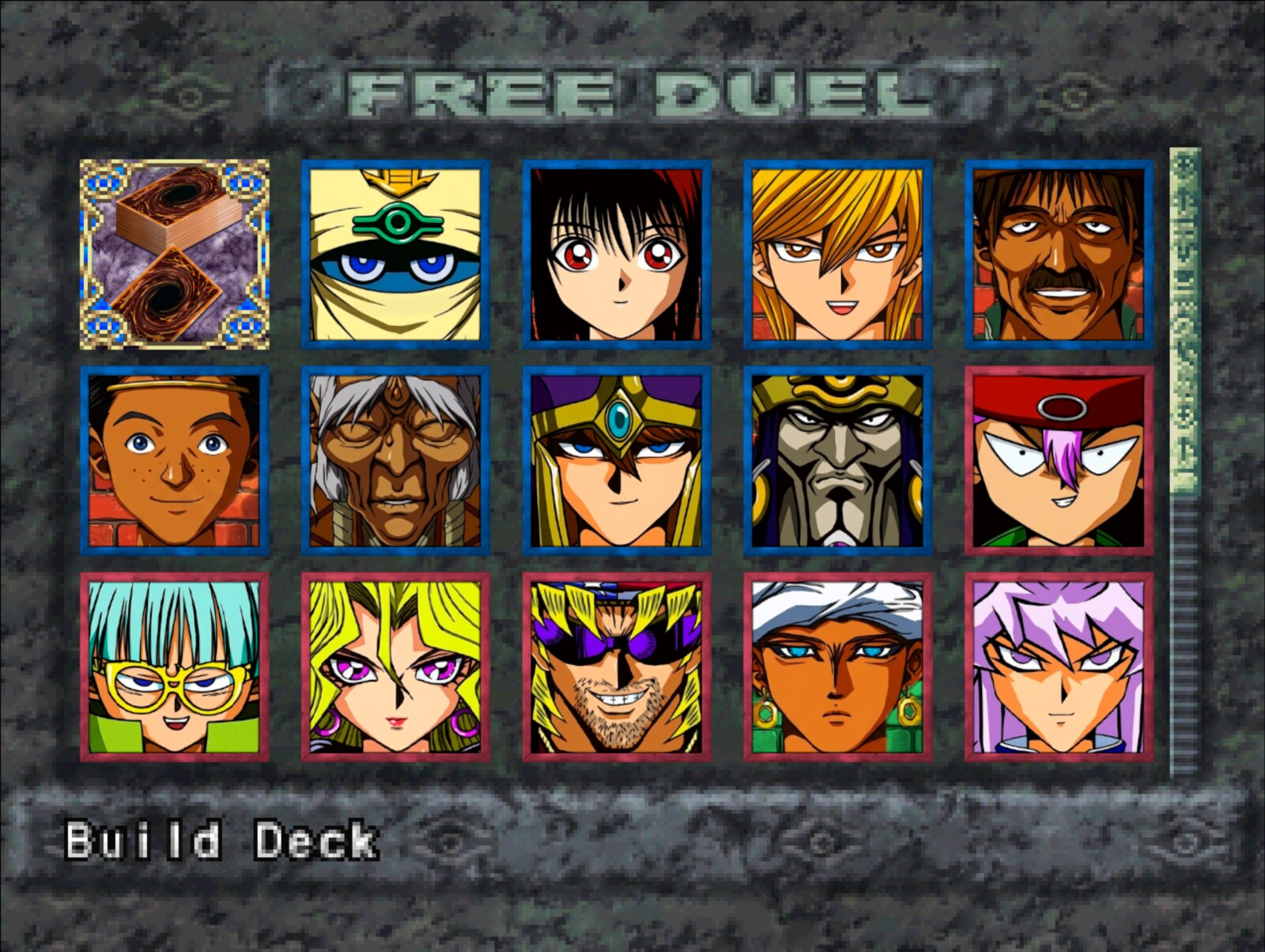
Official capture of HD portraits in Free Duel mode. Source: GitHub / Unchiga.
Windows and Linux port download
Although macOS still relies on compilation, the project maintains public packages ready for Windows and Linux. The stable v0.2.0 release, published on October 3rd, offers both systems and an optional HD pack. Therefore, the buttons below point to the latest stable version, without automatically selecting test builds.
- Download the package corresponding to your system. If you want improved textures and portraits, also download the optional HD pack.
DOWNLOAD UPDATED YU-GI-OH FORBIDDEN MEMORIES WINDOWS PORT
For Linux, choose the corresponding package.
DOWNLOAD UPDATED YU-GI-OH FORBIDDEN MEMORIES LINUX PORT
The HD pack is optional and complements the game.
DOWNLOAD YU-GI-OH FORBIDDEN MEMORIES UPDATED HD PACK
- Extract the ZIP on Windows or the TAR.GZ on Linux. Then, run
memories-pc.exeor./memories-pc, respectively. - On the first run, select the file
.binof your own North American copy of the game. - If you downloaded the optional HD pack, close the game and extract the archive into the same folder as the executable. Then, confirm the presence of
mods/assets-hdand enable the features in the mods menu.
The three buttons use shared routes that check the latest stable release. Thus, new versions can be offered without changing the article links. Package installation was not tested in this article.
What does the port offer besides Mac support?
The native PC version includes 3D monsters on the field, high-definition portraits, mod support, remappable controls, save slots, and language options. Even so, the October novelty lies in ARM64 support for macOS, not in a new commercial Yu-Gi-Oh version.
This type of work is similar to other projects that transform classic games into native programs. For example, we have already explained how TimeSplitters 2 PC recompilation follows a different path from traditional emulation.
Sources: official repository; ARM64 documentation; releases.