Wind Waker HD 0.2.7 arrived on October 8, 2026 with 120 and 240 FPS options for the native Wii U version port. The update also fixes the Picto Box camera, eliminates a shadow issue on macOS, and simplifies startup on Windows. However, the new numbers represent interpolated frames: the core game logic remains at 30 steps per second.
The project ZeldaWWHDRecomp distributes packages for Windows, Linux x86-64, Linux ARM64, and macOS on Apple Silicon. In addition, the installer locally prepares the game from files provided by the user themselves. No commercial version of the game, console key, or protected file is included with the download.
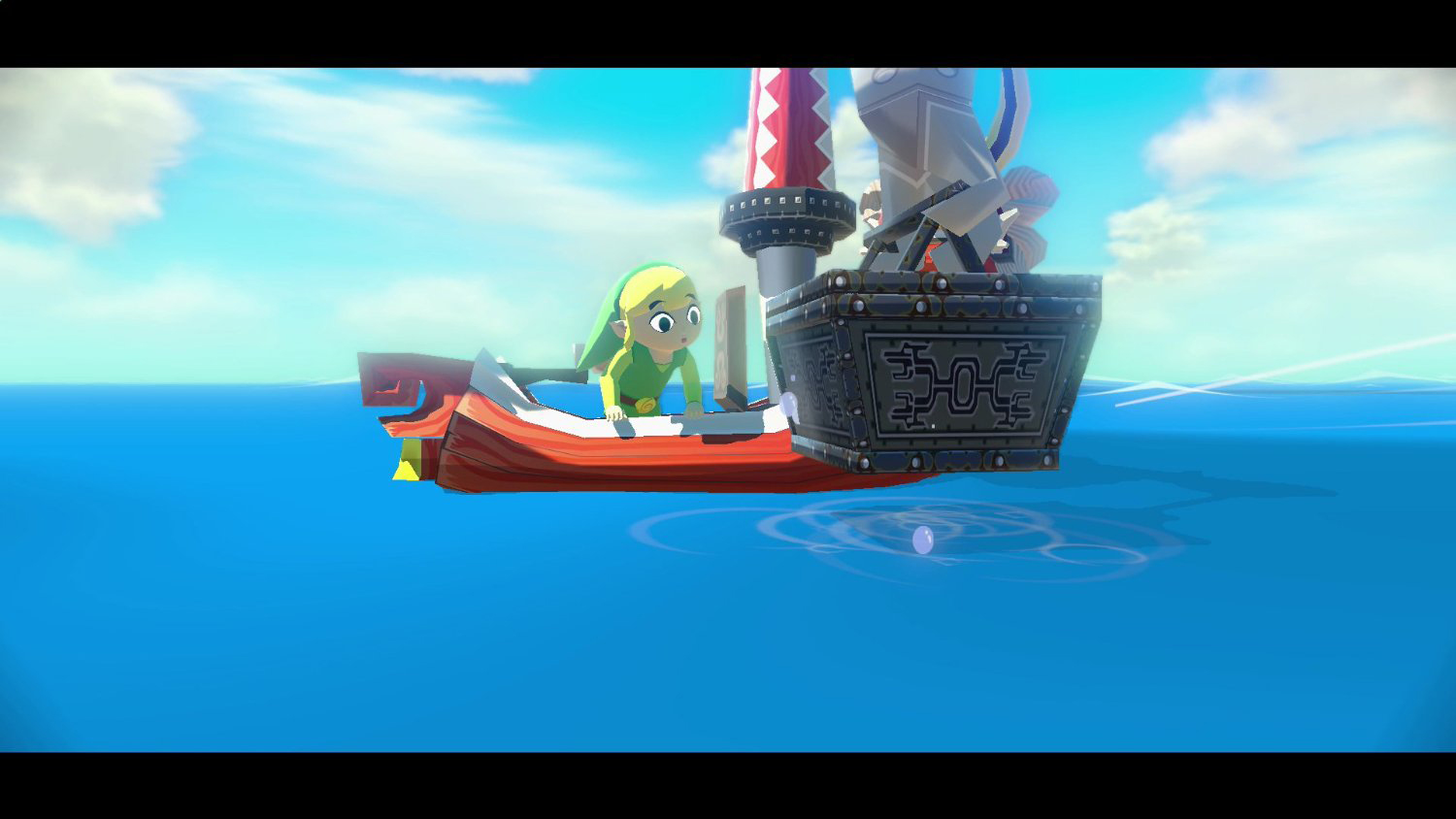
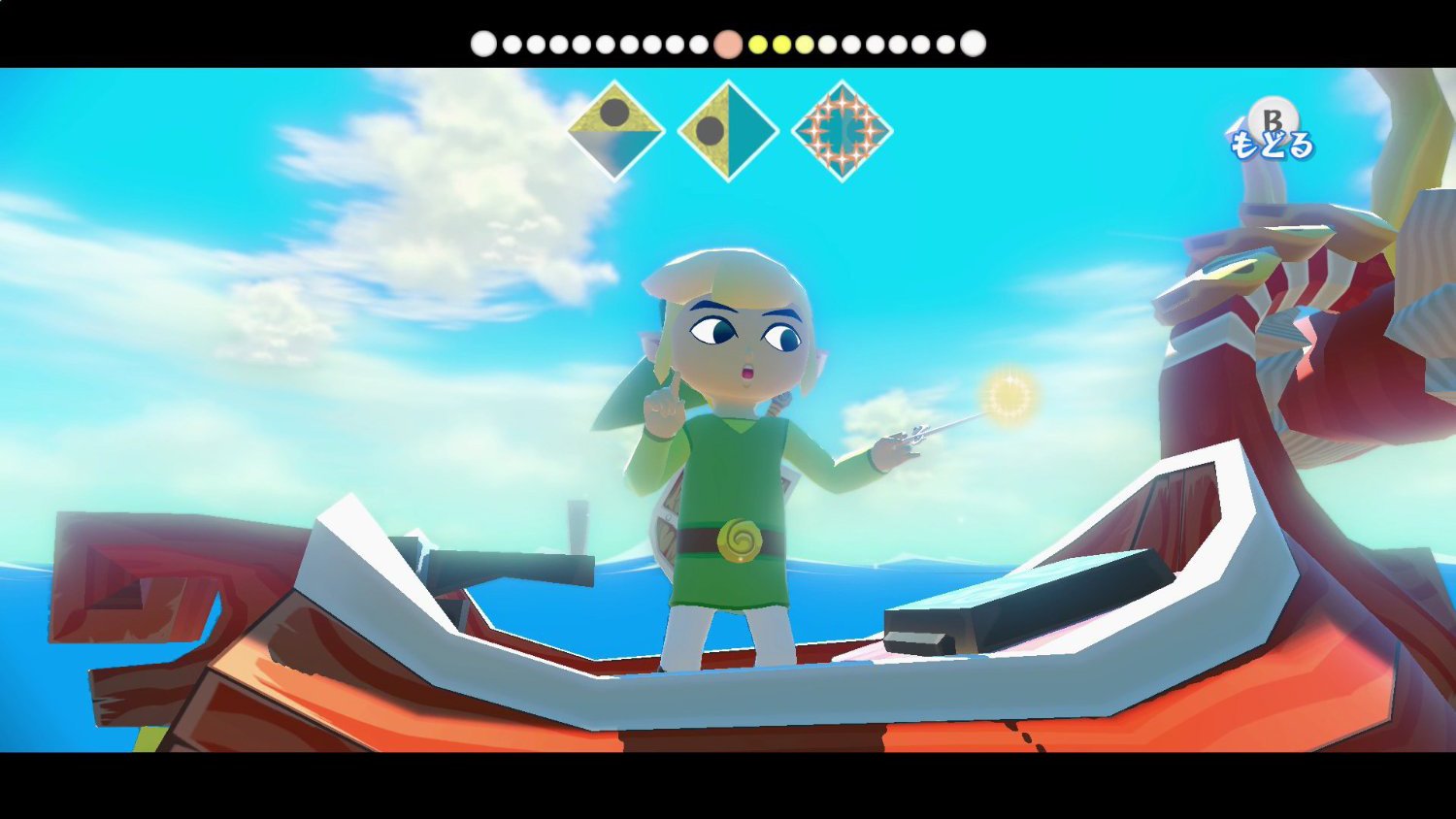
Image of the original Wind Waker HD edition on Wii U, used only as a visual reference; it is not a capture of the 0.2.7 port. Source: CinemaBlend.
Wind Waker HD 0.2.7 offers interpolated 120 and 240 FPS
The new feature allows selecting 120 or 240 FPS in the Graphics menu. To achieve this, the program renders three or seven intermediate frames, respectively, between two updates of the original logic. Thus, the camera, characters, particles, ocean, and visual effects gain smoother transitions without turning the game into a native 120 or 240 Hz logic version.
In addition, the program detects the screen's refresh rate and limits the presentation to what the monitor supports. Therefore, selecting 240 FPS on a 120 Hz panel does not make the screen show 240 images per second. The controls, audio, and menus still follow the behavior of 30 game steps per second.
In a personal test with an M3 Max Mac and a 120 Hz display, the author reported around 115 frames presented per second using Vulkan and 108 using Metal, in the Outset Island region. However, these values are not a performance guarantee for other computers. The experimental uncapped mode can also speed up the simulation itself and was not designed for normal gameplay.
Picto Box and shadow fixes on macOS
The update fixes a crash when taking photos with the Picto Box using Vulkan. Previously, the rendering stage for small 3D textures failed; on Metal, the preview could turn black. Now, the project reports that the photos appear in color in the album.
On macOS, the issue with completely black shadows was linked to shader preparation on the first run. Therefore, version 0.2.7 reorganizes render targets and avoids skipping operations whose results will be reused. According to the changelog, cold startup may take approximately 0.7 second longer on the title screen.

Naval combat from the original Wii U HD edition, illustrating the sea and lighting effects mentioned in the update; not a port benchmark. Source: Console-Tribe.
Windows and Android also receive adjustments
On Windows, the installer no longer relies on a PowerShell script. In addition, the ZIP now includes an official Python distribution to reduce preparation steps. Since the executable does not have its own signature, some antiviruses may still show generic warnings; the team has published package verifications and hashes.
On Android, the project disabled a full-resolution occlusion depth step by default. According to the developer, this halved the worst GPU wait times on a device with an Adreno 830. However, the publicly listed 0.2.7 release distributes desktop ZIPs, with no Android APK in that list. Do not confuse Android code improvements with a new official APK download in this release.
How to download Wind Waker HD 0.2.7 on PC, Linux and macOS
The port offers public installer packages, but does not include the game. Before starting, set aside your own legally acquired copy of the American version of Wind Waker HD for Wii U, with the necessary files and keys obtained from your console. It is also possible to use a Cemu .wua file or an already extracted game folder, according to the release instructions.
- Download the package corresponding to your system. The buttons reuse the project's existing routes, with an additional route for Linux ARM64. Each route accompanies the latest release of its variant.
DOWNLOAD WIND WAKER HD PORT WINDOWS PC UPDATED
DOWNLOAD WIND WAKER HD PORT LINUX X64 UPDATED
For Linux ARM64, such as Raspberry Pi 5 and ARM laptops, use the specific package right below. As for the Linux x64 button, it is intended for x86-64 computers.
DOWNLOAD WIND WAKER HD PORT LINUX ARM64 UPDATED
DOWNLOAD WIND WAKER HD PORT MACOS ARM64 UPDATED
Installation of Wind Waker HD packages
- Extract the complete ZIP. Keep all files together in the extracted folder.
- Open the program. On Windows, run Wind Waker HD.exe. On macOS, open Wind Waker HD.app inside the folder. On Linux, run wind-waker-hd of the correct architecture package. If the system warns about a missing signature, check the official source before allowing it to open.
- Provide your original files. On the first run, the wizard prepares the port from your Wii U dump or the structure accepted by the documentation. Do not download third-party ROMs, keys, or assets.
- Open the graphics menu. After preparation, adjust the framerate according to your screen and the computer's actual performance. In future updates, preserve the folder and saves when replacing the application files.
The tutorial accompanies the official distribution, but does not replace the detailed requirements of release v0.2.7. On Linux, for example, compatible Vulkan drivers and glibc 2.35 or higher are required. macOS, on the other hand, requires Apple Silicon and macOS 14 or later.
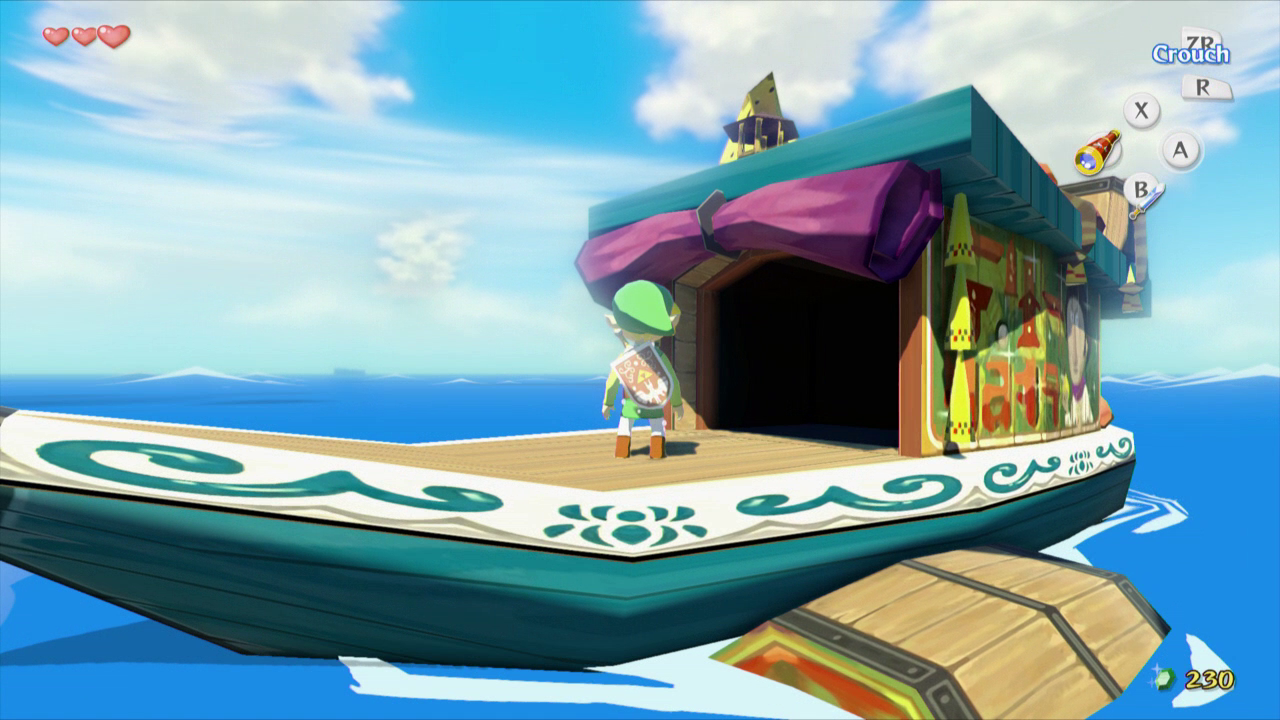
Reference image of the game Wind Waker HD on the Wii U, not a capture of ZeldaWWHDRecomp. Source: Zelda Dungeon.
What is still left to test in the Wind Waker HD port
Despite the advances, the project's documentation still describes later sections of the campaign as barely tested. Therefore, the improvements in version 0.2.7 do not prove perfect compatibility throughout the entire game. The update also does not convert all logic to 120 or 240 Hz.
The previous Allves Games article about the first version of the port explains how static recompilation works. In addition, there is another independent project, BlueWake for iPhone and iPad, which is part of the GameCube edition, not this Wii U recompilation.
Sources: official notes for version 0.2.7; ZeldaWWHDRecomp documentation; Nintendo — Wind Waker HD for Wii U.