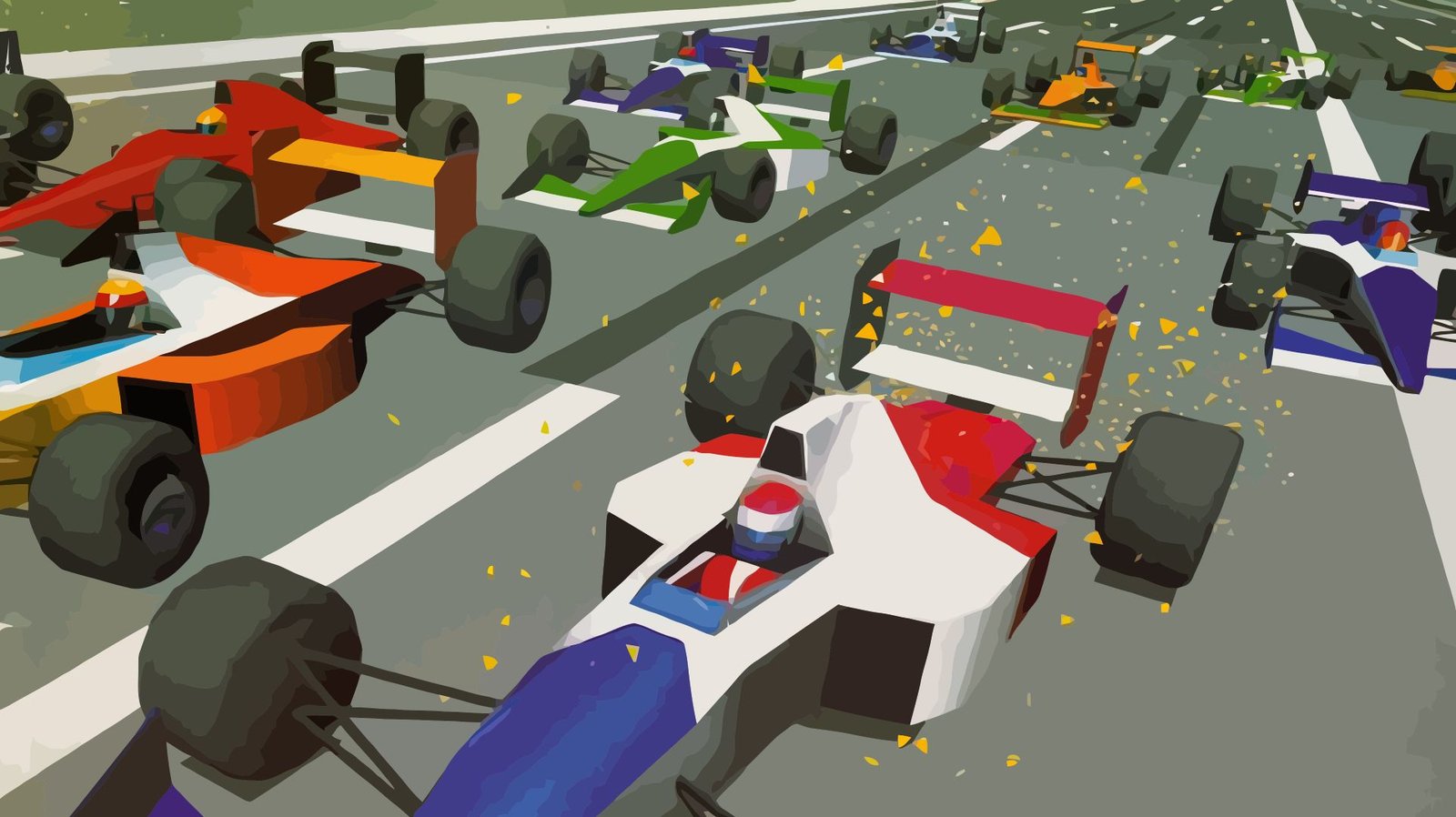
Virtua Racing Deluxe, for the Sega 32X, has received a standalone version for Windows and Mac with higher resolution 3D graphics. The Virtua Racing Deluxe Enhanced project published its first release, 1.0.0, on October 15, 2026, featuring widescreen options and fluidity adjustments.
The base is the PicoDrive emulator, with 3D scene reconstruction via high-level emulation, or HLE. Therefore, this version is not a native recompilation of the game. It requires the ROM from your own copy of Virtua Racing Deluxe USA and does not include commercial data from the title.
How Virtua Racing Deluxe Enhanced improves the image
According to the README, the program reconstructs the 3D scene from the data sent by the 68000 CPU to the 32X's SH2 processors. Then, it renders the scene on the computer's GPU. Thus, the project combines the execution of the original game with an enhanced graphical presentation.
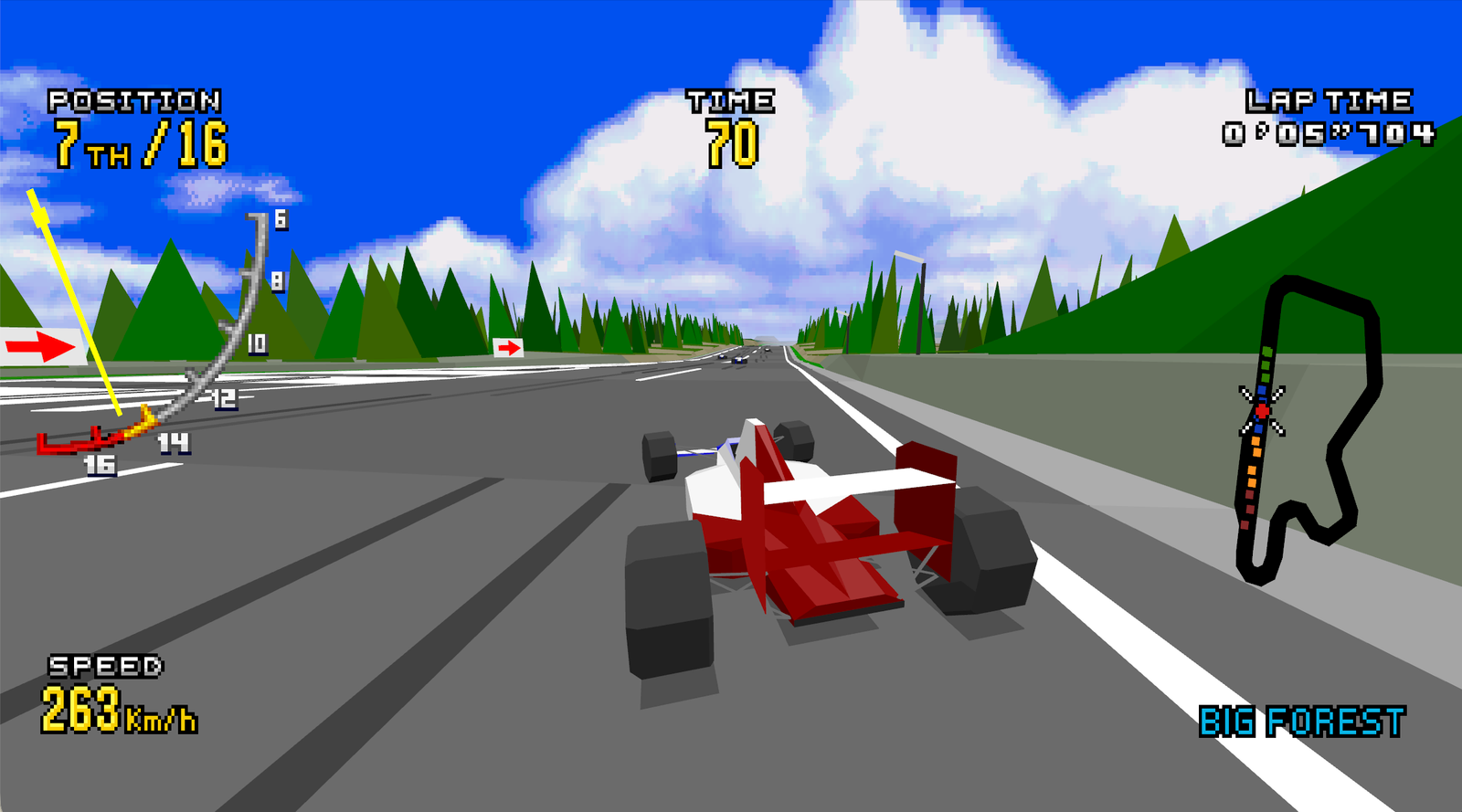
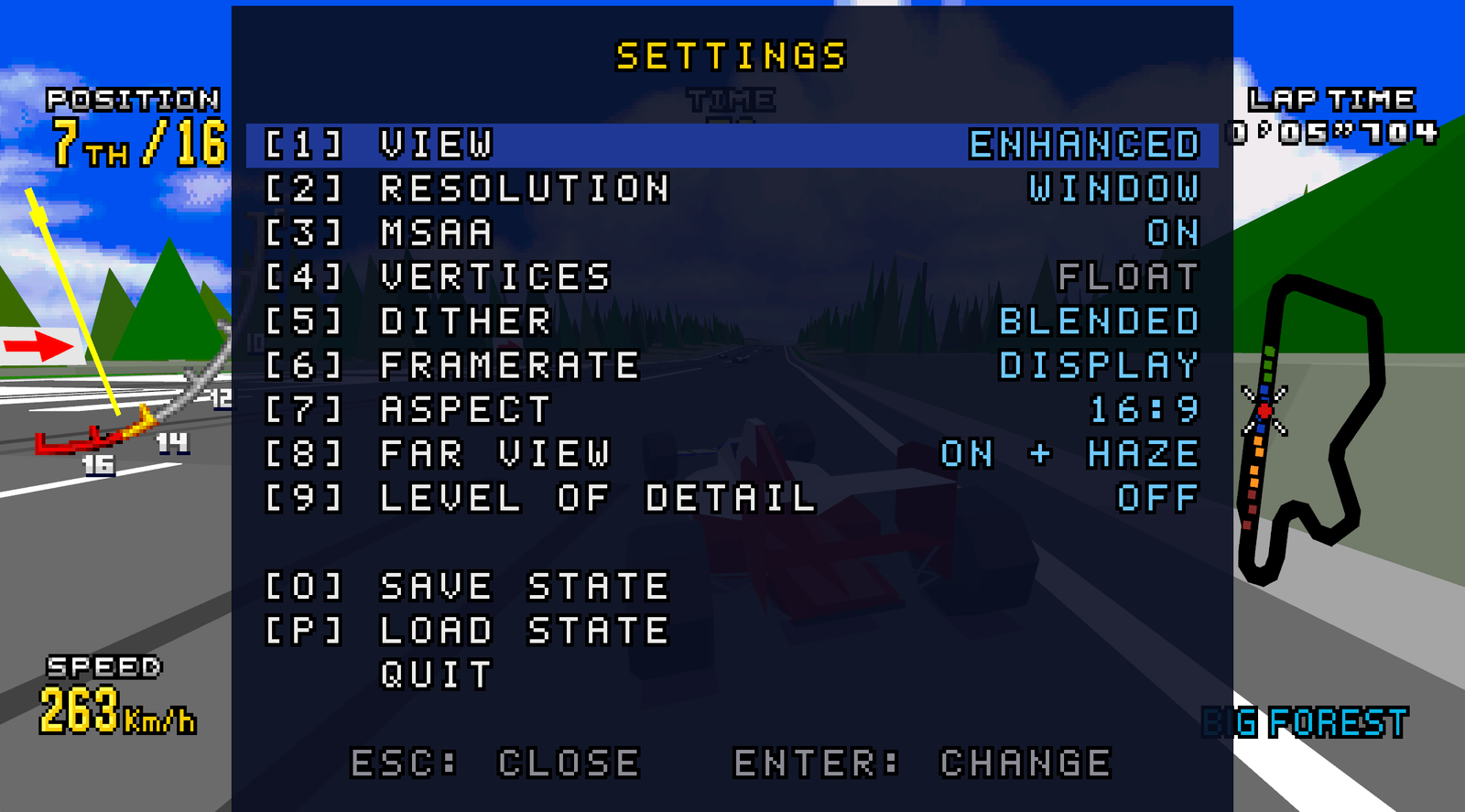
Options include adjustable resolution, MSAA anti-aliasing, 16:9 aspect ratio, and increased draw distance. Additionally, the user can toggle between the original presentation, the enhanced one, and a side-by-side comparison. The menu also offers controls for vertex projection, dithering, and level of detail.
The video above comes from the PokaMilkTea channel, identified by the same name as the repository owner and indicated in the README. The image and fluidity results are demonstrations of the project. Allves Games did not execute the packages in this assessment.
FPS modes and controller support
The application offers 20, 30, 40, and 60 FPS modes, as well as an option linked to the screen's refresh rate. However, these configuration options do not guarantee the same performance on every computer. Furthermore, the documentation does not present an extensive list of GPU tests in this release.
To play, there is support for keyboards and controllers recognized by SDL, including Xbox, PlayStation, and Switch Pro models. On the keyboard, the arrow keys control direction, F corresponds to Start, and A, S, and D represent the A, B, and C buttons of the Mega Drive. During the race, the B button accelerates.
The pause menu opens with Esc. Alt+Enter toggles full screen, while the number keys adjust the presentation. Finally, O saves the current state to the file vrde.mds and P loads it. Since there is only one slot, a new save state replaces the previous one.
Which Virtua Racing Deluxe ROM is required
The compatible version is Virtua Racing Deluxe USA for Sega 32X. The README identifies the dump by the SHA-1 18dfdeb50780c2623e60a6587d7ed701a1cf81f1 and by the CRC32 7896b62e. Therefore, it is not enough to use just any edition of Virtua Racing.
The project does not distribute ROMs or derivative game data. Thus, the user needs to prepare the files from their own copy before starting the application. This Enhanced edition is also independent, with no official affiliation with Sega.
How to download Virtua Racing Deluxe Enhanced
Release 1.0.0 offers two ZIPs: Windows x64 and macOS ARM64. Linux has compilation instructions, but not a ready-made package in this release. Therefore, the buttons below correspond only to the two confirmed public files.
- Choose your system package. On Windows, the stated requirement is Windows 10 or higher 64-bit; on Mac, an Apple Silicon model, M1 or later, is required.
- Next, extract the ZIP into its own folder. On Windows, keep
vrde.exeandSDL2.dllin the same directory. - To start on Windows, drag your compatible ROM onto
vrde.exe. On Mac, install SDL2 according to the README and open the binaryvrdevia Terminal, passing the ROM path. - Finally, open the menu with Esc and choose resolution, format, and FPS mode. Also check the controls before starting a race.
Windows x64: Official ZIP of version 1.0.0, with 1,231,156 bytes.
Mac Apple Silicon: ARM64 ZIP of version 1.0.0, with 421,994 bytes. SDL2 is a separate dependency.
The README states that the executables are unsigned. Consult the official execution instructions to evaluate the package on your system. Furthermore, the links above pin the verified version and do not promise automatic updates.
Sources and limits of version 1.0.0
The verification uses the official repository, the metadata of the release 1.0.0 and the video indicated in the README. The author also declares AI-assisted development and non-commercial use, in accordance with the terms of the project and PicoDrive.
The gameplay and menu images are publications by the person responsible for Enhanced, without our independent testing. To follow other projects that renew old games, see the emulation coverage of Allves Games.
Sources: release 1.0.0; official repository.