The Stuck 0.9.8 received an update on October 12, 2026, for the native port of The Darkness on PC. The new preview adds temporal upscaling with NVIDIA DLSS, AMD FSR 3.1, and Intel XeSS, in addition to graphical options and cheat commands in the launcher.
The package for Windows x64 is available on official project repository. However, it does not include the game data: to run the recompilation, you must use your own copy of The Darkness for Xbox 360.
What changes in Estacado 0.9.8
According to the version 0.9.8 changelog, the player can select DLSS on NVIDIA RTX cards, FSR 3.1, or XeSS, in addition to disabling reconstruction. The launcher offers Native, Quality, Balanced, Performance, and Ultra Performance modes.
The system reconstructs the 3D image before overlaying the interface. Thus, the HUD and subtitles are kept out of temporal processing to reduce blur. The developer also describes fixes for color issues and bright lines at the edges.
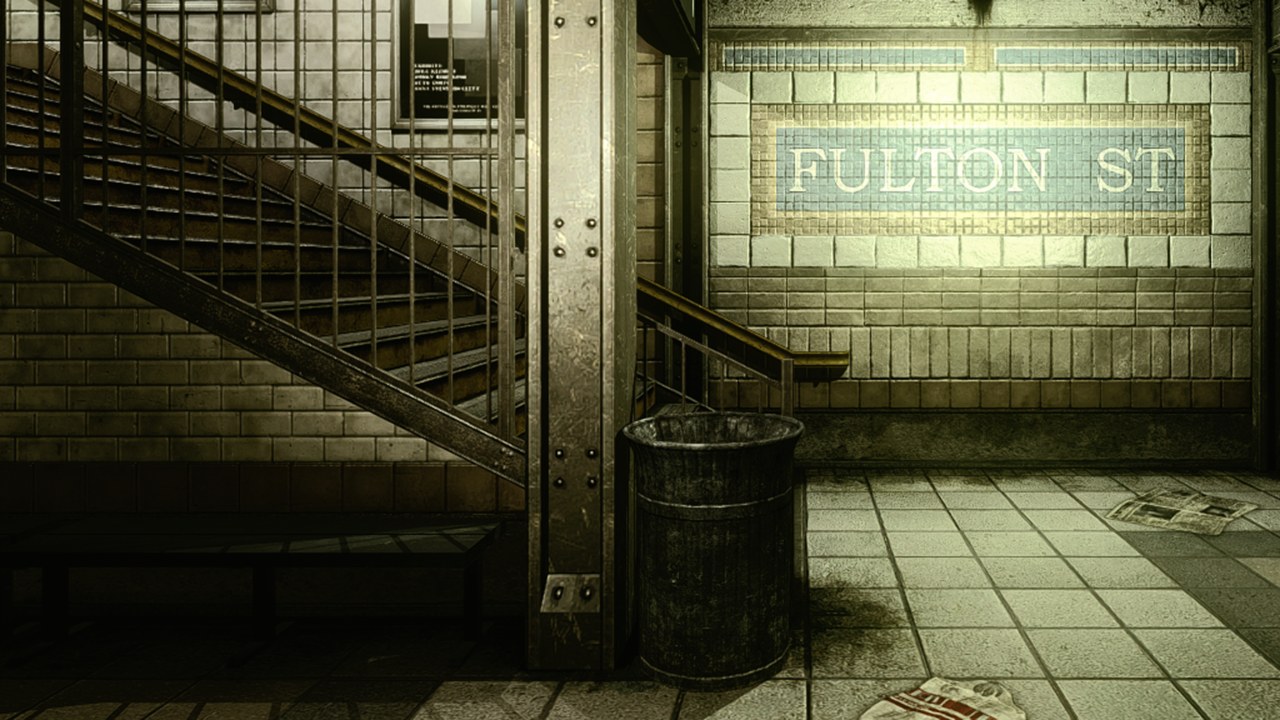
Fulton Street captured within Estacado itself. Source: invinceble55-wq / GitHub. Project image, not an upscaler comparison.
In addition, the update adds options for god mode and give all, accessible via the settings and the F1 menu. These are optional development features that modify the gameplay experience.
DLSS, FSR and XeSS still require testing
O Estacado 0.9.8 uses temporal image reconstruction. Therefore, this feature should not be confused with DLSS 5 Neural Rendering or frame generation, which are not part of this announcement.
The project remains in pre-release. The README states that the author's tests focused on a computer with Windows 11 and an NVIDIA RTX GPU. Therefore, compatibility on AMD and Intel cards and other computers still requires independent validation.
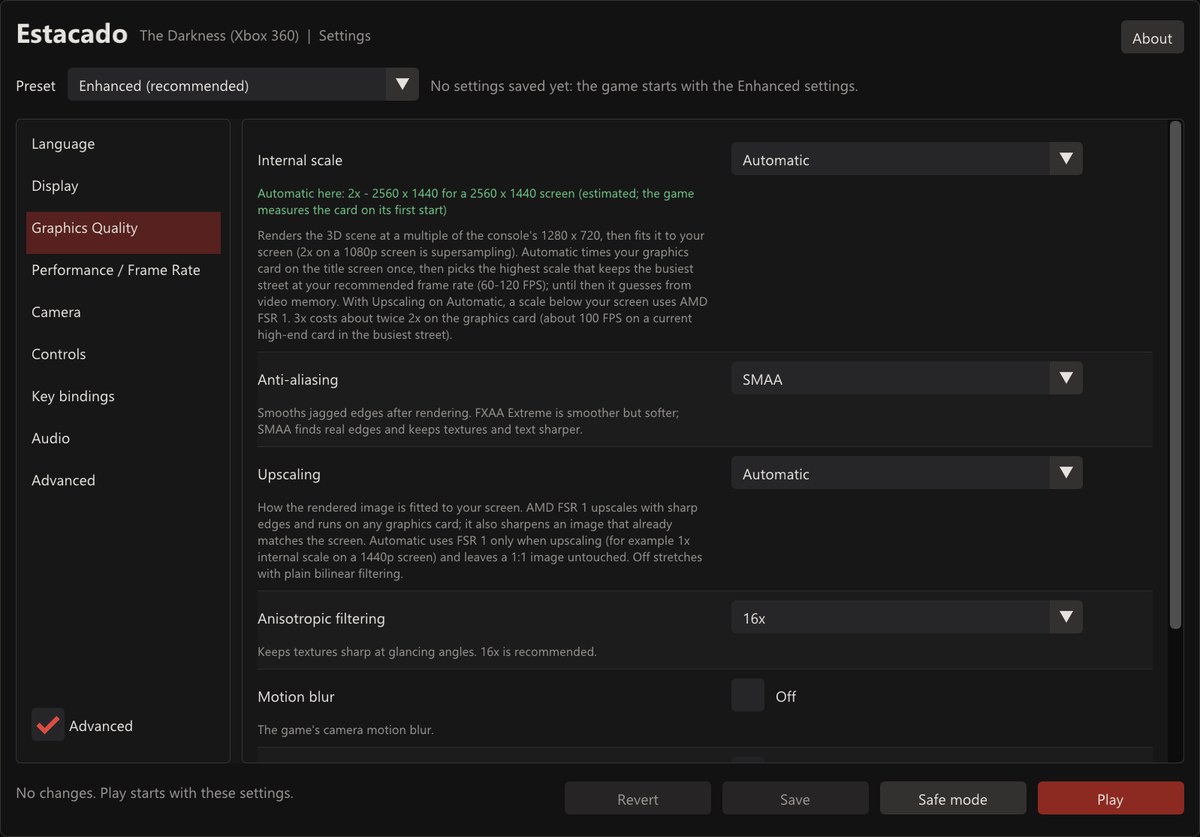
Estacado launcher graphics settings screen. Source: invinceble55-wq / GitHub. Project capture, not necessarily of the new upscaling option.
The author also presented point measurements of GPU time in a test scene. These numbers should not be treated as a universal FPS gain: they vary depending on the hardware, the scene, and the chosen reconstruction mode.
How to install the updated Estacado on Windows
The file Estacado-0.9.8-windows-x64.zip was identified in the official release. It takes up approximately 123 MB and does not distribute ROMs, ISOs, or the game's commercial files.
- Prepare your own copy of The Darkness for Xbox 360, in ISO format or compatible extracted folder.
- Download the public Estacado package for Windows x64:
- Extract the ZIP into a folder outside of Program Files.
- Run
TheDarknessSettings.exe, select the ISO or the folder with the original game files and wait for verification. - Choose a graphics profile and click Play. If necessary, adjust the upscaler in the launcher.
According to the README, the program requires 64-bit Windows 10 or 11, a processor with AVX2, and a Direct3D 12-compatible GPU. Additionally, the Microsoft Visual C++ Redistributable x64 is required. The installer does not replace the legitimate purchase of the game.
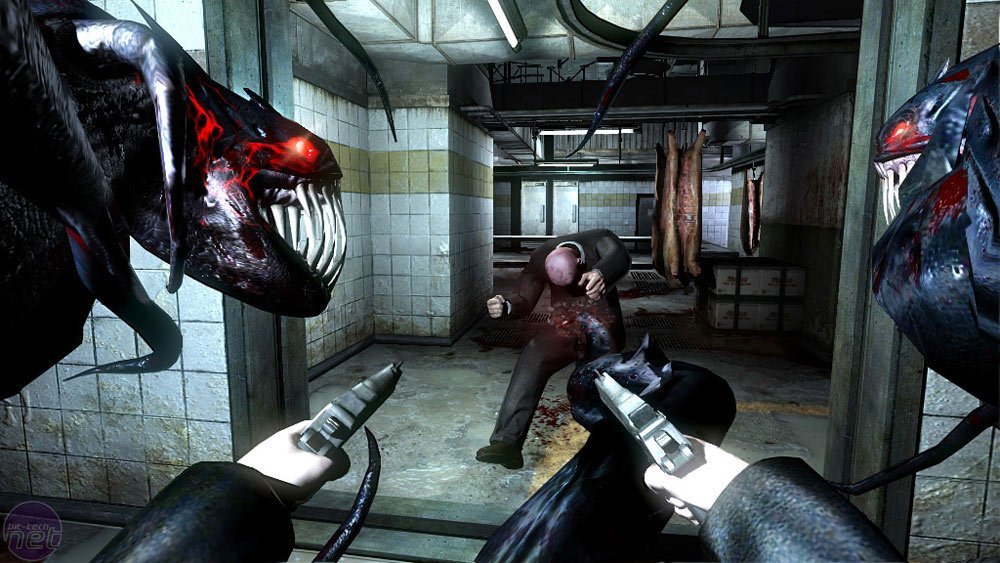
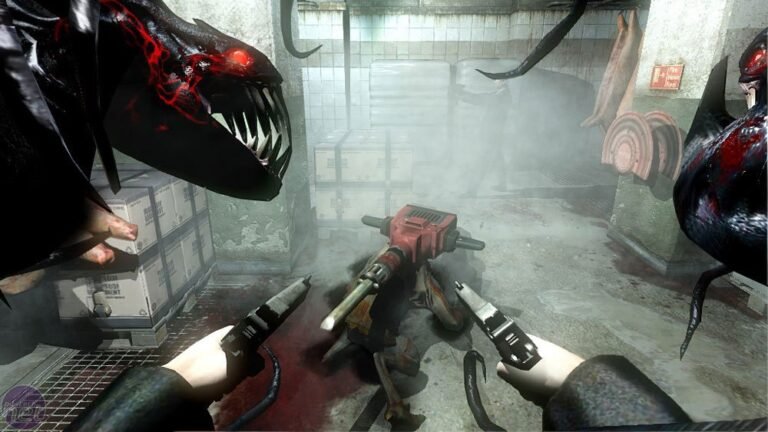
Scene from the original The Darkness for Xbox 360, used for visual reference only. Source: Bit-tech; not a benchmark of Estacado 0.9.8.
Those following the development can compare this preview with our coverage of Estacado 0.9.6, which fixed graphical glitches. Meanwhile, the The Darkness Recomp by portingpete is another project, independent of Estacado.
Sources: release Estacado 0.9.8; official changelog; README and screenshots.