The Marchwind 64, native port of Super Robot Wars 64, received version 0.4.6 on October 11, 2026. The update adds 2x battle and event acceleration, as well as fixing bugs across different platforms. The project provides packages for Windows, Linux, macOS, and Android, according to the official release.
Marchwind 64 accelerates battles and turns
According to project's changelog, the new mode speeds up combat animations, the map, events, unit movement, and opponent turns. However, menus and music maintain their normal speed.
The Tab shortcut activates the feature on the keyboard. Additionally, the developer made the command available on the Steam Deck's R4 and a button on the Android touch interface. Thus, the function reduces waiting time without altering the pace of the entire presentation.
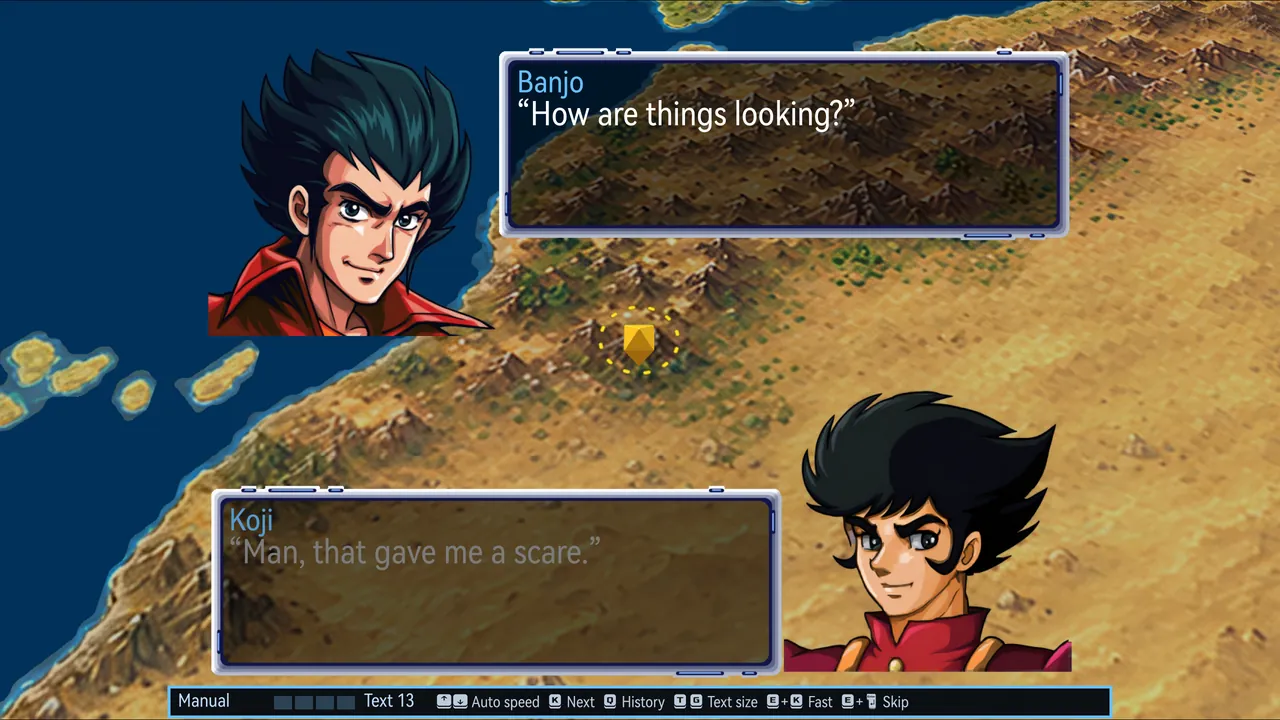
Widescreen map and portraits in Marchwind 64. Source: dyzz/srw64-recomp.
Fixes in Windows and Android
Version 0.4.6 also fixes a bug that could crash the application when opening the Windows executable by double-clicking. In addition, it resolves red and yellow artifacts in the sky and unit occlusion issues with the HD graphics pack.
On Android, the project adjusts data storage to the Documents/Marchwind64 folder. On the other hand, these changes do not mean that Android has just debuted: the platform was already part of the project before 0.4.6.
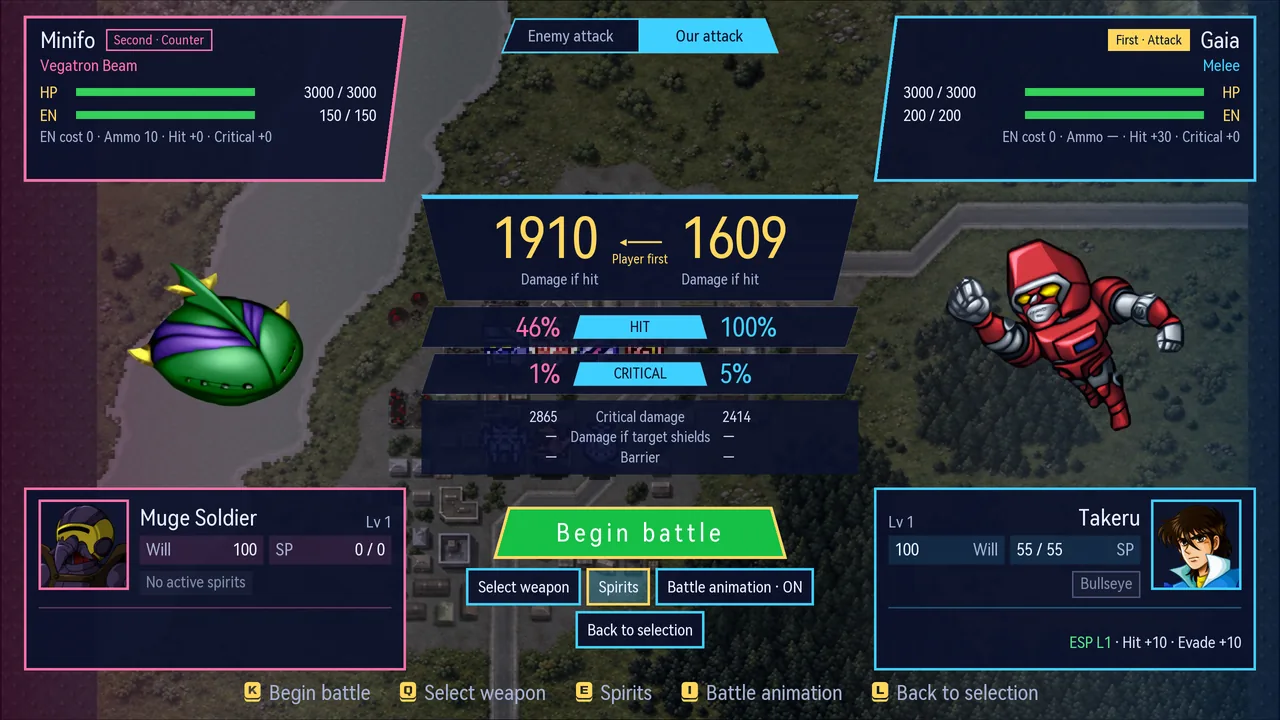
Pre-battle interface of Marchwind 64. Source: dyzz/srw64-recomp.
Translations and native Nintendo 64 execution
The Marchwind 64 repository describes a native recompilation of Super Robot Wars 64, originally released for the Nintendo 64. The port also brings together widescreen support, autosave, a modernized interface, and English and Chinese translation options.
However, the documentation notes that the translations have not yet undergone complete review. Therefore, the existence of these languages does not guarantee error-free text in all dialogues.
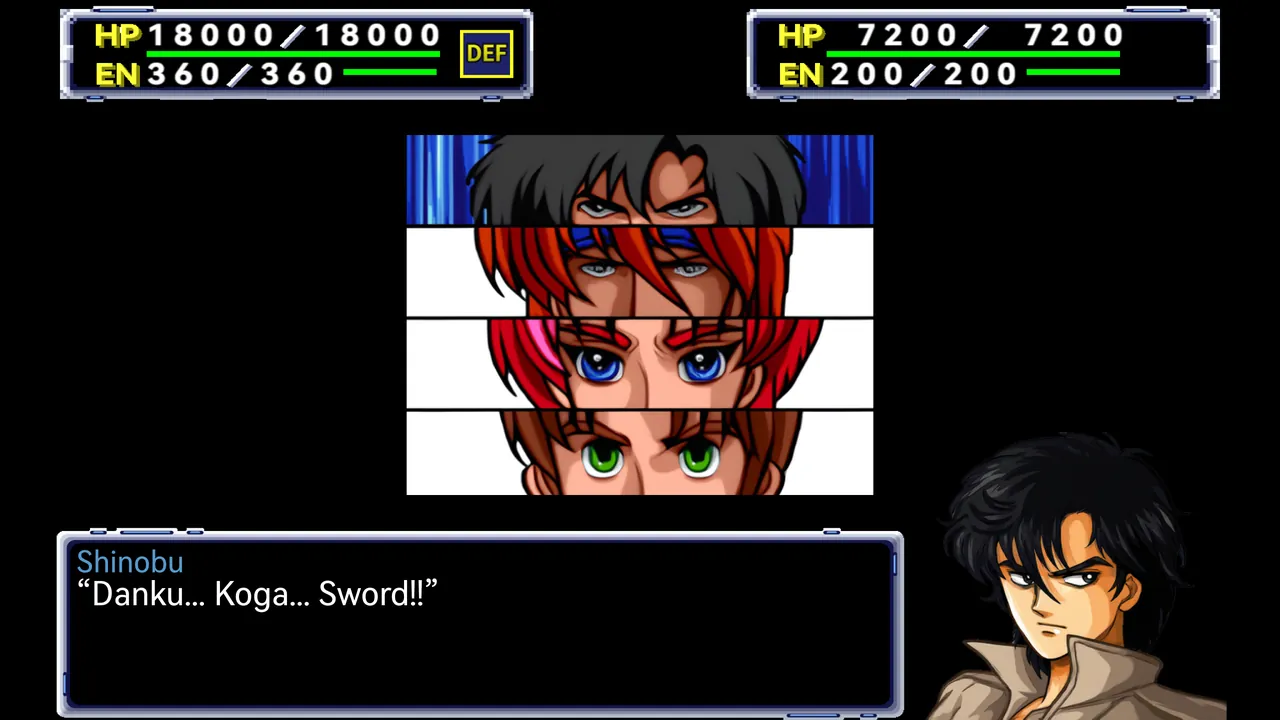
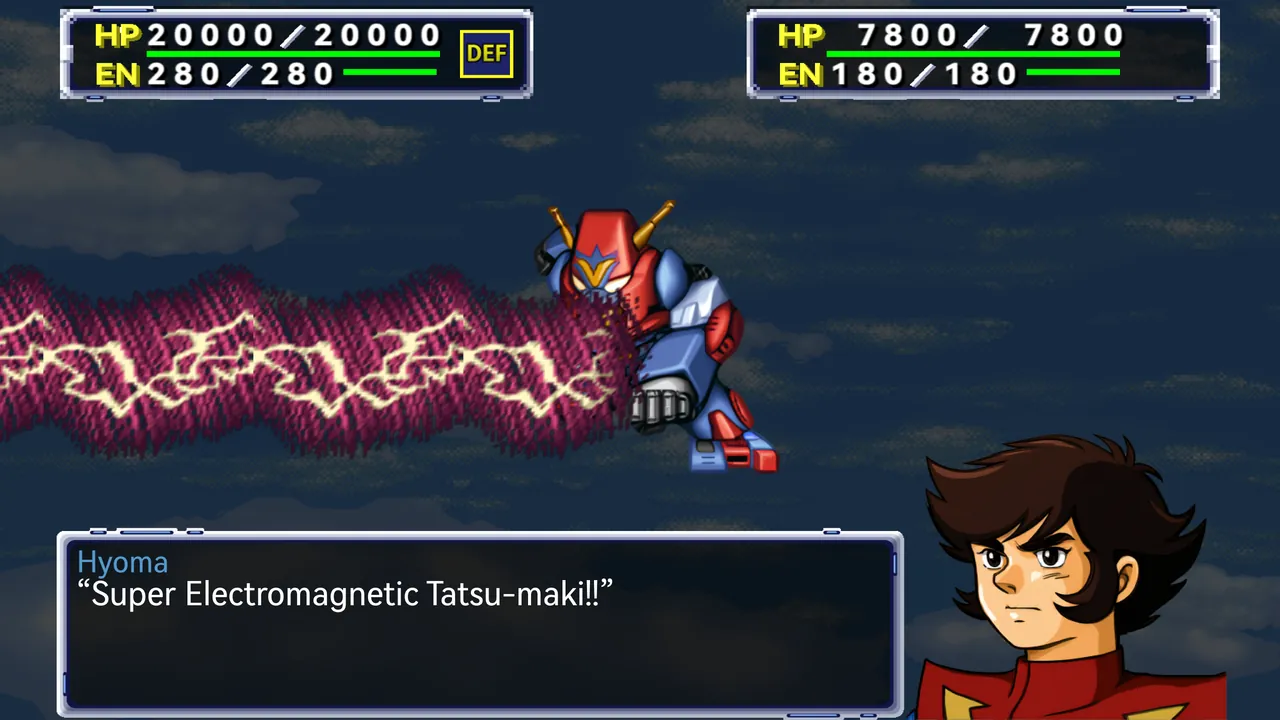
Marchwind 64 combat animation. Source: dyzz/srw64-recomp.
The work joins other preservation initiatives tracked by Allves Games, such as the Wayne Gretzky's 3D Hockey port. These are independent projects with their own techniques and requirements.
Marchwind 64 0.4.7: fixes in AMD, Intel and Android
On October 12, 2026, the Marchwind 64 0.4.7 received additional adjustments for Windows and Android. According to the version 0.4.7 release notes, the project attempts to avoid a title screen crash observed with the Radeon 8060S. However, the developer states that they do not own this GPU and requests confirmation from users.
In addition, the update seeks to fix UI artifacts on Intel integrated graphics. This outcome also depends on confirmation on different hardware. Therefore, the changelog does not equate to independent compatibility testing.
On Android, the port fixes ghost touches on the edges of the virtual D-pad and buttons that could remain pressed after skipping dialogue. The project also adjusts the focus on the pre-battle screen and the presentation of the HP indicator in widescreen.
New cheats and error logs
Among the gameplay changes, one cheat allows four piece slots per unit. If disabled, the game safely returns the extra pieces. Another option expands the number of inventory pieces from nine to fifteen.
The Android APK now keeps three recent logs in the Documents/Marchwind64/logs folder, which can help diagnose issues. However, the black screen reported on the Redmi K60 was not resolved in this version.
The official 0.4.7 packages cover Windows x64, Linux x64, macOS with Apple Silicon, and Android ARM64. To install, the reader needs to obtain the corresponding file on the official page and use their own Japanese Rev0 ROM, as per the port's documentation. The release does not distribute the game.
How to install Marchwind 64 0.4.7
- Check your system and access the official page for version 0.4.7.
- Download the specific package: ZIP for Windows x64, TAR.GZ for Linux x64, ZIP for macOS 14 ARM64, or APK for Android ARM64.
- Extract or install the application according to the platform. The port package does not include the commercial game.
- Prepare your own legally acquired ROM of the original Japanese Rev0 version, according to the official installation instructions from the developer installation of the developer.
- Complete the setup indicated by the project and choose the available language and speed options.
The four public packages of version 0.4.7 were identified by the release metadata. However, there was no download or independent installation test in this verification. Thus, the performance results remain attributed to the maintainer's documentation.
Sources: official repository; release 0.4.7; update commit; installation instructions.