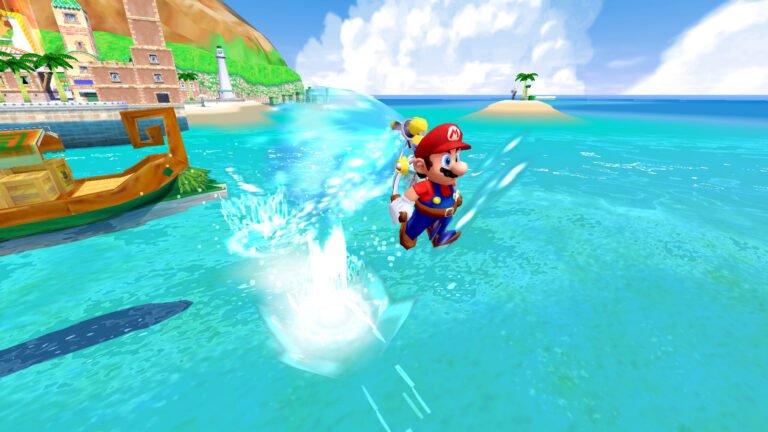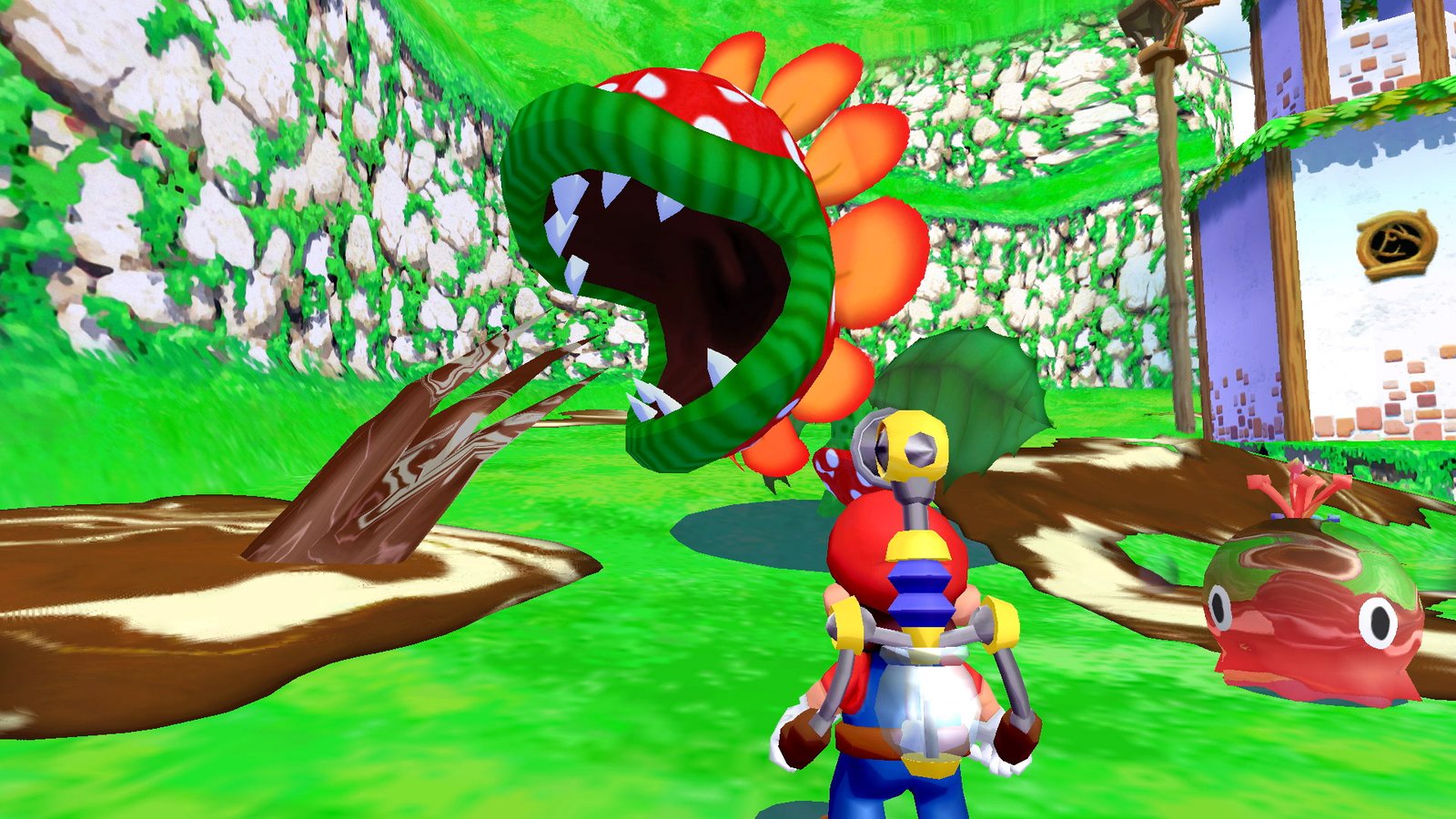
The Super Mario Sunshine on Android received Mareshine 1.4.1 on October 19, 2026. The update adds vibration and an unlocked achievements tab. In addition, version 1.4.0 had introduced cross-device synchronization. The port maintains five save states and an option for up to 120 FPS, according to the project's documentation.
Mareshine is a native port based on the GameCube game's decompilation. In this context, it continues the work of jbcgames/sms-android and incorporates features from chasem-dev's computer port. However, the package does not include commercial data: each user must provide a compatible disk image of their own.
Sunshine on Android: vibration and synchronization
In version 1.4.1, vibration comes to the controller and the phone, with adjustable intensity. In addition, the tab UNLOCKED brings together the achievements unlocked. The app now starts at the main menu; those who prefer to open the game directly can change this option in the settings.
Version 1.4.0, on the other hand, brought synchronization of saves, states, and achievements via a shared file between devices, or directly over the same Wi-Fi network. According to the author, it occurs when starting and exiting the game; in case of save conflicts, the older copy goes to sync-backups/. Therefore, this feature should not be confused with a Mareshine account service.
How Sunshine on Android works on Mareshine
The application runs the reconstructed game code on ARM64 devices, with OpenGL ES 3 rendering. In addition, its launcher brings together installation, settings, disk checking, and access to the match. Thus, the menus adapt to phones, tablets, and TVs, according to the author's documentation.

To compare the projects, see our coverage of chasem-dev's SMS Launcher for PC and Mac and Sunshine fork for computer with co-op. Each initiative maintains its own packages and features.
Version 1.3.0 adds five save states
The main new feature of release 1.3.0 is in the pause menu. For example, five slots show the image, level, and time of the save state. It is also possible to load, delete, and choose a slot for quick access.
However, there is an essential difference: the state returns exactly while the application remains open. After restarting it, the system recovers the area, Mario's position, and progress, in the mode indicated as position only. Therefore, it does not promise to restore every enemy, camera, and music track after closing the app.
On touch controls, the SAVE and LOAD buttons offer quick access; to load, you must hold LOAD for a moment. As for the physical controller, the default is Select with R1 to save and Select with L1 to load. In addition, the shortcuts support remapping.
Touch controls and data folder
The editor allows changing the position, size, and transparency of virtual buttons. Additionally, there are options to hide them when inactive. Those who use a physical controller can adjust mapping, sensitivity, dead zone, and analog stick calibration.
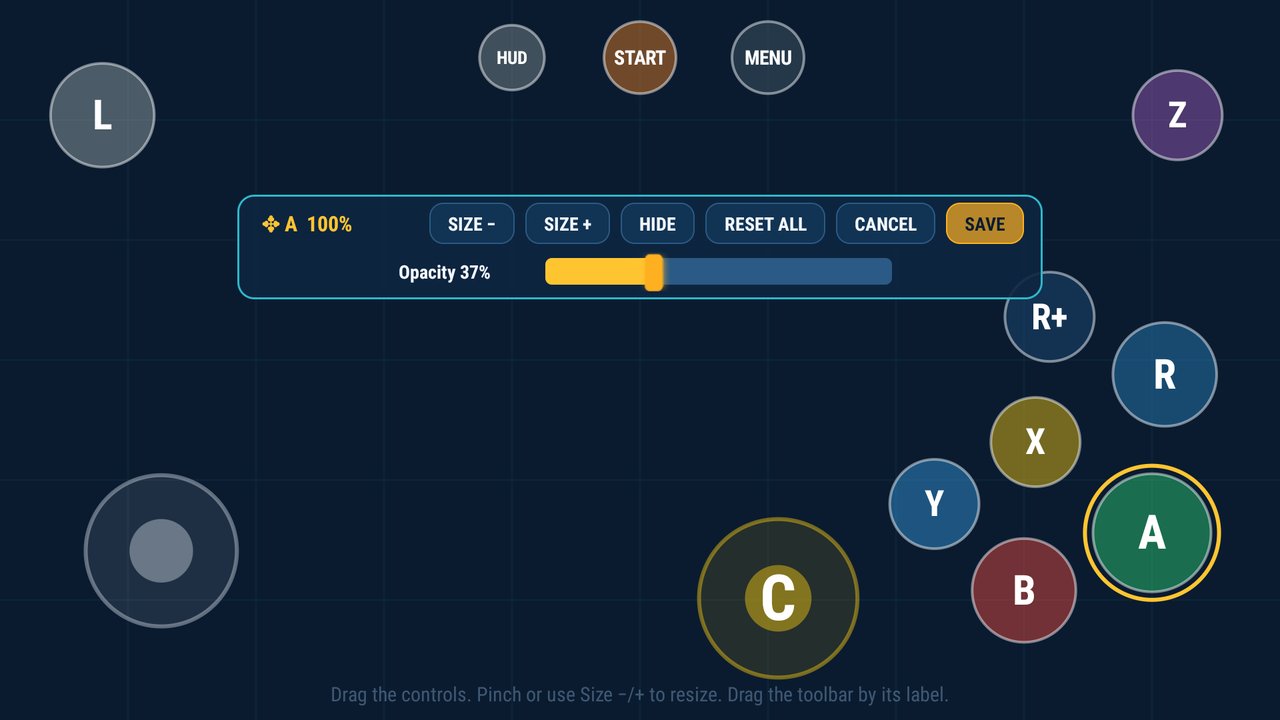
Another feature concentrates saves, settings, disk, textures, videos, and logs in a folder chosen by the user. Thus, these files can remain even after reinstalling the app. Still, it is wise to keep a separate backup copy of the saves.
120 FPS is an option, not a guarantee
In the graphics options, Mareshine offers 30, 60, and 120 FPS. Furthermore, it prepares shaders in the background and during level loading. The project also supports HD texture packs and video conversion to MP4 with hardware decoding.
However, these features do not guarantee 120 FPS on every phone. The maintainer reports tests on NVIDIA Shield TV and Pixel 9 Pro, without publishing an independent benchmark for all devices. Therefore, the result depends on the hardware and the chosen settings.
Requirements to play Sunshine on Android
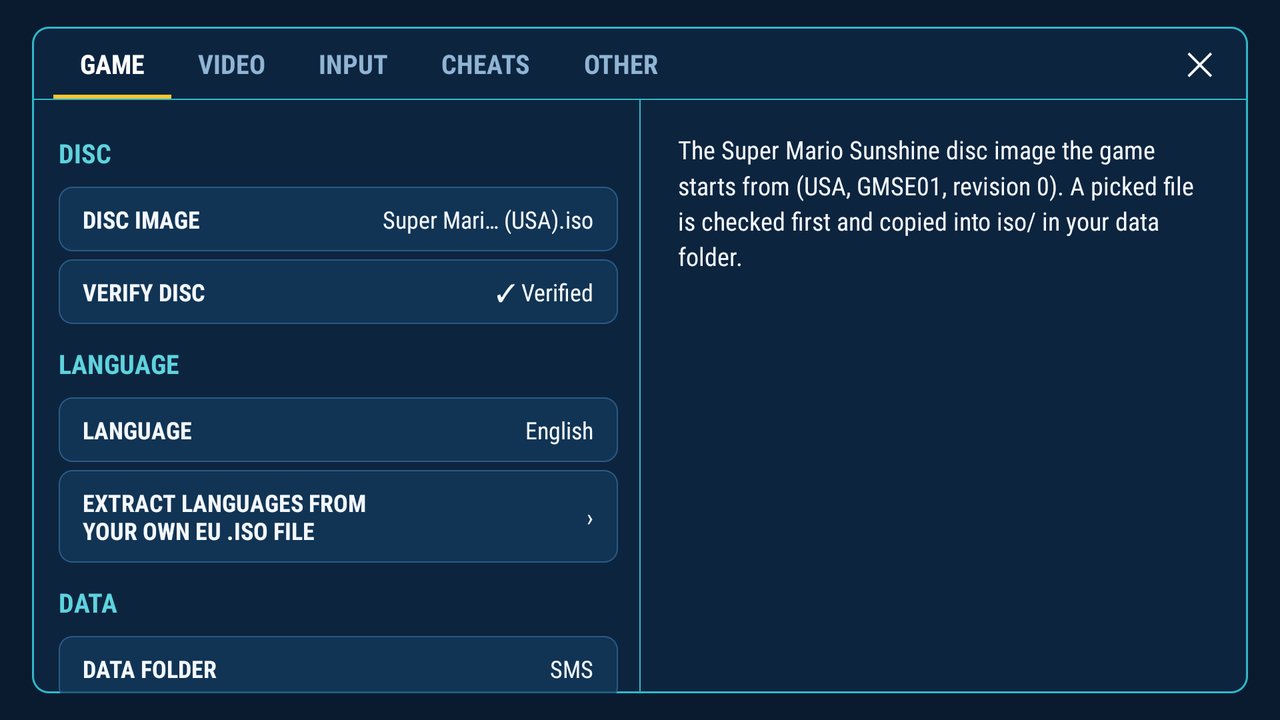
According to updated README, the requirements are Android 8.0 or higher, a 64-bit ARM processor and OpenGL ES 3.0. In addition, a proper ISO of the North American GameCube edition, code GMSE01, revision 0, is required.
For French, German, Spanish or Italian, the application also uses its own image of the European disc GMSP01. In this case, it prepares these languages on the device. The documentation consulted does not list Portuguese among the game's options.
How to download and configure Mareshine
The official APK 1.4.1 has 15,299,188 bytes, approximately 15.3 MB, according to GitHub metadata checked on October 20. In turn, the package contains the application; the game image comes from the user's copy. Mareshine is a fan project, with no affiliation to Nintendo.
- Download the official Mareshine APK for Android ARM64:
- Install the APK and open Mareshine.
- In Settings → Game → Disc image, select the ISO of your own compatible edition. Wait for the verification.
- If you wish, choose a data folder and adjust controls and graphics.
- Finally, press Play to start the match.
Those who already use Mareshine may receive the update offer through the app itself, which asks for confirmation before installing. Since version 1.3.0, the states are in the folder savestates/. Finally, the described features come from the author's documentation; there was no practical testing of the APK in this reporting.
Sources: Mareshine — current documentation; release and APK 1.4.1; history of versions 1.4.0 and 1.3.0; Nintendo — historical images of the game.