The Project 2099 Beta 5 arrived on October 13, 2026, with changes to the Spider-Man: Edge of Time port for Windows. The update adopts the reeot engine by Graine25 and adds nine suits, along with an optional 4K visual pack.
However, the developer also announced plans to end regular support soon due to financial difficulties. Therefore, new users should consider both the features and the project's limited continuity.
Project 2099 Beta 5 switches the renderer
According to the release notes, the reeot engine uses native rendering instead of emulating the Xbox 360 graphics chip. In addition, the author reports fixes for white cutscenes on Intel GPUs and support for 1080p, 1440p, and 4K.

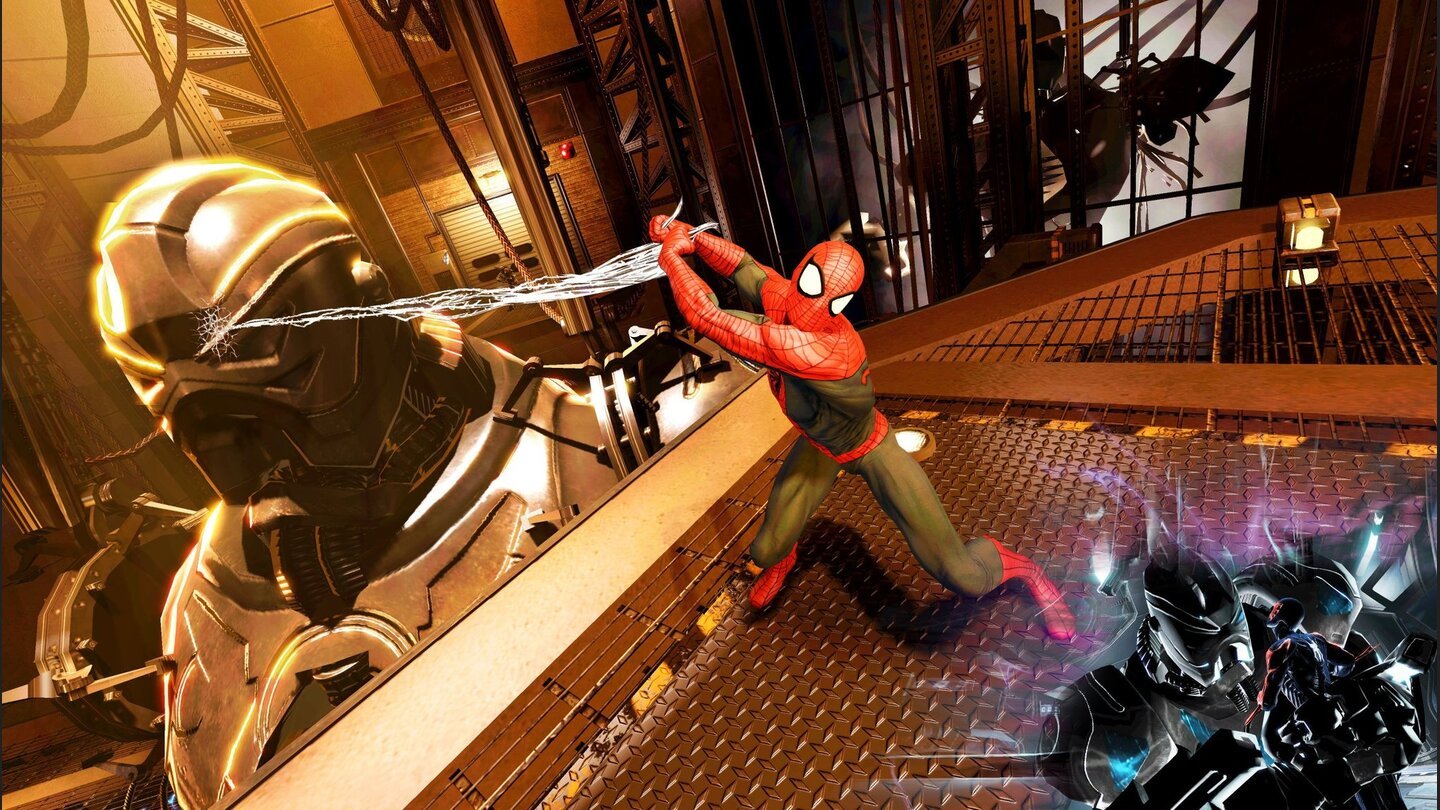
Promotional capture of the original game; does not prove the new engine's output. Source: GameStar/Activision.
Therefore, these results are project statements, not independent benchmarks of Allves Games. It is also not possible to treat the use of a new engine as a guarantee of stability on any card.
Outfits, languages and 4K pack
The beta adds nine outfits and a manager with a catalog of 72 skins from modding communities. Furthermore, it maintains six languages: English, Russian, German, French, Italian and Spanish.
In addition, the 4K pack is optional and takes up about 2.9 GB. In turn, the integration identified as DLSS 5 uses additional components, such as ReShade and RenoDX. It is experimental and does not represent official NVIDIA support for the port.
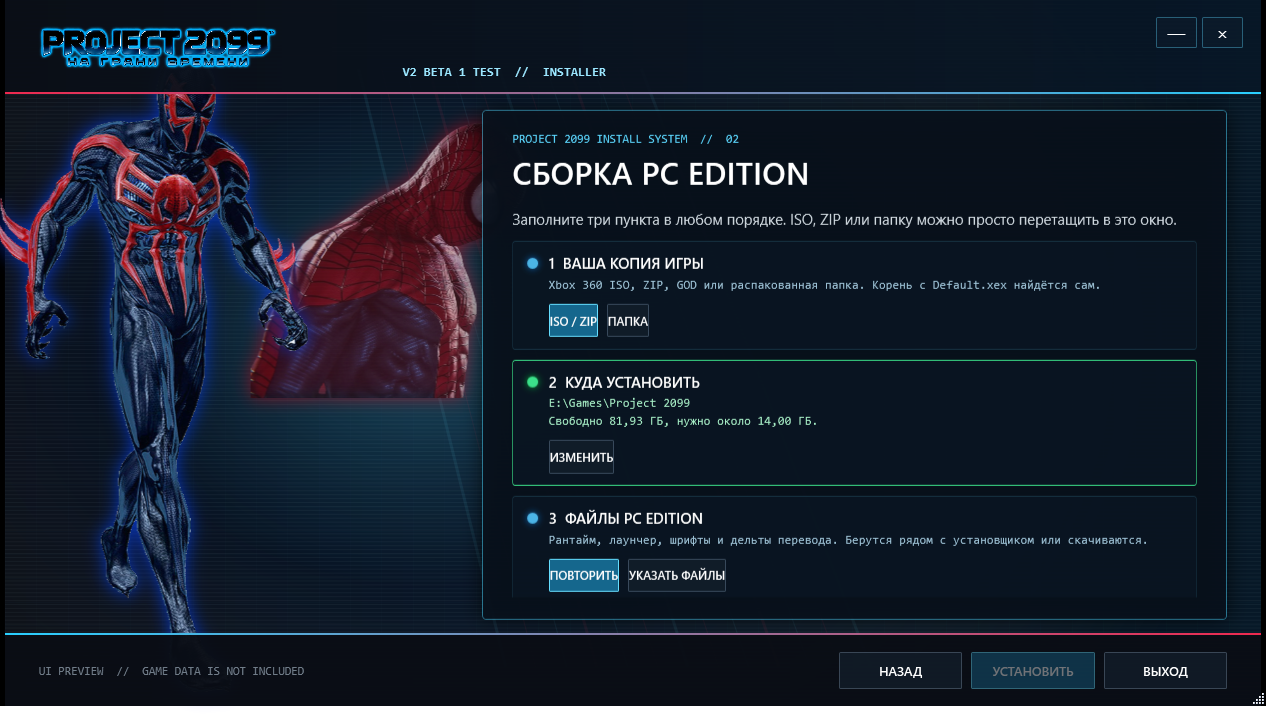
Interface of a previous version of the installer, used as context. Source: GenryTheFox/GitHub. Beta 5 uses an updated flow.
How to install Project 2099 Beta 5
First, separate your compatible copy of Spider-Man: Edge of Time for Xbox 360. The installer accepts sources in ISO, ZIP, GOD, or folder format, as per the project's checks. It does not replace the need for the original files.
- Download the Windows installer.
DOWNLOAD SPIDER-MAN EDGE OF TIME WINDOWS PORT UPDATED
- Next, run the installer, select your copy, and choose a destination folder.
- Then, let the program obtain the main package. Check the 4K remaster only if you want the optional content.
- Finally, launch the game via the installed application and adjust the settings.
In this case, to install offline, also download the main package and place it next to the installer. Do not mix files from different betas.
DOWNLOAD PROJECT 2099 BETA 5 MAIN PACKAGE
The offline 4K remaster requires the three parts below, together.
DOWNLOAD PROJECT 2099 4K REMASTER — PART 1
Next, get the second part. Finally, keep all three parts in the same folder as the installer.
DOWNLOAD PROJECT 2099 4K REMASTER — PART 3
In addition, the release provides SHA-256 checksums to verify the files. This assessment checked the metadata, without installing the executables.

Original promotional image, not representing a test of Beta 5. Source: GameStar/Activision.
Future support and limitations
Finally, the author states that they intend to reserve new updates for critical issues or an improvement in funding conditions. Furthermore, they indicate the project EdgeOfTimeRecomp as an alternative to following.
Thus, it is advisable to test the optional features separately and save the files of the version used. See also our section on ports.
Sources: Beta 5 notes and packages; installer repository.