Skate 2 on PC received a native port update for PC and other systems in October 2026. Allves Games official project page registers packages and tweaks. However, the project is independent of the studios responsible for the original game.
The release brings material changes for players, but the results disclosed by the developer do not replace independent testing. Thus, compatibility and performance may vary.
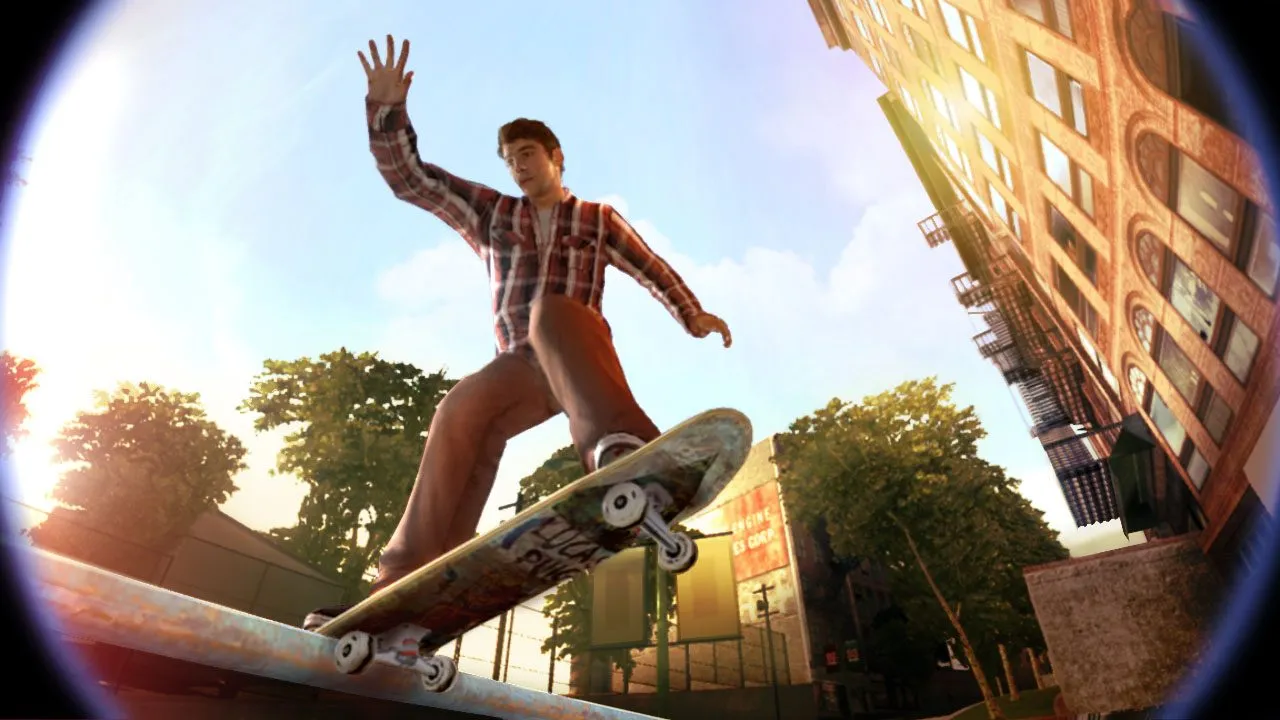
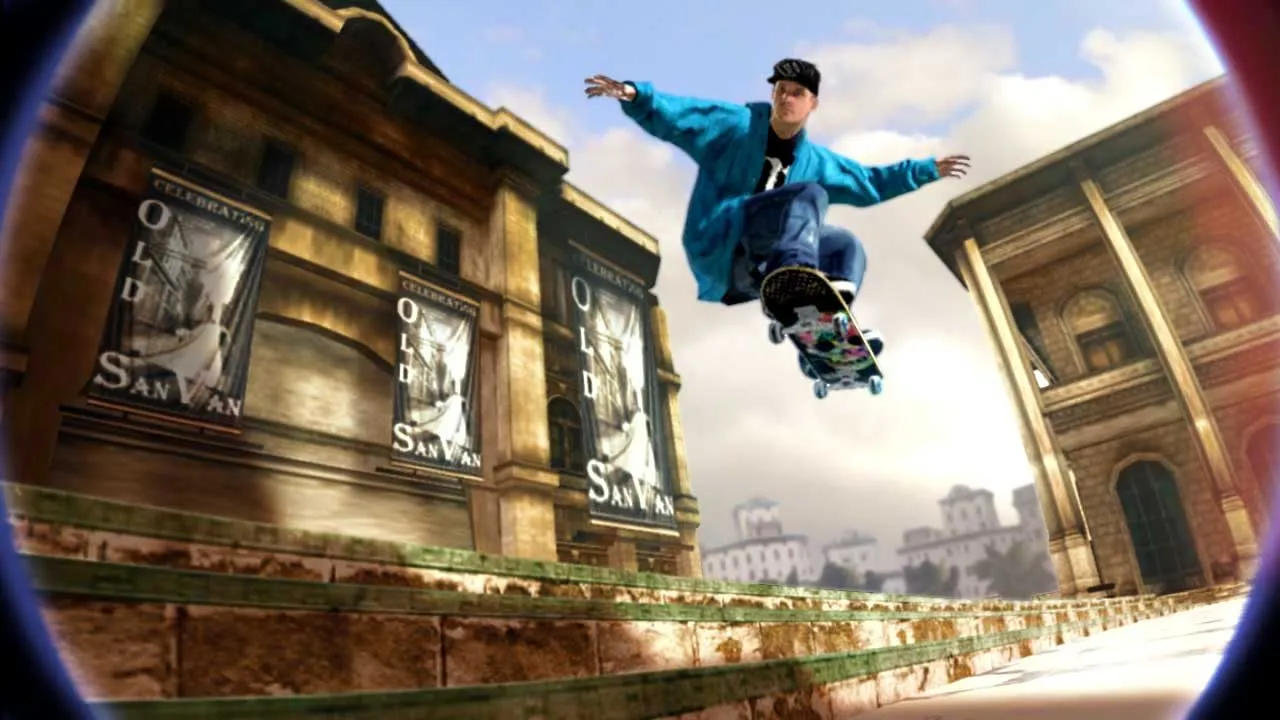
Screenshot of the original game Skate 2, provided by Electronic Arts. Visual reference, not a test of the Windows recompilation. Source: EA.
What works in Skate 2 on PC
Maintainer christianortel claims to have tested the Free Skate mode, early career progression, replays, and saves. In addition, he reports DualSense functionality via USB. However, the author tested it on a single machine for about an hour, without validation of the entire campaign or stability on other computers. Furthermore, this project is not the same as the experimental Skate 3 port previously covered by Allves Games.
Skate 2 on PC: custom launcher in version 0.1.1
Release 0.1.1, published on October 12, 2026, added the Launch Skate 2.exe executable for shortcuts and Armoury Crate integration. The update changes how the game is launched, but keeps the runtime from version 0.1.0. In addition, the package includes a file importer and graphic profiles. According to the author, the 2× quality mode is the default; other settings may reduce GPU load.
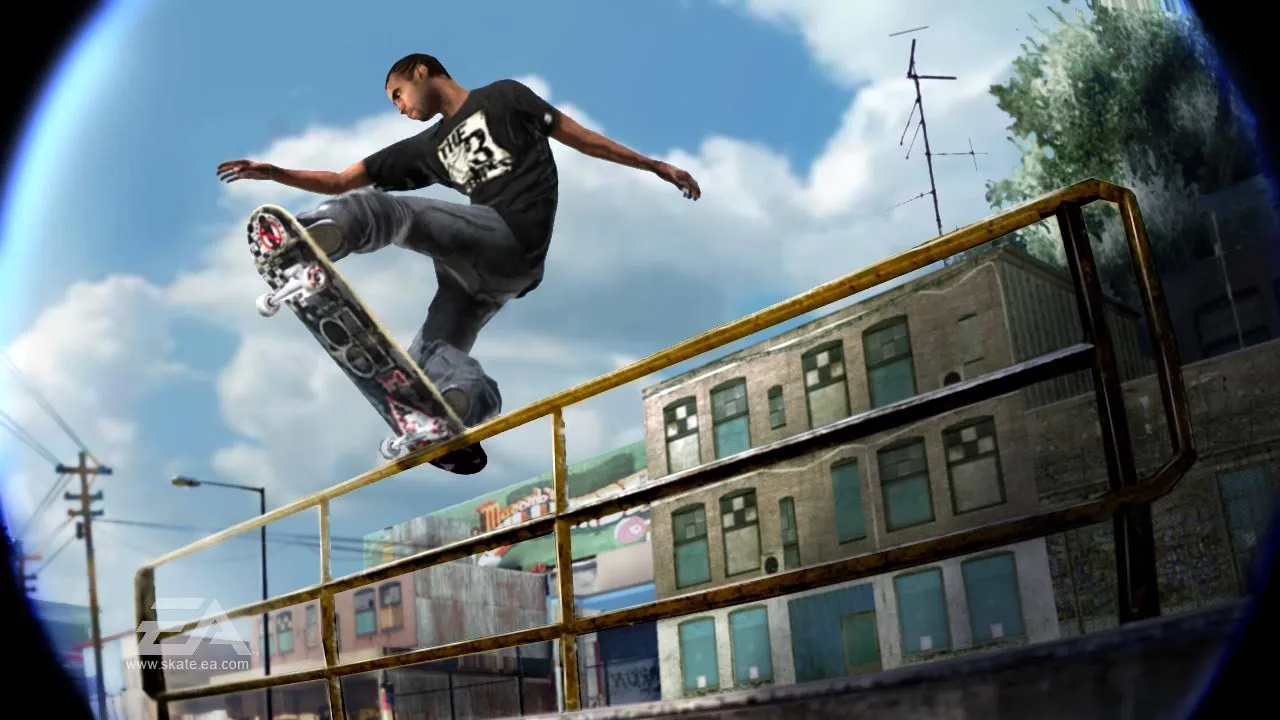
Official image of the original console Skate 2. Source: Electronic Arts; does not represent a port benchmark. Source: EA.
Game files and requirements
The package is intended for 64-bit Windows 10/11 with Direct3D 12 rendering. To start, you must provide the extracted folder of your own copy of Skate 2 for Xbox 360, including default.xex and the game data. Therefore, the official ZIP does not distribute the commercial game. However, there is no confirmation of support for Steam Deck, Linux, or all PC configurations.
How to download and install
The installer does not include commercial game files. Therefore, the user needs to provide their own data required by the project and check the official requirements before running it.
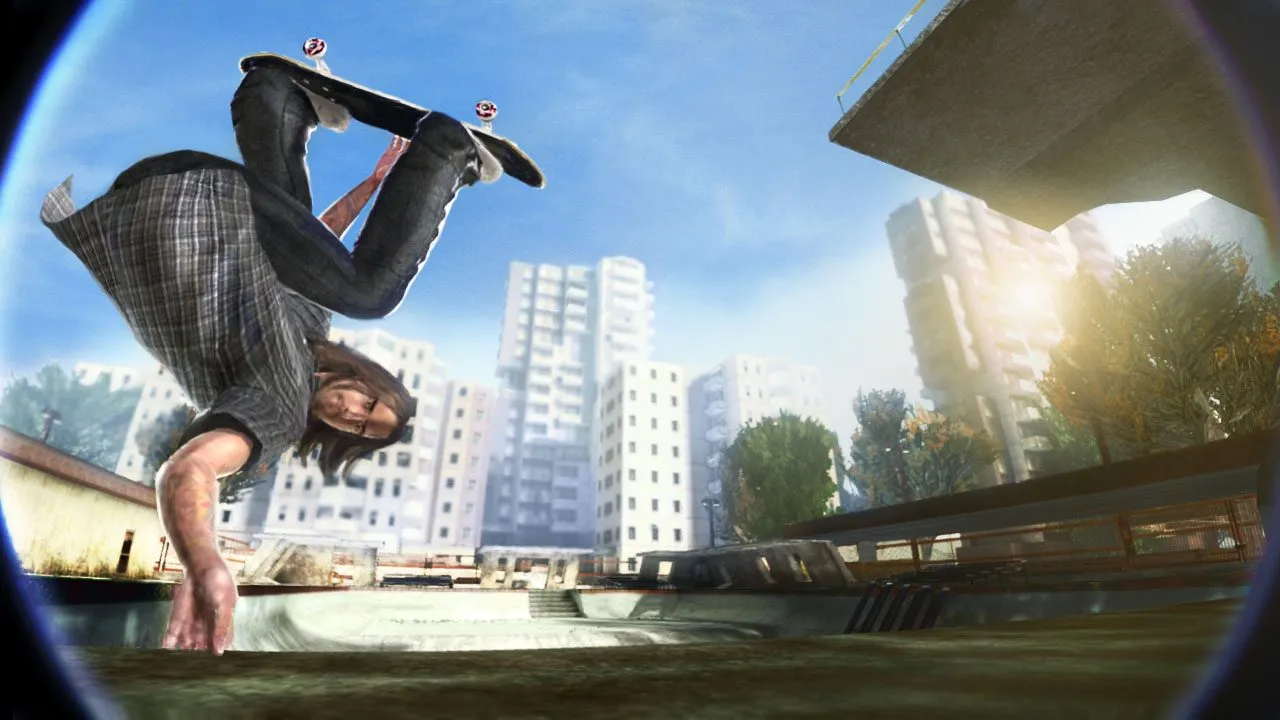
Official screenshot of Skate 2, year 2009. Source: Electronic Arts, contextual illustration. Source: EA.
- Check the compatible platform.
- Download the appropriate package below, directly from the official release.
- Extract the package and follow the instructions to import the files from your legitimate copy of the game.
- Configure the launcher and launch after confirming the requirements.
The packages mentioned are from a specific version. Therefore, check for future updates on official release history.
Sources: official release; developer repository.