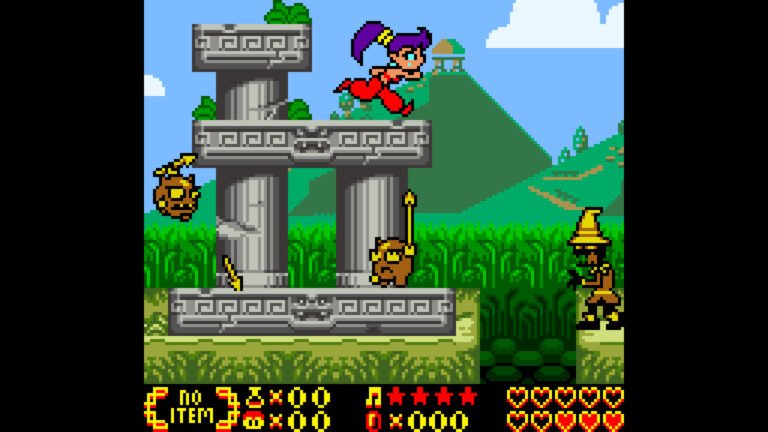
The Shantae port for PC received two fixes in version 0.1.18, published on October 15, 2026. Furthermore, the update allows using the whip while crawling in low corridors and reorganizes the scenery framing above the interface and dialogue boxes, according to the official notes.
In addition, the Shantae Recomp release offers packages for Windows and Linux, with Intel, AMD, and ARM64 variants. However, the author tested the game on Windows and performed checks on Linux via WSL. He did not confirm matches on real Linux or physical ARM equipment in this version.
Whip works while Shantae crawls
Previously, pressing B while the character was crawling under a low ceiling did not initiate the attack. On the other hand, the crouching and stationary stance allowed using the whip. Therefore, in version 0.1.18, the option Smoother movement starts handling the command while moving through these corridors.
With Slide mode, Shantae attacks and keeps moving. On the other hand, Cancel maintains the crawl when B and a direction are pressed; without a direction, the whip comes out in place. Therefore, the result depends on the mode chosen in the movement options.
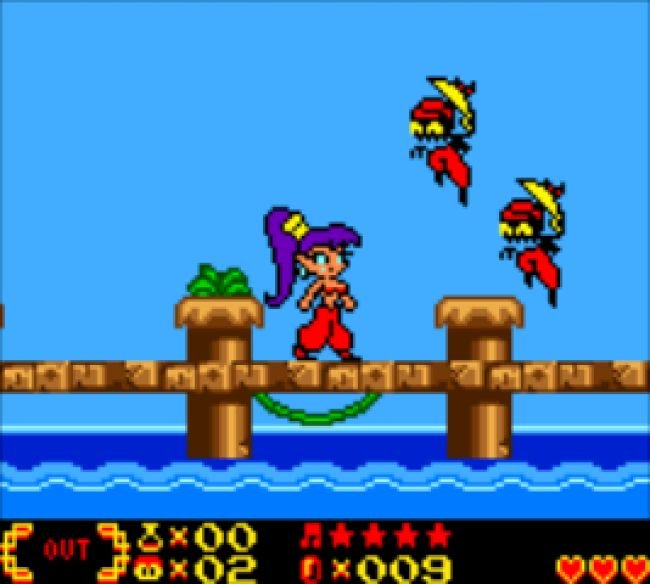
Shantae port preserves the scenery above the interface
In addition, the new option Bottom UI → World → Fits above it replaces the previous adjustment that only raised the world when a dialog box appeared. The old solution could keep the floor visible, but cut off the sky and ceiling at the top.
Thus, according to the developer, the scene adjusts the zoom to fit above the bar and the dialogs. Furthermore, the framing returns smoothly when the conversation ends. As for the option Under it, as original keeps the interface overlaid on the world, as in the original game.
However, the expanded view mode remains off by default. Then, upon activating it, the initial dimension remains at 256×240 until the user changes the options. Therefore, installing the update does not automatically force a widescreen format in all settings.
This is a new set of fixes after the version 0.1.16 already covered by Allves Games. Previous changes to cities and text are not presented here as 0.1.18 novelties.
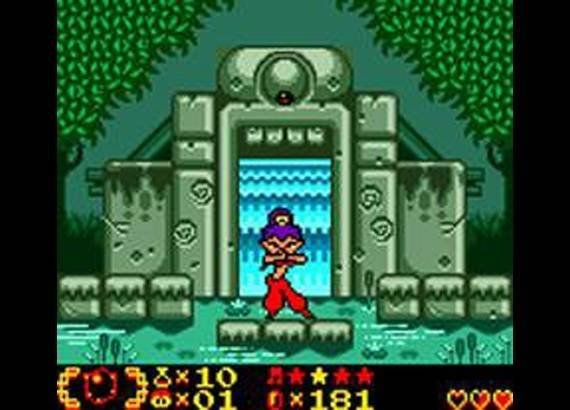
How to download the Shantae port for Windows and Linux
Furthermore, the seven files below are included in the official 0.1.18 release verified on October 15, 2026. Additionally, the project requires Windows 10 or 11 with a Direct3D 11 driver, or Linux with OpenGL and glibc 2.28 or higher. There is no package for Mac or Android in this release.
- Choose the package for your system and architecture. Download it using the corresponding button below; TAR.GZ and AppImage are distribution alternatives on Linux.
Windows: Shantae port packages
Windows x64: version 0.1.18, approximately 83.9 MB.
32-bit Windows PC: version 0.1.18, approximately 82.4 MB.
Windows ARM64, untested on real ARM hardware: version 0.1.18, approximately 77,1 MB.
Linux options
64-bit Intel or AMD Linux, TAR.GZ file: version 0.1.18, approximately 70,3 MB.
AppImage for 64-bit Intel or AMD Linux: version 0.1.18, approximately 67.5 MB.
Linux ARM64, TAR.GZ file: version 0.1.18, approximately 69.4 MB.
AppImage for Linux ARM64: version 0.1.18, approximately 66.7 MB.
Installation and preservation of saves
- Next, extract the ZIP or TAR.GZ to a writable folder. The AppImage does not need extraction: grant execution permission according to your distribution and open the file.
- Then, run
shantae.exeon Windows orshantaeon Linux. In the launcher, select the files from your own American copy of Shantae for Game Boy Color. - Then, check the message ROM verified, adjust the options and press PLAY. For the whip fix described in this news, keep Smoother movement enabled.
- Also, if you are updating, preserve your saves and settings from the previous folder. Finally, check the progress before removing any old version.
The compatible ROM has SHA-256 1b92e22d5510c51bab97d23074e4aad7464d93eb15f7596ef7da0a5efa27a19d and CRC32 E994B59B. Furthermore, the launcher does not accept the World, Switch, or Limited Run editions as substitutes, as they use different ROMs. The packages do not include the commercial game.
Thus, the buttons fix the determined version, without promising automatic updates of the file names. Furthermore, to check future releases, use the official releases page. Therefore, keep a copy of your saves when changing versions.
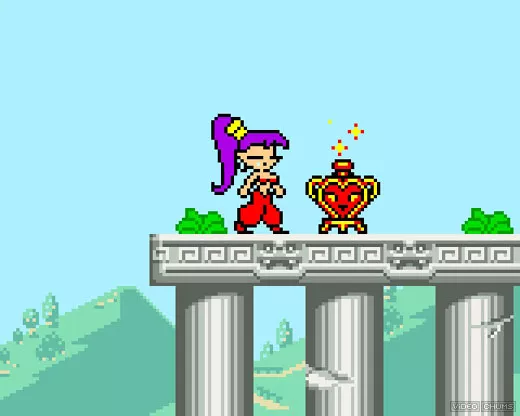
What the tests for this update prove
Finally, the author describes checks for movement, transformations, dancing, text, and framing, as well as tests on Windows x64 and x86 and on Linux via WSL. However, these results do not replace a full campaign across all platforms. ARM64 packages remain unvalidated on actual ARM hardware reported in this release.
The investigation uses the official release 0.1.18, the README version and the commit associated with the update. However, we did not execute the binaries during this check; therefore, the fixes appear as documented statements by the developer.
Sources: official release 0.1.18.