The Scooby-Doo Refrightened, native port of Scooby-Doo! Night of 100 Frights for PC, has reached version 1.0.2 on October 18, 2026. According to the developer's own announcement, the new package fixes a level that appeared with a black screen, improves video and audio, and adapts button icons to the connected controller. The previous version 1.0.1 had already introduced 60 FPS, MSAA, and HD textures.
Thus, the project rebuilds the 2002 GameCube game to run directly on Windows, without a traditional emulator. However, the package does not contain the original game files: the player must provide their own compatible copy. In this case, the accepted edition is the American GameCube version 1.01, identified as GIHE78.
Scooby-Doo Refrightened: what changed
First, the main new feature is the choice between 30 and 60 frames per second. In turn, the author states that the 60 FPS mode preserves the game's original speed. Additionally, there is 2x, 4x, or 8x MSAA, an optional dogerki HD texture pack, and an option to skip the opening videos.
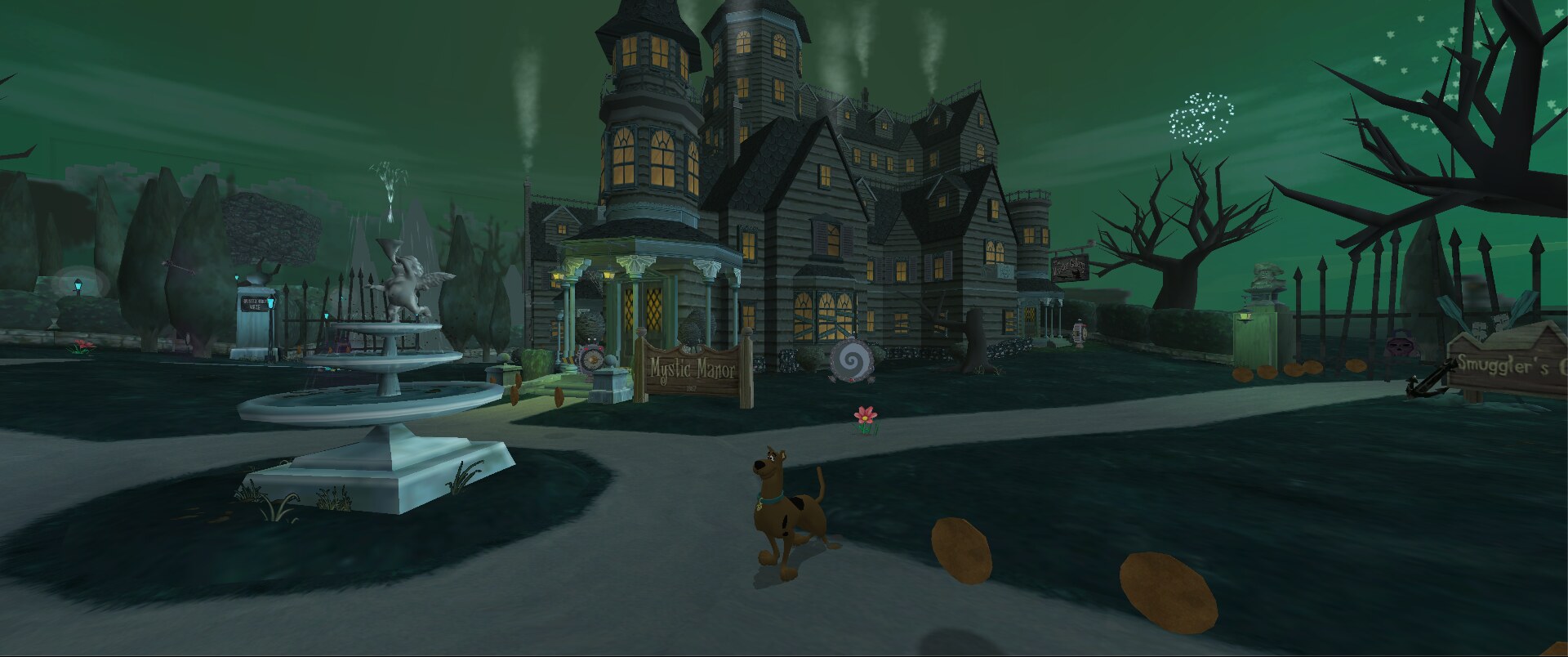
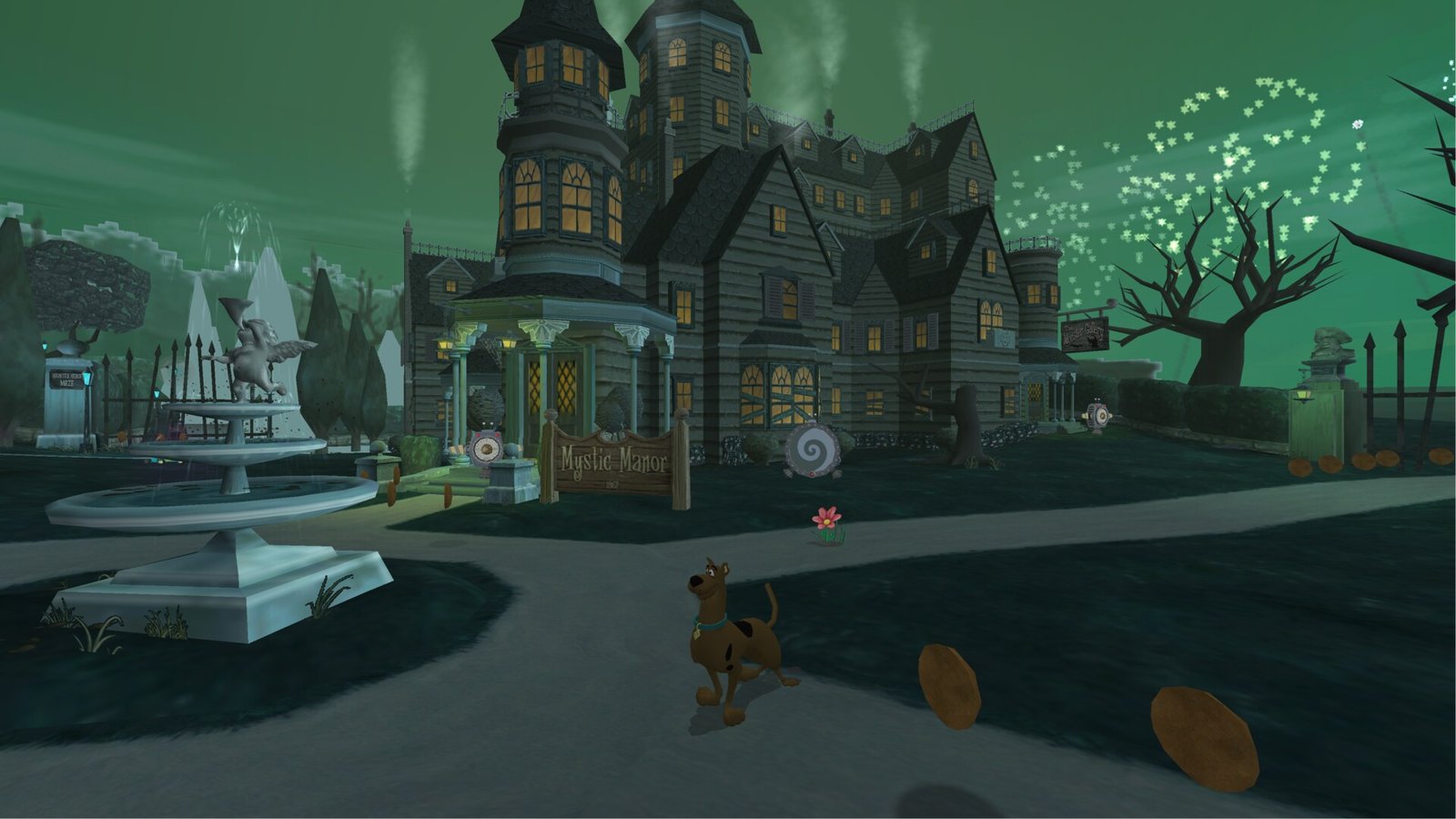
Example of the cinematic format displayed by the project. Credit: JosiahG / Scooby-Doo: Refrightened, official repository.
Furthermore, version 1.0.2 fixes rendering issues and a level that previously displayed only a black screen. The author also reports smoother opening movies and cutscenes in high resolution, without audio pops, icons for Xbox, PlayStation, and Nintendo controllers, and an ultrawide-adapted pause menu. In version 1.0.1, they had already fixed blinking characters, distorted vertices, and a crash in the pirate ship scene. These fixes have not been independently tested.
Resolution, controls, and compatibility
According to the Port README, Refrightened offers up to 4K, 16:9 widescreen, a 2.39:1 cinematic option and the original 4:3 aspect ratio. There is also HDR, gamepad or keyboard controls, and button remapping. These features are stated by the author and were not independently tested in this report.
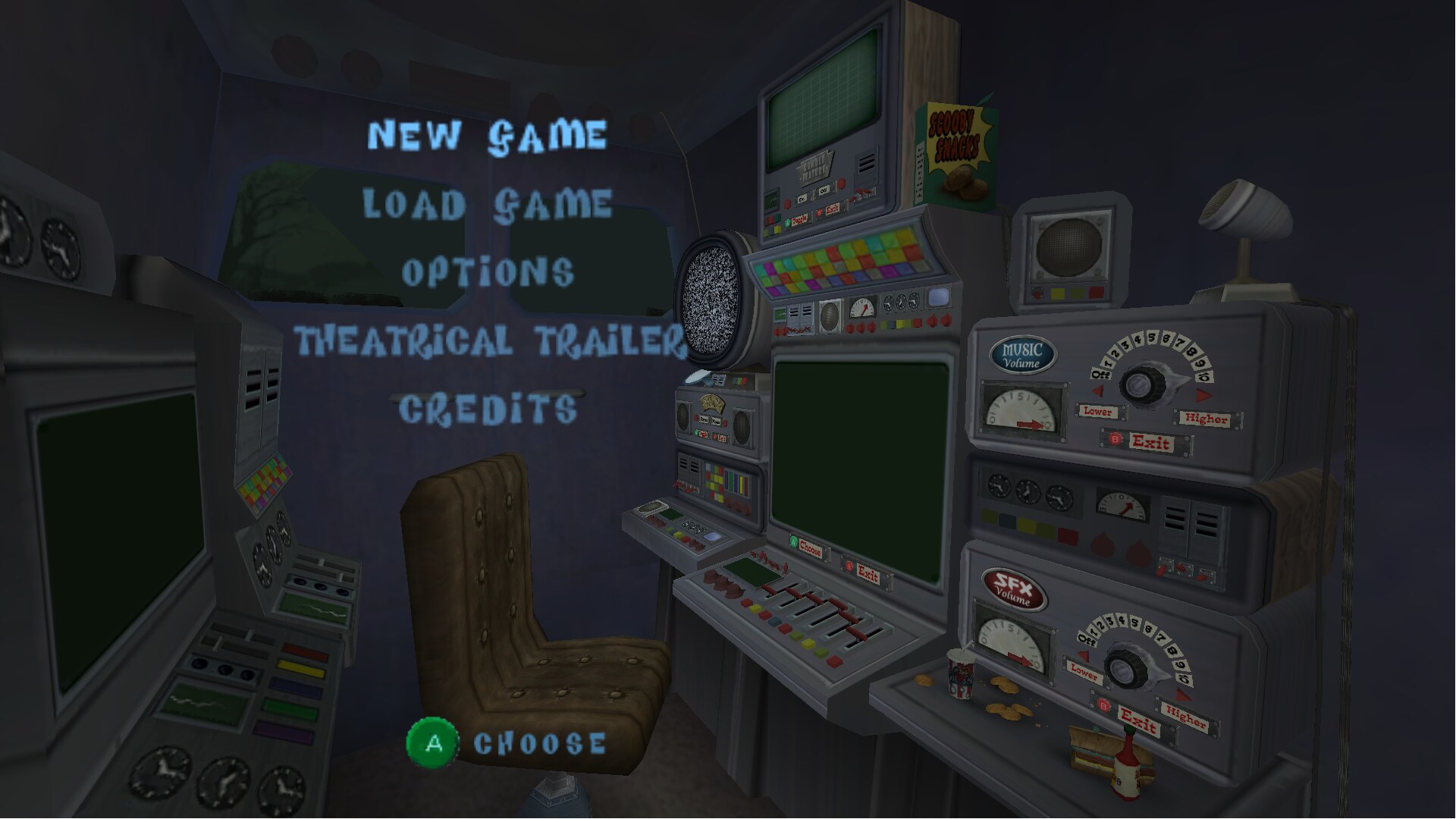
Game menu in widescreen. Credit: JosiahG / Scooby-Doo: Refrightened, official repository.
For now, the indicated system is 64-bit Windows 10 or 11. In addition, the launcher offers image options in the Display tab and adjustments during the game via the F10 key. The author reports that settings, saves, and mods are located in the data/UserData folder. Thus, updating over the previous version should preserve this data, according to the release notes.
How to install Scooby-Doo Refrightened
The release 1.0.2 on GitHub offers the file ScoobyDooRefrightened.zip, at approximately 693 MB, according to official metadata consulted on October 18. The content was not executed. The package requires its own American GameCube disc image in ISO, GCM, or CISO format.
- Check that you have your own compatible copy of Scooby-Doo! Night of 100 Frights for GameCube (USA v1.01, GIHE78).
- Download version 1.0.2 from the official repository and extract the ZIP to a folder of your choice.
- Open Scooby-Doo Refrightened.exe and, in the Play tab, select your own disc image.
- Click PLAY. To adjust resolution and other effects, use Display in the launcher or F10 in-game.
- If you are updating from a previous version, follow the author's instructions to extract the new ZIP over the previous folder, preserving saves and settings.
Thus, it is not necessary to distribute the original game to use the port. The download provided is for the fan project, and the user must legally obtain the required files. Compatibility may vary depending on hardware and files from the correct edition.
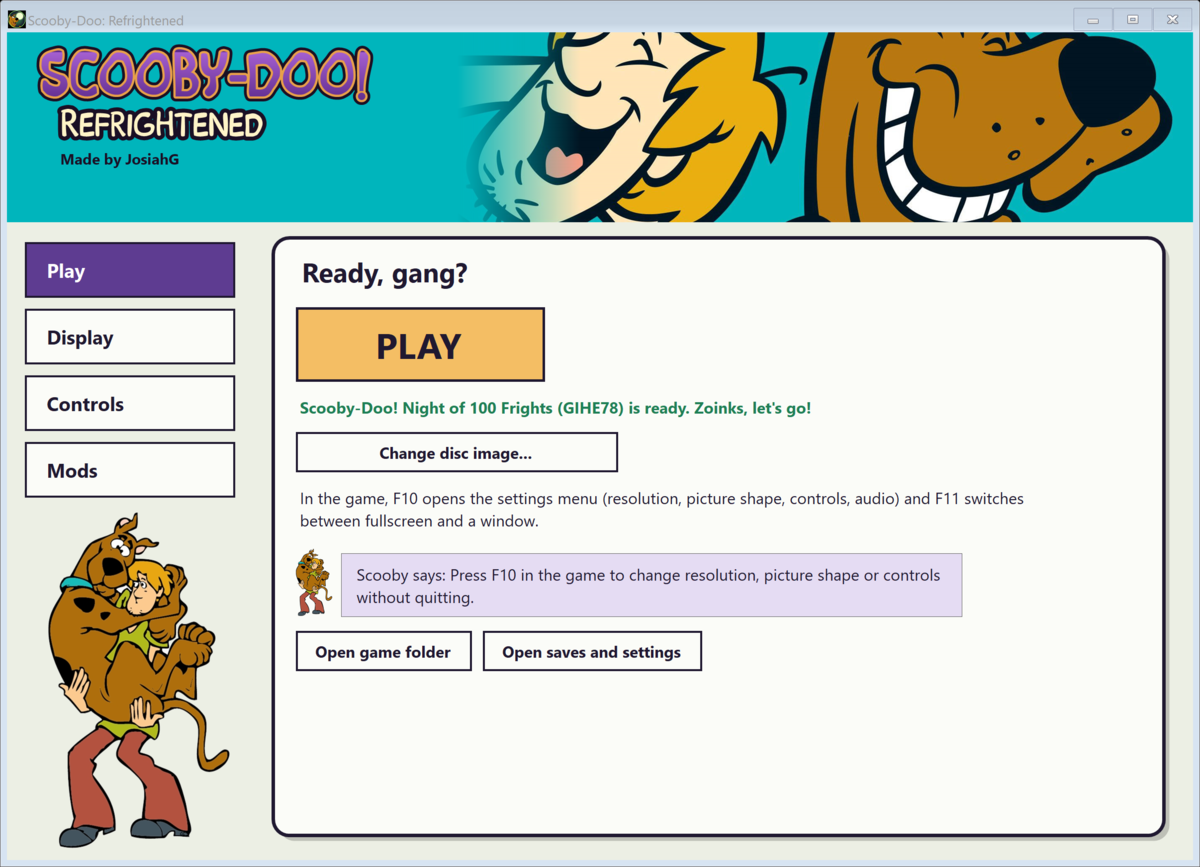
Launcher shown in the project documentation. Credit: JosiahG / Scooby-Doo: Refrightened, official repository.
GameCube port to Windows
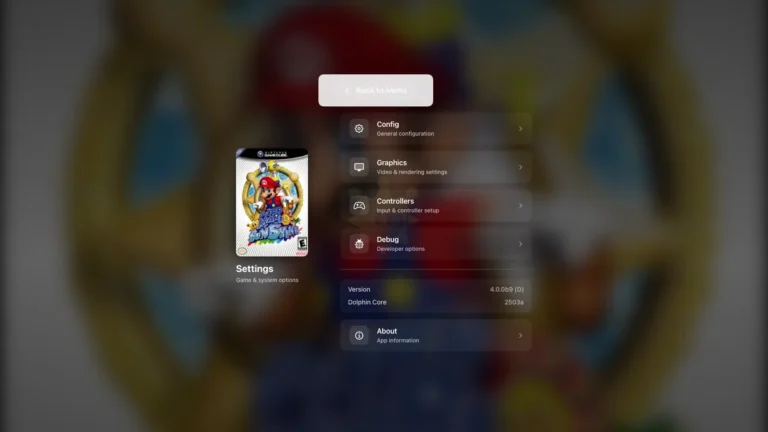
In this way, Refrightened is another example of a GameCube game gaining native execution on modern computers. Allves Games has already covered similar initiatives, such as the Super Mario Sunshine port and the improvements to the Metroid Prime port. They are independent projects and do not necessarily share the same tools or installation conditions.
As of this check, we have not found a video demonstration of the port itself to confirm the advertised performance. On the other hand, the images above are screenshots published by the developer. The 60 FPS option, the fixes, and the launcher operation remain information documented by the author, without hands-on testing by the editorial team.
Sources: official release 1.0.2; developer announcement on 10/18/2026; previous release 1.0.1; project README.