The Porpoise on PS5, an independent adaptation of the Dolphin emulator, reached version 3.0 in a public update on October 10, 2026. According to official developer release, the project adds WiiLink and Wiimmfi connection options, network game access, and the use of the DualSense gyroscope for controls similar to the Wii MotionPlus. However, these features still depend on specific configurations and have not been independently validated in this article.
Porpoise on PS5 expands online functions
First, among the new features, the new Online Hub offers guided configuration for WiiLink WFC, Wiimmfi, and WiiConnect24, as well as custom servers. The team also reports fixing a crash that could occur during the connection of Mario Kart Wii. However, third-party servers may undergo availability changes and require attention to the instructions for each service.
Porpoise is an independent derivative of Dolphin; therefore, these changes should not be attributed to the official Dolphin emulator for computers.

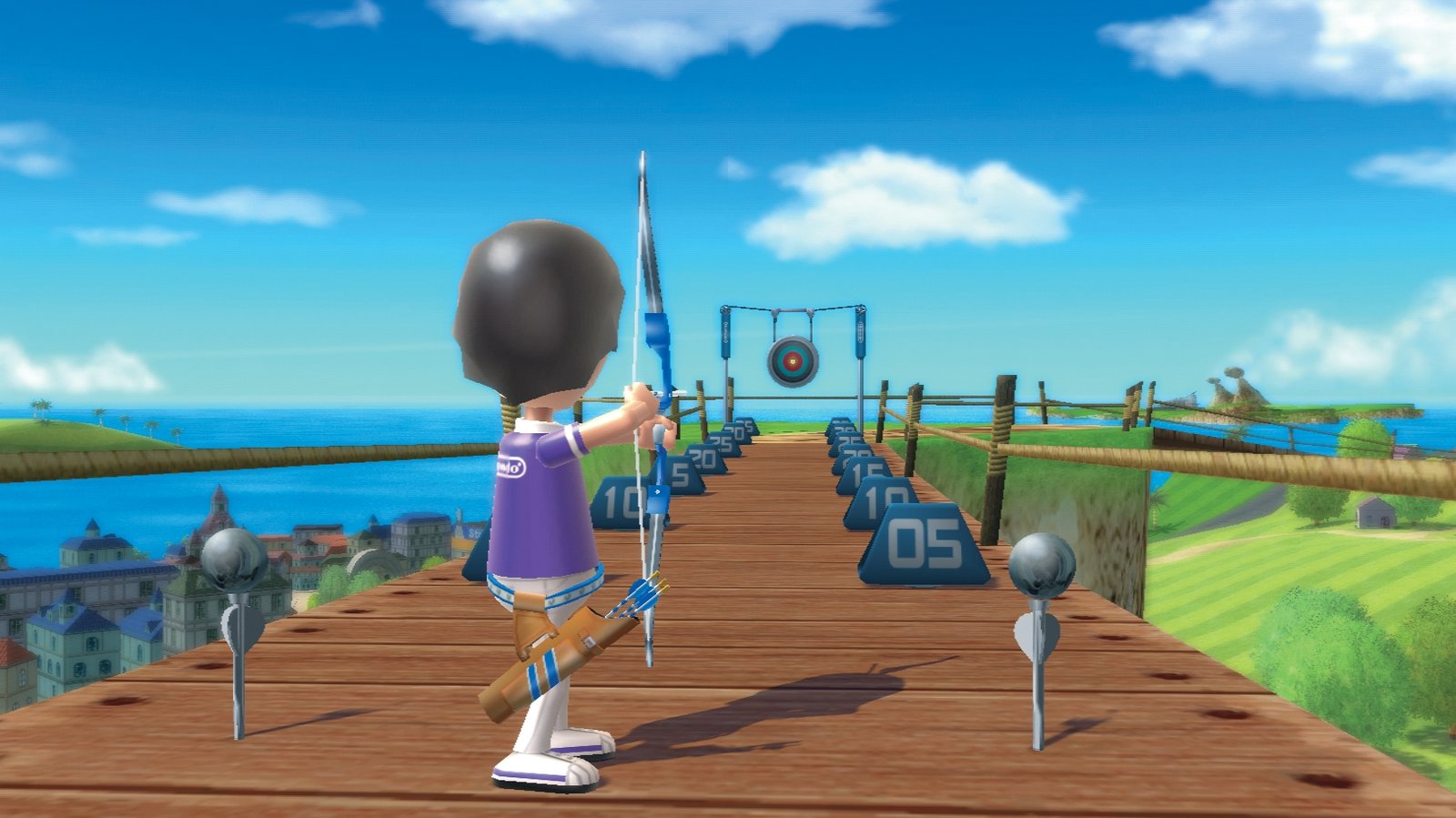
Image of Porpoise 2.5, a previous version used as visual context for 3.0; it does not demonstrate WiiLink or MotionPlus. Source: Allves Games collection.
Games via SMB and NFS, with network library
Furthermore, version 3.0 allows accessing game files through SMB and NFS shares from a compatible PC or NAS. In turn, the library has gained network resource discovery and caching options. Thus, the feature reduces the dependency on keeping all game images on the local drive, but it is not equivalent to remote streaming nor does it guarantee equal performance on every home network.
However, to use these features, the user must provide their own legally acquired files. The project installer does not distribute commercial games, BIOS, firmware, or ROM collections.
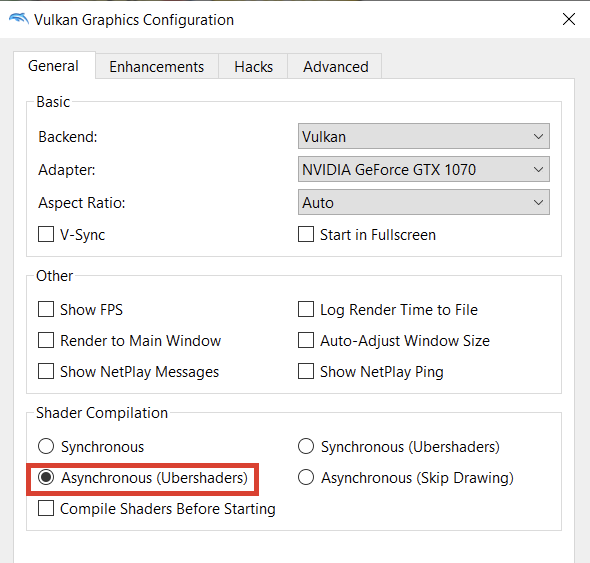
Dolphin reference interface for PC, not Porpoise on PS5. Source: Allves Games collection.
DualSense as experimental Wii MotionPlus
According to the creator, the DualSense sensors can provide motion data in games that use Wii MotionPlus features, including examples such as Wii Sports Resort, Skyward Sword and Red Steel 2. The release also mentions sensitivity and deadzone adjustments. However, motion correspondence should not be presented as a perfect replacement for original controllers in all games.
In turn, other items include Riptide Boost beta, universal widescreen beta, FSR 1, video filters, and HD textures. There is also experimental import of BootMii's own NAND and a fix related to crashes after 12.70 jailbreak.
Download and requirements for Porpoise 3.0
The page for the release 3.0 provides the file Porpoise-3.0.zip. The project requires a PlayStation 5 with a functional homebrew environment and reports a dependency on ShadowMountPlus 1.7 beta 4 or higher. Before updating, follow the maintainer's instructions to preserve the data and save folder /data/porpoise/.

Super Mario Galaxy on the Dolphin emulator on another platform; it does not represent a test of the 3.0 update on PS5. Source: Allves Games collection.
In a previous news item, Allves Games already covered the audio and graphics improvements of Porpoise 2.5. The 3.0 version brings new connectivity and control features, according to the developer's notes. However, the screenshots in this article are illustrative and do not replace independent tests on the PS5.
How to download Porpoise on PS5 (3.0)
Release 3.0 offers the public ZIP package for the emulator on PS5. Check the requirements for homebrew before installation.
- Consult the documentation and the official release, including requirements, limitations, and the need for legal game files.
- Download the package for PS5.
- After downloading, follow the official instructions specific to the package, without using ROMs, BIOS, or commercial data distributed by third parties.
Sources: Porpoise 3.0 release; author's repository.