The PCSX2 Vulkan received build 2.9.155, which arrived on November 4, 2026 as a development build of the PlayStation 2 emulator for PC. According to the official release notes, the update changes how textures are handled in the Vulkan renderer. The change is technical and does not, by itself, represent an FPS increase or a proven fix in any specific game.
https://youtu.be/tREFNmHpflQ?si=-DwB18imF6x--iWn&t=260
What changed in PCSX2 Vulkan?
First, the changelog describes the modification as “GS:VK: Set dirty texture when switching to feedback loop layout”. In practice, the emulator now flags a texture as modified during the transition to a feedback loop layout. Furthermore, this adjustment aims to keep graphical resource management consistent in situations where a texture participates in both reading and rendering operations.
Thus, the change can help avoid Vulkan validation issues in this specific path. However, the public notes do not identify any benefited games nor do they present comparative tests. Therefore, there is no basis to promise better performance or claim that specific visual glitches have been eliminated.
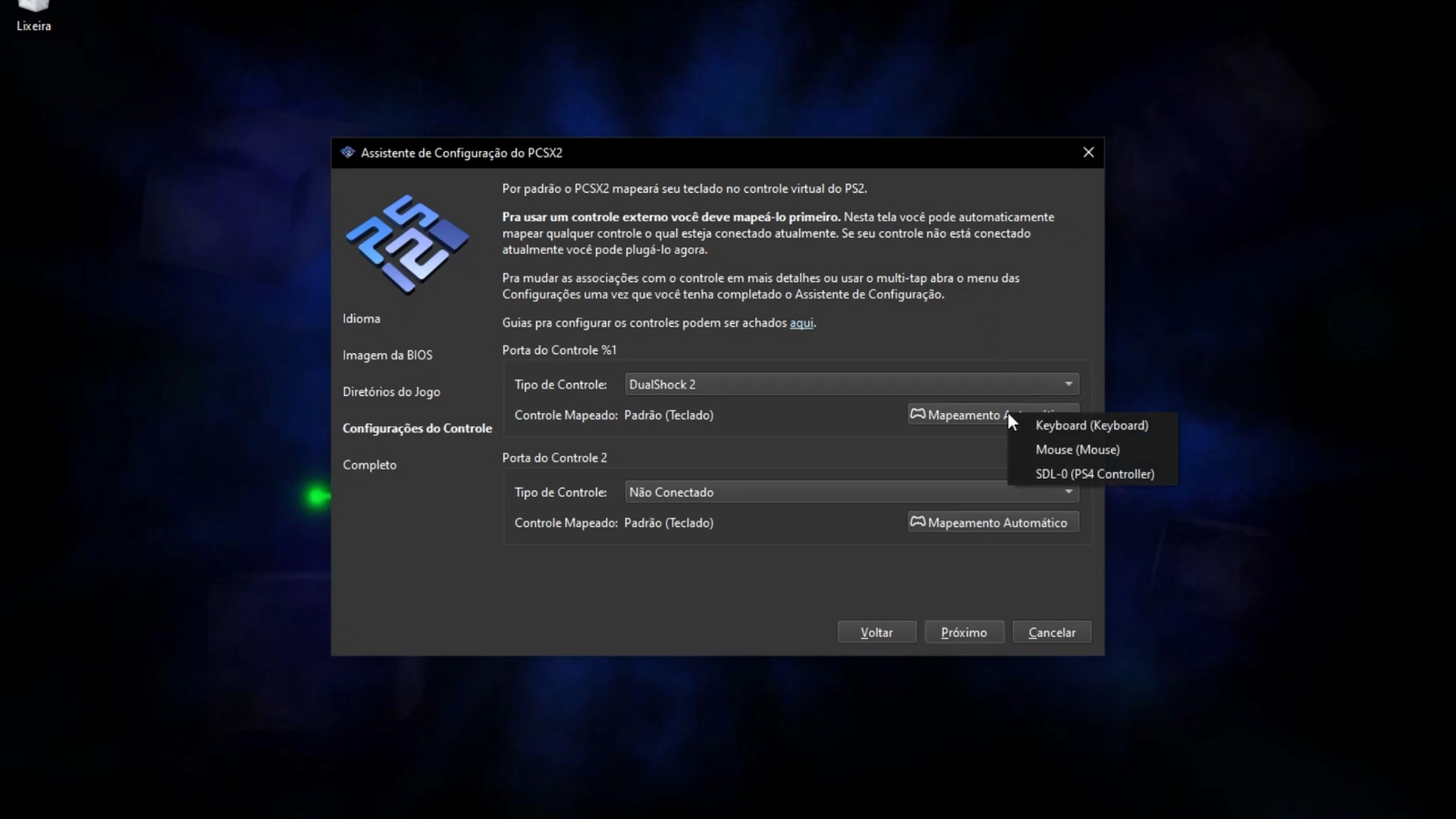
PCSX2 interface in an archive capture from Allves Games; illustrative image. Credit: Allves Games.
Is PCSX2 2.9.155 a stable version?
No. The PCSX2 Vulkan in version 2.9.155 appears in the official repository as pre-release, a development build. In turn, the version page lists eight distribution files, but the availability of each variant must be checked before installing.
Those who prefer to avoid frequent changes can continue using the stable edition. Meanwhile, those tracking recent fixes should consult the official PCSX2 releases and choose the package corresponding to their operating system. In addition, the project maintains installation guidelines and requirements in its documentation.
To download the development build on Windows, choose the standard usage file rather than the debug symbols package. The November 4 release lists the following official file:
Download the portable PCSX2 2.9.155 for 64-bit Windows from the official repository.
Extract the 7z file with a compatible extractor and open the emulator executable in the extracted folder.
Configure games and the BIOS legally obtained from your own console. If you prefer stability, use the stable version on the official website.
PCSX2 settings screen in an earlier capture; it does not demonstrate the Vulkan fix. Credit: Allves Games.
What to expect from the update?
First of all, the new feature focuses on the Vulkan renderer's infrastructure, not a new visible interface feature. Therefore, the actual impact depends on the game, the graphics driver, and the situation that triggered the fixed path.
Finally, to contextualize other graphic improvements in the emulator, also see Allves Games's coverage of fixes in Xenosaga III and Mercenaries. As always, PCSX2 does not include games or BIOS; use files obtained legitimately from your own devices and media.
Sources:PCSX2 — release v2.9.155 (11/04/2026); official repository.
Para fornecer as melhores experiências, usamos tecnologias como cookies para armazenar e/ou acessar informações do dispositivo. O consentimento para essas tecnologias nos permitirá processar dados como comportamento de navegação ou IDs exclusivos neste site. Não consentir ou retirar o consentimento pode afetar negativamente certos recursos e funções.
Funcional
Always active
O armazenamento ou acesso técnico é estritamente necessário para a finalidade legítima de permitir a utilização de um serviço específico explicitamente solicitado pelo assinante ou utilizador, ou com a finalidade exclusiva de efetuar a transmissão de uma comunicação através de uma rede de comunicações eletrónicas.
Preferências
O armazenamento ou acesso técnico é necessário para o propósito legítimo de armazenar preferências que não são solicitadas pelo assinante ou usuário.
Estatísticas
O armazenamento ou acesso técnico que é usado exclusivamente para fins estatísticos.O armazenamento técnico ou acesso que é usado exclusivamente para fins estatísticos anônimos. Sem uma intimação, conformidade voluntária por parte de seu provedor de serviços de Internet ou registros adicionais de terceiros, as informações armazenadas ou recuperadas apenas para esse fim geralmente não podem ser usadas para identificá-lo.
Marketing
O armazenamento ou acesso técnico é necessário para criar perfis de usuário para enviar publicidade ou para rastrear o usuário em um site ou em vários sites para fins de marketing semelhantes.