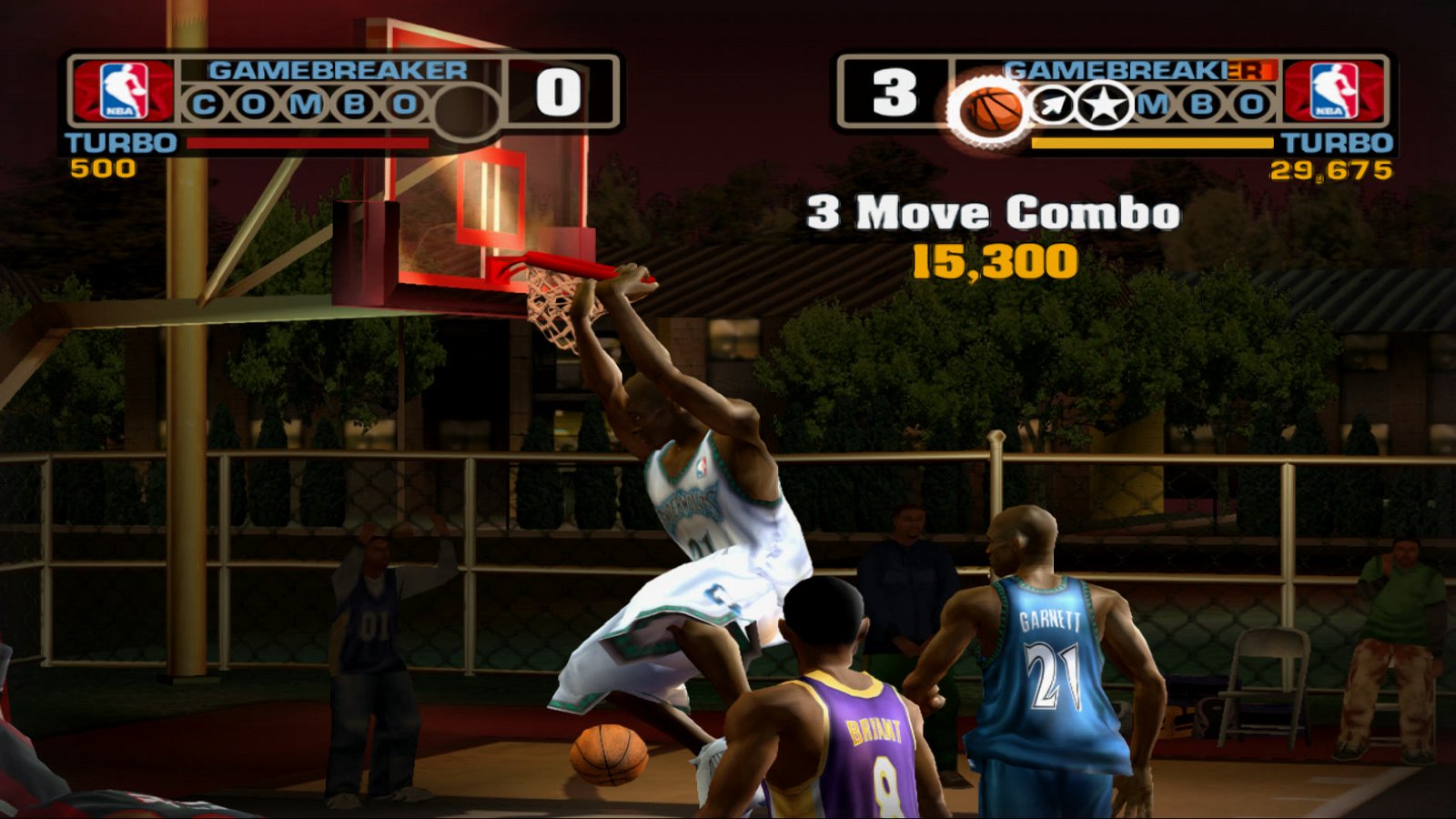
The project NBA Street V3 in the browser received an experimental implementation on October 14, 2026. The work recompiles the PS2 game for WebAssembly and uses WebGL2 to render the graphics. In addition, the README describes audio, HD textures, and online matches.
However, there is no public link to open the ready-to-play game. Each user needs to prepare the version from their own American ISO, identification SLUS-21126, and run the result locally or on a private server.
NBA Street V3 in the browser uses a different structure
The web version takes advantage of the recompiled game and Play! renderer components. In turn, the existing Windows and Mac editions use another combination of graphics components. Thus, it is not simply a matter of opening the Windows executable inside a tab.
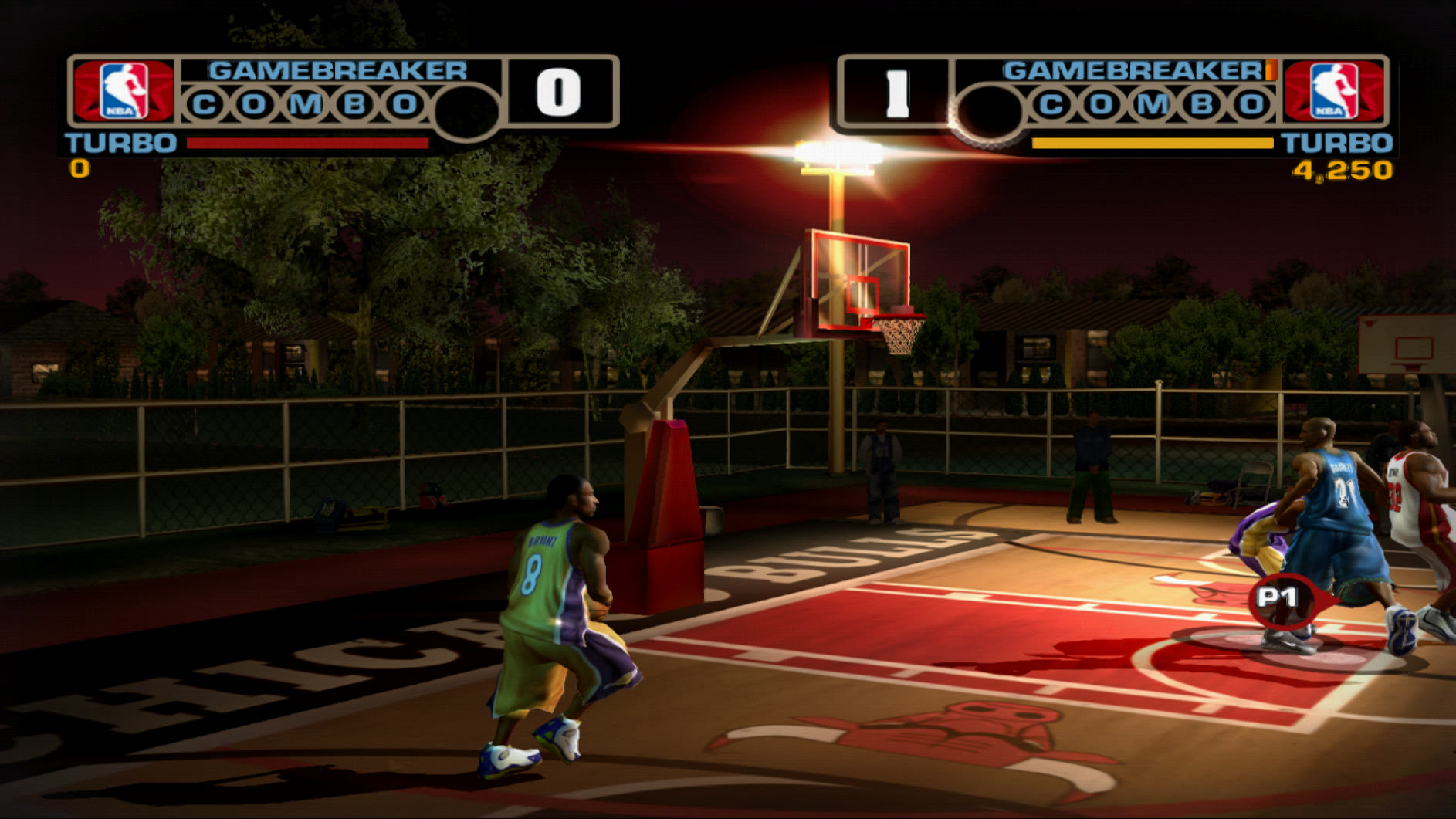
Screenshot of the port published by the author; does not prove execution of the web version. Source: recomp-code/GitHub.
The author claims it works on Chrome and Firefox for computers, as well as Chrome on Android. However, this statement does not replace independent testing on different mobile phones and GPUs.
Online, audio, and reading the ISO in parts
The browser receives portions of the disc as the game needs them, instead of transferring the entire ISO at once. Additionally, it caches data and keeps saves in the browser's local storage.
Meanwhile, the online mode uses a WebSocket connection with a relay to the community server. Audio goes through AudioWorklet, while graphics run in a separate task. According to the README, the target is 60 FPS, with no independent benchmark in this report.
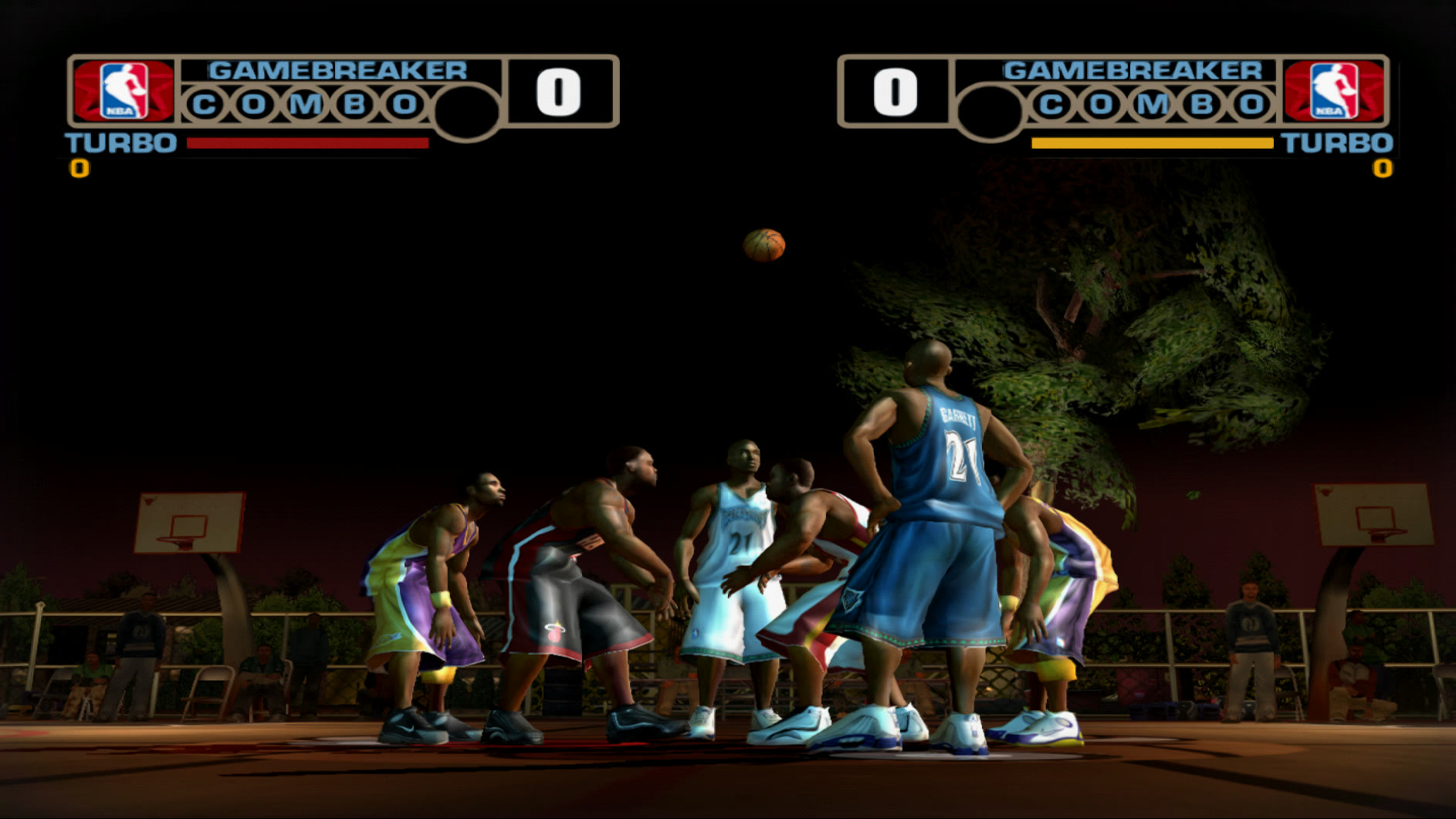
Official project image as visual context; not an independent browser test. Source: recomp-code/GitHub.
How to set up NBA Street V3 in the browser
First, you need to use an Apple Silicon Mac that has already completed the project's native installation. The documented path requires macOS 14.4 or higher, command-line tools, and space to compile.
- Prepare the Mac version with your own ISO following the , official README.
- Then, run
nbastreet-v3-recomp/tools/web/build.sh. The author estimates one to three hours for the first compilation. - Next, execute
nbastreet-v3-recomp/tools/web/serve.sh. - , finally, open
http://localhost:8088in Chrome or Firefox and start using the button on the page.
The author advises keeping this hosting local or private. In addition, the original game files and generated code are not part of the project's public downloads.
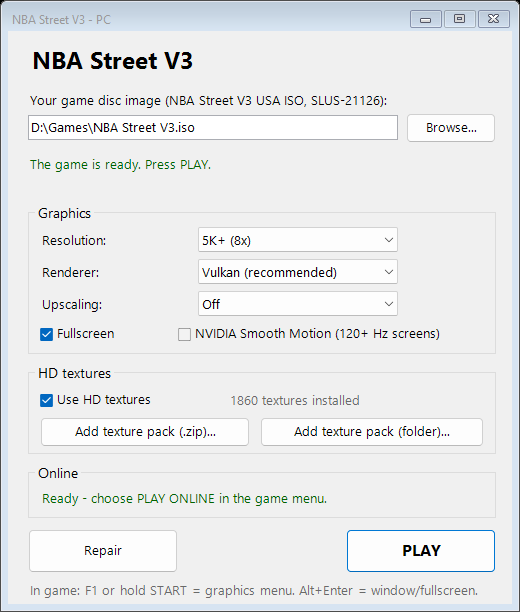
Desktop version launcher for Windows, presented only as project context. Source: recomp-code/GitHub.
Windows remains a desktop alternative
Those looking for the Windows edition can download the 1.3.1 package below. However, it prepares the desktop version and does not replace the web procedure described above.
- Download the package for Windows.
DOWNLOAD UPDATED NBA STREET V3 PORT WINDOWS
- Next, extract the ZIP and open
Launcher.cmd. - Then, select your ISO, use Prepare game and wait for the preparation before clicking Play.
Therefore, the main novelty is the browser path, still experimental. See also our section on ports.
Sources: README and web instructions; Windows 1.3.1 package.