

Mickey and Donald received an independent collection for Windows that brings together three Mega Drive classics. The Mickey & Donald Collection 1.0 arrived on October 15, 2026 with Castle of Illusion, QuackShot and World of Illusion, in addition to widescreen options and modern controls.
Although the author uses the term “PC port”, the base of the project is a proprietary Mega Drive emulation core with specific patches for each game. Therefore, the collection is not a native recompilation of the three titles. The download includes the application, but requires the ROMs from the user's own copy.
Which Mickey and Donald games are in the collection
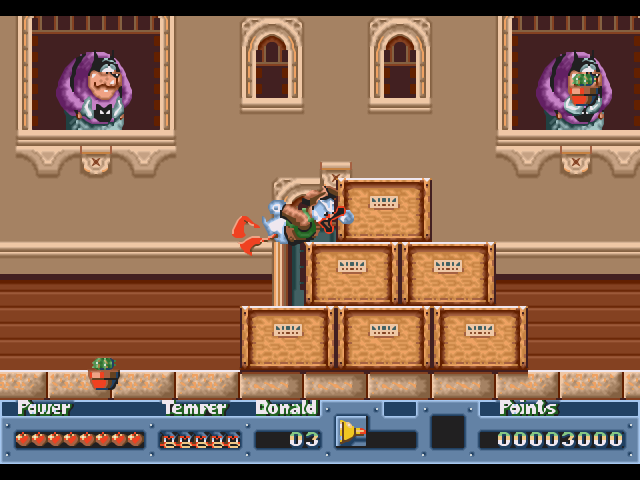
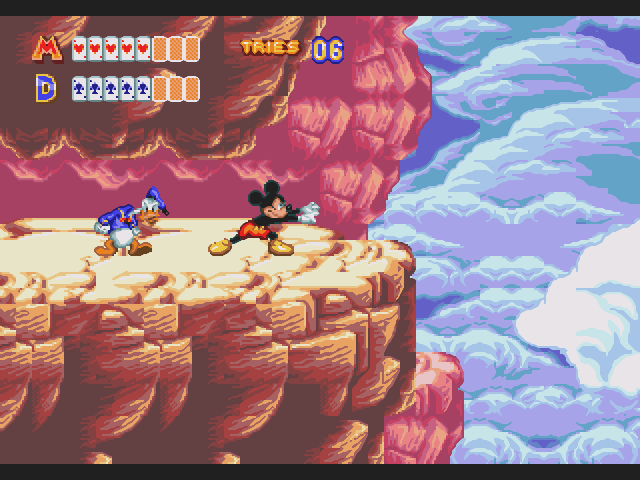
Castle of Illusion Starring Mickey Mouse, from 1990, and QuackShot Starring Donald Duck, from 1991, offer single-player adventures. World of Illusion Starring Mickey Mouse and Donald Duck, from 1992, allows playing alone or as a duo simultaneously, according to the documentation.
Furthermore, the launcher gathers the three games in cards with animated previews. It also includes an options menu, level selection, and a music and effects player. Thus, the user can access the library through the same executable, called DisneyClassics.exe.
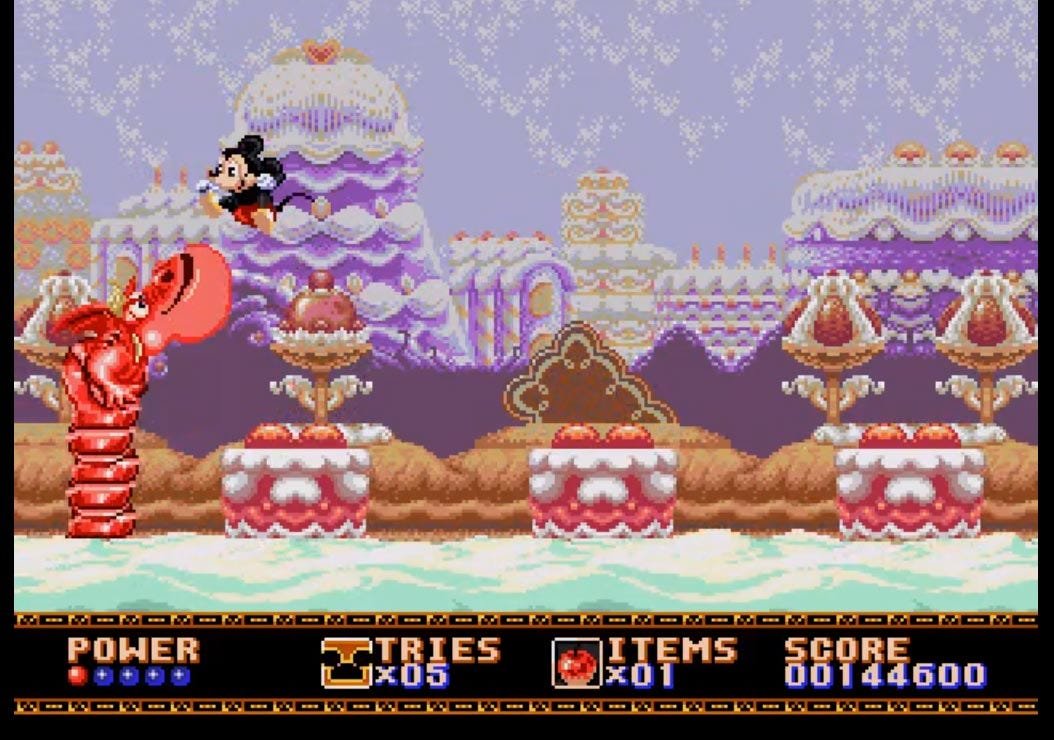
Widescreen up to 21:9, with a limit in World of Illusion
According to developer Darhkfox, Castle of Illusion and QuackShot offer 16:10, 16:9, 2:1, and 21:9 aspect ratios. In contrast, World of Illusion only goes up to 2:1. Therefore, the 21:9 ultrawide option does not apply to all three games.
The project describes a real expansion of the drawn area on the sides, with camera, object, and HUD adjustments. Thus, the proposal differs from simply stretching the 4:3 image. However, title screens, maps, menus, and cutscenes automatically maintain the original format.
There are also known limitations. Some enemies and sprites may appear with a delay at the edges, while certain rooms and arenas maintain side bars. Furthermore, QuackShot's automatic demos may go off-course on wider screens, as they use recorded commands for the original window.
Controls, saves, and two-player mode
The collection supports keyboards, XInput and DirectInput controllers, with remapping for both players. In World of Illusion, it is possible to use two controllers or sets of keys. However, tools like Steam Input may duplicate a device; in that case, the README instructs to manually select the controller for each player.
In addition, each game has five save state slots. The application offers fast-forward, rewind up to one minute, screenshots, filters, and color profiles. However, a state saved by a newer version may not work in an older edition of the program.
The default shortcuts include F5 to save, F9 to load, F11 to toggle full screen, and Esc to open the pause menu. The video options use Direct3D 11 and allow adjusting scale, monitor, CRT filters, and colors.
Which Mickey and Donald ROMs are compatible
The patches require specific versions of the games. Therefore, other regions, revisions, or modifications may be identified by the launcher without starting. The CRC32 codes provided by the author are:
- Castle of Illusion USA:
BA4E9FD0, 512 KB dump. - QuackShot USA/World, revision 00:
88C8DD94, 512 KB dump. - World of Illusion USA:
921EBD1C, 1 MB dump.
The program recognizes the file content by CRC32; therefore, the ROM name does not need to be identical to the README example. Furthermore, it accepts BIN, MD, GEN, SMD formats and files compressed in ZIP. The official package does not include ROMs.
How to download and use the collection on Windows
- Download the official ZIP of version 1.0 using the button below. The verified file is 486,987 bytes and targets 64-bit Windows 10 or 11.
- Next, extract the collection folder to a writable location. The application is portable and does not require a separate installer.
- Place your compatible ROMs next to
DisneyClassics.exeor in a subfolderroms. - Open the executable, choose the game, and adjust the aspect ratio in the menu. Finally, check the controls and the player 2 option in World of Illusion.
Windows x64: Official Mickey & Donald Collection 1.0 package. There is no package for Android, Linux, or macOS in this release.
The link points to the version verified on October 15, without promising automatic updates. For other versions, consult the official releases page. Additionally, keep your saves before changing the application version.
Sources and availability
The verification uses the , official README, release 1.0 and the public metadata of the ZIP. Resource and compatibility limits are declarations by the author, as we do not execute the program during this check.
The project is independent and has no official link with Sega or Disney. To follow other applications and advances in the field, see the emulation coverage of Allves Games.
Sources: release 1.0; , official README.