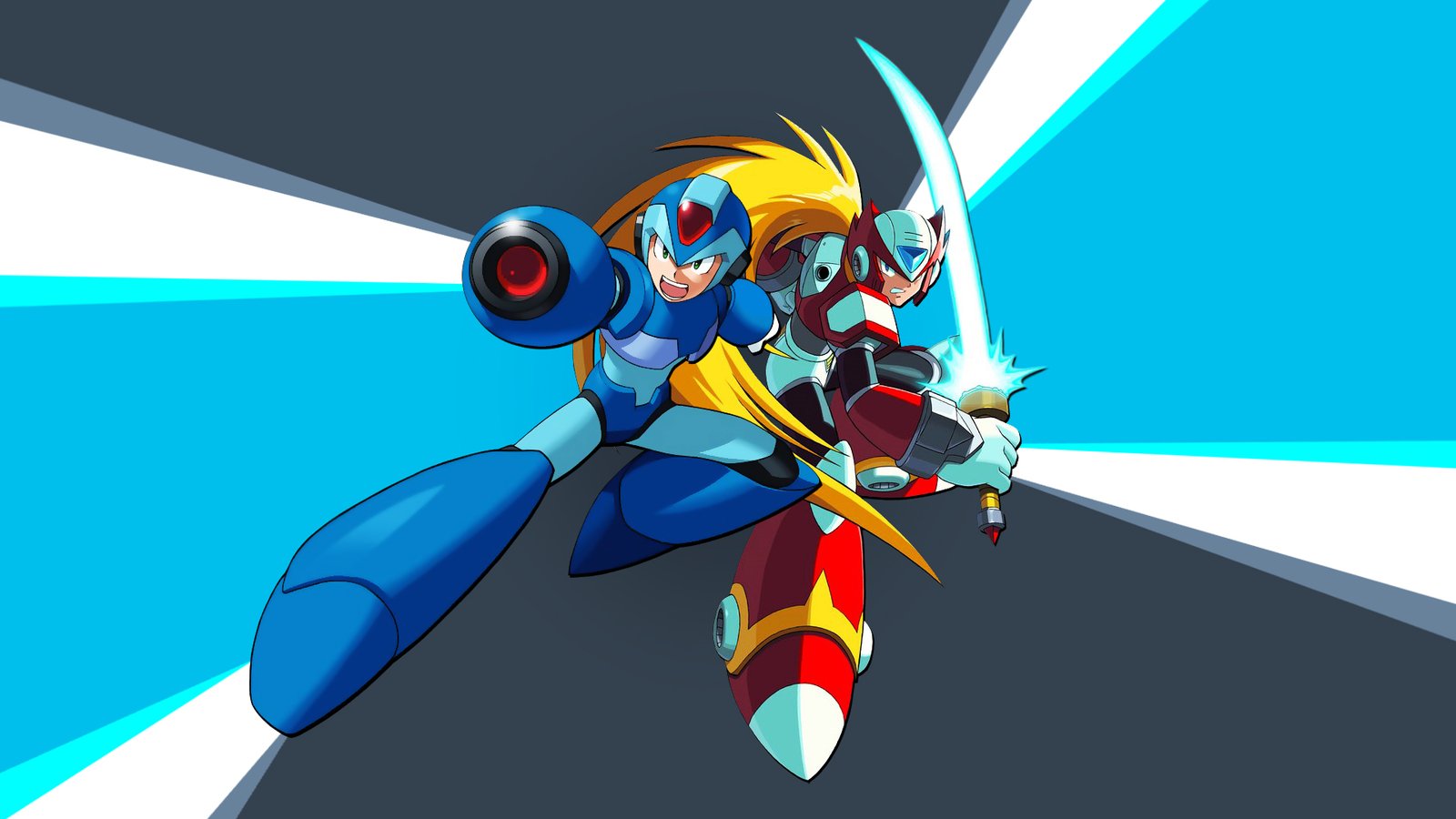
The Mega Man X4 Recompiled received an important new feature for those wanting to play the classic PlayStation game on PC. The project now offers an experimental cooperative mode in which X and Zero participate in the same stages at the same time, with support for local two-player and online matches.
The functionality is available in the preview 0.1.1-coop-playtest.7, documented by developer mstan in October 2026. In addition to co-op, the update fixes synchronization issues, improves character movement, and adds save states and rewind for offline co-op matches.
Mega Man X4 Recompiled allows playing with X and Zero together
In the original Mega Man X4, the player chooses X or Zero when starting the campaign. Each character has their own attacks, but the two do not go through the stages simultaneously.
The new mode in Mega Man X4 Recompiled alters this structure. Now, two participants can control the characters in the same session, tackling a single stage and facing enemies together.
Additionally, the port features individual energy bars for the characters. In the default configuration, they appear stacked vertically, making it easier to identify each player's health.
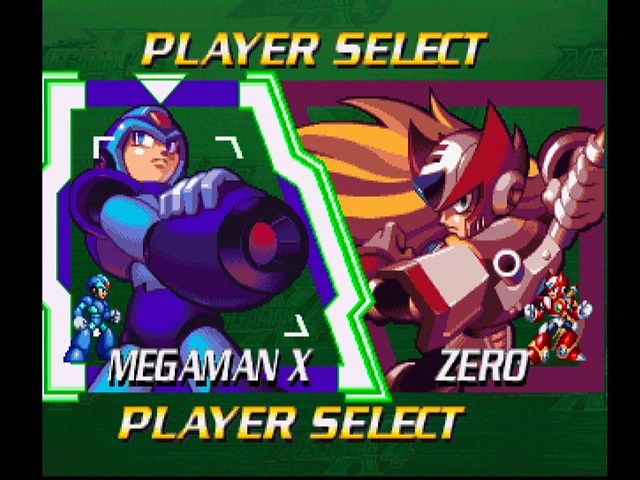
Screen for selecting X and Zero in the original PlayStation version of Mega Man X4. Source: MobyGames. In the original game, the user chose only one character per campaign; the recompilation adds the experimental cooperative mode.
However, the co-op is still in the testing phase. The creator warns that certain parts of the stages, transitions, and camera situations need additional checks.
Co-op works locally and online
Mega Man X4 Recompiled offers two ways to participate. In local co-op, players can connect two controllers to the same computer and follow the action through the shared camera.
In addition, the launcher features a Netplay section for online sessions. In this mode, the project also offers an experimental separate cameras option, allowing each participant to follow their own region of the stage.
By default, the system uses the unified camera. This setting follows both characters and aims to preserve the behavior of the original stages.
Meanwhile, the Split mode requires further testing. According to the developer, it may exhibit lower performance than expected, especially when the players move apart.
Playtest 7 fixes white screen and transition issues
Version 0.1.1-coop-playtest.7 focuses on changes to co-op stability. Among them is a fix for the transition between the online room and the start of the game, which could leave the host stuck on a white screen.
In addition, the program now better checks the settings shared by the room. The goal is to prevent incomplete or incorrect information from causing startup failures.
The developer also fixed issues in the Split Mushroom stage. While riding the elevator, a kill plane could be triggered before the correct moment. Now, the logic aims to respect the passage of visible characters.
However, the crushers that squash players remain part of the original obstacles. Therefore, this change does not eliminate the stage's normal danger.
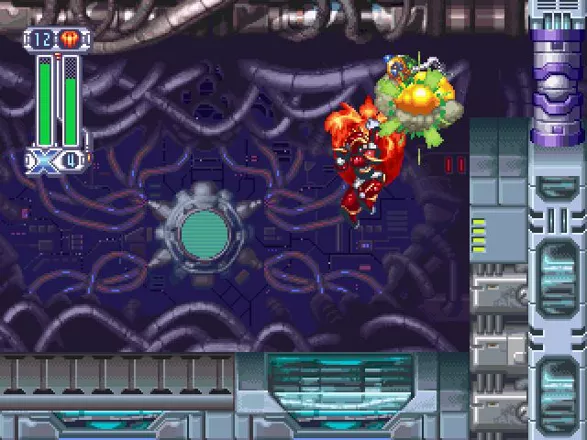
Zero uses his saber in the original version of Mega Man X4. Source: MobyGames. Illustrative screenshot of the PlayStation game, does not demonstrate the recompilation's co-op.
Another fix preserves the second character while the game prepares the boundaries of a new room. This way, both can enter certain sections together without losing the positioning planned by the system.
Mega Man X4 Recompiled gets save states and rewind in co-op
One of the new features in the preview is support for save states and rewind during offline co-op matches. This allows players to save a session state and return to an earlier moment.
The save states menu uses the F7 key, while F8 opens the rewind function when it is enabled. The keys depend on the controller settings being used.
According to the official notes, the features preserve the states of both characters, including the information needed to restore the co-op session.
However, these functions are not available during online matches. The developer restricted usage to offline co-op to prevent inconsistencies in computer synchronization.
Ultimate Armor and Black Zero also enter the tests
The update introduces two experimental options that are disabled by default: Ultimate Armor X Code and Black Zero.
The first allows enabling the code related to X's Ultimate Armor. However, the character still needs to obtain the armor through the corresponding capsule; the option does not hand out the equipment automatically at the start of the stage.
Black Zero, on the other hand, modifies the appearance of the red character. In addition, the project allows using both options during co-op, according to the configured choices.
In online matches, the host needs to share compatible settings with the participants. Therefore, mod changes may require restarting the game.
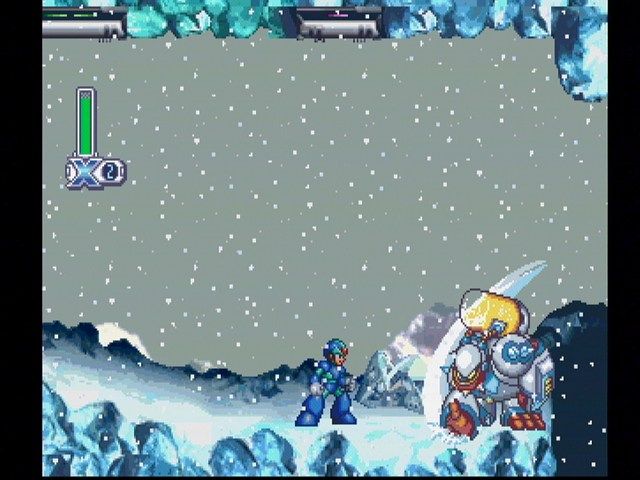
Mega Man X in a snowy stage in the original PlayStation edition. Source: MobyGames. Historical image used solely as a visual reference for the game.
These changes demonstrate how the developer uses mods to add behaviors to the recompiled code. However, they still do not consider the set a finished version of the game.
How does the recompilation of Mega Man X4 work?
The project uses the PSXRecomp framework, which translates parts of the PlayStation's MIPS code for native execution on modern computers.
In addition, the program recreates console hardware components, including graphics processing, audio, and memory management. Thus, the recompiled code continues to interact with services similar to those of the original device.
This approach is different from running the game in a conventional emulator. However, it does not mean that all components have been recompiled nor that the campaign has been fully tested.
The same developer is also working on other experiences, such as experimental PC port of Tomba! 2, which uses related technologies.
Widescreen and 1080p remain available
Mega Man X4 Recompiled already offered modern display options before co-op. Among them are experimental widescreen, OpenGL rendering, and resolution adjustments.
Version 0.1.0-alpha expanded these possibilities with adaptive widescreen and loading improvements. Therefore, these features did not debut in the co-op playtest.
Additionally, the project provides specific display and performance settings. However, combining separate cameras with co-op may require more computer resources.
How to download Mega Man X4 Recompiled Co-op Playtest 7
The developer provides experimental packages for Windows x64 and Linux x86_64 on the official project GitHub.
The package includes OpenBIOS, but does not provide the commercial content of Mega Man X4. Therefore, it is necessary to own a legitimate copy of the North American PlayStation edition, identified by the code SLUS-00561.
Installation on Windows
- Access the official release of Co-op Playtest 7.
- Download the ZIP package for Windows x64.
DOWNLOAD MEGA MAN X4 RECOMPILED PORT WINDOWS UPDATED
- Extract the file and run
MegaManX4Recomp.exe. - Select the files from your own copy of Mega Man X4 (USA), preferably in CUE and BIN format.
- Choose OpenGL as the renderer.
- For local co-op, enable X + Zero Co-op in Mods and configure both controllers.
- Restart the game execution to apply the changes.
Linux Installation
- Access the same official release and download the AppImage for Linux x86_64.
DOWNLOAD MEGA MAN X4 RECOMPILED PORT LINUX UPDATED
- Grant execution permission to the AppImage.
- Open the program and select the files from your copy of Mega Man X4.
- Choose OpenGL and configure the cooperative mode.
- Restart the game after enabling the mods.
The AppImage requires glibc 2.38 or higher. In addition, the developer reports that the option --appimage-extract-and-run can help on systems without FUSE support.
How to test online co-op
- Install the exact same experimental version on both computers.
- Use compatible files from the North American edition of Mega Man X4.
- Open the launcher and go to the Netplay section.
- Choose the X + Zero Co-op profile.
- Configure the controls and select the unified camera or the Split experimental option.
- Start the session and verify participant synchronization.
The creator has not yet confirmed broad compatibility for actual online matches. Therefore, netplay should be treated as an experimental feature, subject to connection difficulties, latency, and synchronization issues.
Mega Man X4 Recompiled still has limitations
Although Co-op Playtest 7 brings important fixes, the developer is still investigating certain issues. Among them are occasional character disappearances, inconsistencies in certain situations, and performance limitations with split cameras.
Furthermore, the documented tests cover specific scenarios and regressions, but do not prove an entire campaign completed in co-op.
Finally, Mega Man X4 Recompiled is an independent and unofficial project. It has no affiliation with Capcom and requires the legitimate files of the original game.
Sources: Mega Man X4 Recompiled Co-op Playtest 7; release notes and limitations; official repository.