Support for exFAT in KytyPlus arrived in version 4.1 of the experimental PS5 emulator and allows for the recognition of images with this extension on October 12, 2026. According to official release, the interface began recognizing these files during opening, library scanning, and game removal. However, the change does not guarantee that any game contained within these files will work.
exFAT in KytyPlus 4.1 expands formats
In addition to support for .ffpfsc files, the launcher now offers an option to load .exfat images directly. Furthermore, the command line recognizes the extension when using the parameter --game. Finally, the change includes a shared function to handle the paths of these formats consistently.
In addition, the project added OodleSharp as an auxiliary dependency for NAPS/Oodle decompression tasks. However, the ffpkg and .axal formats are not covered by this update. Even so, even when the container is accepted, execution depends on the internal files and the game's compatibility.
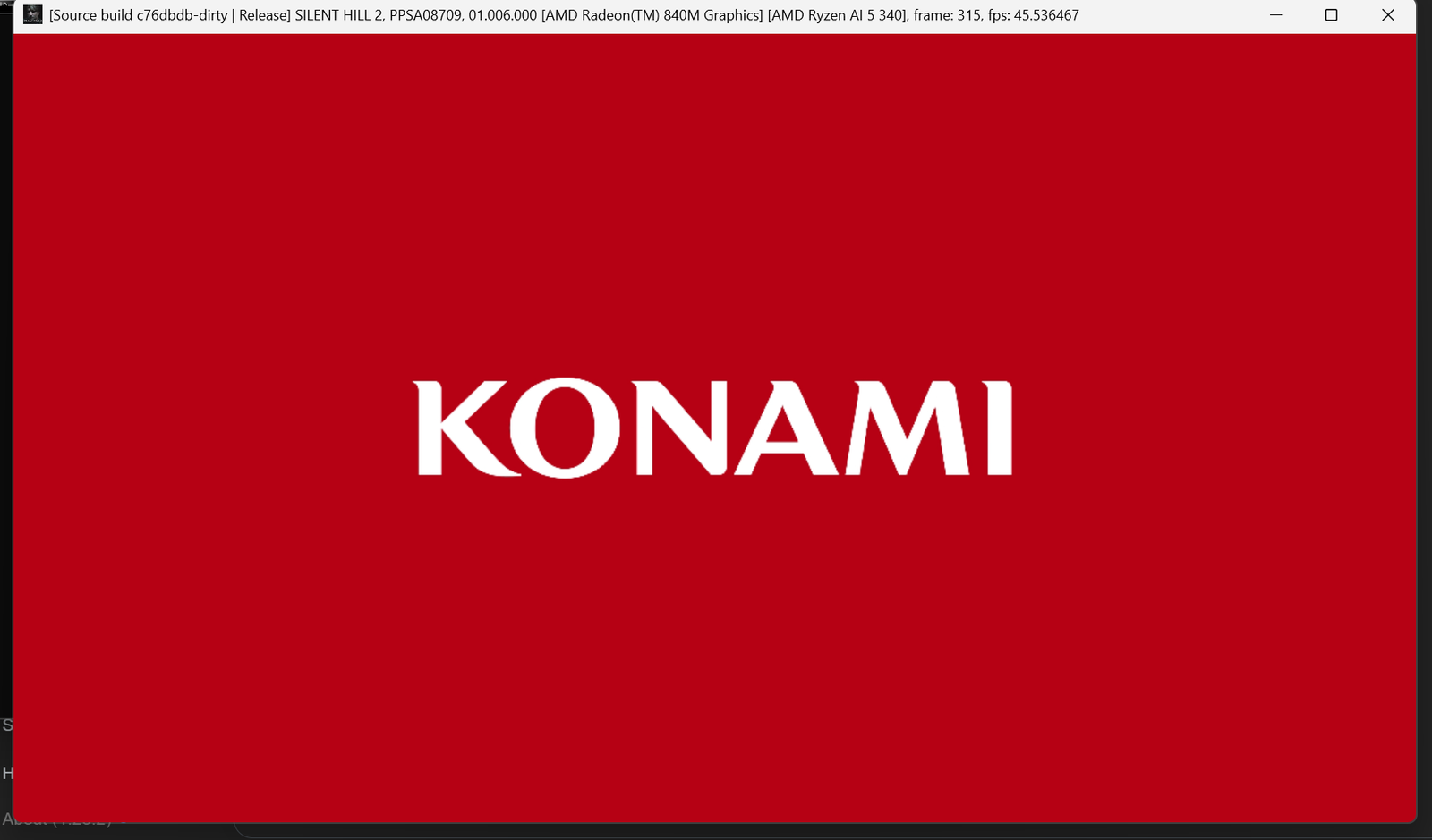
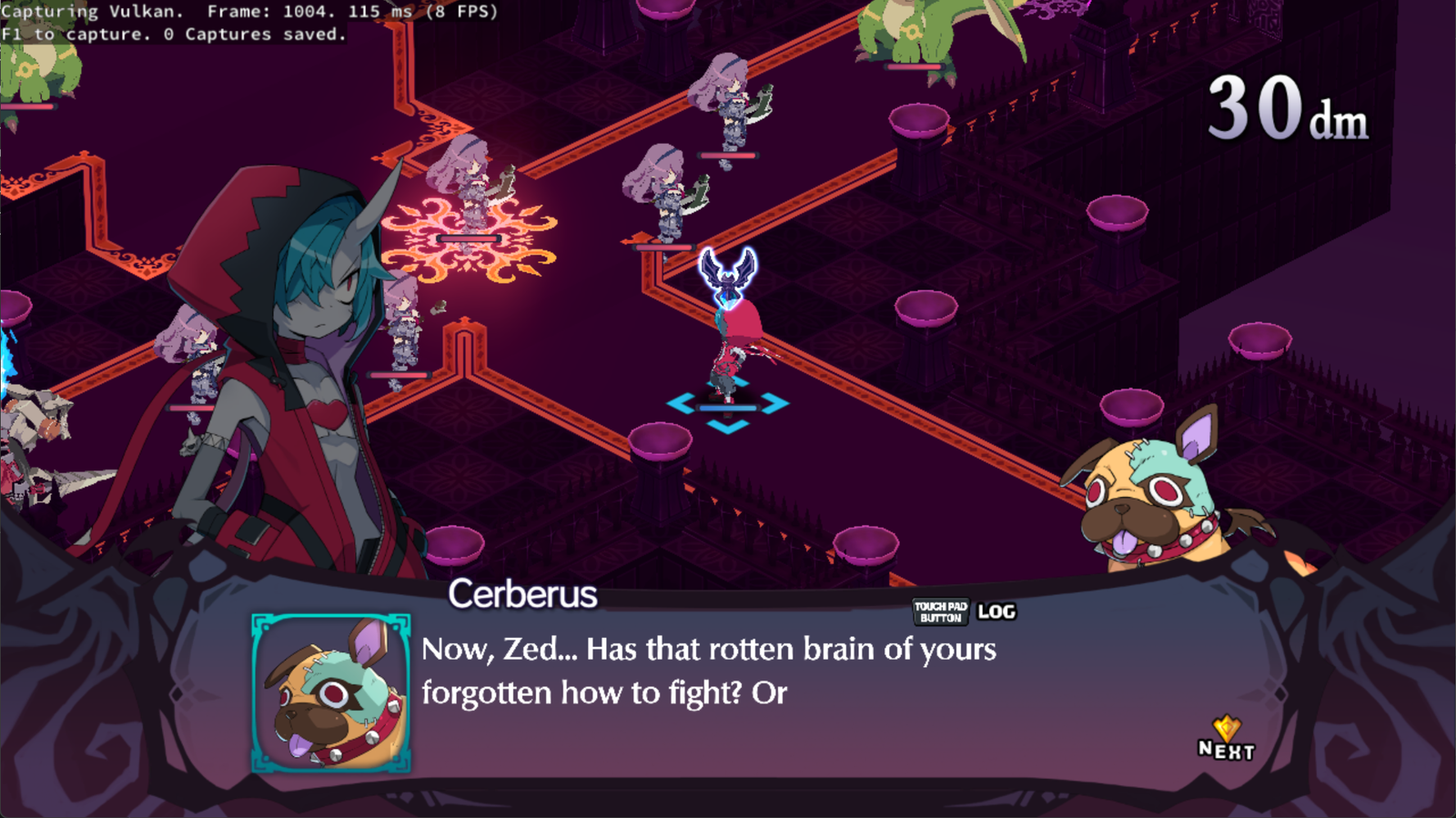
Official KytyPlus screenshot published by the developer; it does not demonstrate in isolation the new exFAT support in version 4.1 nor the performance of Minecraft. Source: Coder787-source/KytyPlus on GitHub.
Minecraft is listed as playable by the team
Already in version 4.0, from October 11, those responsible for KytyPlus classified Minecraft for PS5, identification PPSA17221, as Playable available on the list maintained by the project itself. However, this classification is a statement from the maintainers, not an independent benchmark nor proof of error-free operation on all computers.
In parallel, 4.0 also brought changes to the installation of PS5 .pkg packages and PS4 fpkg packages, as well as adjustments to the .ffpfsc file interface. These new features belong to the same experimental fork and serve as context for the 4.1 release.
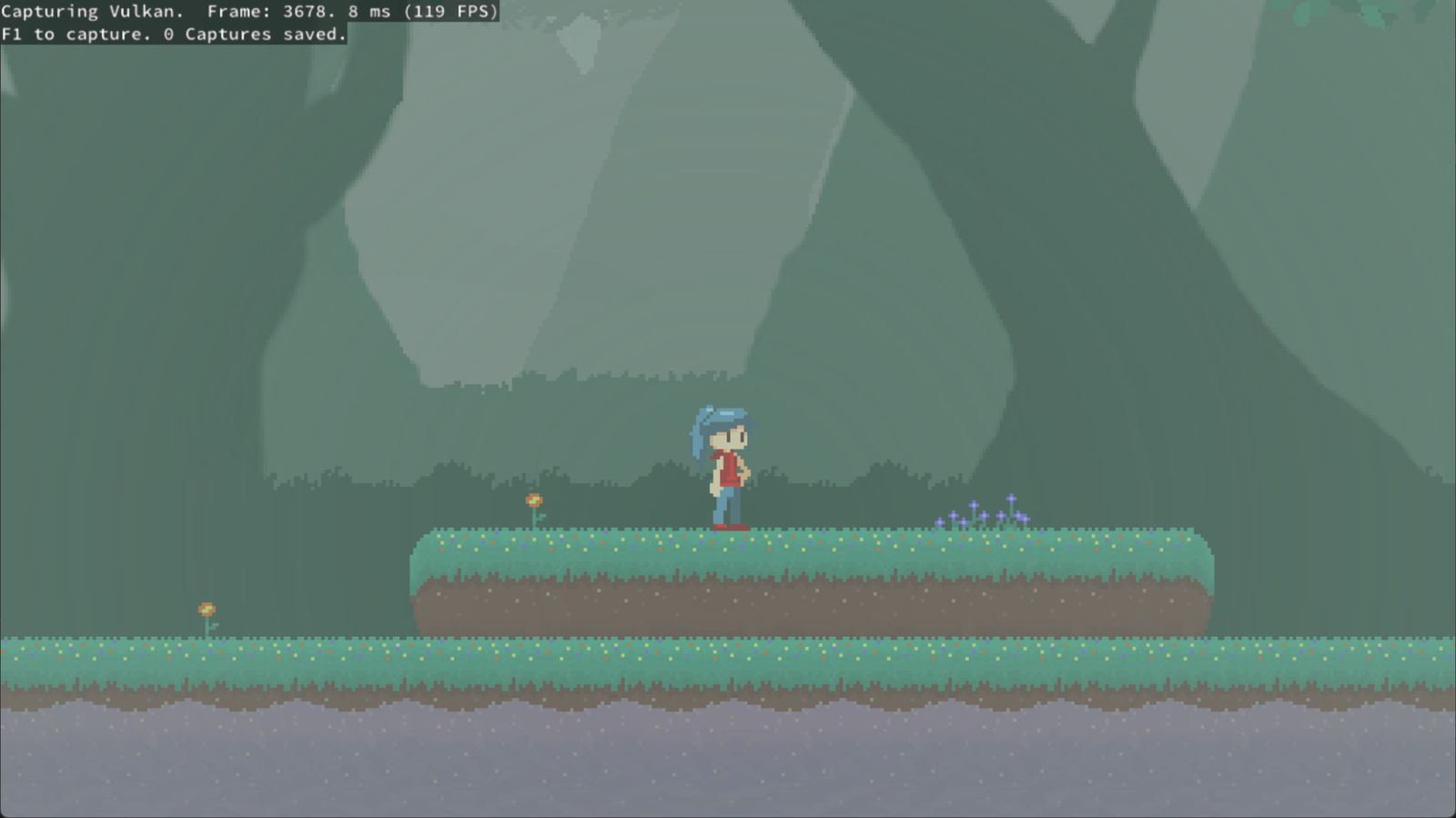
Official KytyPlus screenshot published by the developer; it does not demonstrate in isolation the new exFAT support in version 4.1 nor the performance of Minecraft. Source: Coder787-source/KytyPlus on GitHub.
exFAT on KytyPlus does not guarantee functional games
The KytyPlus README warns that many titles still fail to launch, present a black screen, or have graphical issues. Furthermore, the project derives from KytyPS5, but should not be confused with the original version nor with shadPS4, although parts of the PS4 processing may rely on related components.
Where to download KytyPlus 4.1?
Check out the release v4.1 and read the requirements before choosing your package. However, the names and architectures of all files have not been revalidated for these buttons, so the editorial package does not point to a specific installer.

Official KytyPlus screenshot published by the developer; it does not demonstrate in isolation the new exFAT support in version 4.1 nor the performance of Minecraft. Source: Coder787-source/KytyPlus on GitHub.
To test the games, the reader needs their own legally acquired files. Furthermore, the project does not distribute commercial titles or console firmware.
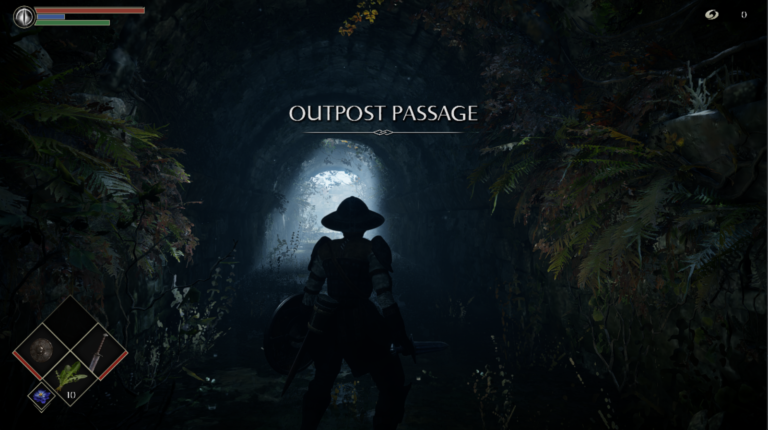
To contextualize the evolution of the original project, check out the previous Demon's Souls tests on KytyPS5, the base from which KytyPlus is derived.
How to download KytyPlus 4.1
- Check the requirements, compatibility and limitations at official release.
- Download the package for Windows x64.
- Download the package for Linux x86_64.
- Download the package for macOS x86_64.
- Extract the package for your platform and follow the official guide, using only legally acquired game files.
Thus, these packages are public builds of version 4.1 listed by the developer; they do not constitute independent compatibility testing.
Sources: release 4.1; release 4.0; compatibility; official repository.