
How to Add Game Covers in PCSX2 (PS2 Emulator)
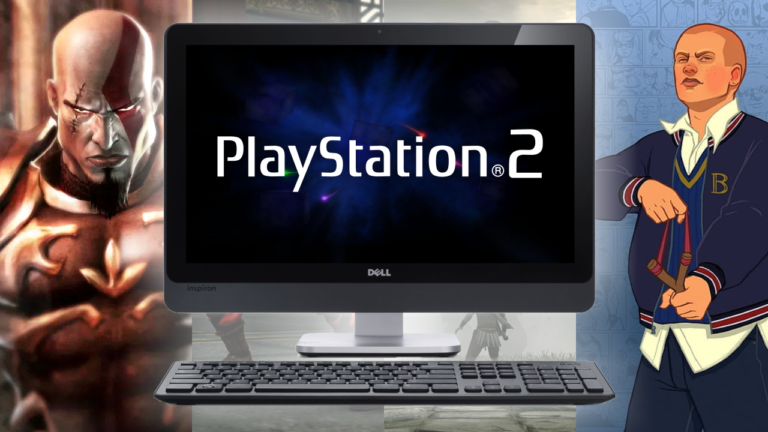
Learn how to add covers to PS2 games on the PCSX2 emulator, in a very easy and practical way.
https://youtu.be/bH-U1UQ-elI
Open the tab Tools, click on Cover Downloader, copy one of the codes below:
Download covers in standard format:
https://raw.githubusercontent.com/xlenore/ps2-covers/main/covers/default/${serial}.jpg
Download covers in 3D format:
https://raw.githubusercontent.com/xlenore/ps2-covers/main/covers/3d/${serial}.png
Paste one of the codes into the designated field.
Check the box Use Serial File Names and click Start.
All set!
Remember: whenever you add new games to the PCSX2 catalog, you will have to redo this process.