Halo on Anbernic RG35XX H gained online multiplayer and tested support for muOS 2601 Jacaranda in the public update on October 7, 2026. The independent project brings Halo: Combat Evolved, originally released for Xbox, to the handheld featuring the Allwinner H700 processor. In addition, it offers ready-to-use packages for Knulli and PortMaster, but requires the original game files.
The author published the code and instructions on GitHub. According to him, the project runs the game as an ARM64 program on the device, without emulating an Xbox and without depending on an Android app. On the other hand, compatibility has not yet been proven on all devices in the H700 family.
Halo on Anbernic now has multiplayer and a server browser
The update offers a public match browser, internet connections, and local area network matches. Thus, the player can join servers compatible with the same version of the OpenCE project used on PC. The cooperative campaign also integrates network functions, although the developer has not yet presented their own tests of this mode on the handheld.
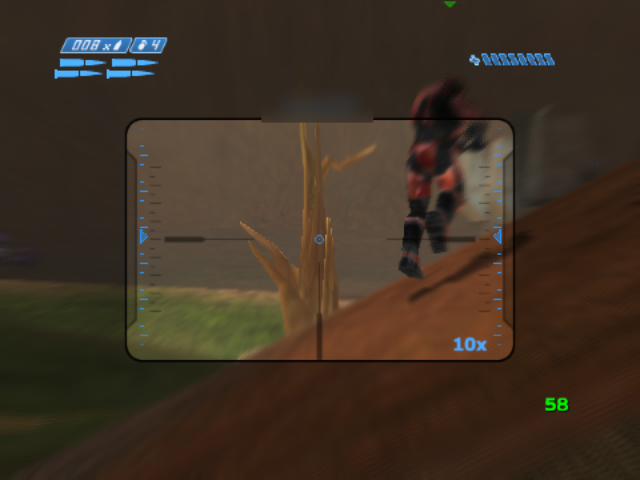
Public Halo CE match in Blood Gulch, recorded on the RG35XX H itself during the author's test. Source: GitHub / kirklandsig.
The person responsible for the port reports having participated in a match with 23 players in Blood Gulch. In this specific test, they claim to have observed approximately 50 to 60 FPS, with results close to 58 to 60 FPS most of the time. Therefore, this is a measurement by the author, not guaranteed performance on all servers.
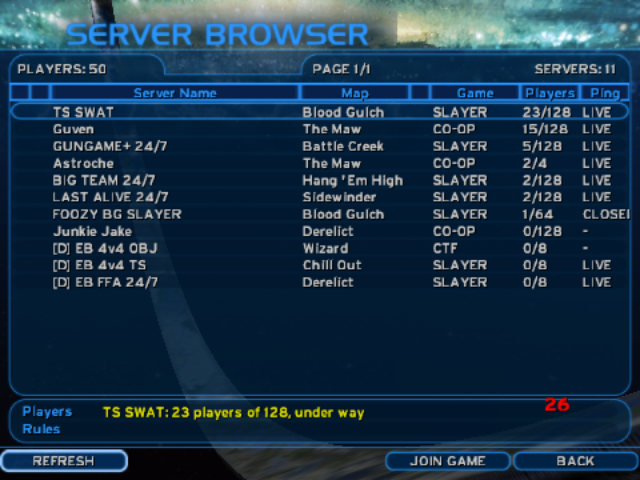
List of public servers displayed by Halo CE running on the Anbernic. Source: GitHub / kirklandsig.
Halo performance on Anbernic improves in muOS
In addition to the network, the release now works on muOS 2601 Jacaranda, both offline and online, according to the developer's tests on the RG35XX H. Previously, earlier versions could crash when entering menus, respawning after death, or pausing the game on this firmware.
Adjustments also affected shaders, rendering, and memory consumption. For example, the author reports that the server browser went from a range of 18–26 FPS to up to 60 FPS. Meanwhile, combat in The Silent Cartographer level went, in his tests with muOS, from 9–23 FPS to 33–46 FPS. On Knulli, he cites around 45–58 FPS under comparable conditions.
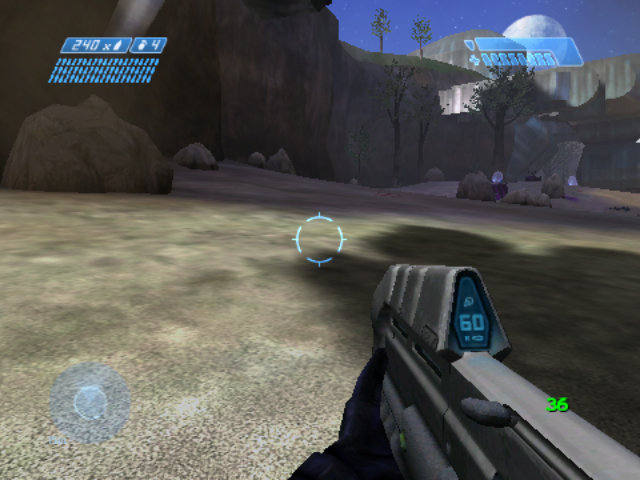
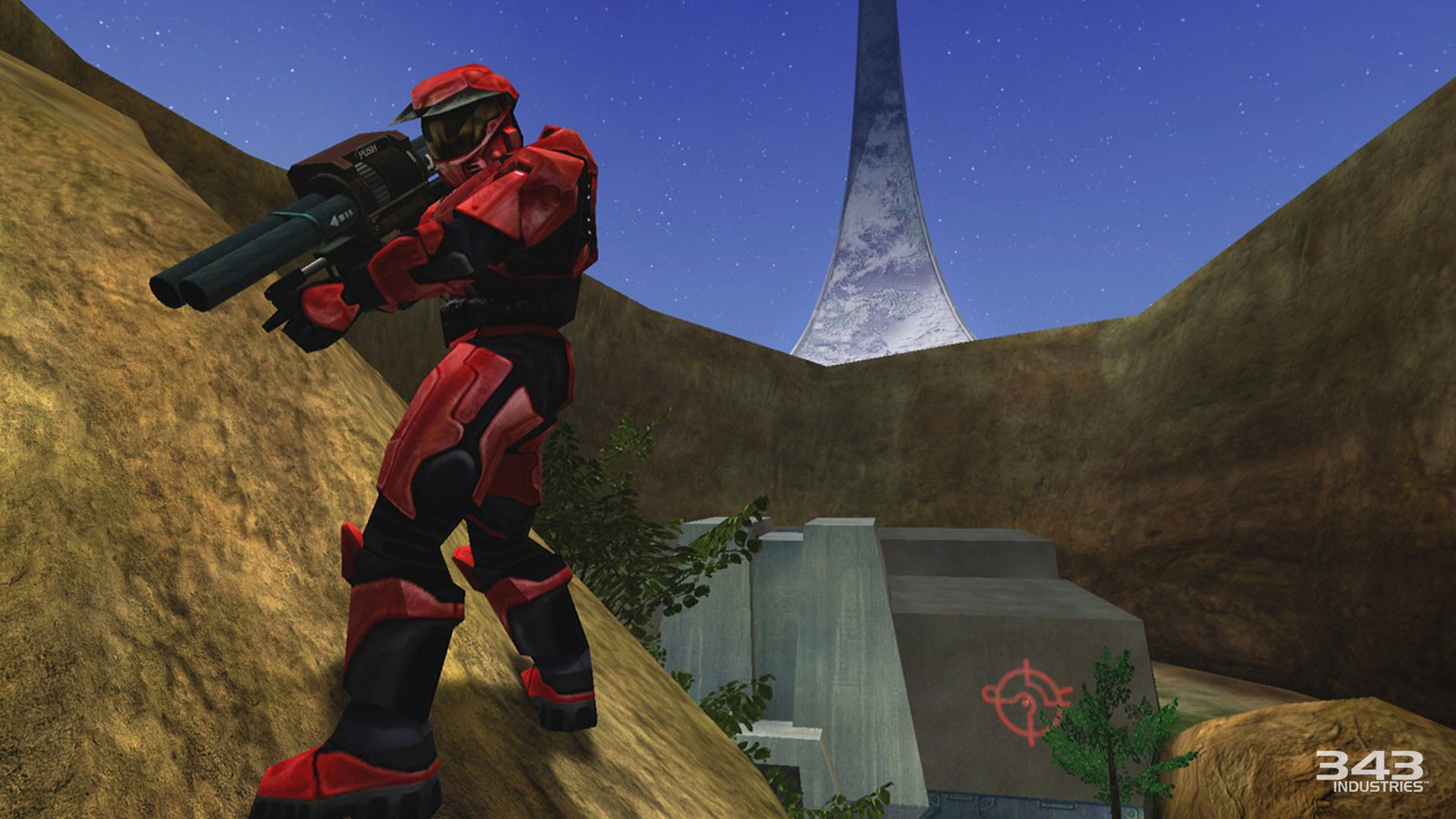
The beach in The Silent Cartographer in the native port for RG35XX H; official capture from the repository. Source: GitHub / kirklandsig.
However, the rate varies depending on the mission, rendering scale, and temperature. The device uses a 640 × 480 screen, while the default configuration renders the image at 480 × 360 before the final adjustment. Therefore, the experience should not be confused with a constant 60 FPS throughout the entire campaign.
How to download and install Halo on the Anbernic RG35XX H
The project distributes two different public packages: one for manual installation on Knulli and another for the PortMaster manager. Both correspond to the port for H700 hardware, not PC, Android, or Nintendo Switch versions. Check the procedure according to the official documentation.
- Download the updated package corresponding to your firmware: Knulli ZIP for direct installation on the card or PortMaster ZIP for the PortMaster installer.
DOWNLOAD UPDATED HALO CE PORT ANBERNIC KNULLI
DOWNLOAD UPDATED HALO CE PORT ANBERNIC PORTMASTER
- On Knulli: extract the ZIP to the card partition that contains the folder
roms. The files createroms/ports/Halo.shandroms/ports/halo/. - With PortMaster: place the ZIP file in the
autoinstallPortMaster folder and run the manager to install the port. - Obtain the image
.isoor.xisofrom your own legally acquired copy of Halo: Combat Evolved for the original Xbox and place it in the folderroms/ports/halo/. The PC version will not work. - Open Halo in the Ports menu of the handheld. If it does not appear, refresh the EmulationStation game list or restart the device. The first launch extracts the maps and prepares the cache; this may take a few minutes.
Reserve approximately 3 GB of free space on the card, in addition to the temporary space required to copy the disc. The port download does not include commercial game data. Therefore, no ROM or ISO is provided by the buttons above.
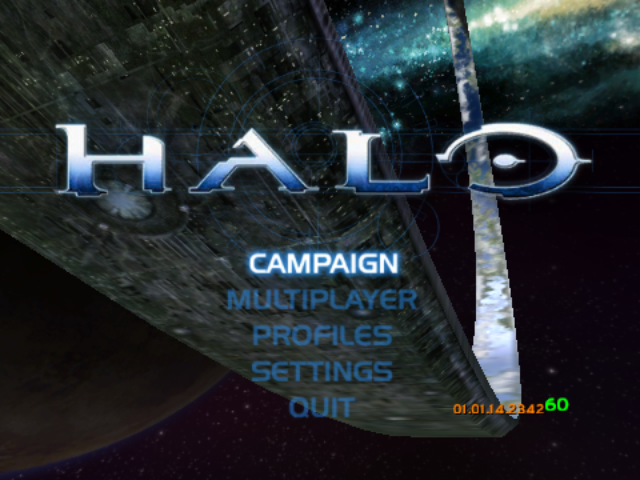
Halo CE main screen on the Anbernic RG35XX H. Source: GitHub / kirklandsig.
Which devices are compatible with the port?
The developer tested the RG35XX H directly on Knulli Gladiator II and, with the update, also on muOS 2601 Jacaranda. Other Anbernic handhelds with H700 may share technical characteristics, but this does not mean that all have proven compatibility. The RG34XX SP, for example, received a user-submitted report of it working.
This adaptation is different from other works in the series. Previously, Allves Games covered the Halo CE port for Android and also the Halo project for Nintendo 3DS. The new release deals specifically with the H700 hardware, the handhelds' firmware, and online matches on the RG35XX H.
Sources: official repository and instructions; release v2026.10.07; developer report on Reddit.