FortCraft 0.5.8 brought climbing to the experimental integration of Minecraft with Team Fortress 2 on October 13, 2026. The mod combines elements of both games into an experience featuring the world, blocks, and creatures of Minecraft, alongside the classes, weapons, and movement of TF2. In addition, the current version adds interactions with ladders, vines, and scaffolding.
The official project release also gathers fixes from previous versions. Among them are the changes from 0.5.4, which allow using Minecraft items directly in TF2 mercenary equipment, and subsequent fixes for inventory display.
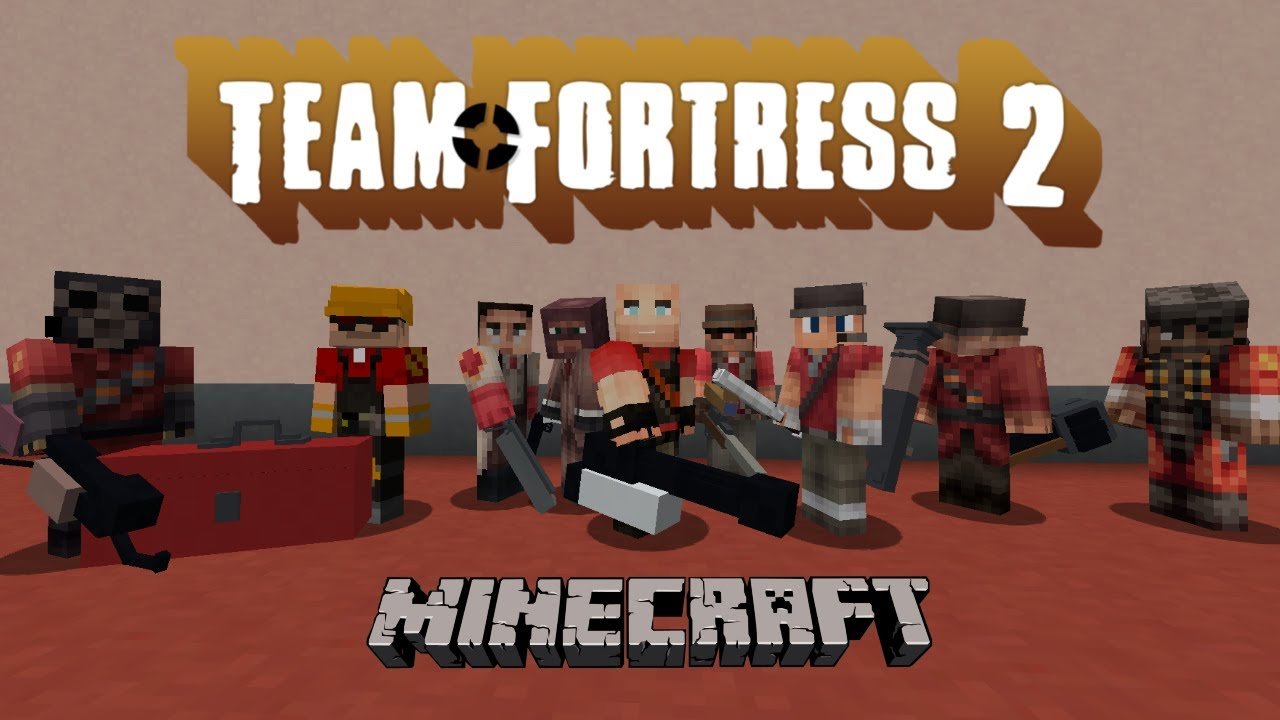
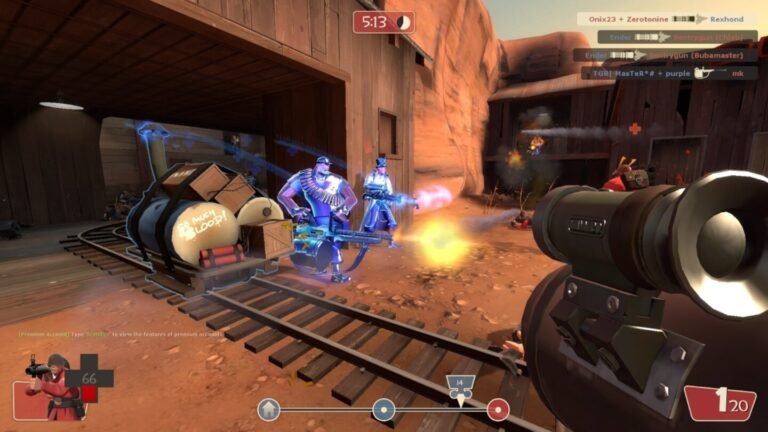
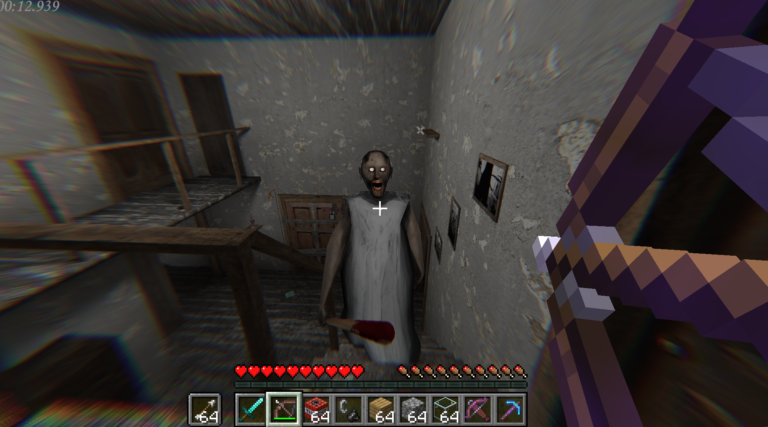
Visual record of FortCraft, with Team Fortress 2 elements in Minecraft. Source: file previously used in Allves Games. Credit: Allves Games.
FortCraft: climbing and inventory from both games
The 0.5.4 update introduced a fourth loadout slot in Team Fortress 2 for Minecraft items, shared across classes. Additionally, creature kills now appear in the TF2 kill feed, while attacks, projectiles, and effects are integrated into the experience.
Then, version 0.5.7 fixed items that were not appearing in the backpack and introduced ways to store certain equipment. Finally, 0.5.8 allows mercenaries to climb ladders, vines, and scaffolding existing in the Minecraft world. According to the author, movement can be controlled by moving forward or jumping and also allows for holding on or sliding slowly.
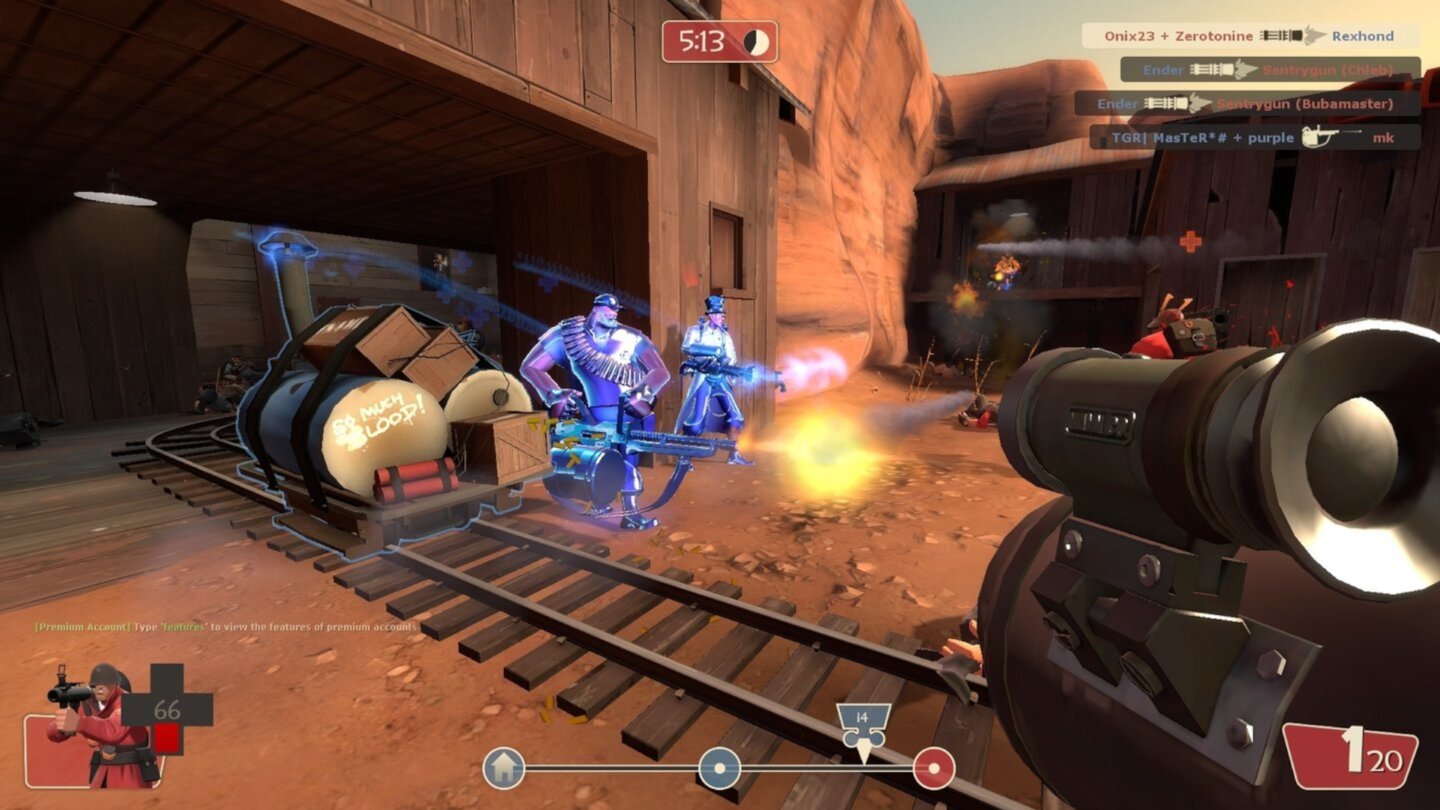
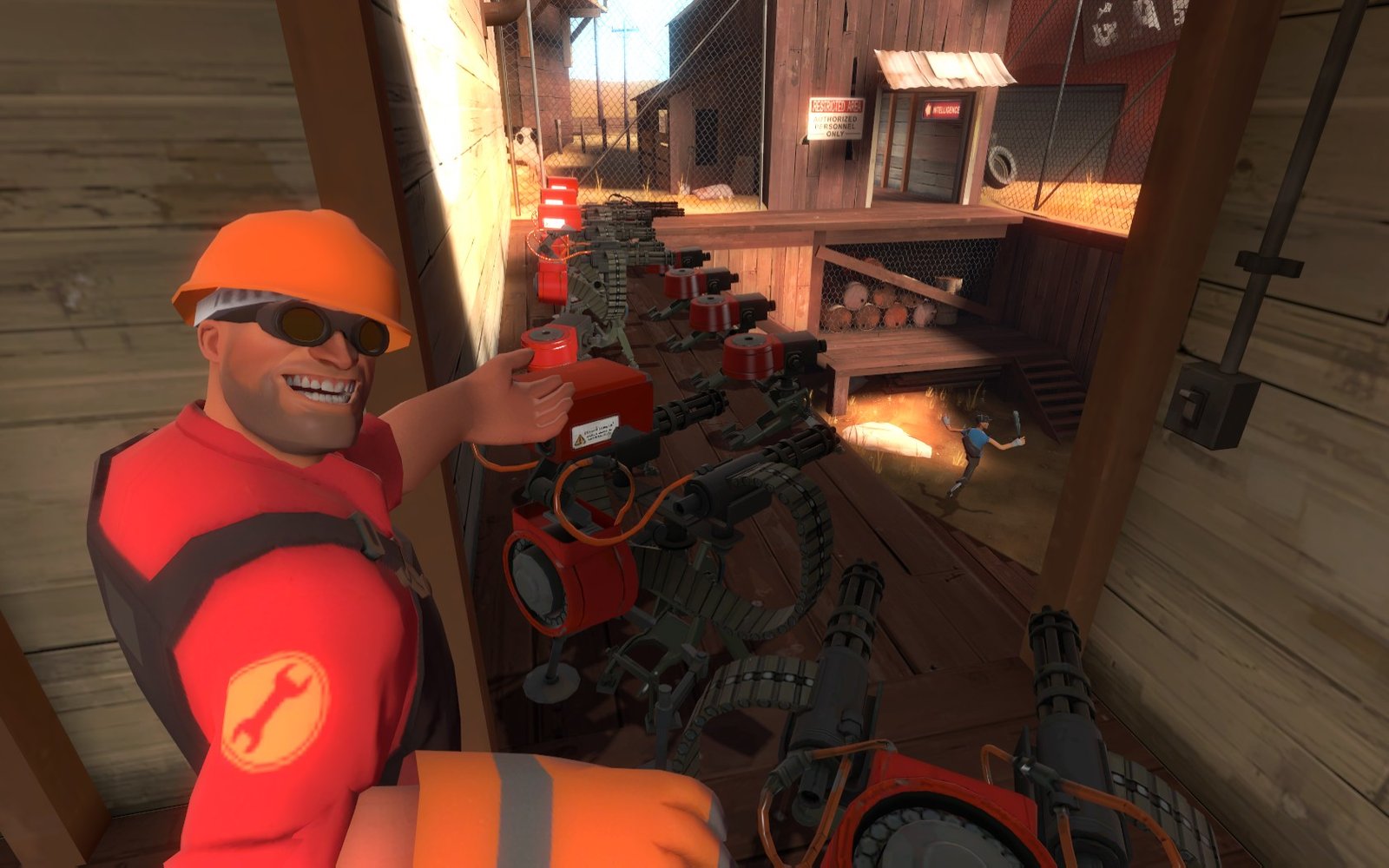
Team Fortress 2 provides classes and weapons to the FortCraft integration; original game scene, reference only. Credit: Allves Games.
It is not just a cosmetic mod
FortCraft uses a shared data bridge to relate elements of Minecraft and TF2. Therefore, the system goes beyond replacing visual models. The Allves Games previously covered version 0.5.1, but the new loadout, combat, and climbing items represent subsequent changes.
However, the project remains experimental. Build compatibility and performance may vary, and there has been no independent benchmark of these updates.
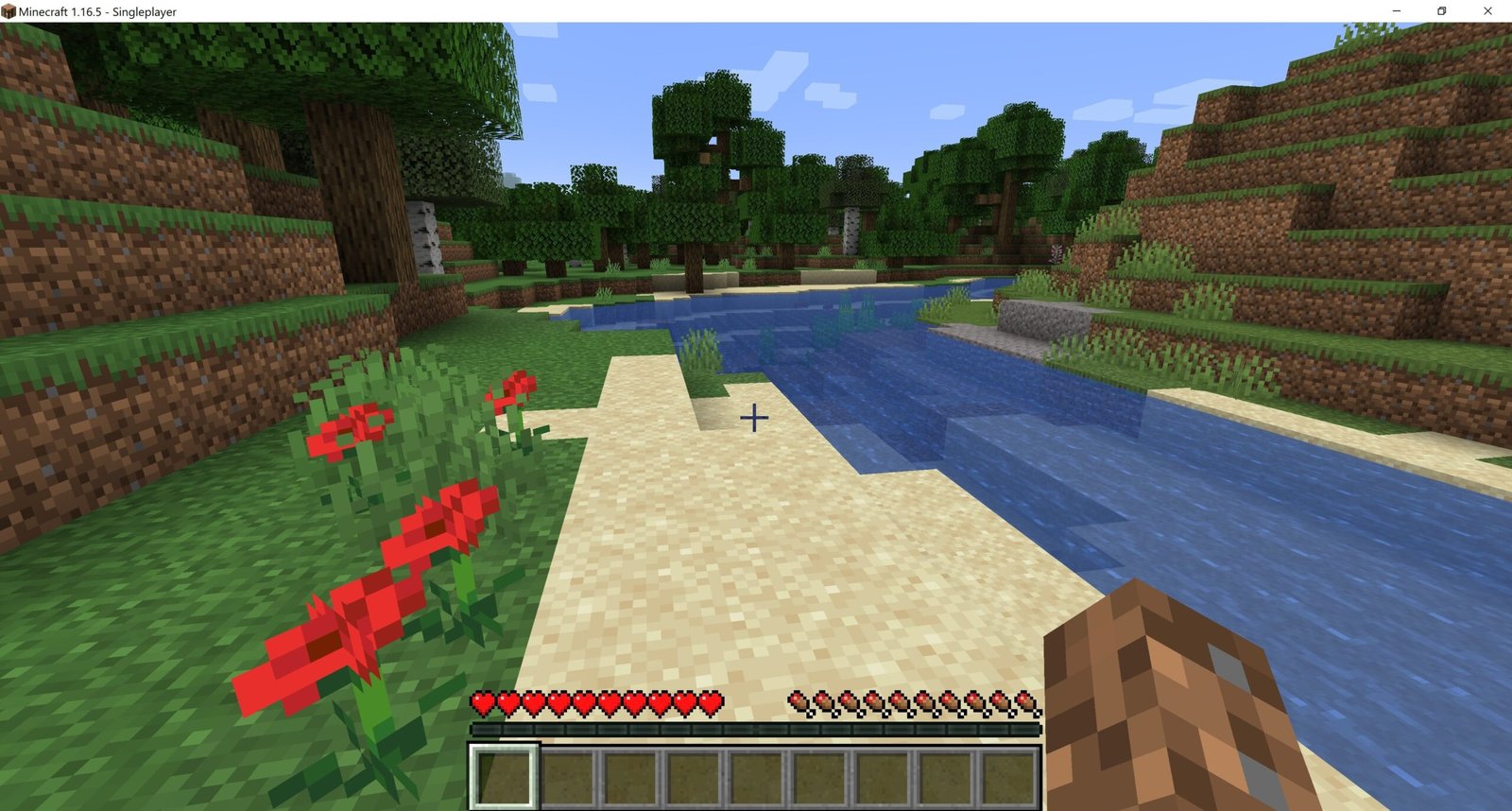
Minecraft Java provides terrain and blocks to the FortCraft experience; contextual image of the original game. Credit: Allves Games.
How to download FortCraft for Windows and Linux
The author distributes separate packages for Windows, low-end computers, and Linux. However, the Low-End package uses lower graphical quality settings, but the mention of 60 FPS in the options should not be confused with a universal benchmark result. Therefore, it is necessary to own Minecraft Java Edition and Team Fortress 2 via Steam; the game files are not included with the mod.
- Install your legitimate copies of the games and check the README requirements.
- Download the official ZIP corresponding to your platform or hardware profile.
- Extract the ZIP and follow the included installation guide.
- On Windows, use the instructions in START-HERE.cmd; on Linux, read INSTALL-LINUX.md and setup.sh before executing.
- Confirm game versions and test the integration in the local environment.
Sources: FortCraft v0.5.8; repository and documentation.