EmuDeck 2.7 was released with a major update for SteamOS, Linux, and Windows. The new version adds automatic controller configuration for up to four players, 1080p and 4K emulation presets for Steam Machine, and updated RetroAchievements integration. In addition, several emulators received new options and specific tweaks.
Although the name constantly appears alongside emulators, EmuDeck does not emulate consoles on its own. The project works as an installation and configuration layer that organizes emulators, frontends, controls, directories, hotkeys, and other tools. Therefore, the changes in version 2.7 mainly affect the way these programs are configured and used.
EmuDeck 2.7 adds AutoMap for up to four players
One of the main new features on SteamOS and Linux is AutoMap Controllers. The feature allows EmuDeck to automatically configure controllers in emulators that do not handle this detection properly.
The system supports up to four players and is not limited to Steam Deck's built-in controls. According to the release notes for the update, it also works with the Steam Controller, Xbox controllers, DualSense, 8BitDo models, and gamepads used on other handheld PCs.

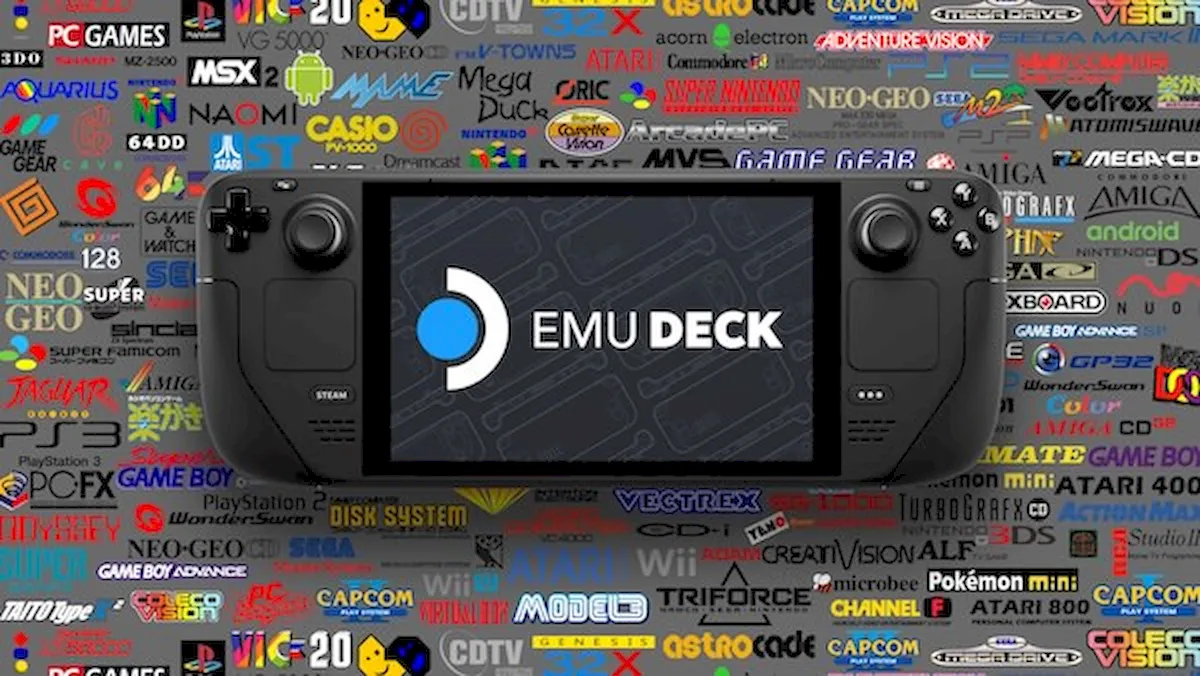
EmuDeck centralizes the installation and configuration of multiple emulators into a single interface. Image: EmuDeck documentation.
The configuration can also be applied when the game starts. This reduces the need to manually redo bindings whenever the user switches or reconnects a controller.
Steam Machine gets 1080p and 4K presets
The EmuDeck 2.7 also expands support for SteamOS systems that do not use the Steam Deck's built-in screen. On machines connected to monitors and TVs, selected emulators can now receive default settings aimed at 1080p or 4K.
The change makes sense because EmuDeck's original profile was born around the Steam Deck's hardware and resolution. With the project coming to other devices, applying the same settings to all computers could unnecessarily limit the rendering resolution.
The new resolution selector has also started reaching more emulators. PPSSPP, Xemu, Vita3K, Azahar and PrimeHack can now have their resolution changed directly through EmuDeck. In addition, the update fixes an issue that caused some resolution settings not to be applied during installation.

The EmuDeck interface brings together settings, emulator management, Steam ROM Manager and migration tools. Image: GamingOnLinux.
Dolphin gets RetroAchievements configuration
Another change involves RetroAchievements. EmuDeck has migrated to the service's latest API and can now also configure the integration in Dolphin.
Thus, users who use Dolphin for GameCube and Wii can set up the achievement system through the EmuDeck configuration flow itself. This does not change the emulation performed by Dolphin; the new feature automates the configuration of the external service.
The update also fixes embedded videos that were showing errors inside the application. Although it is a minor change, it directly affects tutorials and materials displayed by the interface.
Ryujinx receives automatic gyroscope configuration
On Steam Deck, the Ryujinx configuration now automatically installs SteamDeckGyroDSU. The tool allows forwarding motion sensor data to compatible applications.
For now, this automation is specific to the Steam Deck. The project reported that it is investigating a way to expand support for the Steam Controller.
In addition, EmuDeck 2.7 removes old launchers for Citra, Lime3DS, and Suyu. The change accompanies the evolution of the supported emulator suite and avoids keeping shortcuts that are no longer part of the current workflow.
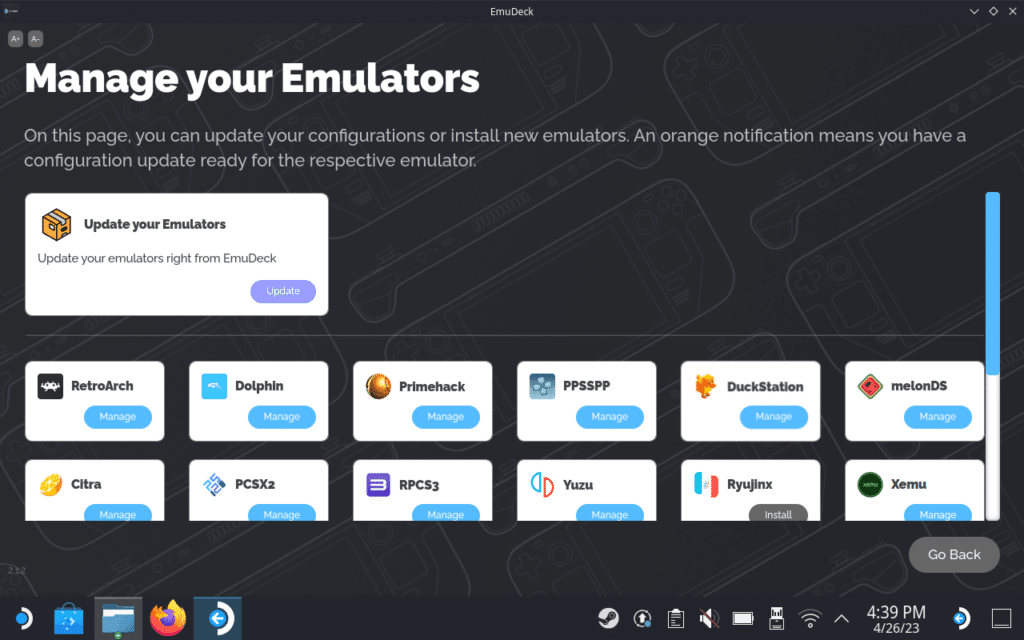
Centralized management allows updating configurations and individually controlling installed emulators. Image: GameCenter WASABI.
RPCS3, Xemu, and Supermodel also receive adjustments
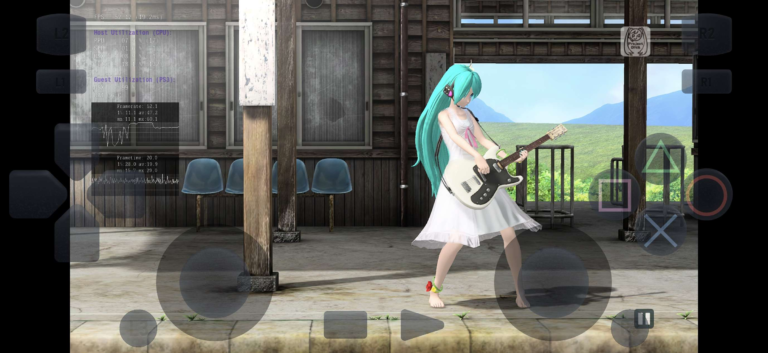
Version 2.7 includes several minor bug fixes for individual programs. Steam ROM Manager gets a new parser for RPCS3 ISOs, while obsolete configurations for the PlayStation 3 emulator itself have been removed.
In Xemu, saves are now configured during startup. Supermodel received a fix to start correctly from Desktop Mode, while RMG got an updated configuration with a control profile for Steam Deck.
On Windows, EmuDeck fixes a bug that prevented opening the Compressor directly from the application. Dolphin and PrimeHack also now fetch newer versions instead of remaining stuck on previously pinned builds.
Installation can be migrated between devices
The import and export system has also advanced. Now, an EmuDeck installation can be more easily transferred between devices and systems.
The project cites scenarios such as migrating from the Steam Deck to a Steam Machine or moving the installation between Linux and Windows. This way, the user can reuse part of the already configured structure instead of rebuilding the entire environment from scratch.
This change reinforces EmuDeck's expansion beyond the Steam Deck. Although Valve's handheld remains an important platform for the project, the software already supports other computers running SteamOS, Linux distributions, and Windows.
EmuDeck remains a configuration tool
It is important to separate EmuDeck's function from the emulators it installs. Version 2.7 does not create new emulation features in Dolphin, RPCS3, PPSSPP, or Vita3K on its own. Instead, it automates the installation, configuration, and integration of these projects.
Therefore, FPS gains, accuracy, or compatibility continue to depend on the respective emulators. AutoMap, resolution presets, and the new integrations mainly improve the setup experience.
EmuDeck also does not provide commercial games, BIOS, or protected firmware. To use the emulators configured by the tool, the user must legally obtain the necessary files from their own systems and games.
Sources: EmuDeck — official website; EmuDeck — releases on GitHub; Retro Handhelds — EmuDeck 2.7 changelog; PC Guide — EmuDeck 2.7.