The EmuCoreX 0.4.1 improves Vulkan on Mali and PowerVR GPUs on Android and changes the default renderer for these two GPU families to Vulkan. The version was officially released on September 24, 2026, and represents the project's first specific attempt to tackle graphics issues found outside the Adreno ecosystem.
The changelog is short, but the change is relevant. The developers describe the update as bringing “initial Vulkan fixes for Mali/PowerVR”, in addition to other fixes and optimizations that were not detailed individually.
This does not mean that the compatibility of these GPUs is resolved. EmuCoreX itself continues to classify MediaTek support as incomplete and maintains alternative recommendations involving OpenGL. Therefore, 0.4.1 should be understood as a new testing stage for Vulkan on these devices, rather than a guarantee of perfect performance in all games.

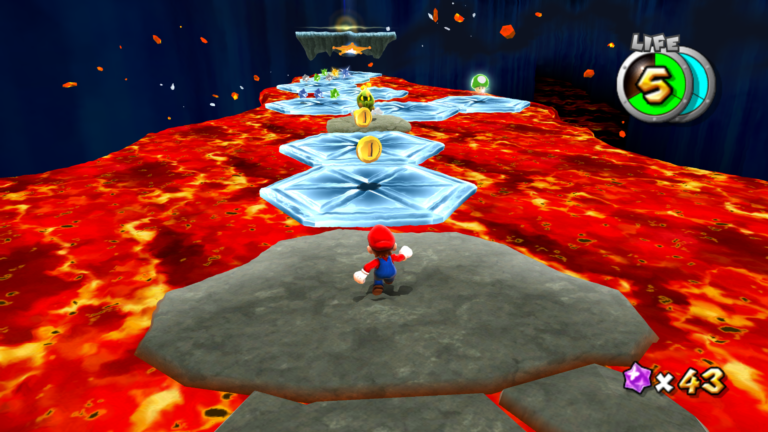
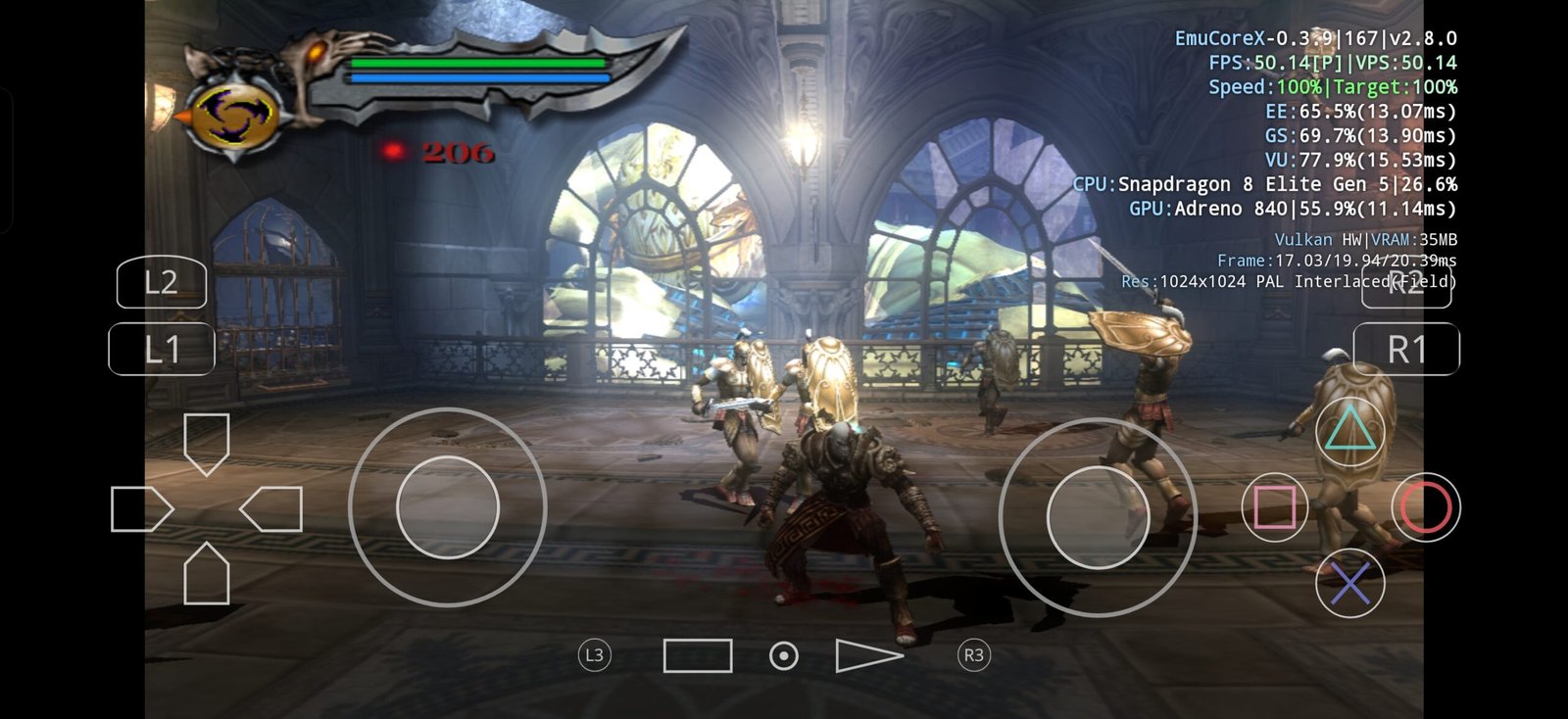
EmuCoreX allows you to select the renderer per game, including OpenGL, Vulkan, and Software. The screenshot belongs to the app's official interface and does not represent a specific test of version 0.4.1. Image: Sashkin Apps/Google Play.
EmuCoreX 0.4.1 makes Vulkan the default on Mali and PowerVR
The official page for version 0.4.1 on GitHub confirms two changes directly related to GPUs.
- initial Vulkan backend fixes for Mali and PowerVR;
- Vulkan is now the default renderer on these GPUs.
The release also mentions other fixes and optimizations, but does not provide a detailed list of affected games, drivers, or GPU models.
Therefore, it is still not possible to establish how many graphic issues were actually eliminated nor which devices show measurable performance gains.
The term used by the developer itself — “initial Vulkan fixes” — also indicates that the work is still in an early stage.
Why did Mali and PowerVR need specific attention?
Recent development of EmuCoreX had been concentrating a large part of its optimizations on Snapdragon devices.
The Official project README explicitly states that current optimization is focused primarily on Snapdragon and that work aimed at MediaTek is still incomplete.
This distinction matters because an emulator's graphical behavior can vary quite a bit between different GPUs and driver implementations.
The fact that a certain Vulkan configuration works correctly on an Adreno does not guarantee that the same path will produce the same result on a Mali or PowerVR.
Furthermore, Mali, PowerVR, and MediaTek do not represent the exact same category. Mali and PowerVR are GPU families, while MediaTek is a SoC manufacturer. Many MediaTek devices use Mali GPUs, but the project's guidance also needs to consider the driver available on each device.
Project has already received black screen reports on Mali
The issues on these GPUs are not just theoretical.
In April 2026, a user opened an issue on the EmuCoreX repository reporting a black screen on a MediaTek device with a Mali GPU.
According to the report, the audio kept working, but both Vulkan and OpenGL presented severe rendering failures.
The issue ended up being closed later. However, it only represents an individual report and does not allow stating that 0.4.1 specifically fixed that device.
It serves, however, as an example of the kind of problem the project needs to face when expanding its support beyond the GPUs most used during development.
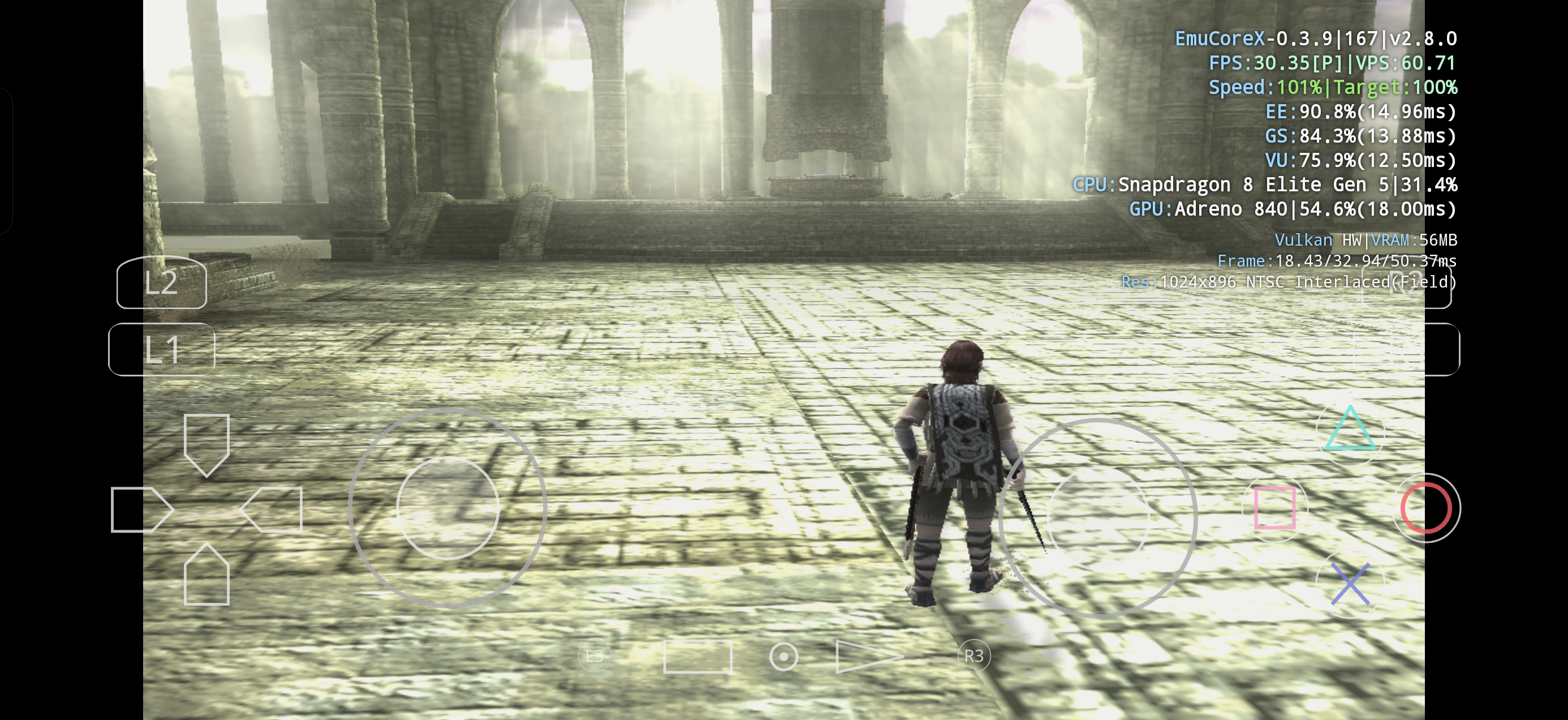
Shadow of the Colossus running on EmuCoreX via the Vulkan backend. This official capture was taken on a Snapdragon 8 Elite Gen 5 with an Adreno GPU and does not represent performance on Mali or PowerVR. Image: EmuCoreX.
There is a difference between the new standard and the current documentation
The shift to Vulkan as the default renderer on Mali and PowerVR creates an interesting situation in the project's documentation.
Release 0.4.1 establishes Vulkan as the default configuration for these GPUs.
On the other hand, the README still advises MediaTek device users to try OpenGL first and use Software as an alternative if the experience remains unstable or slow.
Meanwhile, the official website provides slightly different guidance in the FAQ: Vulkan remains available, but Mali/MediaTek users can try OpenGL or ANGLE + OpenGL when Vulkan is slow.
Therefore, the documentation is not yet fully aligned around a single recommendation.
The most recent and objective point is the 0.4.1 changelog: Vulkan has become the standard for Mali and PowerVR.
However, OpenGL remains available as an alternative when a specific game or driver exhibits regressions.
| Source | Guidance | Status |
|---|---|---|
| Release 0.4.1 | Default Vulkan on Mali/PowerVR | Most recent change |
| README | MediaTek: test OpenGL first | Orientation still published |
| Site FAQ | OpenGL/ANGLE if Vulkan is slow | Alternative to Vulkan |
Version 0.4.1 does not yet have a public benchmark for Mali
As of this check, the project has not published a table comparing FPS before and after 0.4.1 on Mali or PowerVR devices.
There is also no official list of games that stopped presenting glitches, black screens, or crashes specifically due to the new Vulkan fixes.
Therefore, it would be premature to state that the update brought a specific percentage gain in performance.
The currently proven change is one of implementation: there are new fixes for the Vulkan path and the project now considers this renderer suitable to be used as default on these GPUs.
The actual magnitude of the improvement will still depend on independent testing across different SoCs, drivers, and games.
Vulkan does not automatically guarantee higher performance
Making Vulkan the default also does not mean it will always be faster than OpenGL.
The API used is only one part of the pipeline.
The final result depends on the manufacturer's driver, the emulated game, the behavior of the PCSX2 renderer, the optimizations implemented by EmuCoreX, and the GPU's characteristics.
That is why one game may perform better in Vulkan while another continues to run more stably in OpenGL.
EmuCoreX itself offers per-game settings precisely to allow for this adaptation.
Thus, changing the default reduces the need for manual configuration when Vulkan works correctly, but it does not remove the possibility of switching the backend.

EmuCoreX's own interface organizes the library and maintains specific per-game settings. Official screenshot published on Google Play. Image: Sashkin Apps.
EmuCoreX uses a core derived from PCSX2
EmuCoreX is not a PlayStation 2 emulator created entirely from scratch.
The project uses a core derived from PCSX2 and adapted for its Android stack.
According to official documentation, the app combines this core with a custom user interface built in Kotlin and Jetpack Compose.
Communication with the native layer uses a JNI bridge to C++ code.
The project also adds a game library, per-title settings, touchscreen controls, RetroAchievements, cheats, graphic filters, and other mobile-oriented features.
Currently, the official website identifies the core as based on PCSX2 2.8.0.
EmuCoreX requires Android 10 or higher
The current version maintains Android 10 as a minimum requirement.
The website recommends at least 4 GB of RAM, while 6 GB or more provide a greater margin for stability.
In addition to Vulkan, the application offers OpenGL and other graphics paths depending on the configuration.
Performance, however, continues to vary greatly between devices.
The project itself warns that entry-level cell phones are still not the main focus of optimization.
Update also changes the internal fallback renderer to Vulkan
An observable change in the code close to the release also reinforces the growing preference for the Vulkan backend.
In the commit associated with the version, the fallback path used by the renderer bridge stops assuming OpenGL and starts using Vulkan as the default value.
This change does not prove, in isolation, all the Mali and PowerVR fixes described in the changelog.
However, she confirms that the preference for Vulkan also appears within the project's native configuration and not just in the interface text.
Developer recommends clean installation of 0.4.1
The team also recommends a clean installation of this version.
According to the changelog, the recommendation occurs because the update contains several fixes and optimizations.
This suggests that settings or data left behind by previous versions may interfere with the results during migration.
Naturally, users who have saves, memory cards, or important settings should ensure their own backups before removing an existing installation.
APK is already available, but Play Store still depends on Google's approval
Version 0.4.1 already appears as current public build on Official EmuCoreX Release Center.
The listed package is approximately 70 MB and can be obtained directly from the project.
Meanwhile, publishing the same update on Google Play depends on the store's approval process.
The changelog itself warns that the update will be available on Google Play later, after Google's approval.
Therefore, there may be a temporary difference between the version offered directly on the website and the version found in the store.
What actually changes for those who have Mali or PowerVR?
The main change is that the user no longer necessarily has to start by assuming that Vulkan is a secondary option.
In version 0.4.1, EmuCoreX itself now selects Vulkan as default when it detects Mali or PowerVR.
Additionally, the backend has received its first fixes targeted specifically at these families.
On the other hand, there is still not enough evidence to state that all black screens, glitches, or crashes have been eliminated.
There are also no public benchmarks showing consistent FPS gains across various devices.
Thus, the best indicator of the project's evolution will be the comparison between 0.4.0 and 0.4.1 on the same device, using the same game and the same settings.
EmuCoreX is starting to broaden its focus beyond Adreno GPUs
The relevance of 0.4.1 lies less in an immediate promise of major FPS gains and more in the direction of development.
The project itself acknowledges that Snapdragon has received the vast majority of optimizations so far.
With the new release, Mali and PowerVR are starting to receive specific treatment in the Vulkan backend.
This could expand the number of devices capable of using the renderer without alternative configurations, especially if upcoming versions continue to fix driver and compatibility issues.
However, the expression used by the developers themselves remains important: they are initial fixes.
For now, EmuCoreX 0.4.1 represents a concrete step in expanding Vulkan support, while testing on real hardware still needs to show the scale of this evolution.
Sources: EmuCoreX 0.4.1 — official release on GitHub | EmuCoreX — official website and Release Center | EmuCoreX — source code and documentation | GitHub — previous report of issues on MediaTek/Mali.